When Tools Replace Us: A Lesson from Figma AI

AI features are popping up everywhere, and some will kill jobs.
It feels like we’re at the same moment in history as when factory jobs became automated, except now it’s happening in software.
If you work in the creative professions, it feels like a crosshair is on your foreheads.
Rather than designing our AI to do menial, boring tasks, it feels like we’re designing AI to do all the fun stuff like writing, designing, and illustrating.

Designers are on the frontlines of something every software worker will soon be going through. It’s a question you should be asking yourself:
Are my tools training an AI replacement with my data?
If you’re sitting there thinking, “That would never happen to me. I’m too valuable.” Remember that AI can replicate anything you do on a computer. You might want to pay attention to what’s happening in design.
How Figma used AI to turn against its core fan base
Figma is the design tool for digital designers.
Once dominated by Adobe, Figma’s browser-based multiplayer design tool came out of nowhere in 2016 and gobbled up the market for interface design (currently 42% and rising). Along the way, Figma created some superfans. It’s an underdog success story, and even non-designers have been watching Figma’s success and taking notes.
Every year, Figma announces many new features at a Config conference. It’s pretty much like any software conference: self-promotion, free swag, and superfans.
But at Config 2024, one of the features announced was a bit of a backstab for the designer attendees and caused quite a controversy.
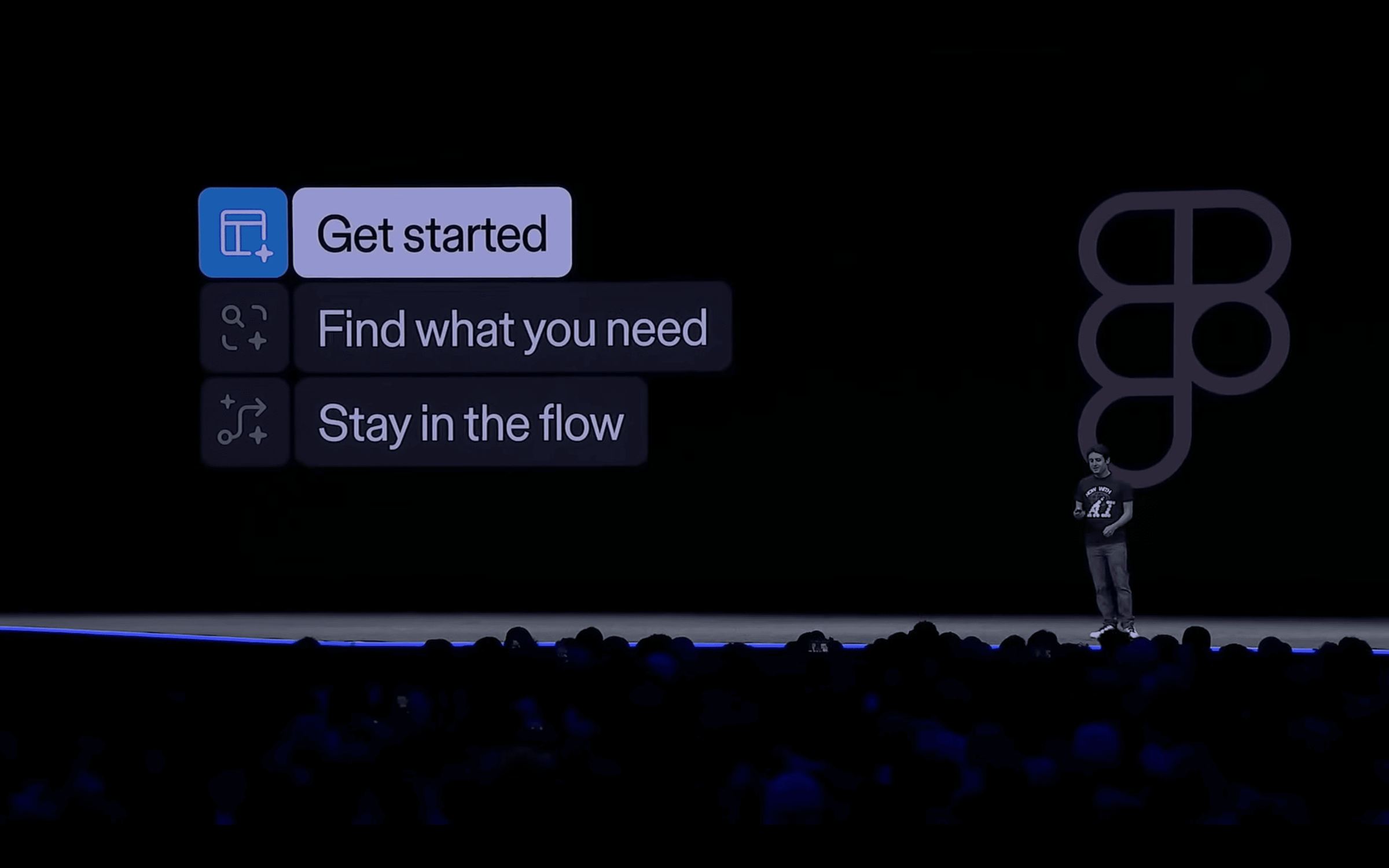
In 2024, AI was all over the Config conference with much-needed updates like background removal, AI-generated layer naming, and automated prototyping.
from Figma Config
However, the real game-changer was the ‘Make Design’ feature. This generative UI tool helps you “get started” and avoid that blank page feeling.
Here’s a quick demo from Figma’s website:
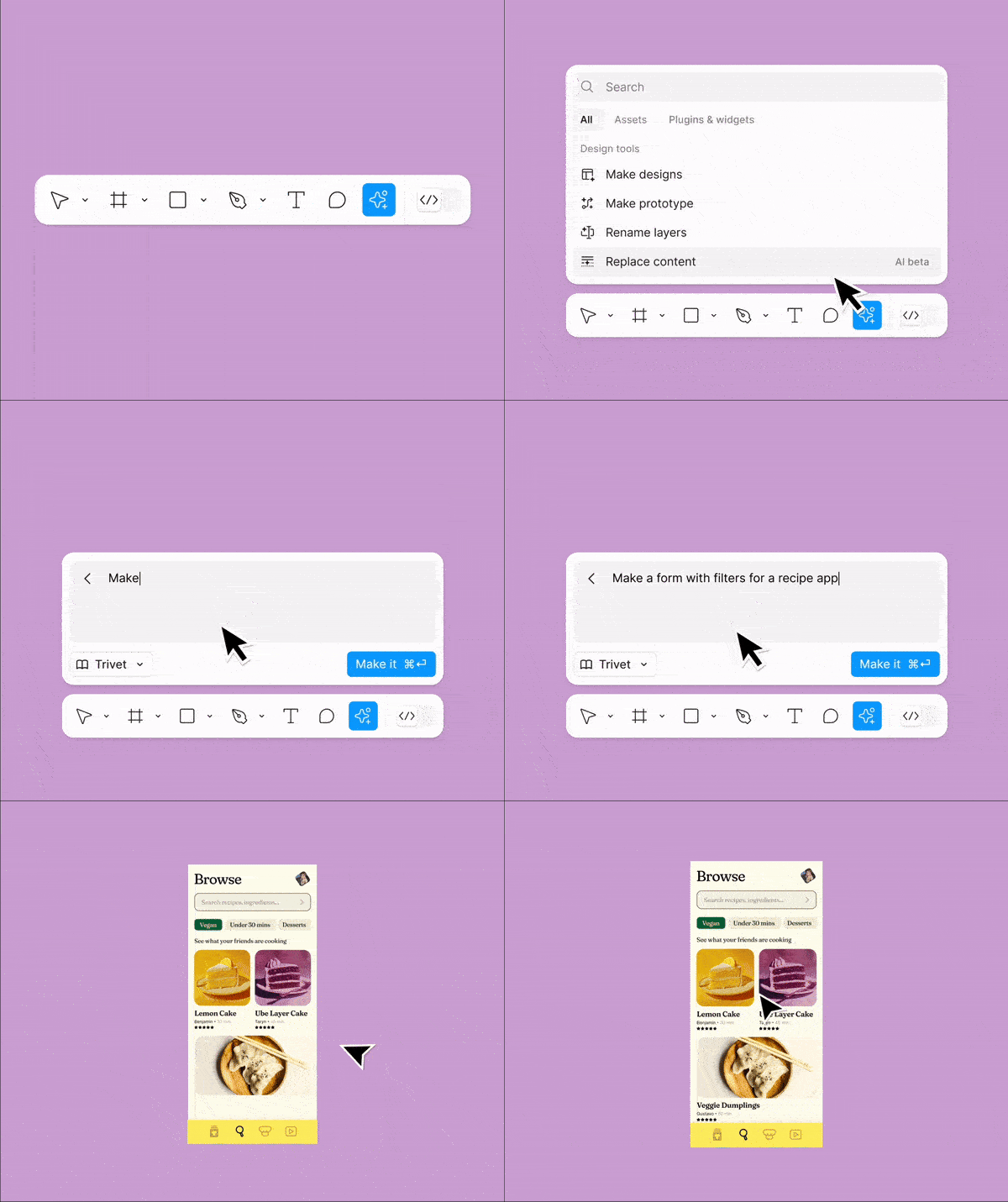
Imagine being able to generate interfaces from text prompts. Sure, a few AI tools like Uizard have already done something similar, but from the demo, it seems like Figma nailed it.
When they announced the feature at Figma Config, quite a few eyebrows were raised, and I heard the chat for the online event got so out of hand that they disabled it.
This feature looks to be a job killer.
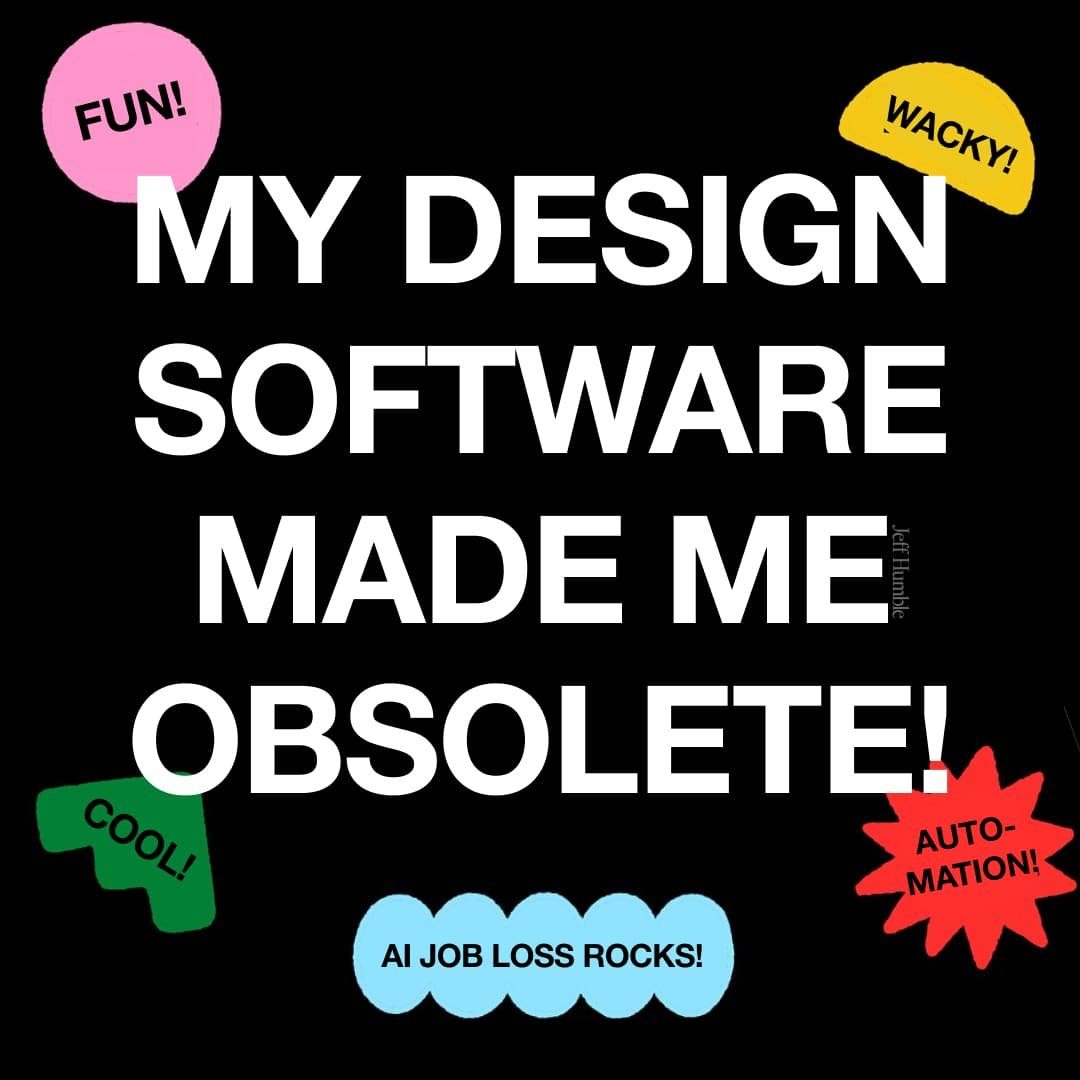
[meme by Jeff Humble]
Figma skills were never going to get you promoted, and now that’s even more obvious when everyone on the team can use Figma to generate mediocre UI.
Who needs a designer if you can generate any design you want?
You know, non-designers must see this feature and think: 1 subscription to Figma AI + 1 UI editor = no need for a design team.
Welcome to the dystopian tech world where software turns against you and uses your data to replace you.
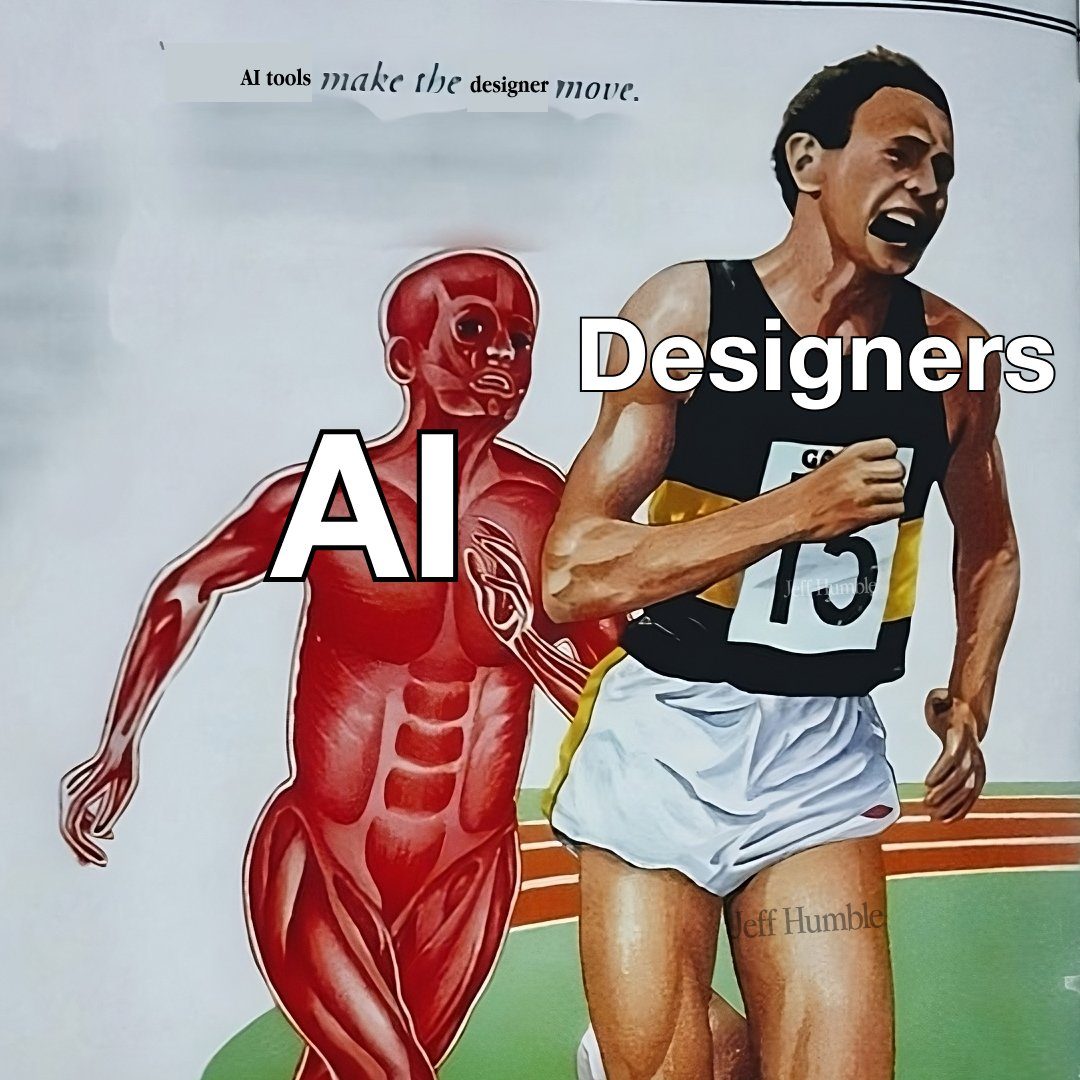
[meme by Jeff Humble]
Is this the new product lifecycle in tech?
- Create a tool for a specific niche user
- Gather data on how they use the tool
- Use AI to turn the tool into a prompt-based tool
- Sell the prompt-based tool to everyone at 1/100th the price of the user
- Swim in cash while the original user looks for a new job
Why Figma quietly turned off the “Make Design” feature
The Figma story doesn’t end there, though.
After the conference, users reported that the Make Design feature was blatantly plagiarizing. Andy Allen, founder of NotBoringSoftware, accused Figma of stealing Apple’s weather app design.
Take a look and judge for yourself:
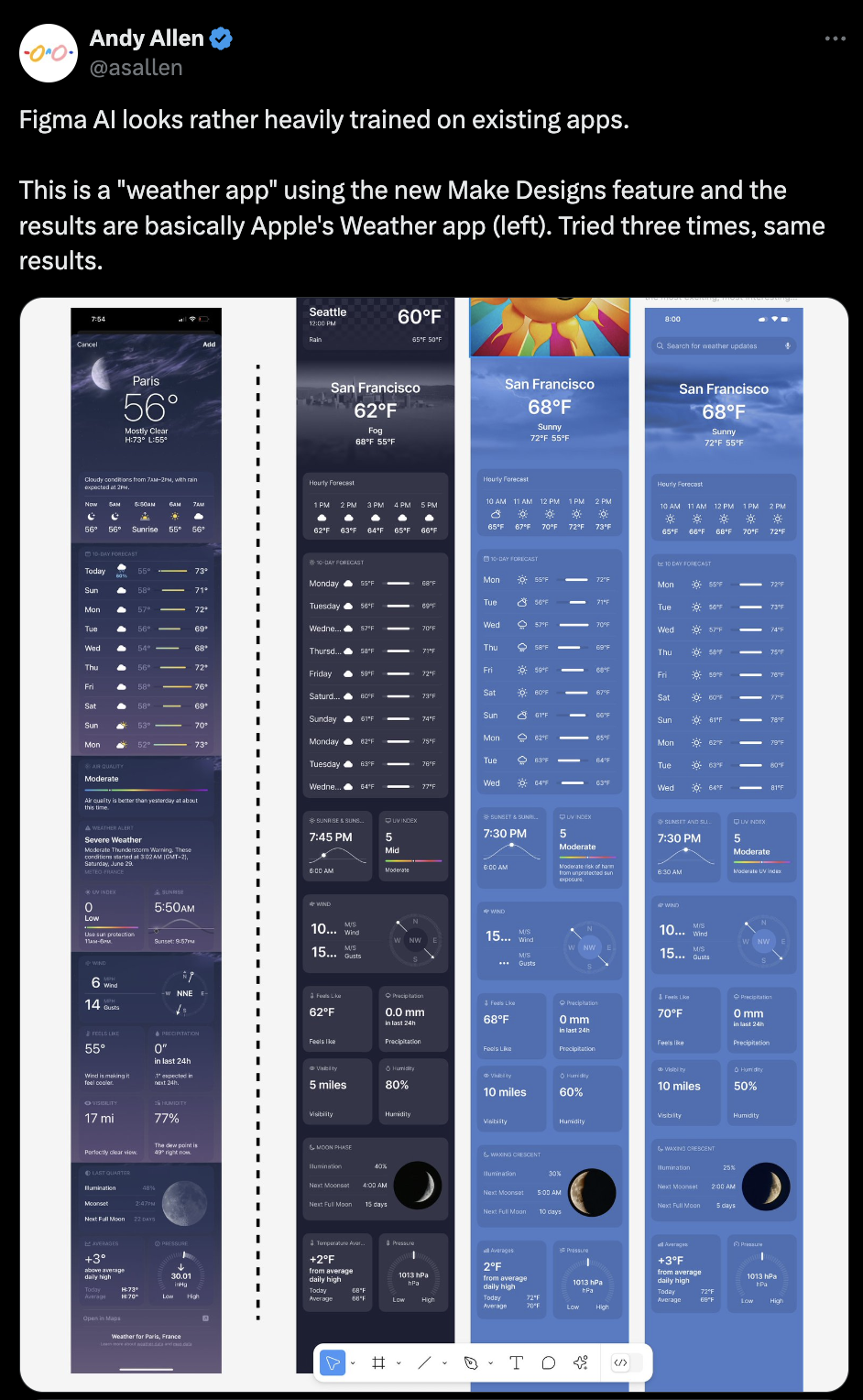
from Andy Allen on x.com
The CEO of Figma responded by saying they would disable the Make Design feature until they could make it better.
I’m sure it had nothing to do with the fleet of legal experts at Apple waiting to sue Figma at the first sign of copyright infringement.
These AI companies know that they are playing fast and loose with copyright law, and they really don’t want to get stuck in long legal battles.
So what’s the big lesson?
AI features like Figma’s Make Design are useless without your data.
Without your (free) data, companies are forced to pay for data to train their models. AI tools require a lot of computing power which can get expenseive, and that extra cost of training their models can make the whole feature unprofitable.
The weather app looks the same because Figma has yet to add all your data to its model.
What you can do if your tool tries to replace you
It’s a tough time to be a designer, and AI tools aren’t making it easier.
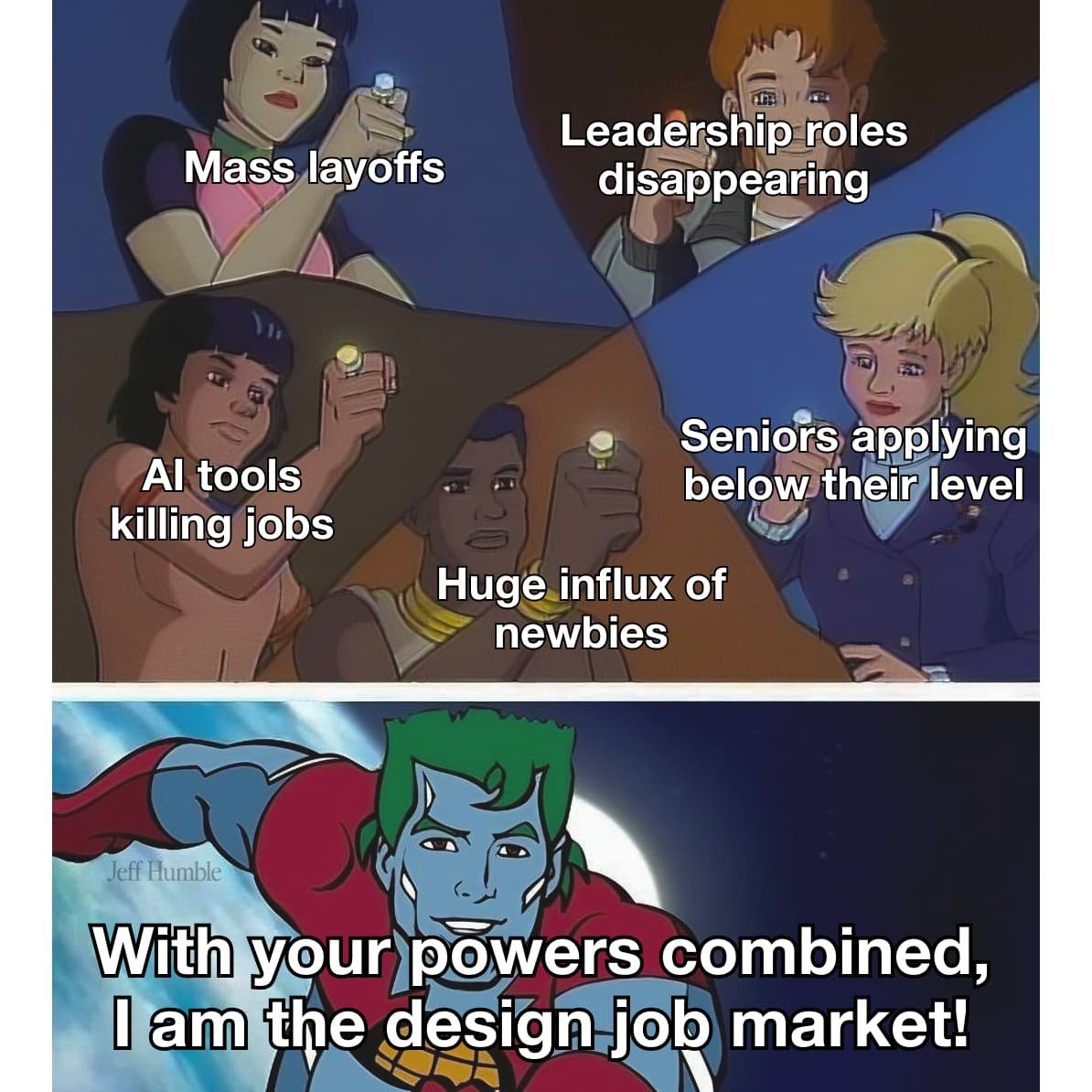
[meme by Jeff Humble]
So what can you do?
Maybe these AI fears are overblown, and there is nothing to worry about. I hope so. As anyone who has worked in a large organization knows, companies are extremely slow to adopt new tools.
However, the promise of AI efficiency is too tempting for managers. If your boss is faced with a $15/month subscription or a $60,000/year designer, which one do you think they will choose?
It’s a good idea to start growing and selling your skills outside of your main tool, in case it tries to replace you.
Some AI-proof skills in the era of generative AI:
- Storytelling - learn to present and make your ideas persuasive
- Facilitating - learn to use the collective intelligence of the room in collaborative workshops
- Research - learn to gather data to glean insights (pairs well with AI tools)
- Analysis - learn to break up data to glean insights (pairs well with AI tools)
- Strategy - learn to deal with future uncertainty at a high level (check out my course)
- Prototyping - improve ideas by demoing lo-fi early versions (pairs well with AI tools)
- Testing - find out if your ideas have value with real-world experiments
- Client management - learn to ship features while keeping your customers happy
- Stakeholder management - learn to ship features while keeping your colleagues happy
Remember, anything you do in software is easily replaced by AI, so soft skills and interpersonal skills will become more valuable in the era of AI.
In addition, here are some more specific things you can do if a tool tries to replace you.
-
Opt out of your data being used.
Although they won’t make it easy, you should be able to opt out of having your data used for AI training. If everyone does this, the model won’t have much to go on. unless you’re hoping that your work in an AI model will give you some exposure, there isn’t much of a reason to opt in. I like how Figma communicated this before a deadline, but most companies will email you new terms you must accept. For instance, Meta only allows EU residents to opt out, forcing you to complete a manual form. We’ll see that AI data rights mature and force every company to opt out by default. Looking at you, EU.
-
Take legal action.
Most individuals can’t afford this option, but if you’re a collective or a company, you should absolutely consider legal action. Figma halted their feature on the sheer fear of this happening, and it’s a good reminder that this is what AI companies fear most. The New York Times did this recently, and I think we’ll see more publishers do this as well. The fastest-growing piece of the economy today is AI, and you might be able to get them to pay you for helping them improve their lucrative AI models.
-
Boycott the tool.
We will see more of this happening when AI goes mainstream. It’s already happening in China as artists boycott a social media platform over AI-generated images. A boycott would be quite effective when a popular tool, such as Figma, goes against its core user base. Companies like Figma hope to add new users but will think twice if that comes at the cost of old users.
-
Go on strike.
This one only works if you have the collective power to affect society somehow by not working. Collective action like a strike is hard to imagine for a knowledge worker, but I think it will happen eventually. When faced with losing their jobs or being on strike, I think many knowledge workers threatened by AI will strike. This is already happening with the Hollywood writers’ strike in 2023, and I think we’ll see more of this for mainstream tech workers in the coming years.
-
Become the AI tool expert.
For early adopters, embracing new AI tools can have some first-mover advantages. So, in the Figma AI scenario, you could go from a UI designer to a UI editor. I see a lot of designers encouraging this approach. Of course, this approach only works if other people can’t become the expert just as easily as you. As AI tools get easier, your “expertise” might not seem valuable if you don’t go deep enough. Imagine becoming an expert on Google Search in 1999 when it was harder to use. While it will help you improve your job and become good at Google Search, it probably isn’t enough to get you hired. AI tools are hyper-incentivized to become easier to use, just like Google Search, so make sure you go way deeper than prompt engineering if you want your AI expertise to last.
Remember, you’re never without options.
When I see the world that we’re creating with AI, it reminds of one of my favorite quotes: