
250 Diagrams About Design, Creativity, and Life
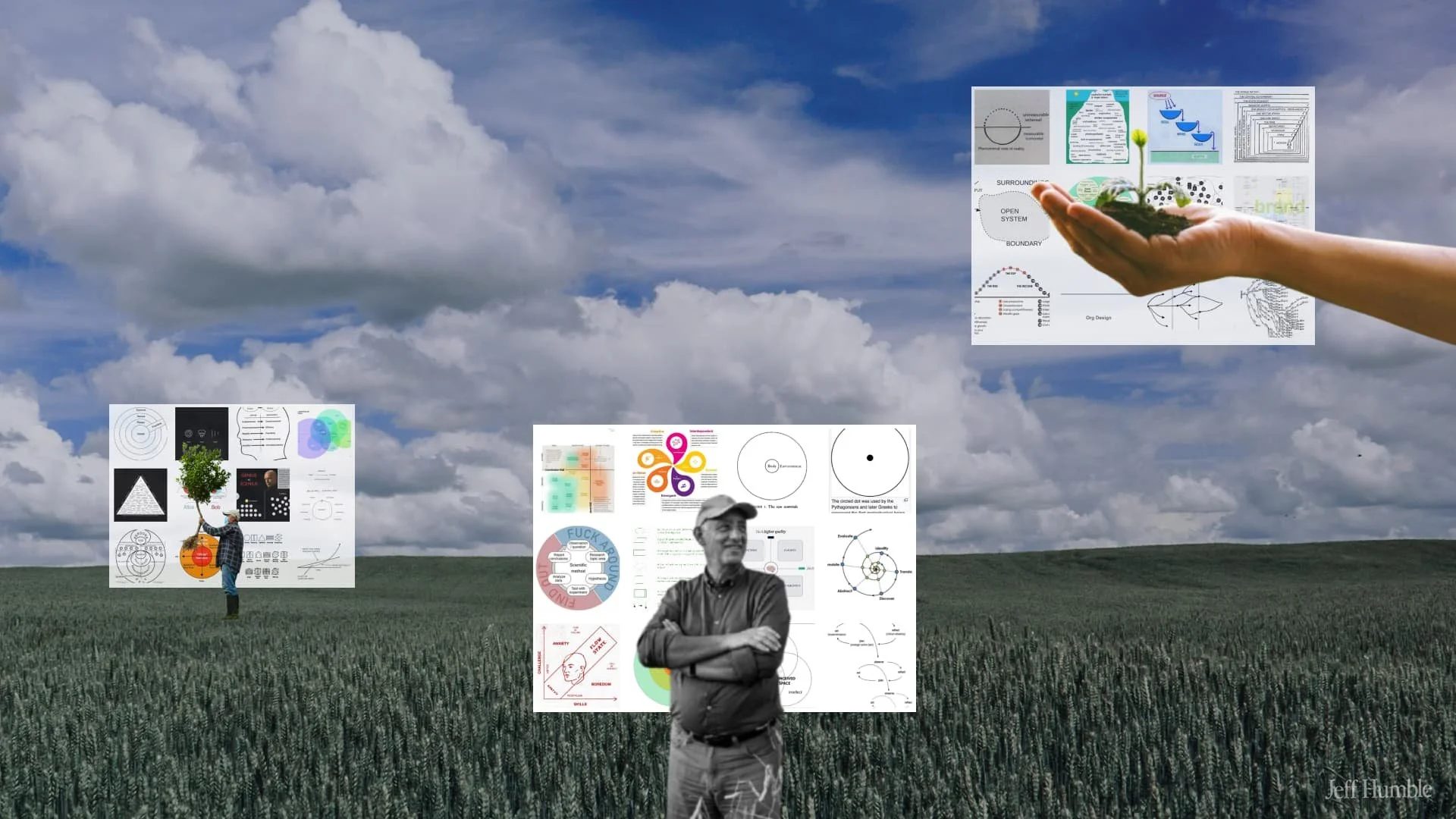
For the last 15 years, I’ve been collecting diagrams that I found useful for my job, and I’m sharing all of them with you.
As a designer and strategist, distilling complex ideas into a diagram is like the hokey pokey…that’s what it’s all about. So, what is a diagram?
A diagram is a simplified drawing showing the appearance, structure, or workings of something; a schematic representation.
I use diagrams as inspiration when I’m writing an article, making a presentation, or designing workshops. Diagrams are great jumping-off points for any type of creative work!
Diagrams to make your next presentation unforgettable
Here are the diagrams that I’ve saved over the years.
There’s no strict rule behind why I chose these diagrams…it’s just what I found interesting as a designer/creative. May they inspire you to create something new!
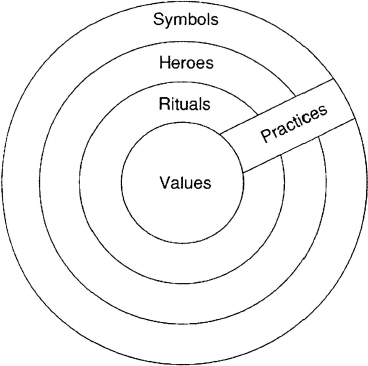
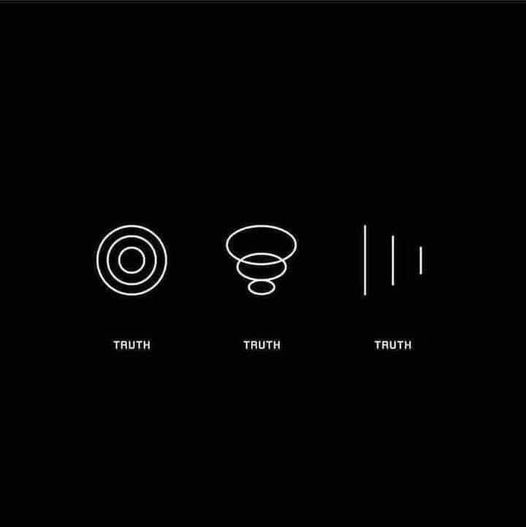
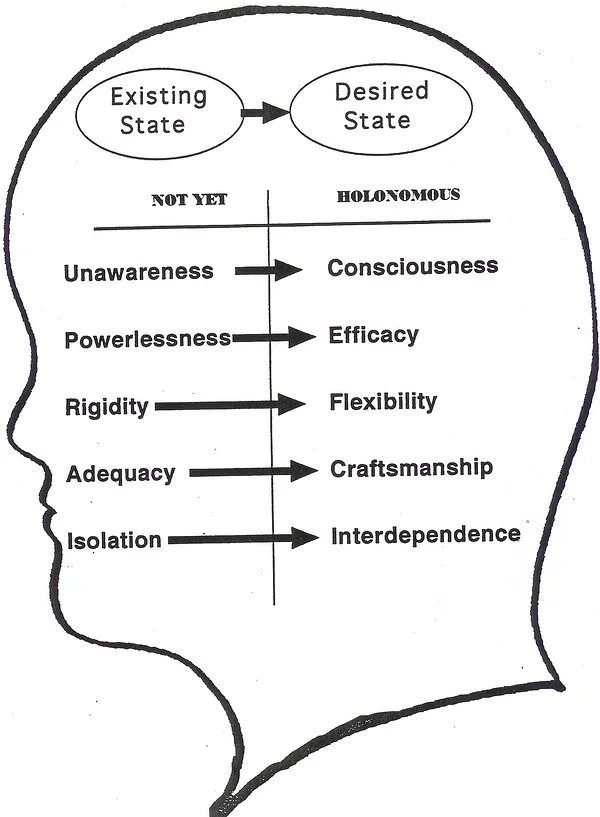
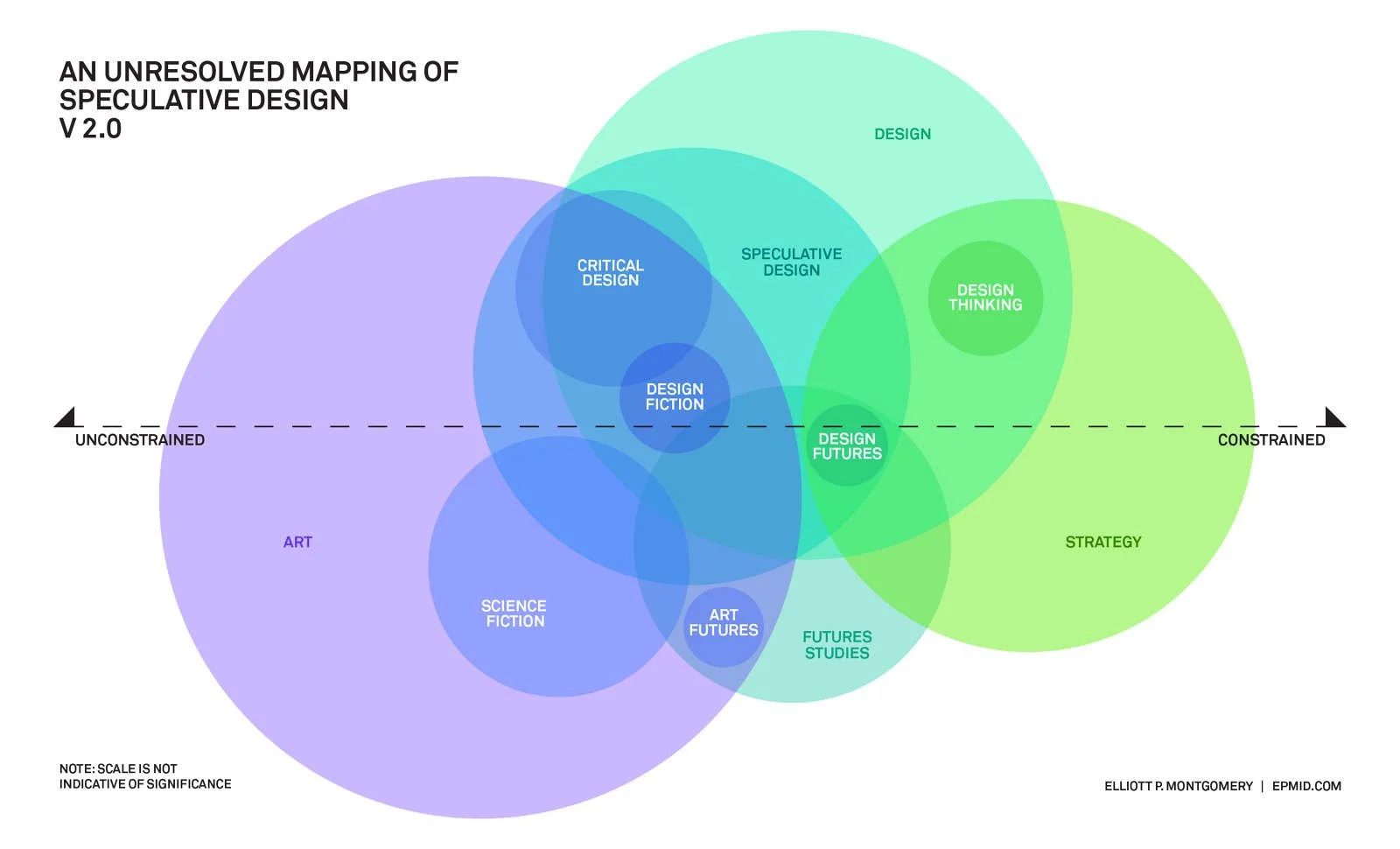
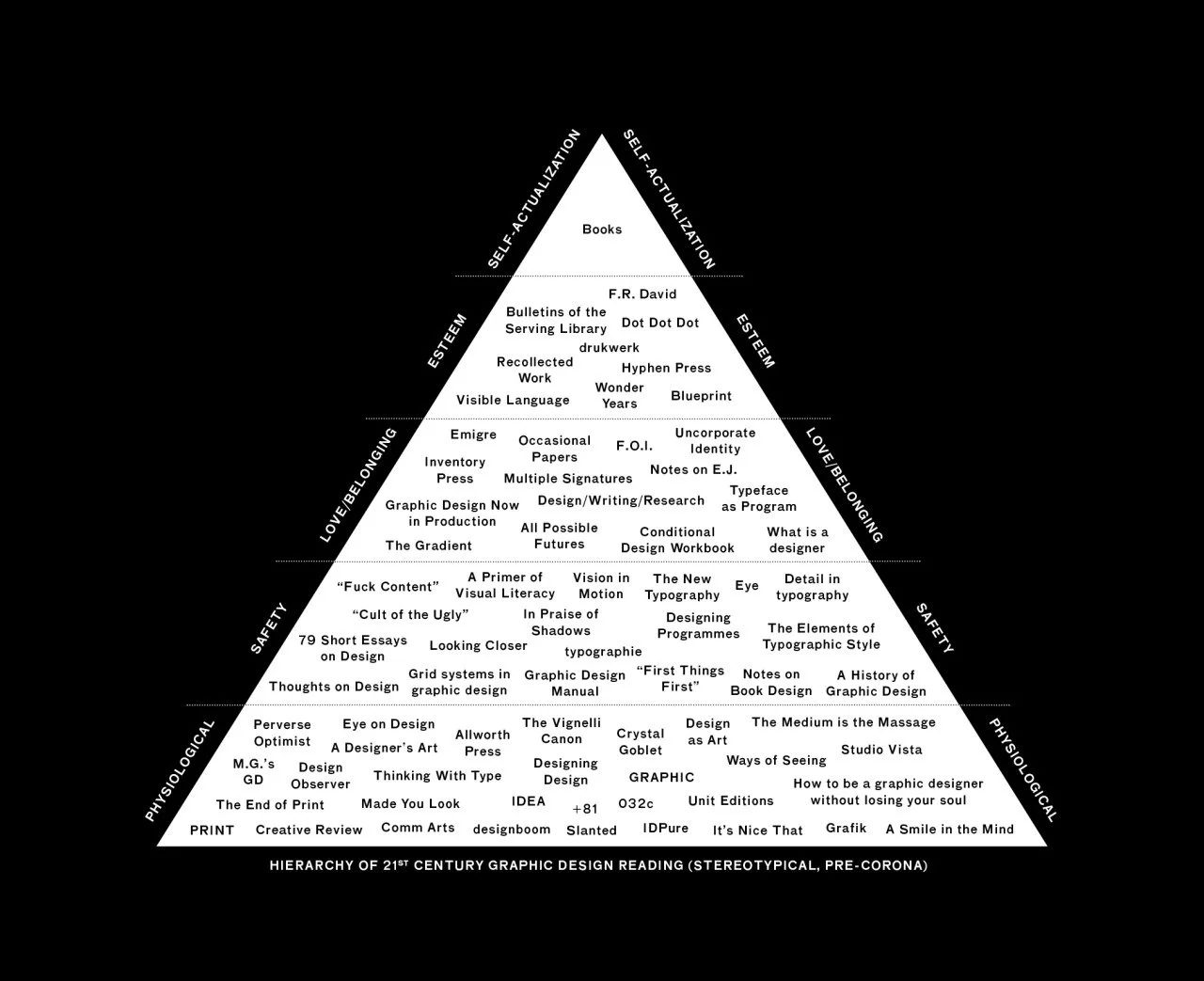
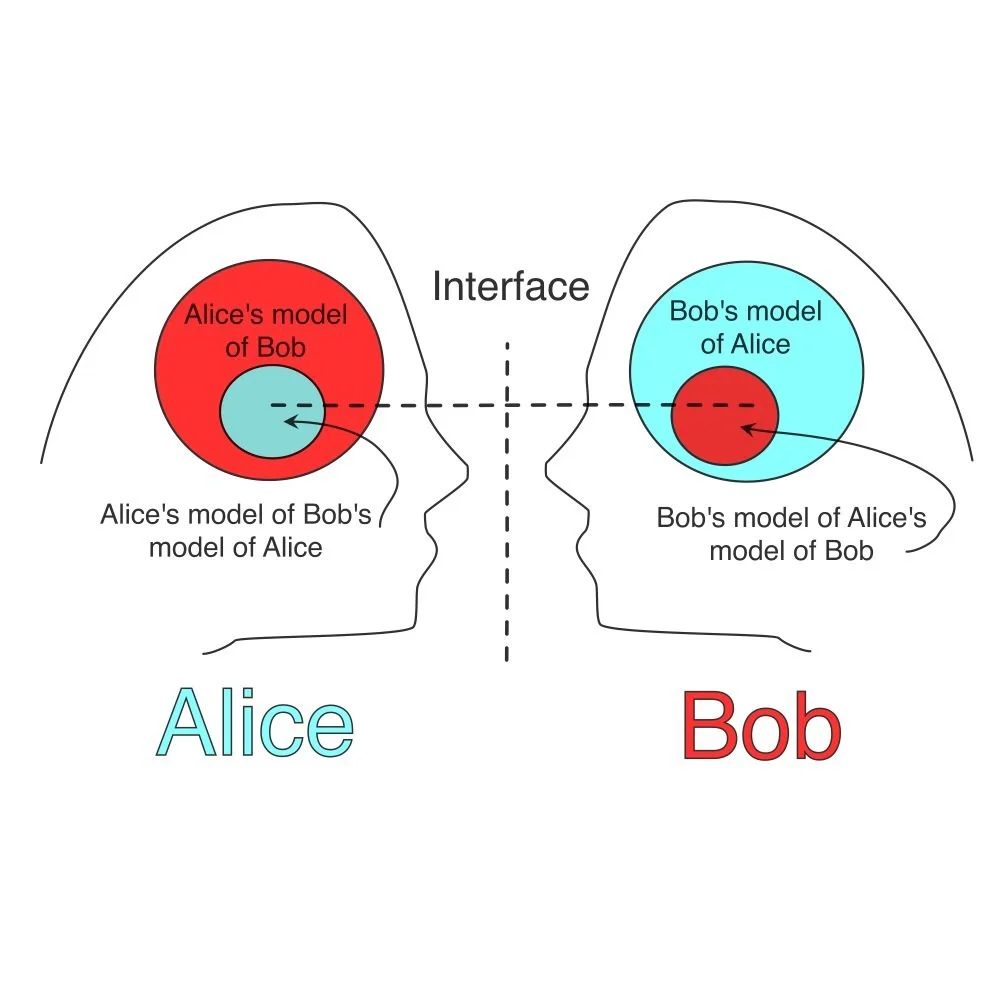
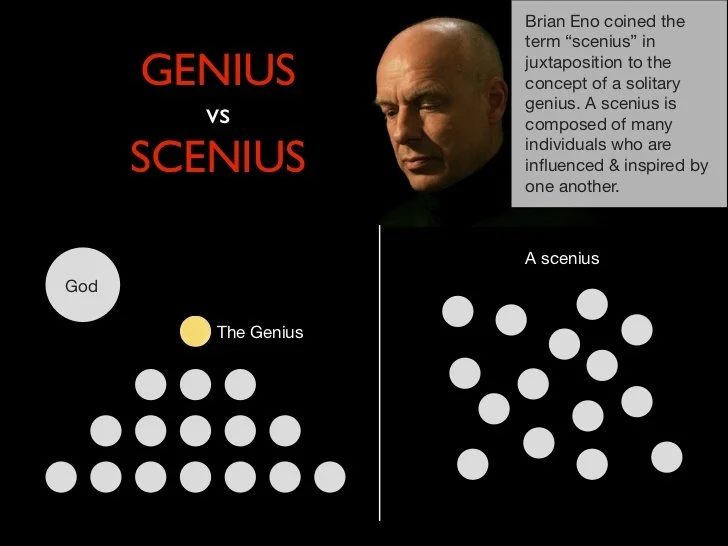
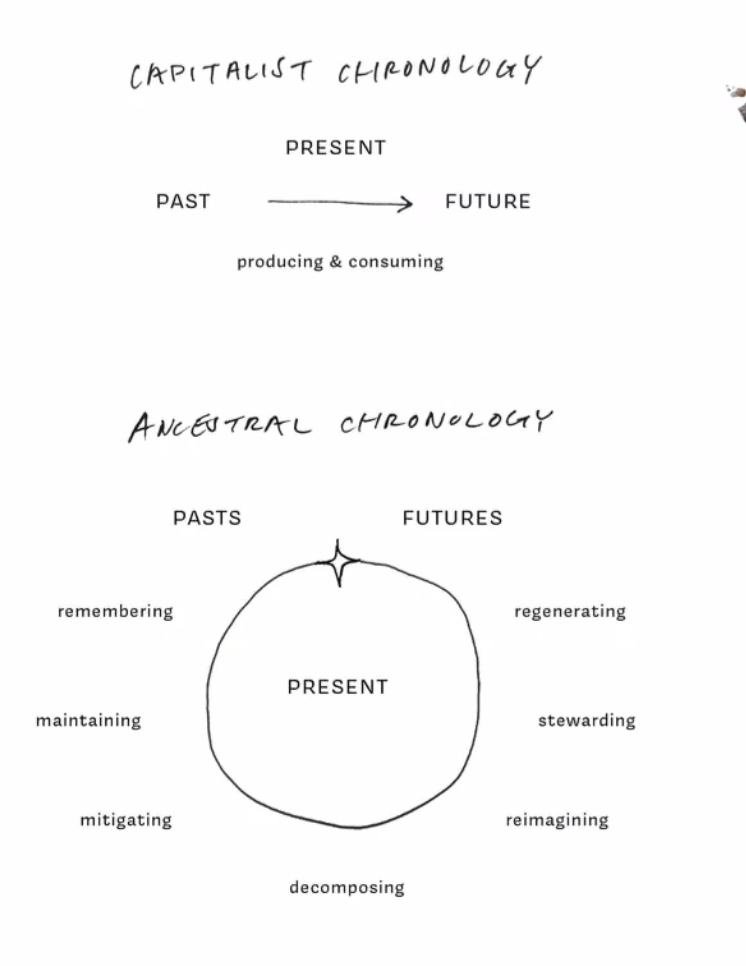
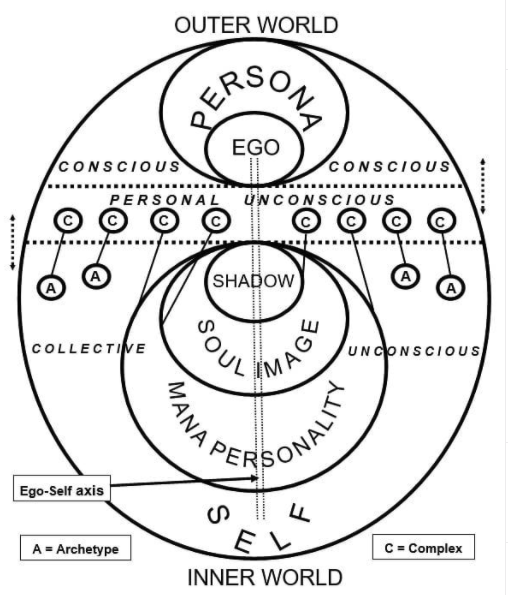
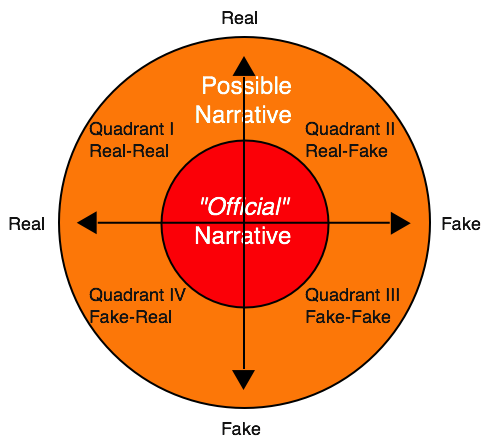
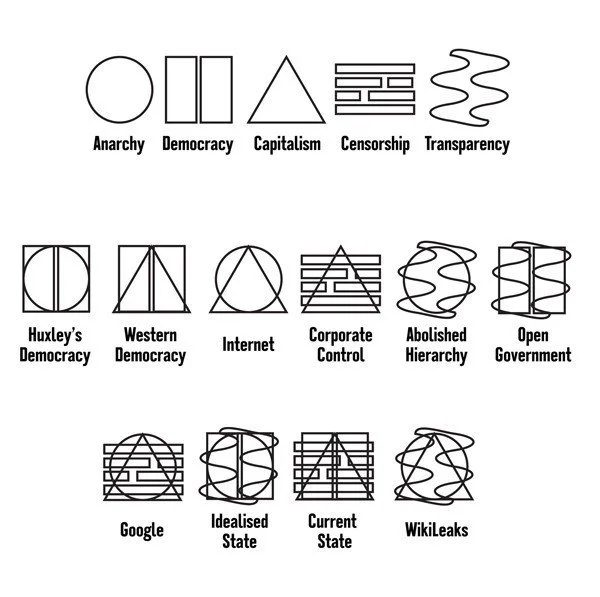
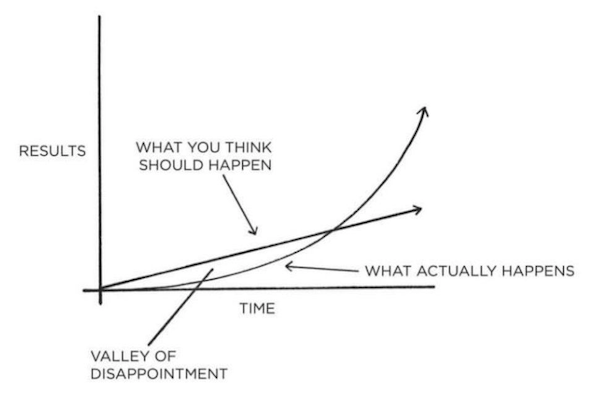
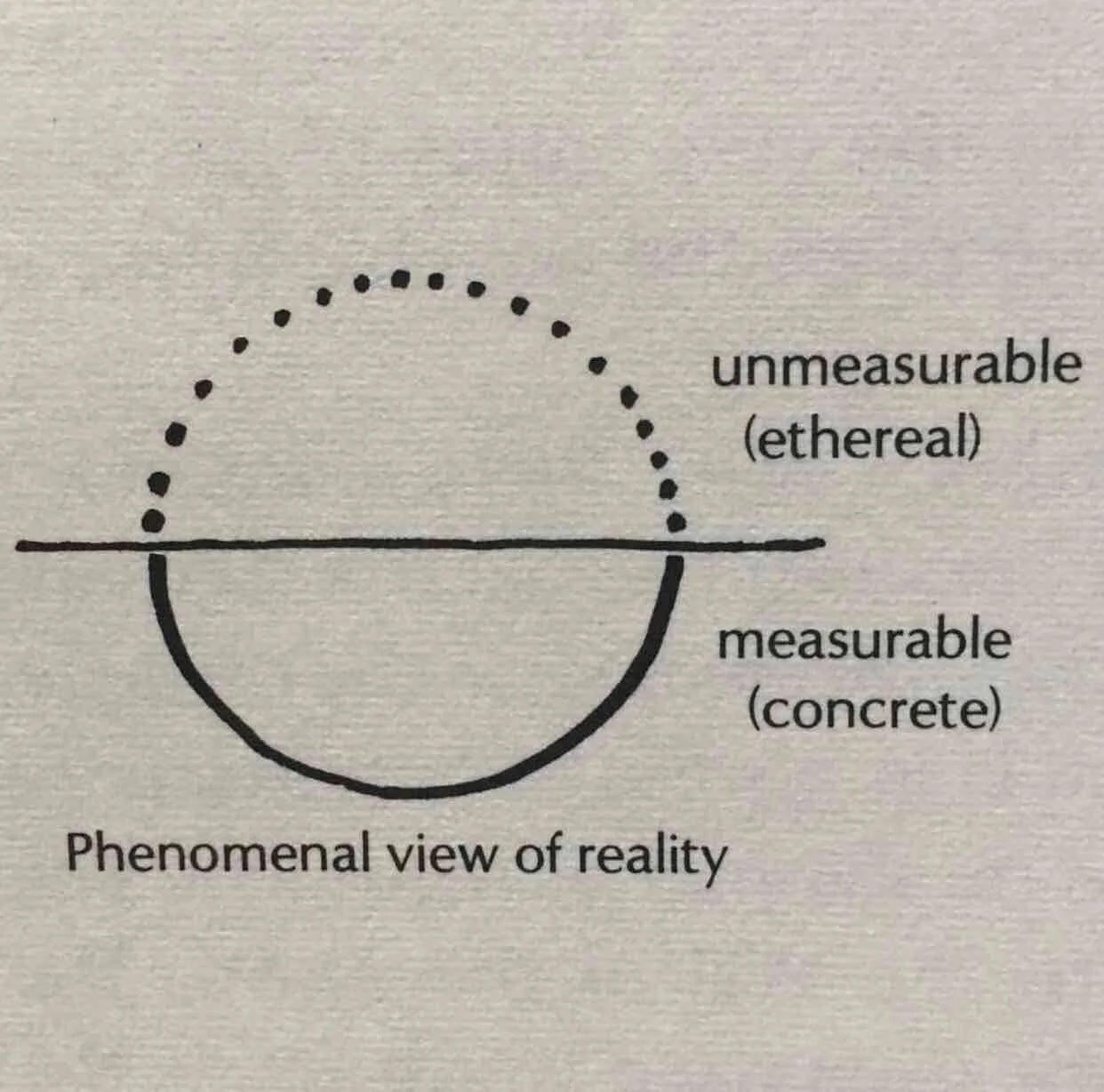
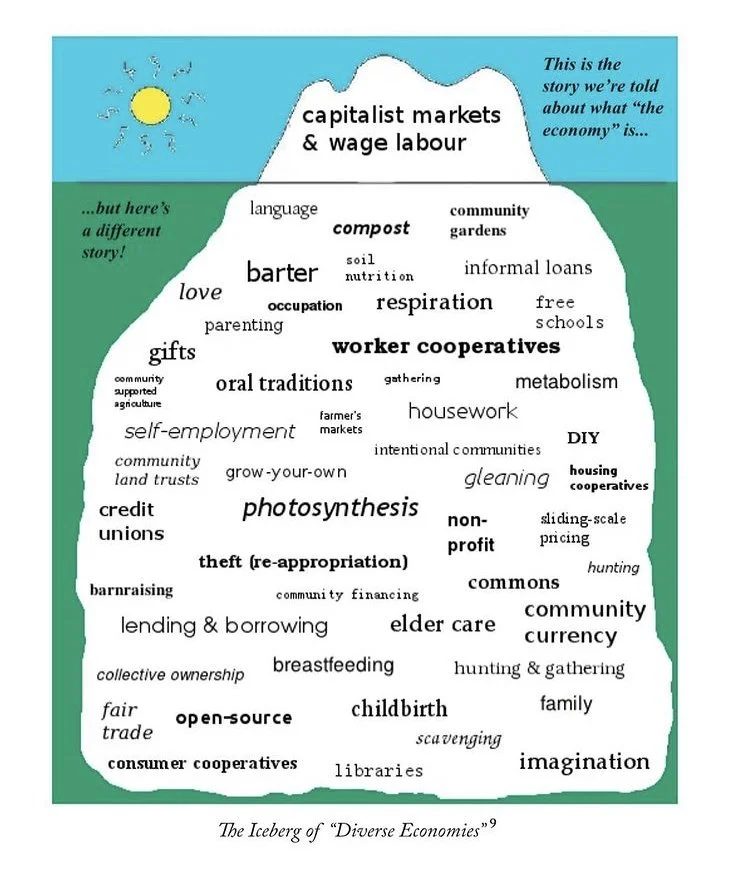
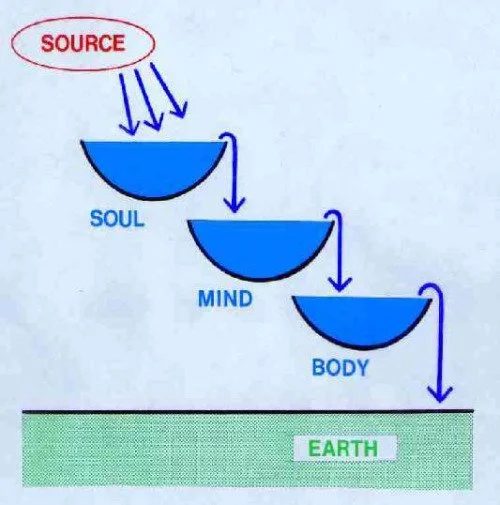
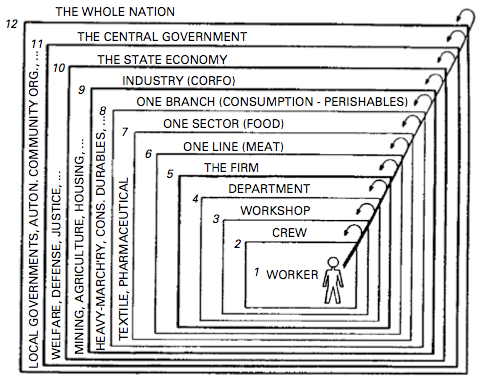
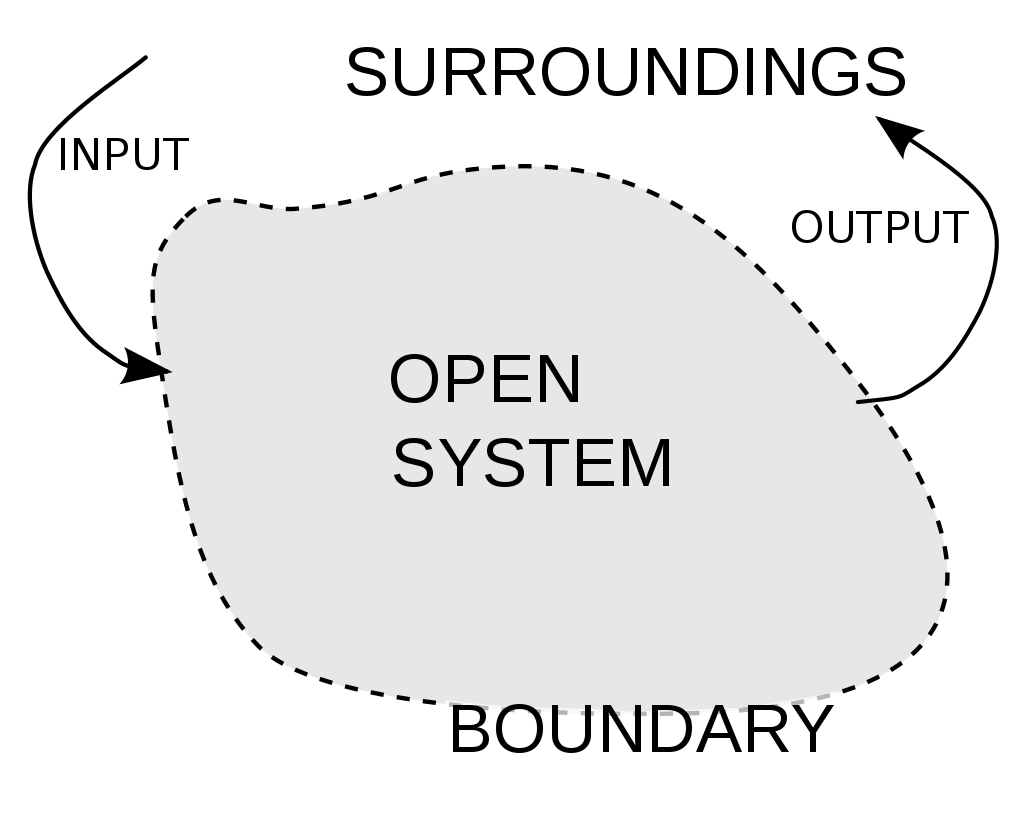
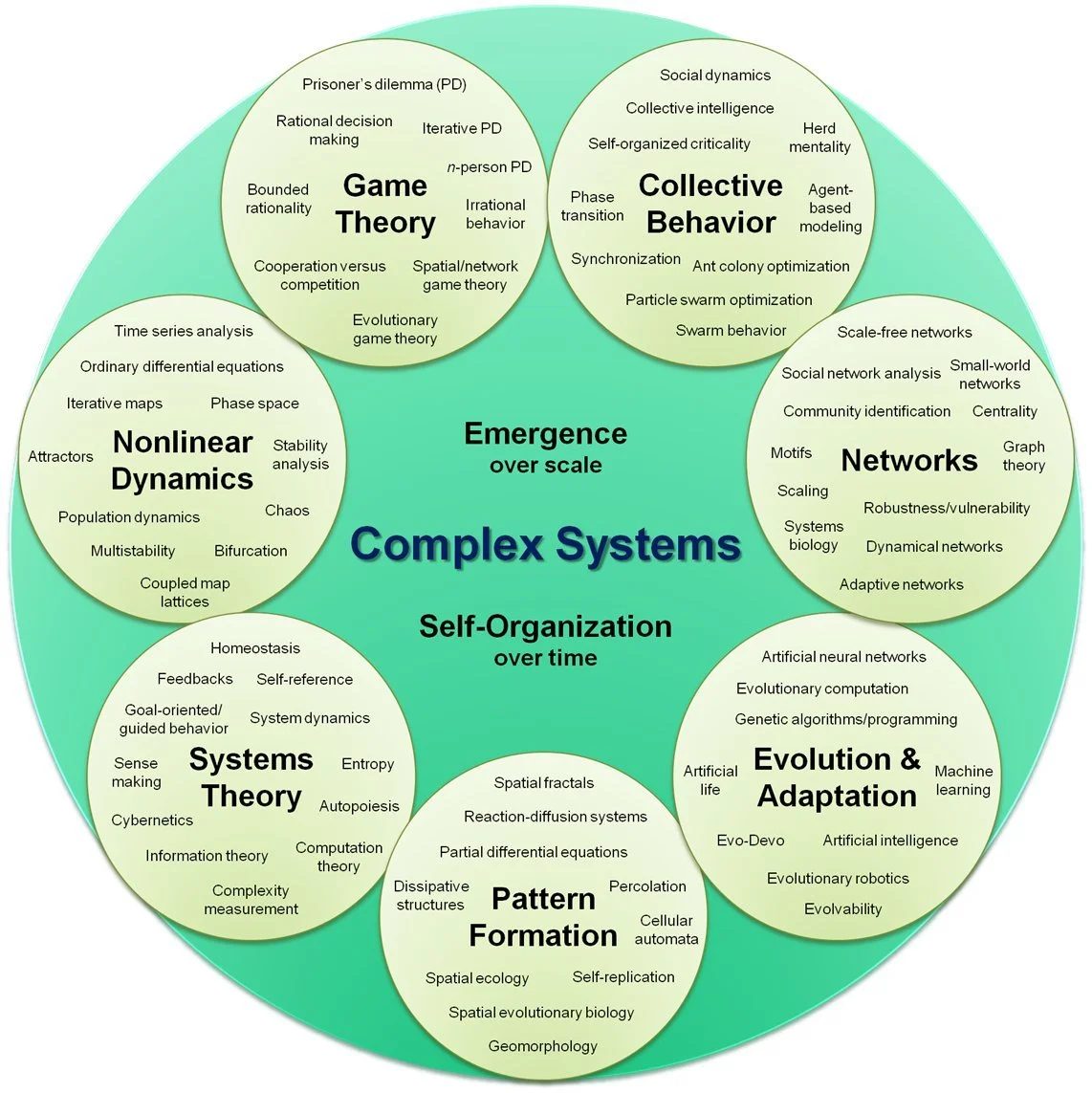
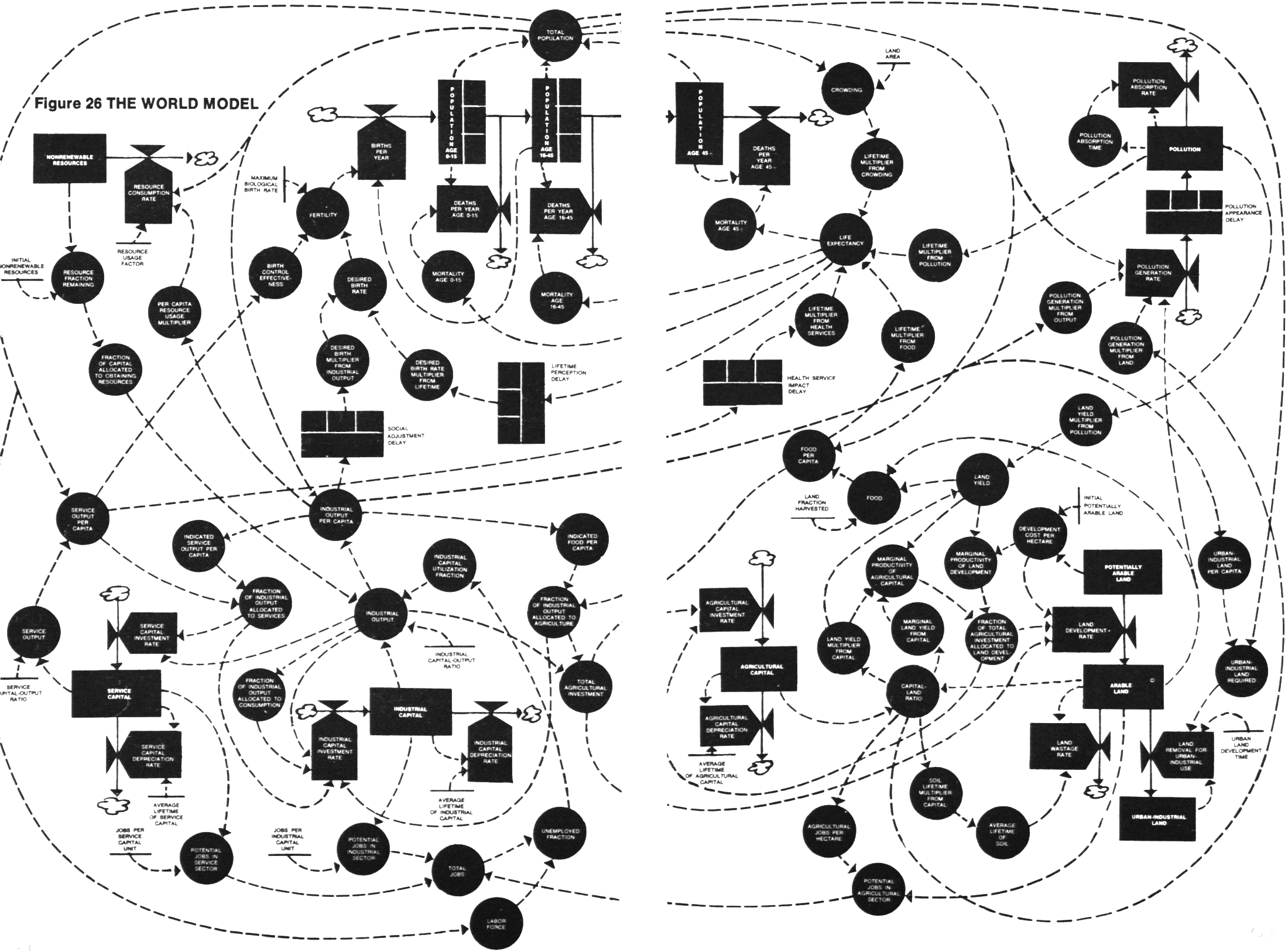
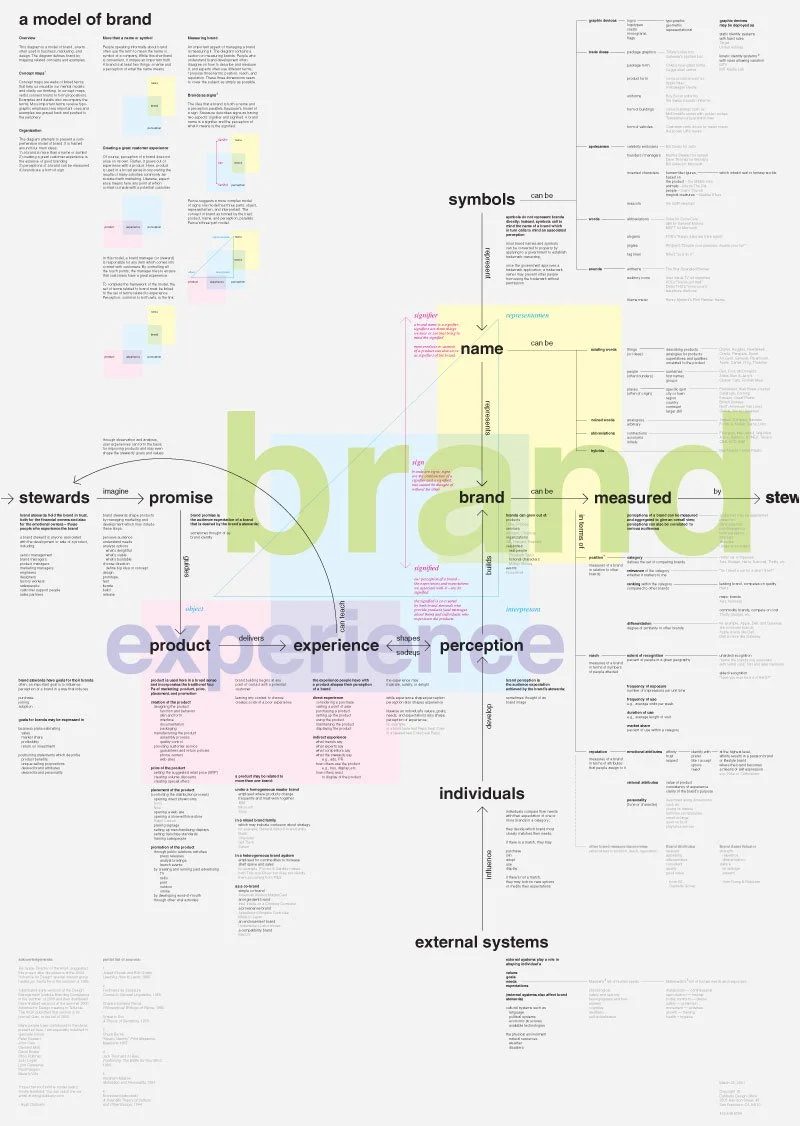
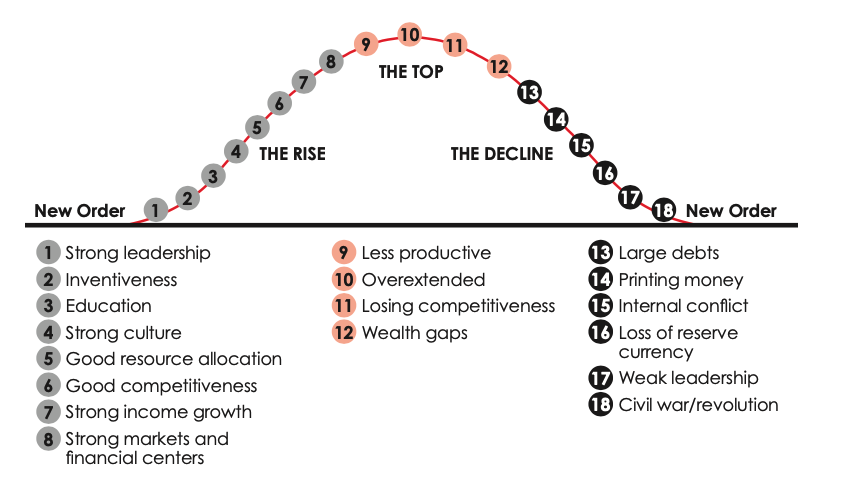
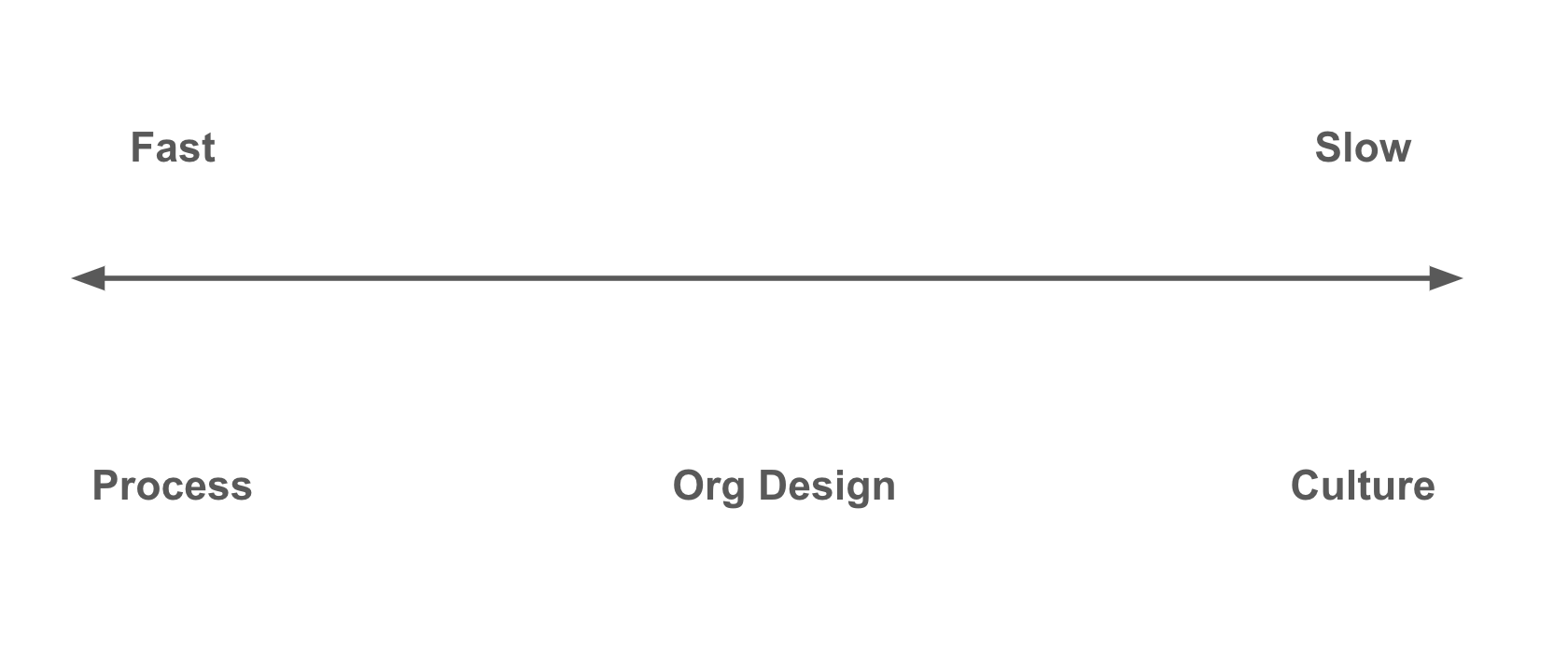
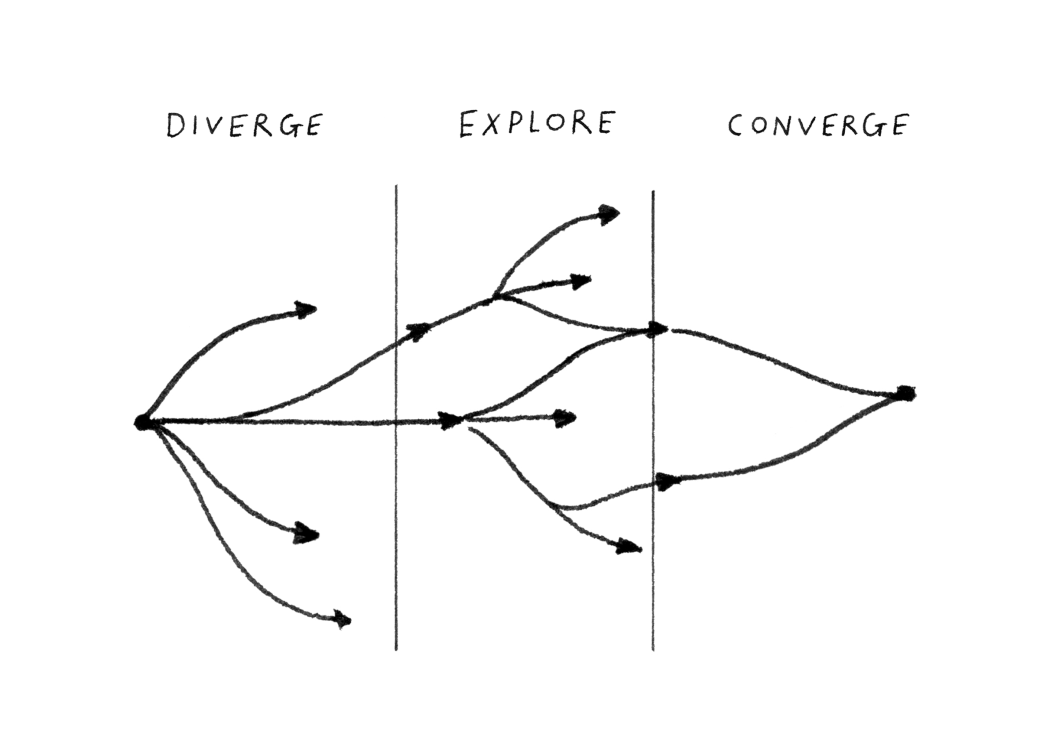
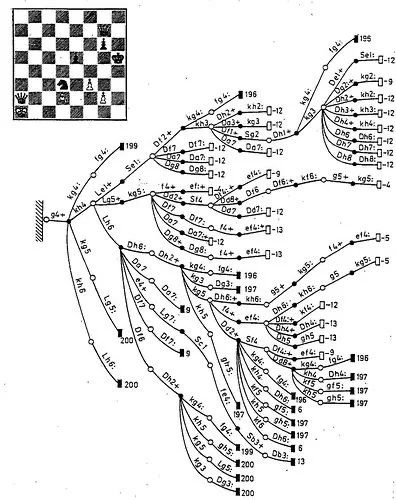
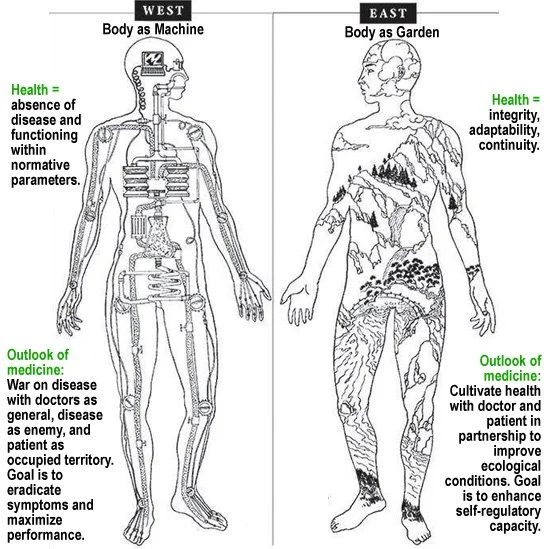
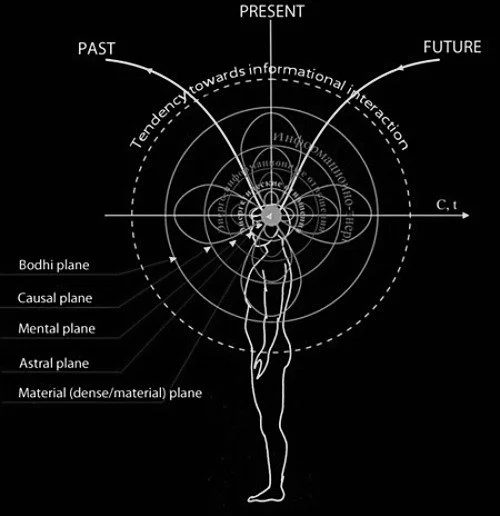
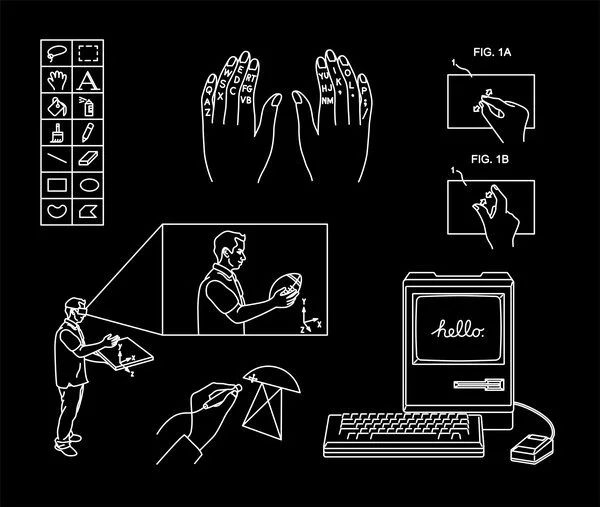
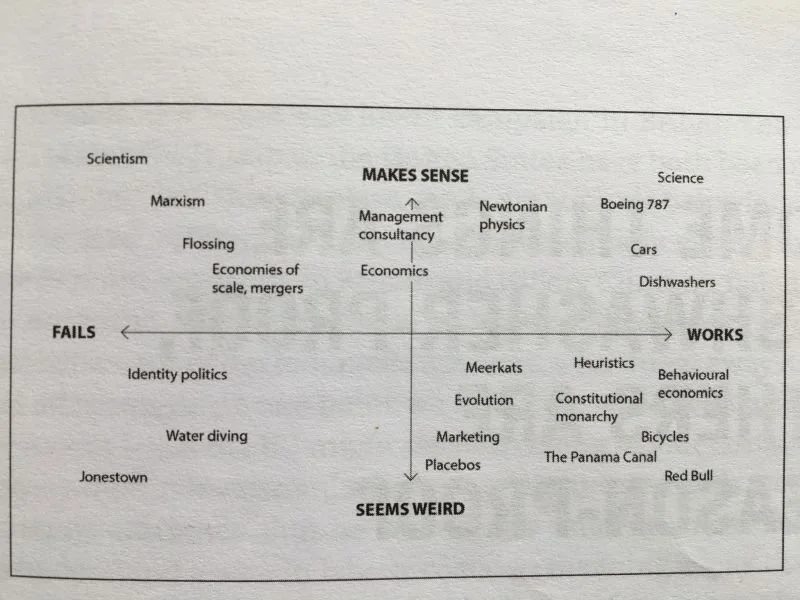
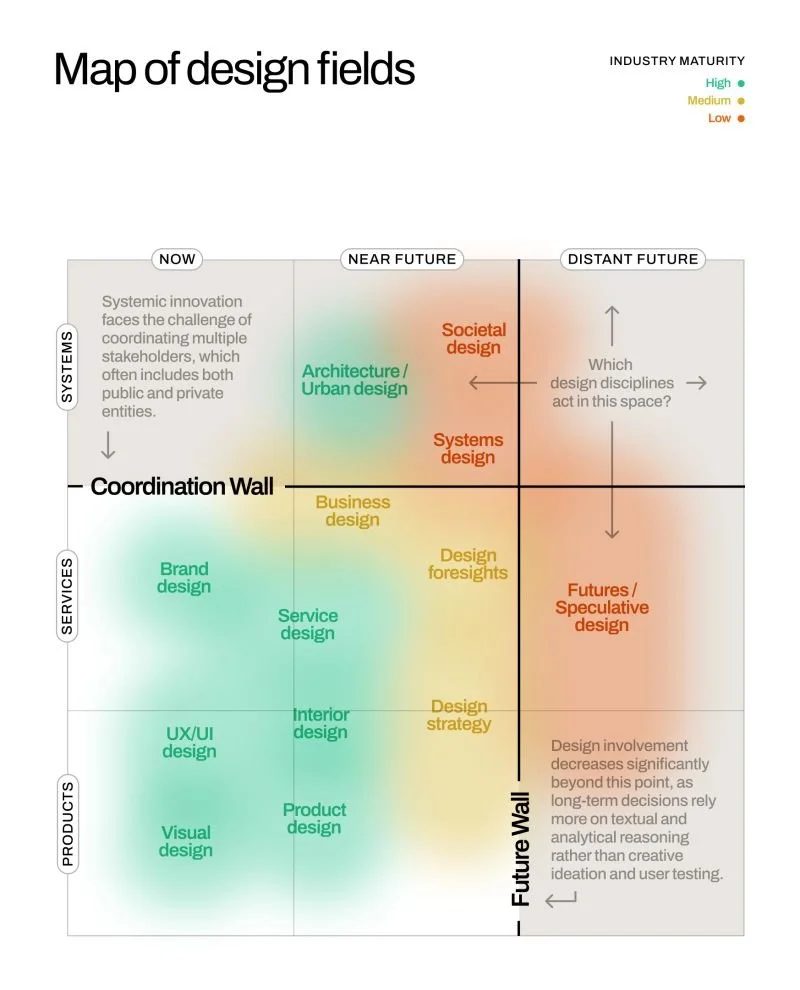
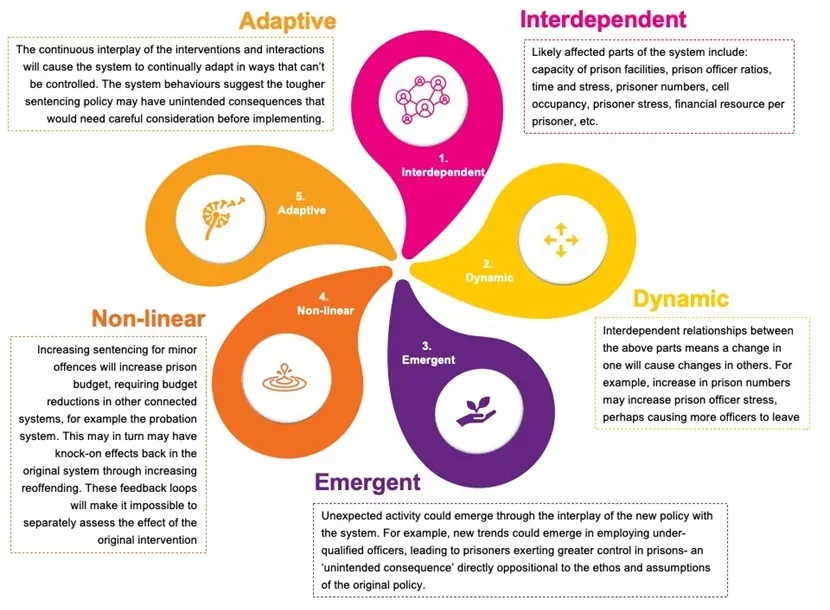
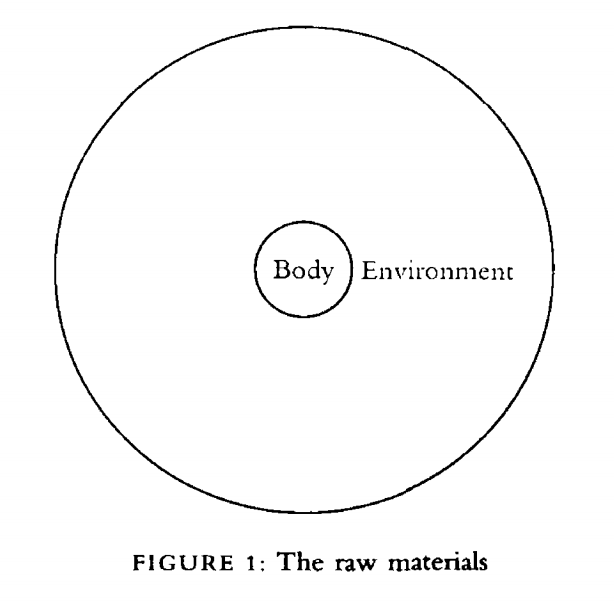
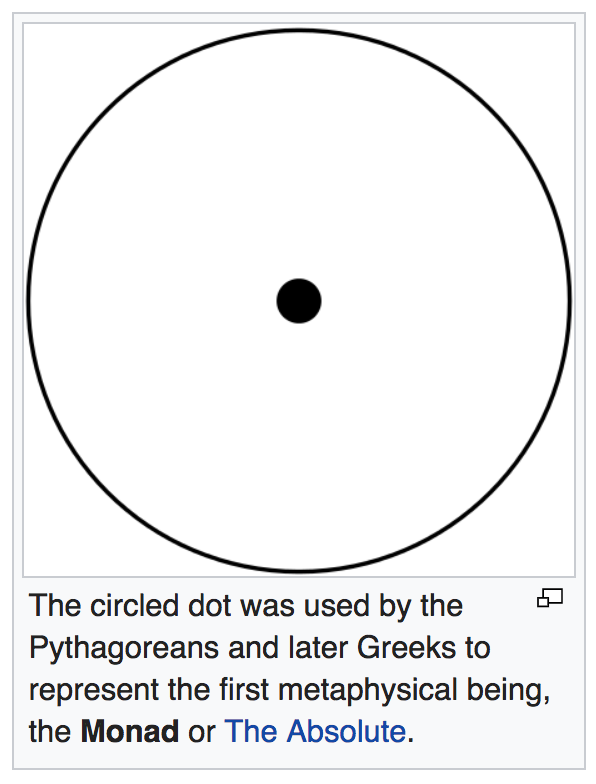
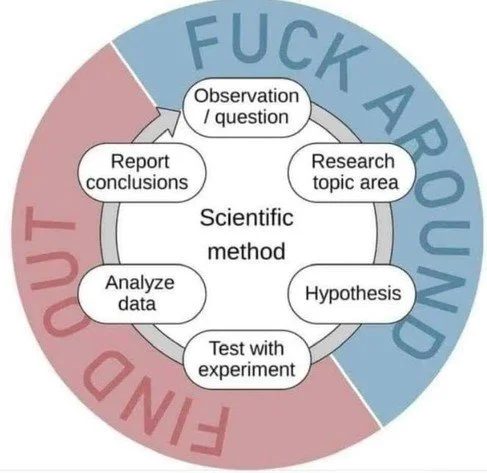
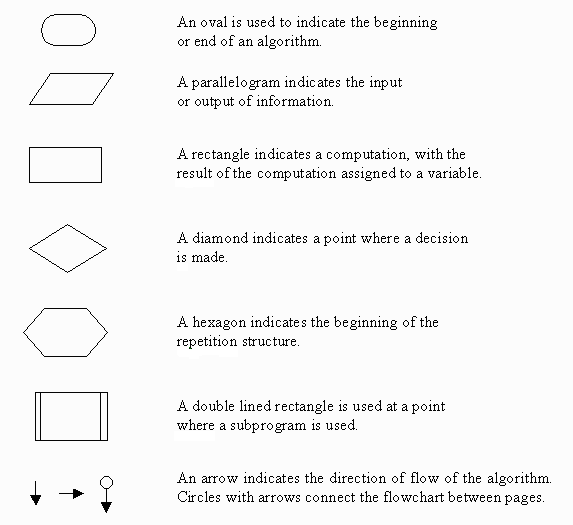
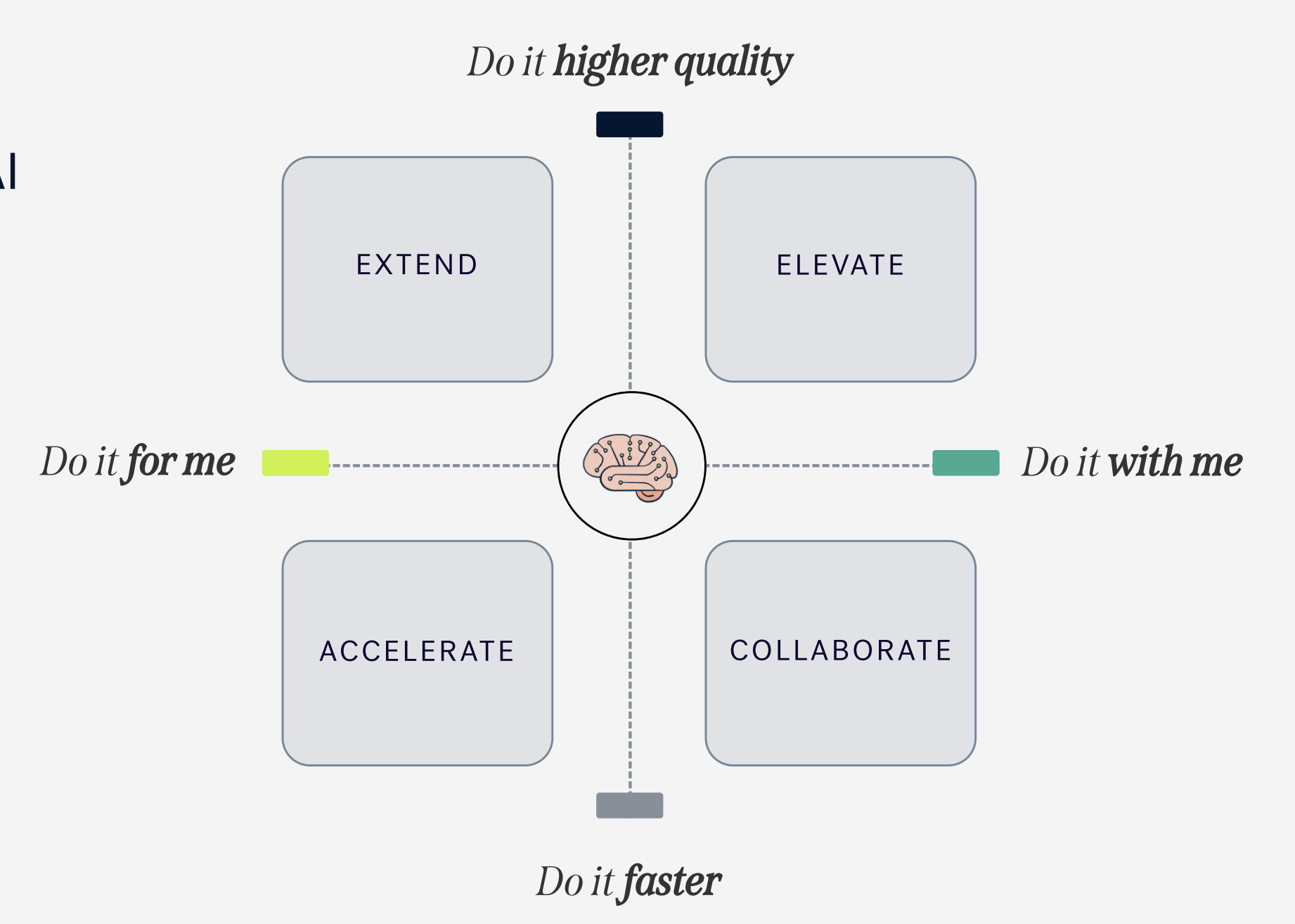
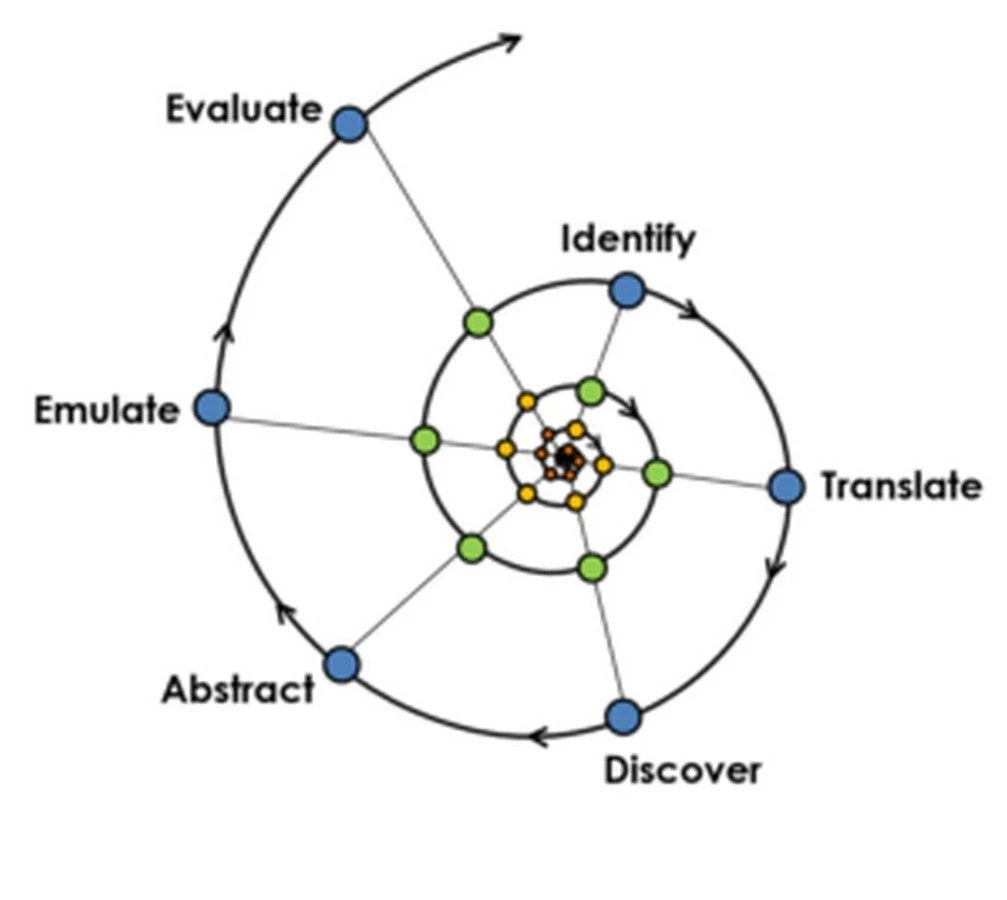
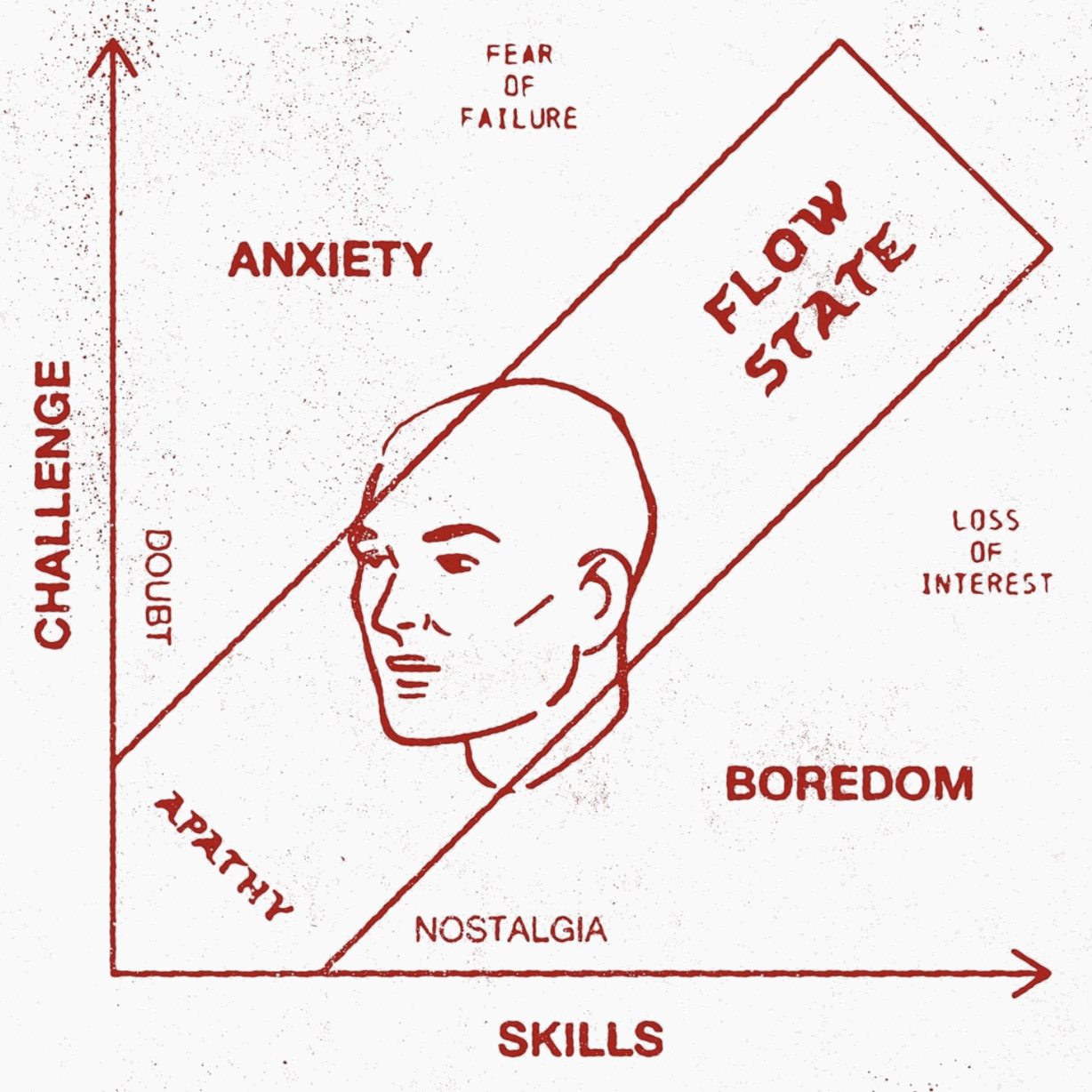
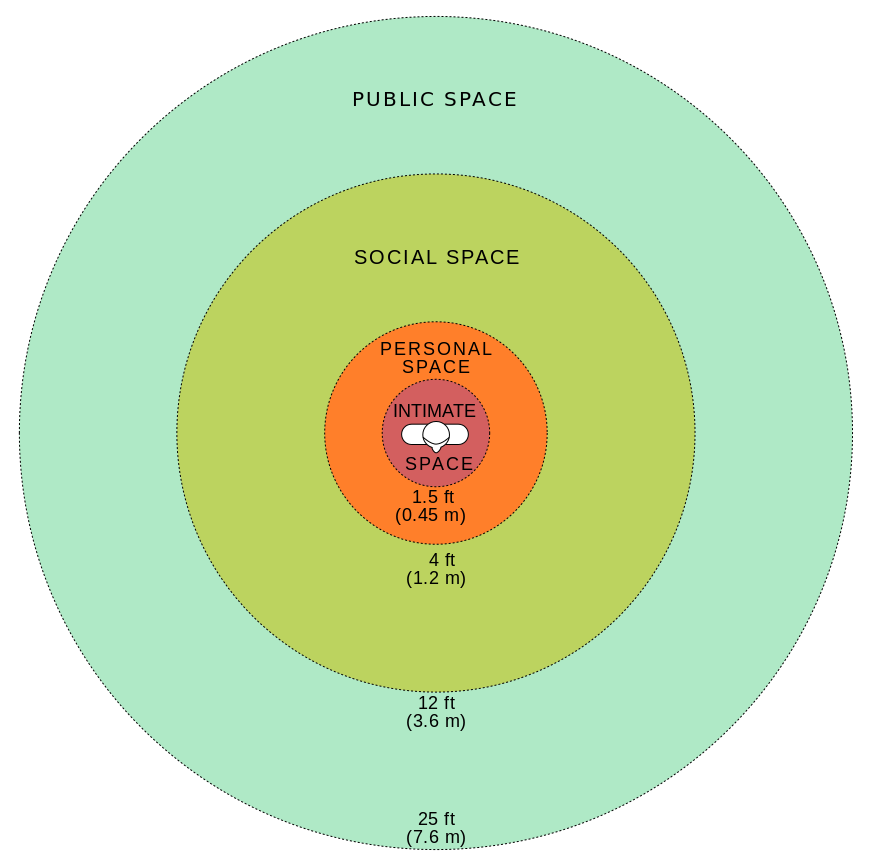
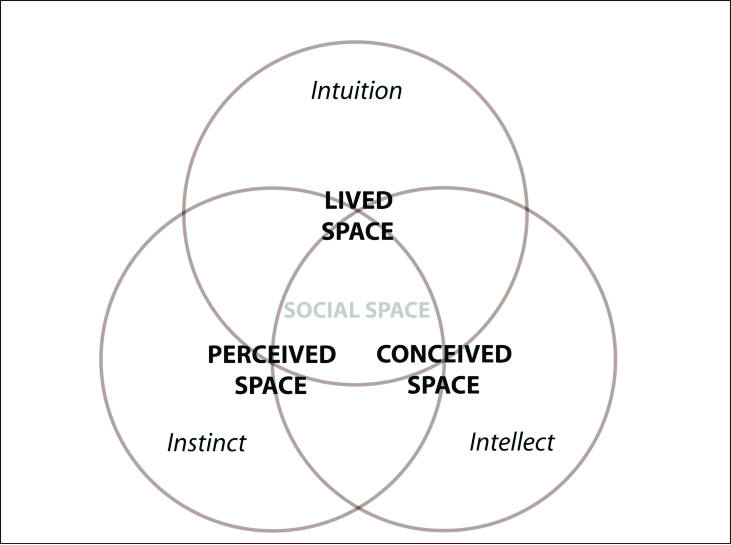
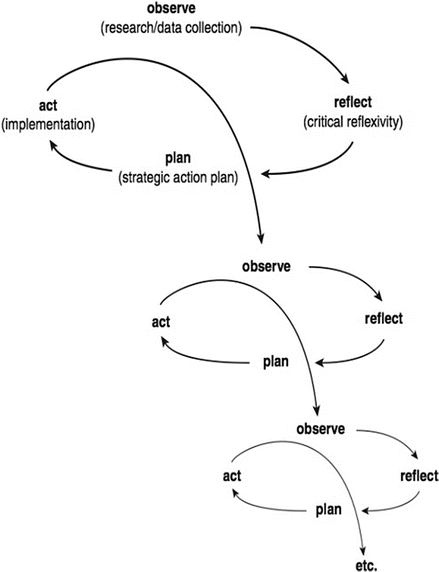
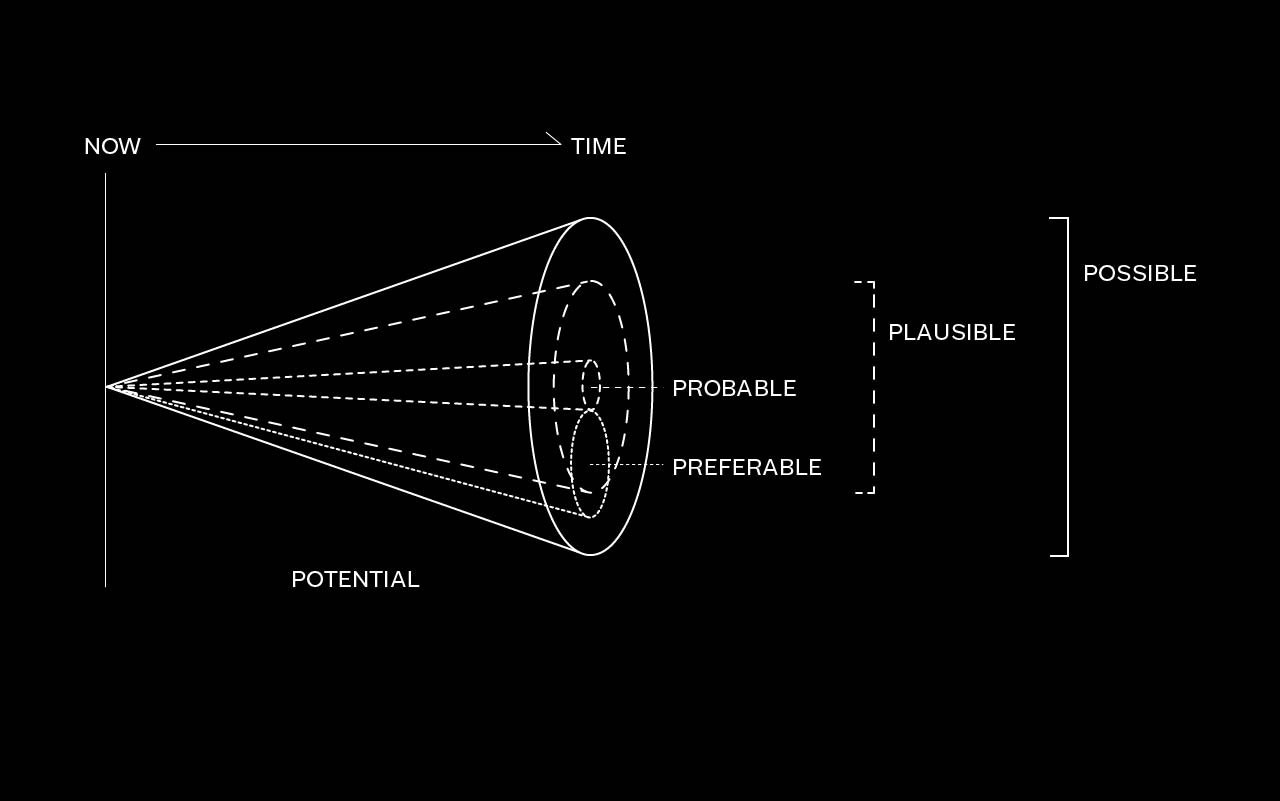
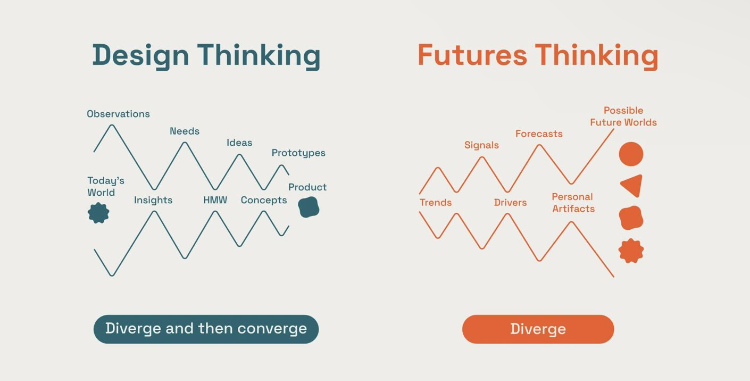
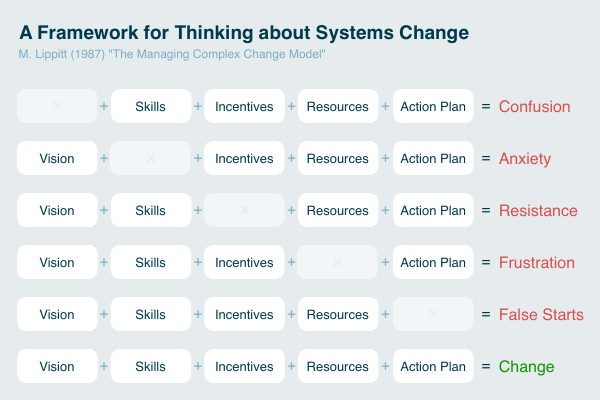
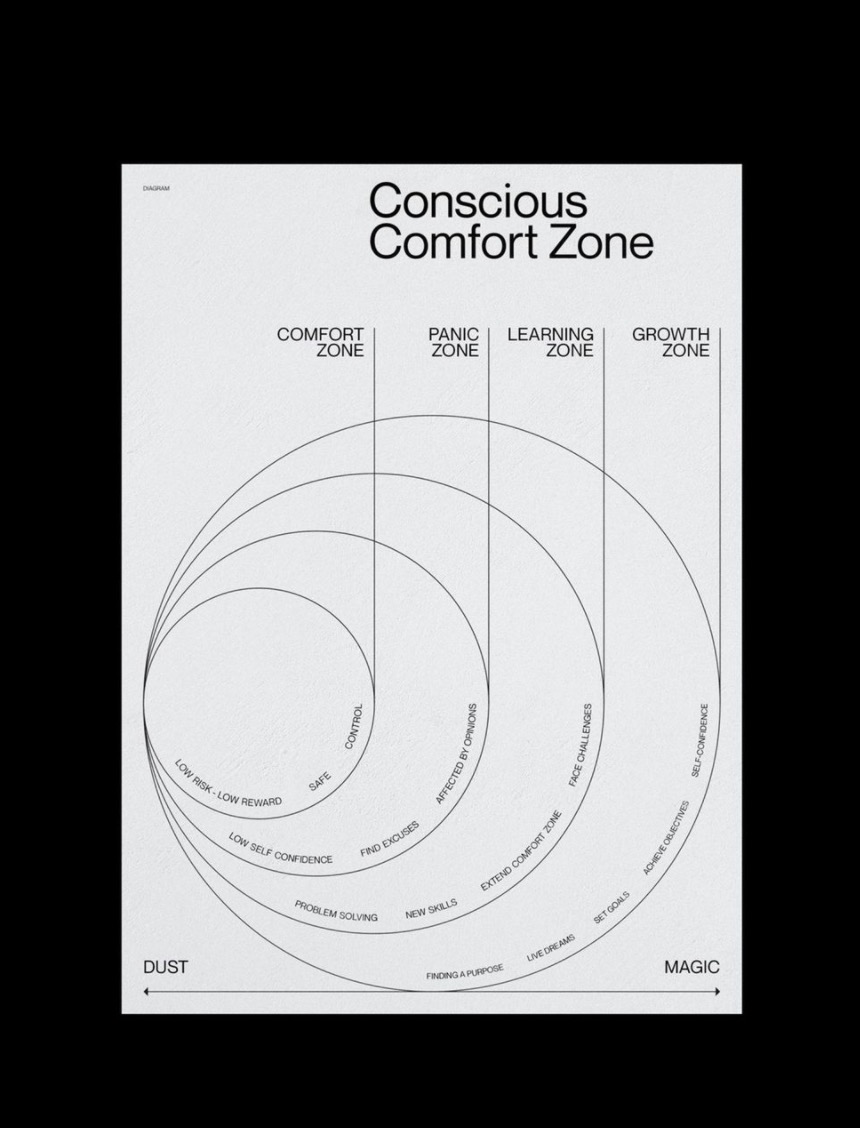
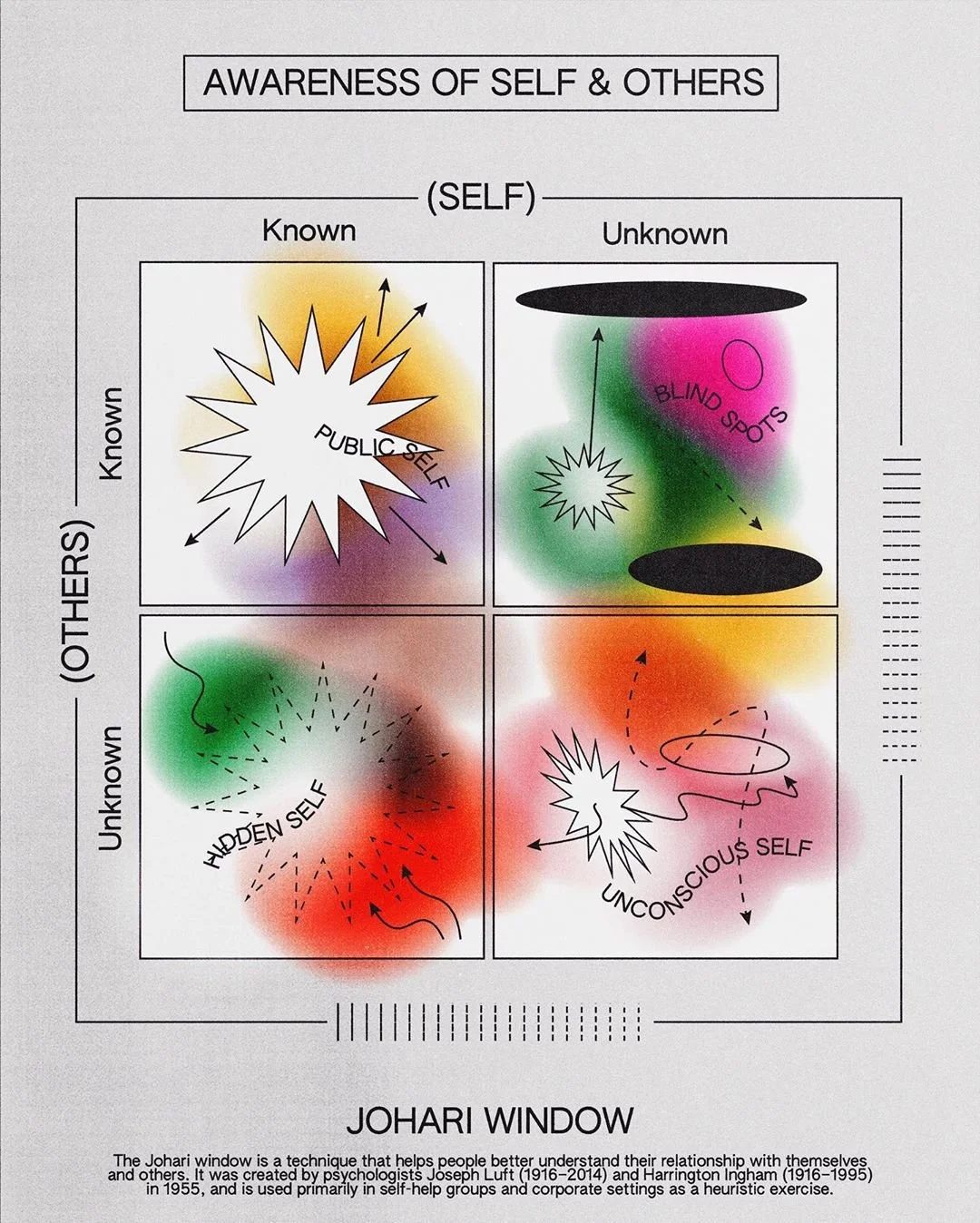
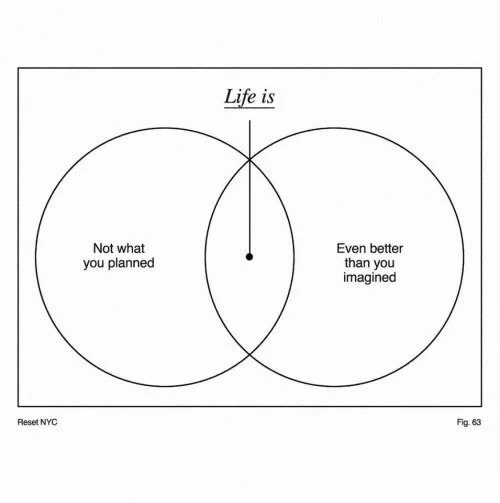
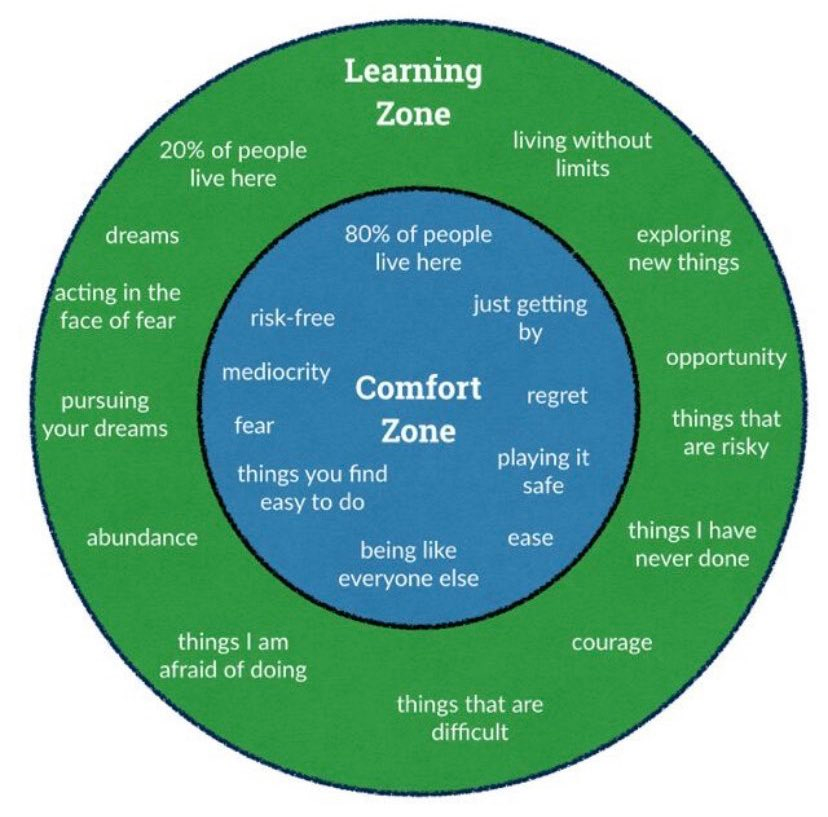
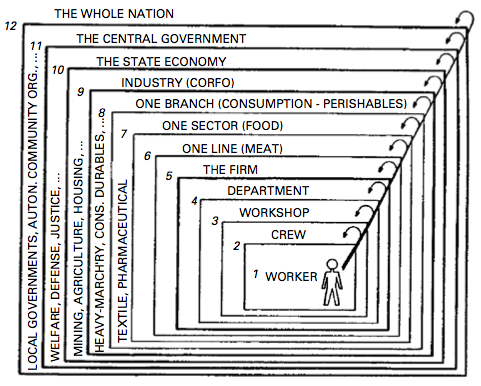
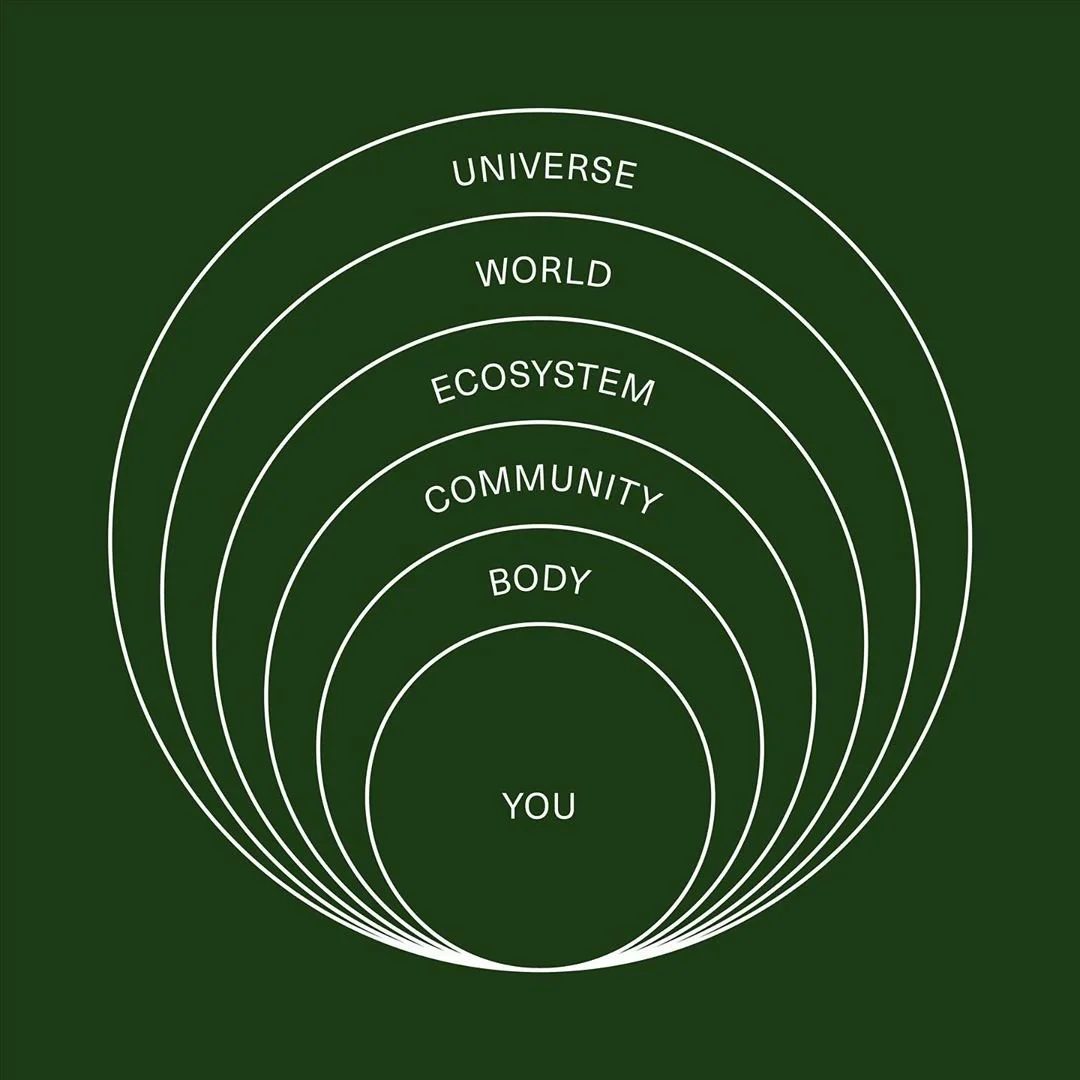
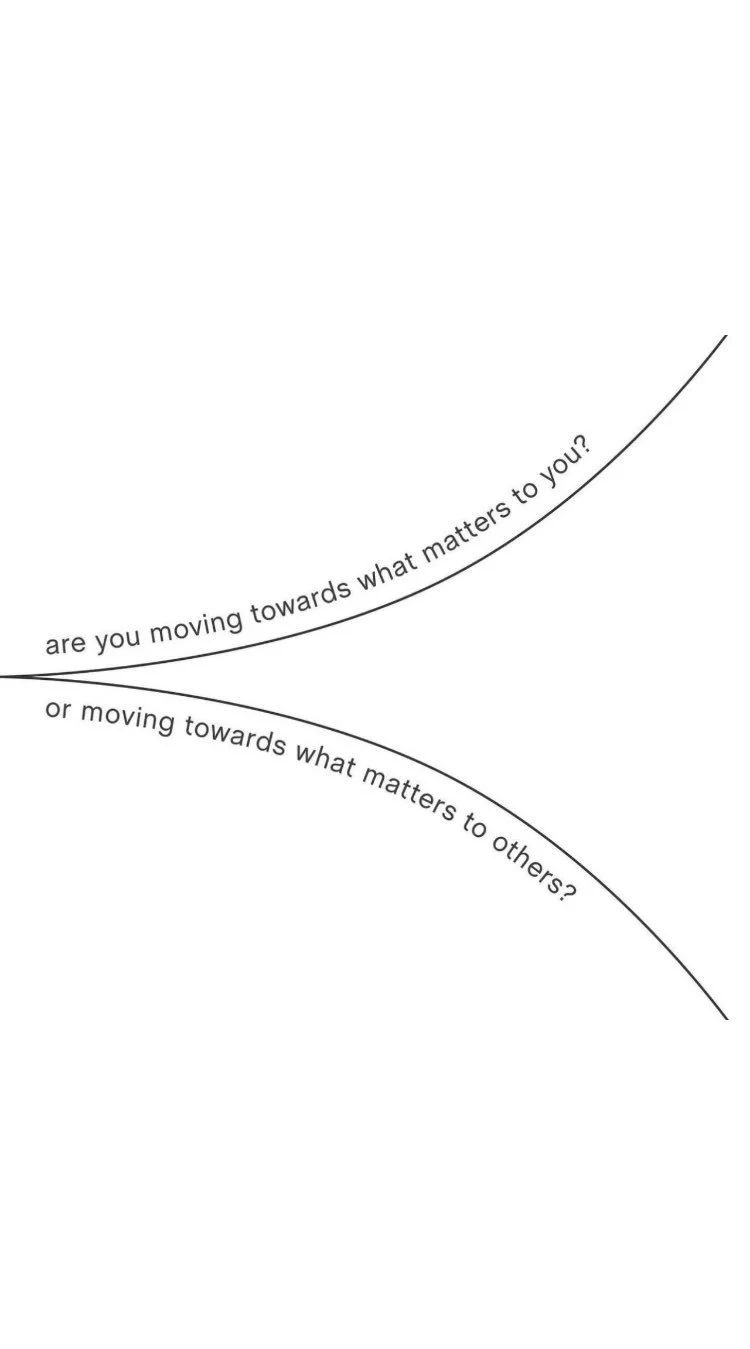
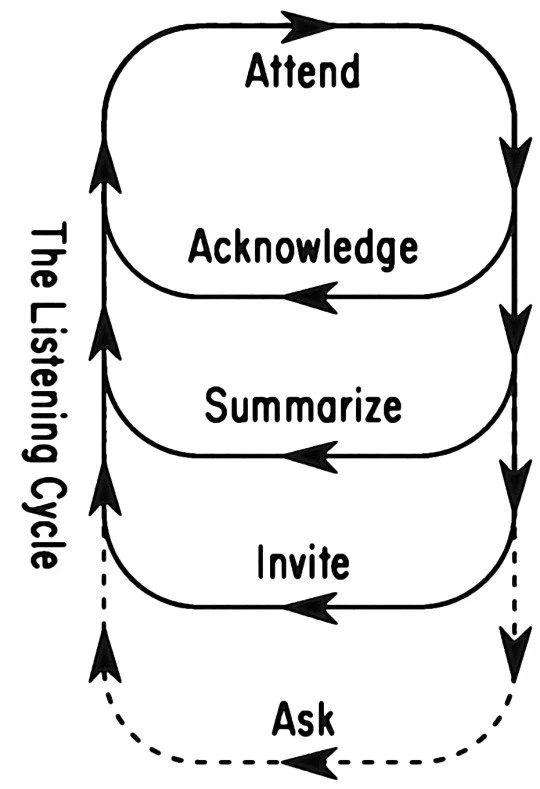
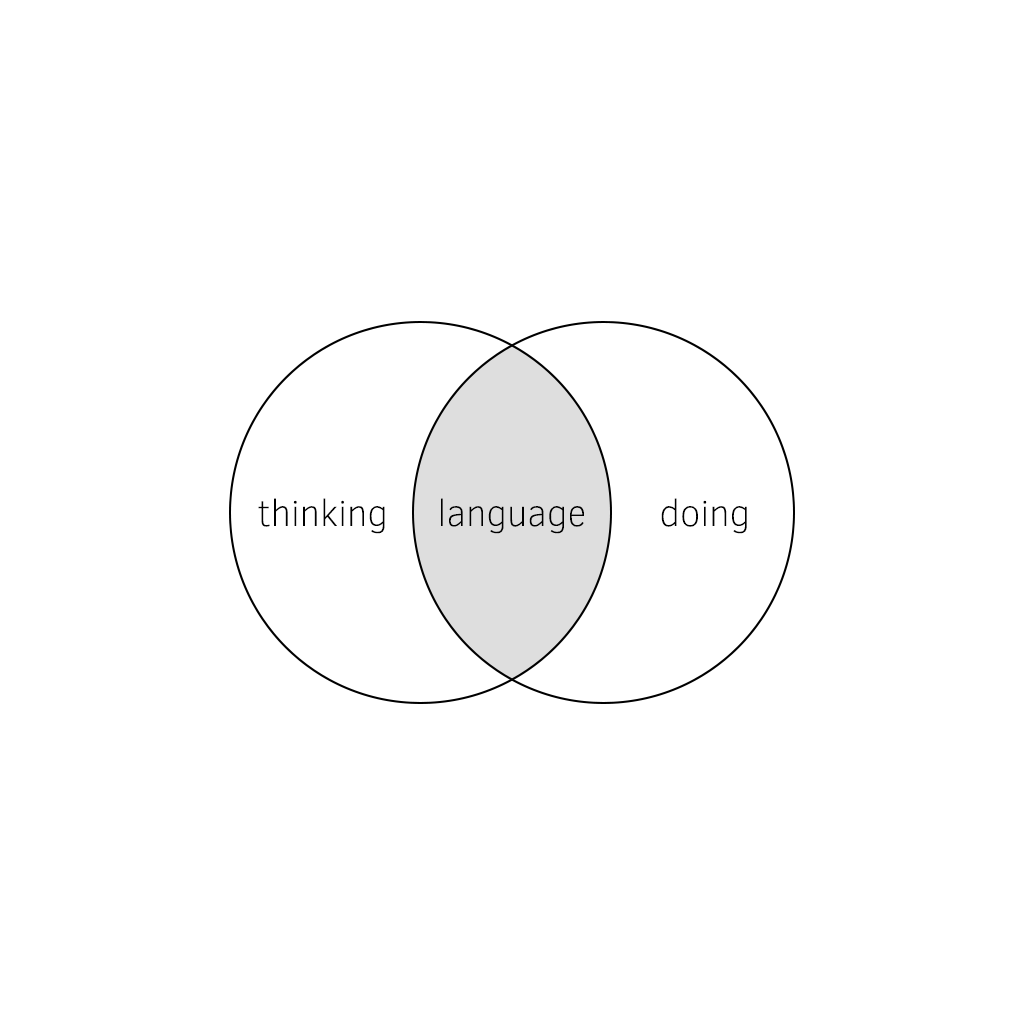
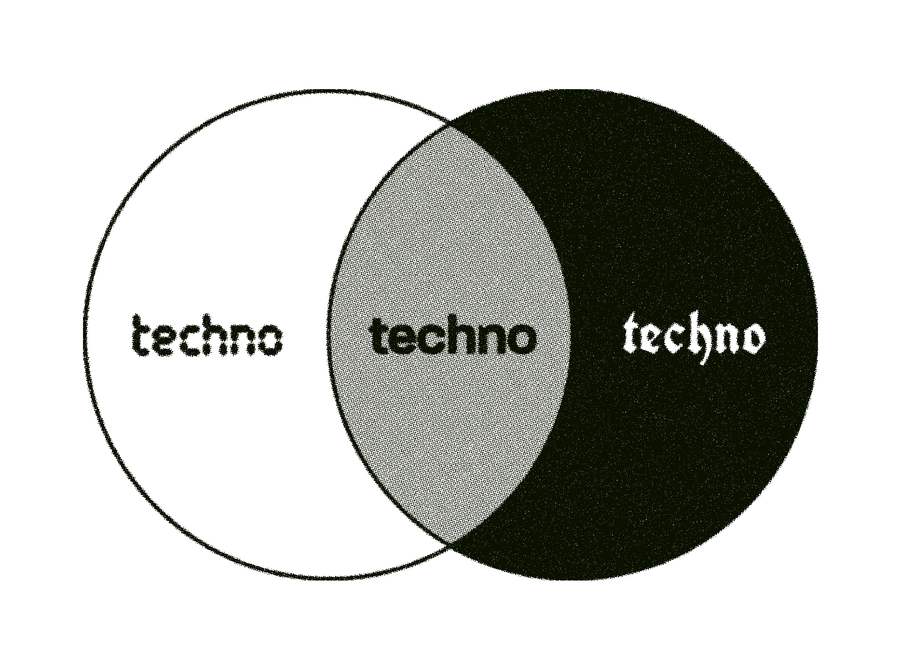
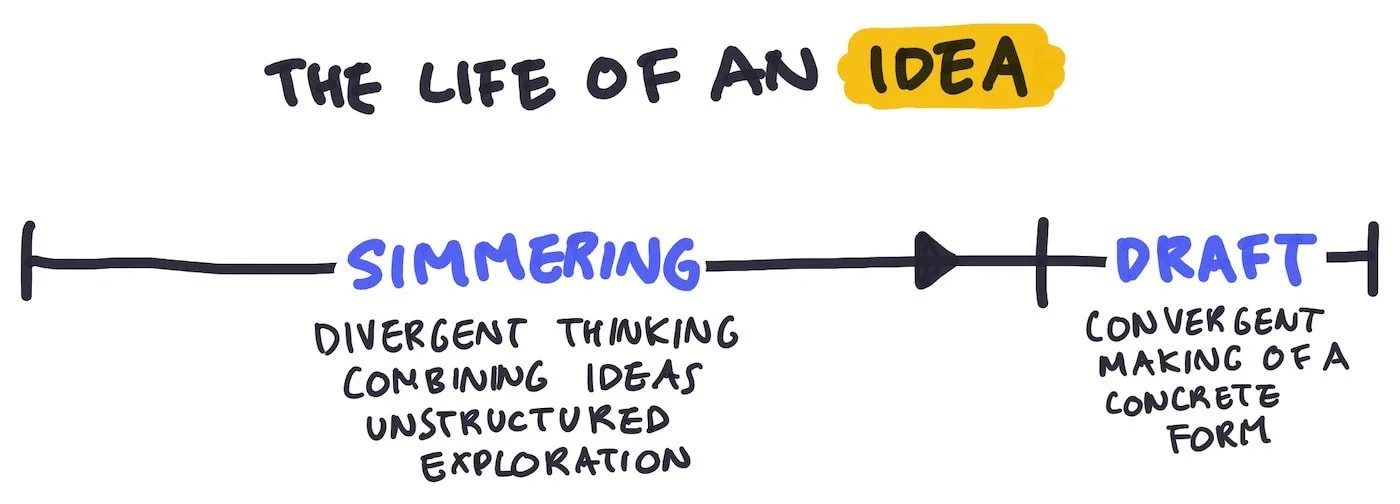
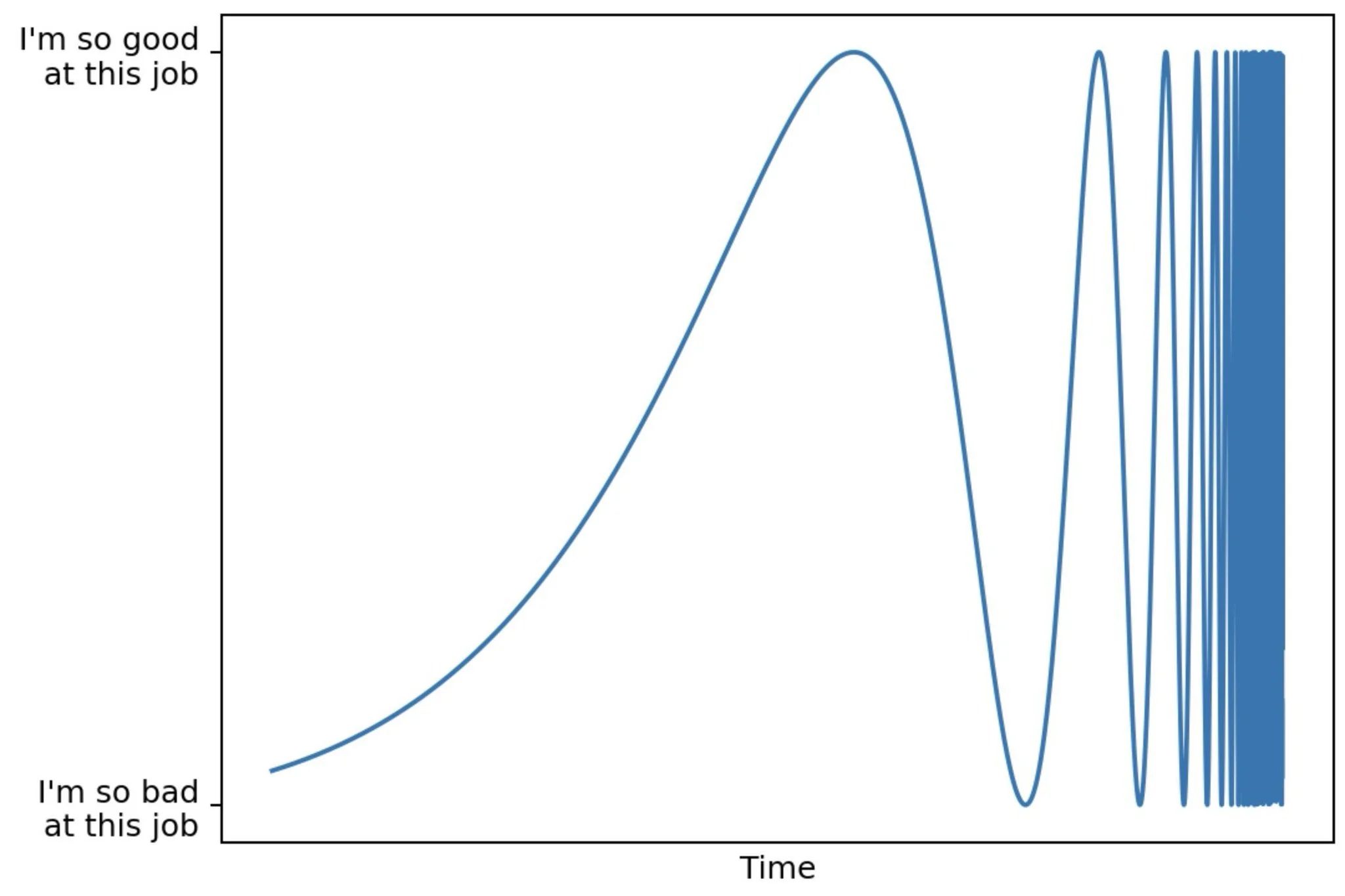
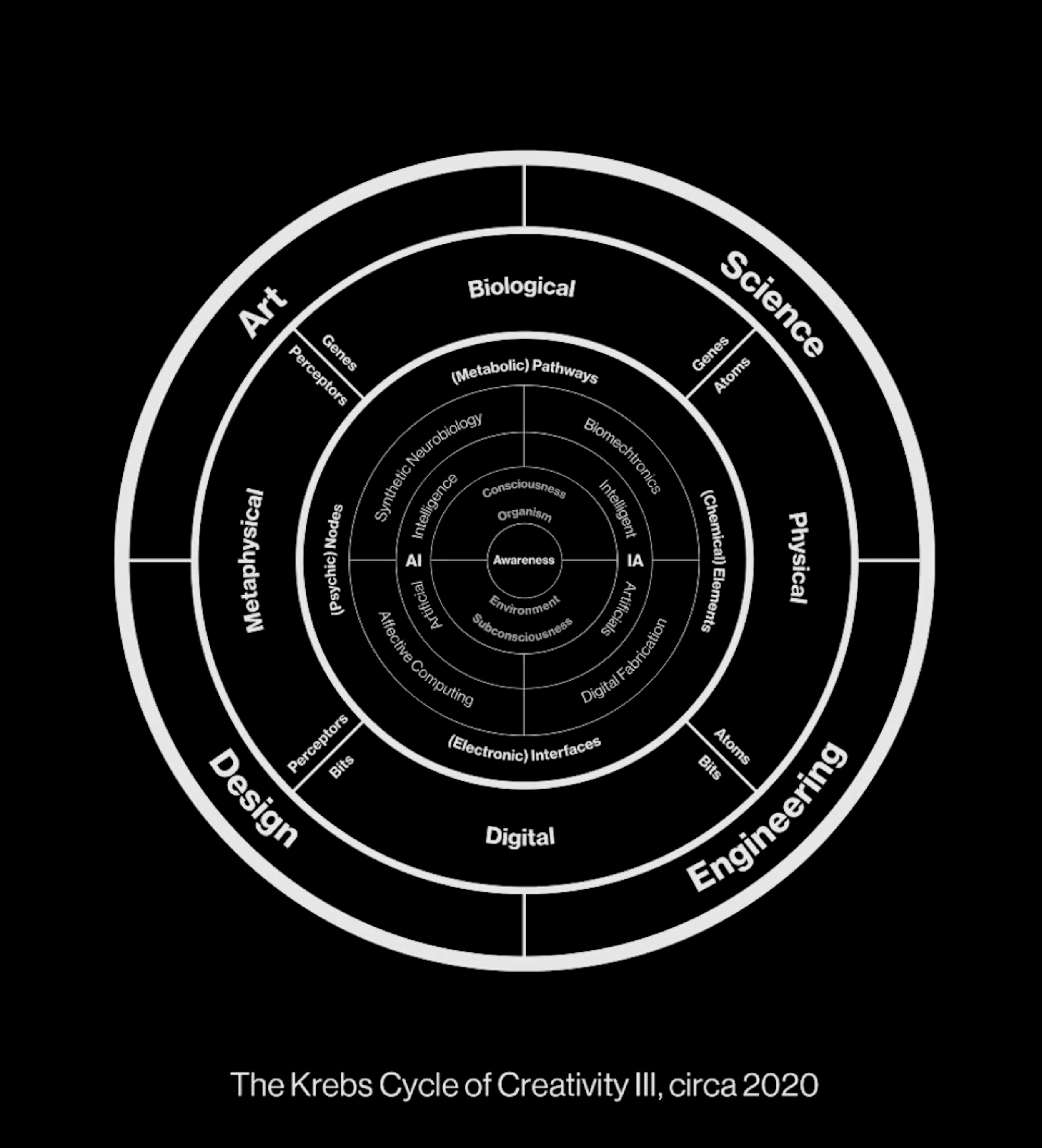
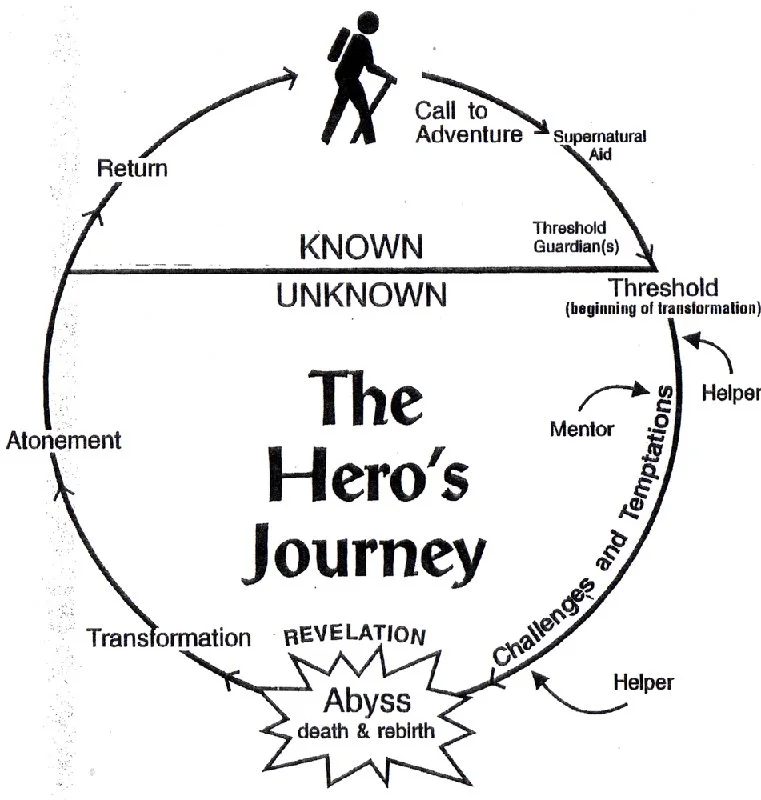
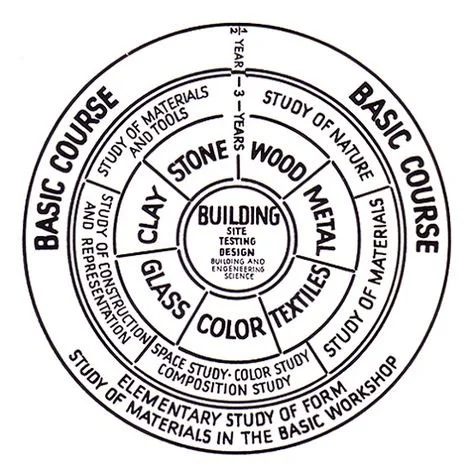
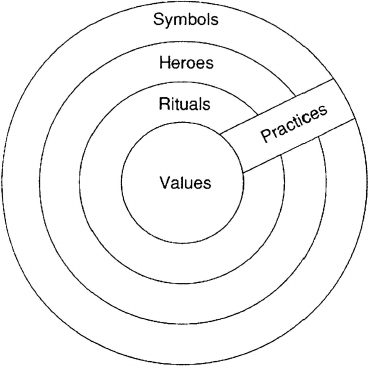
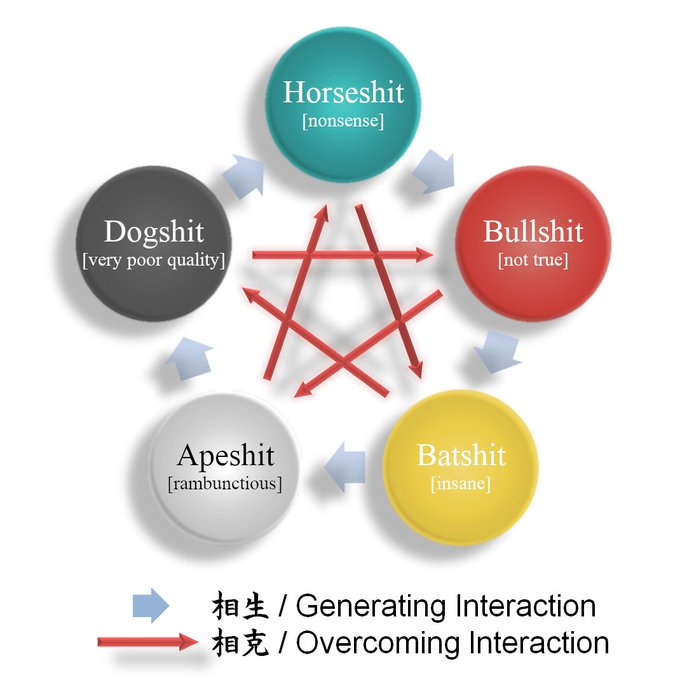
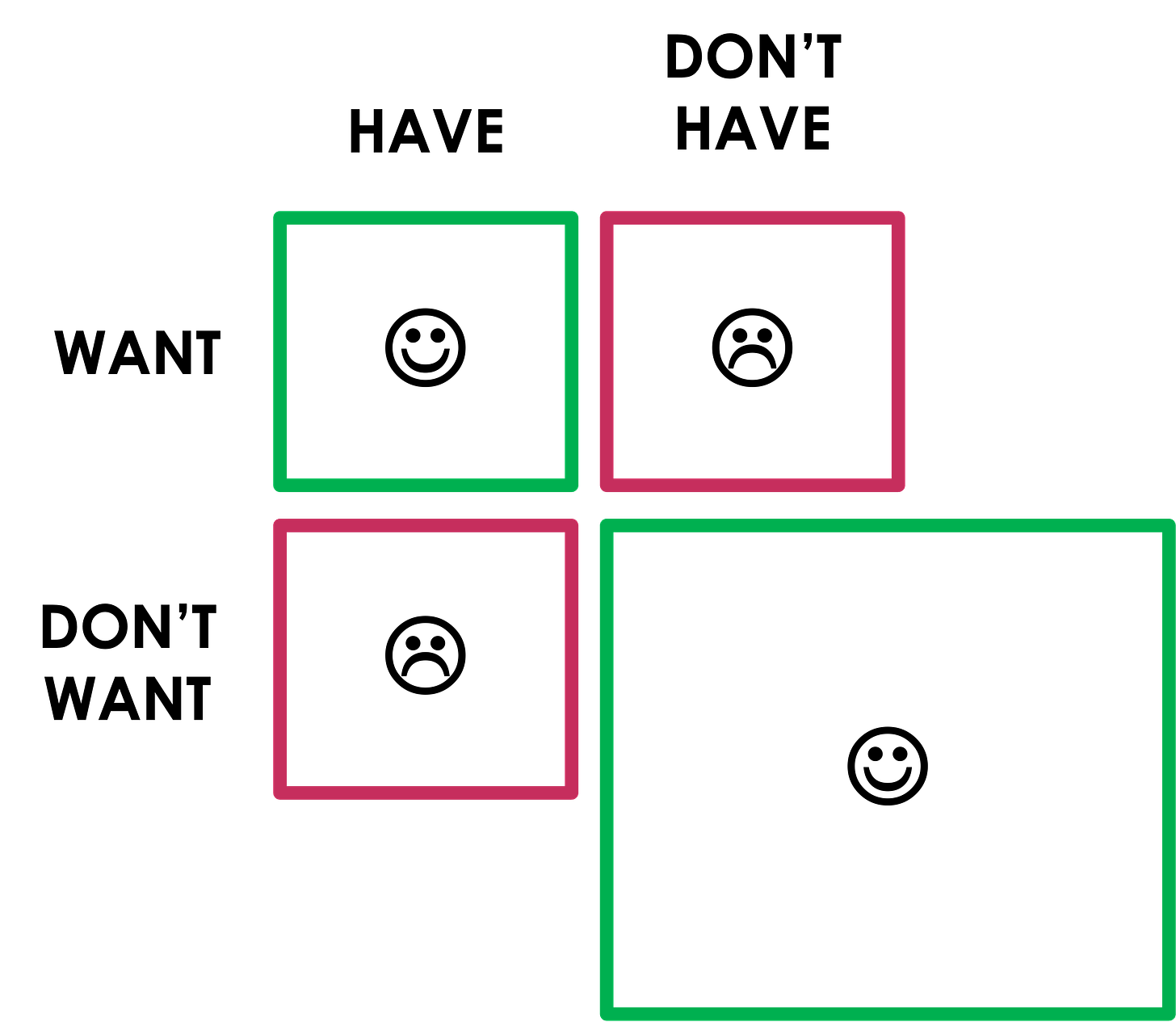
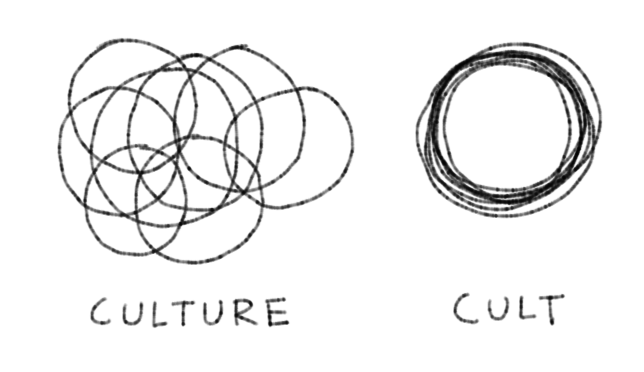
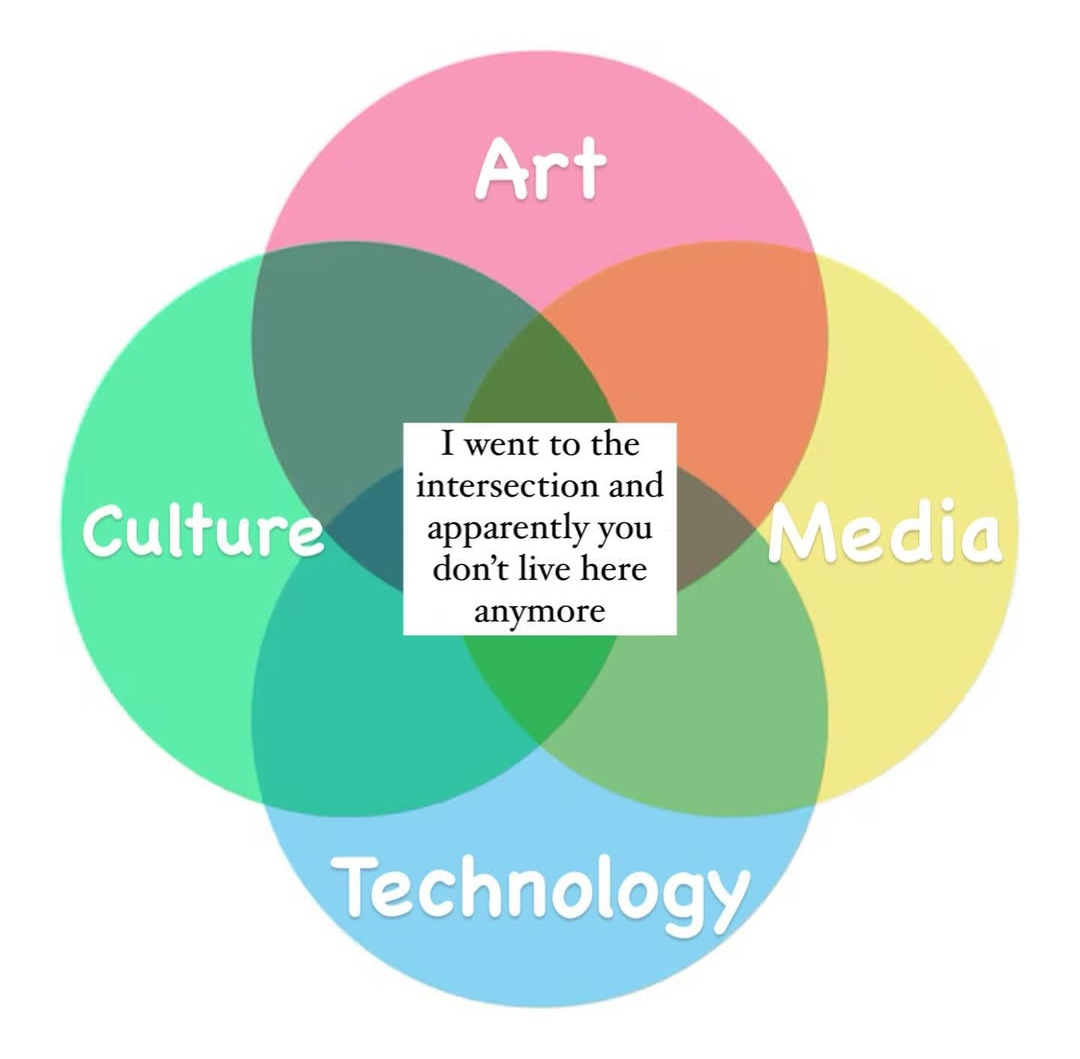
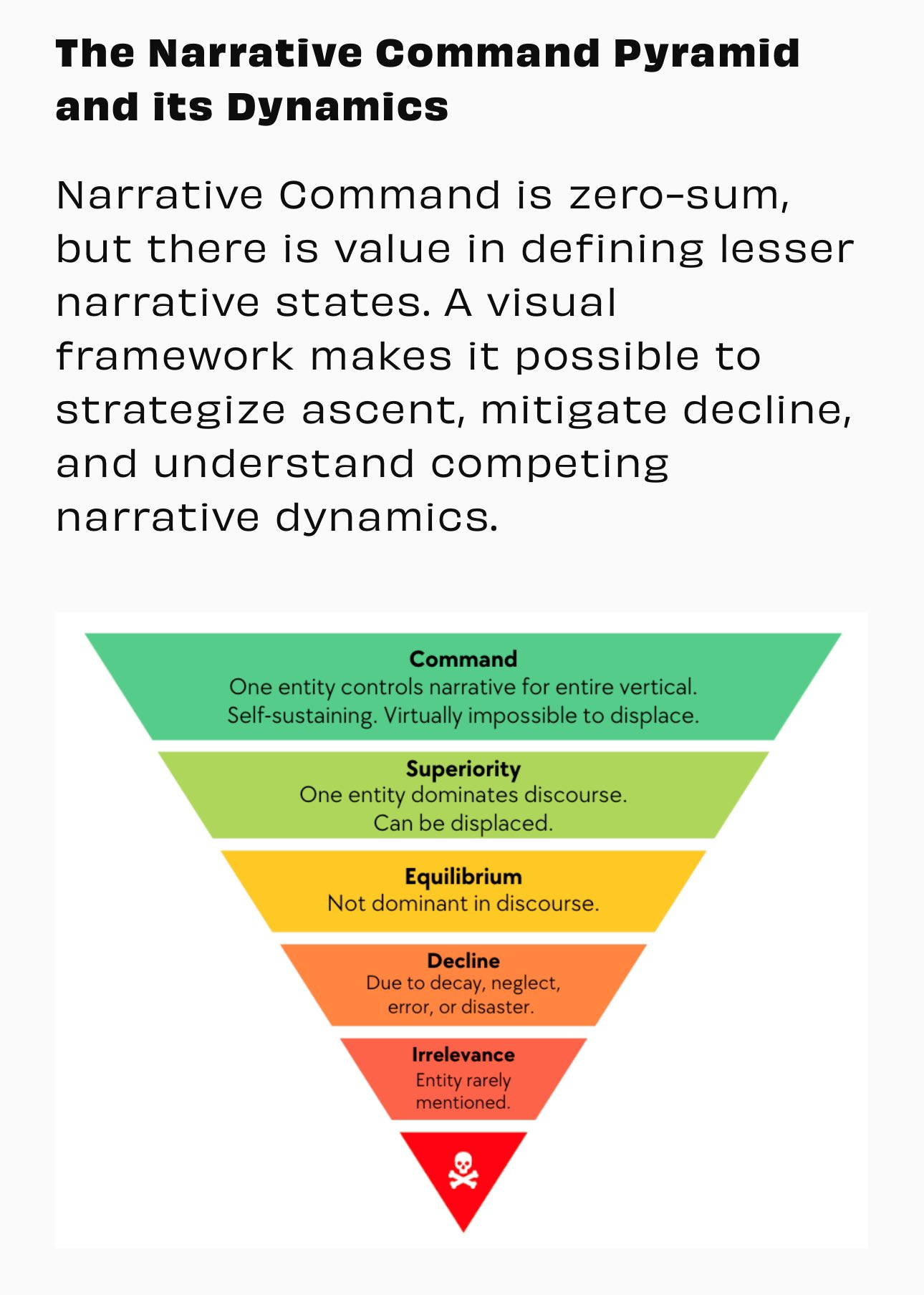
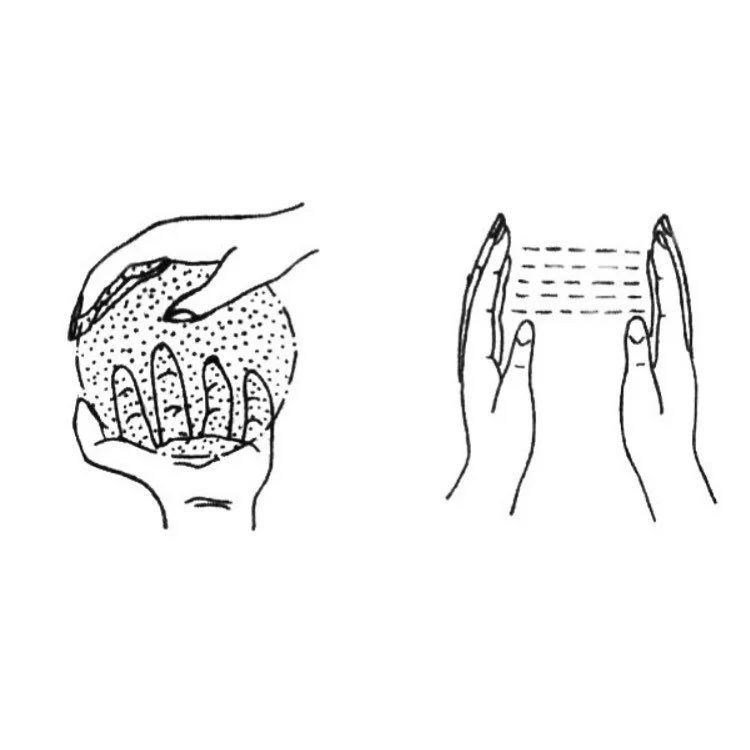
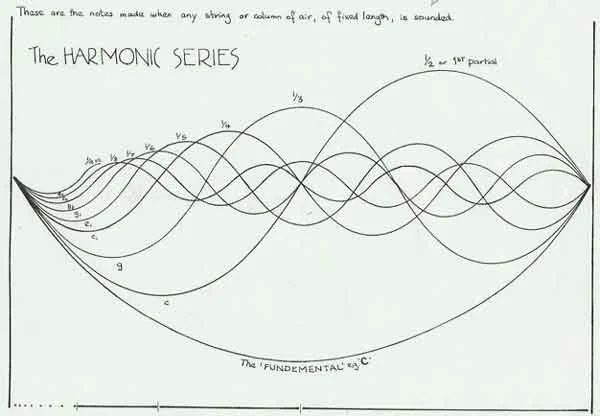
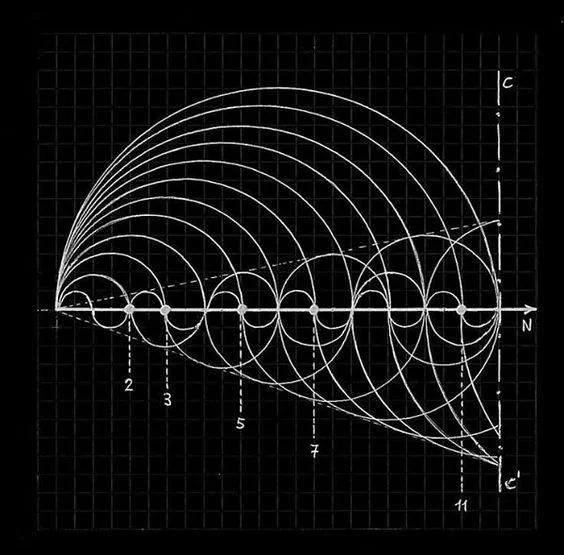
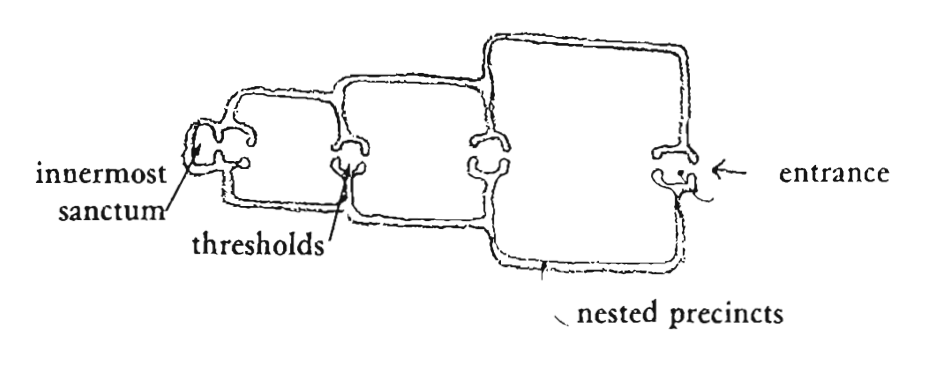
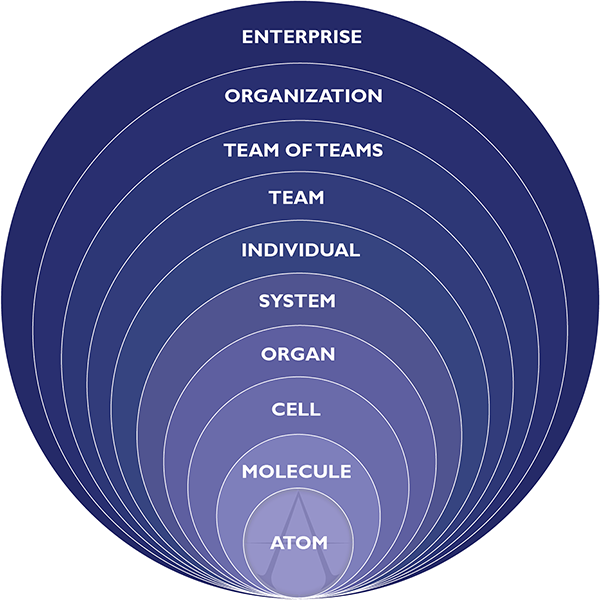
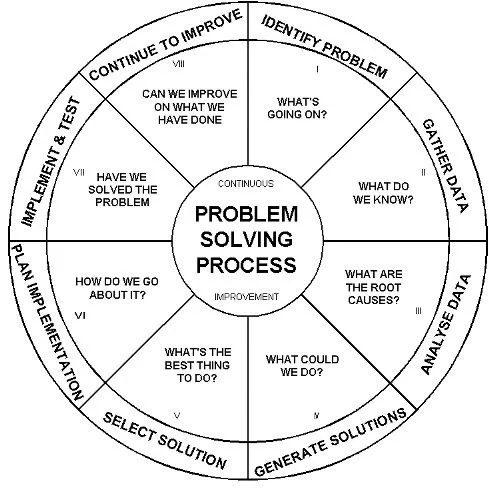
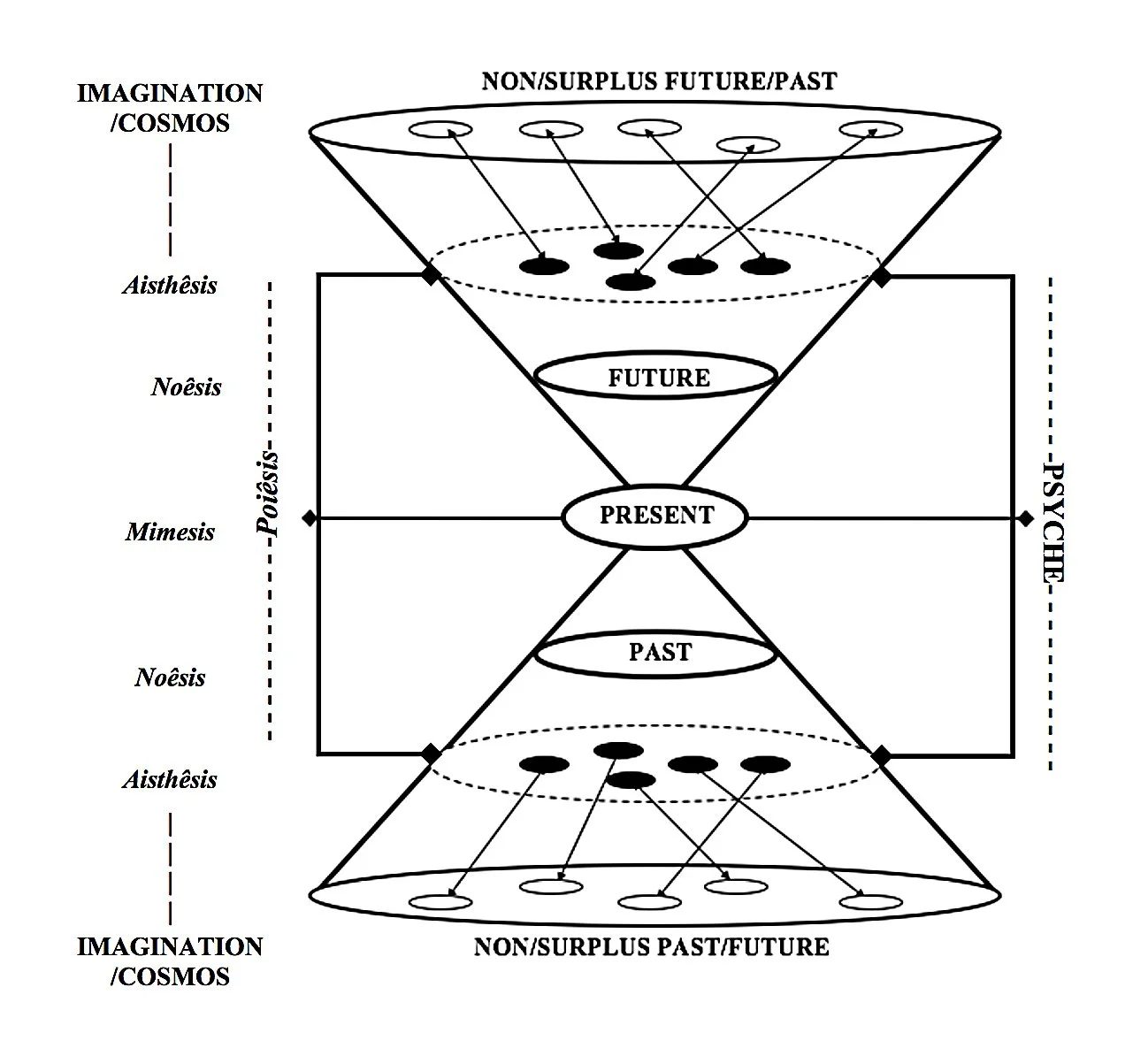
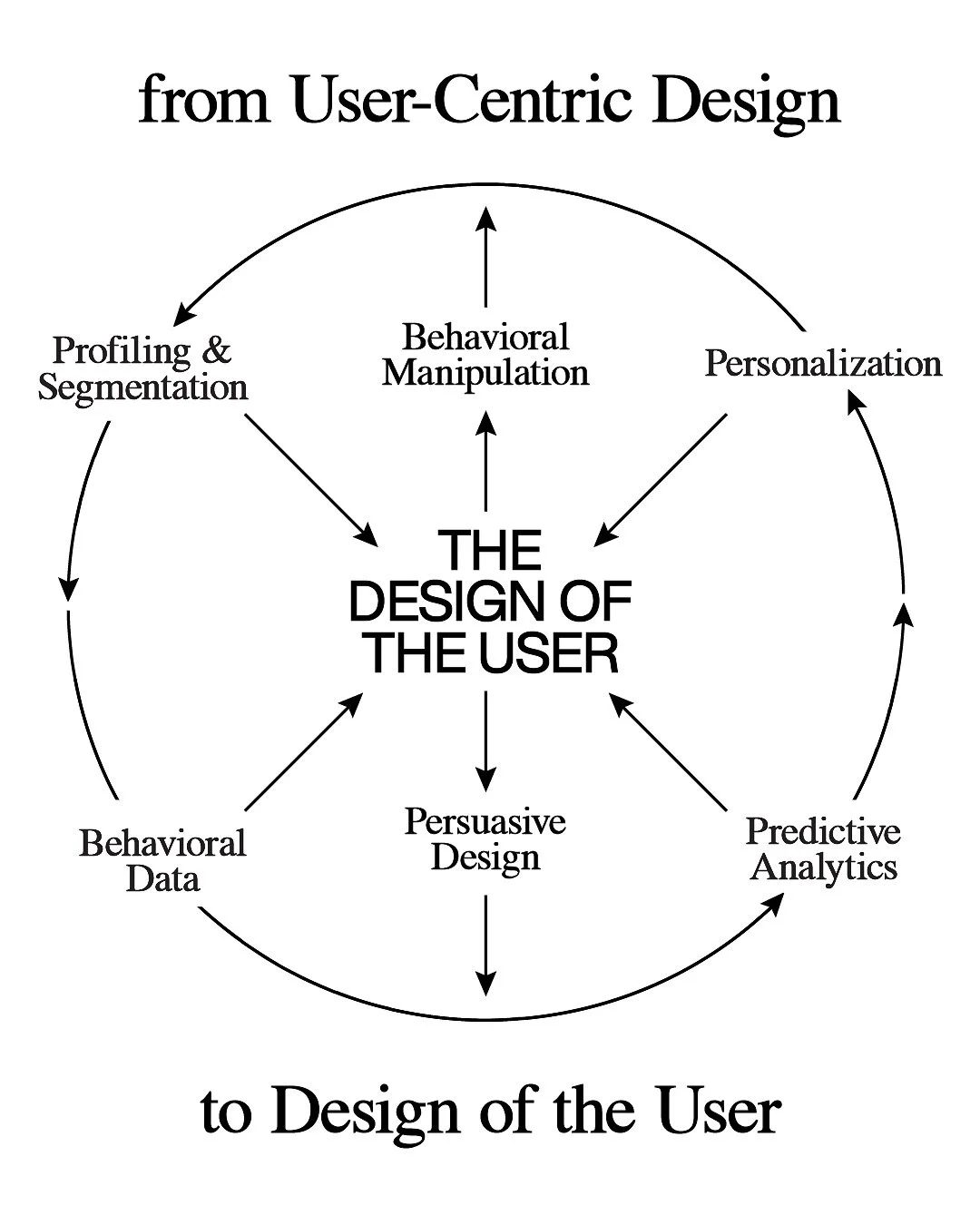
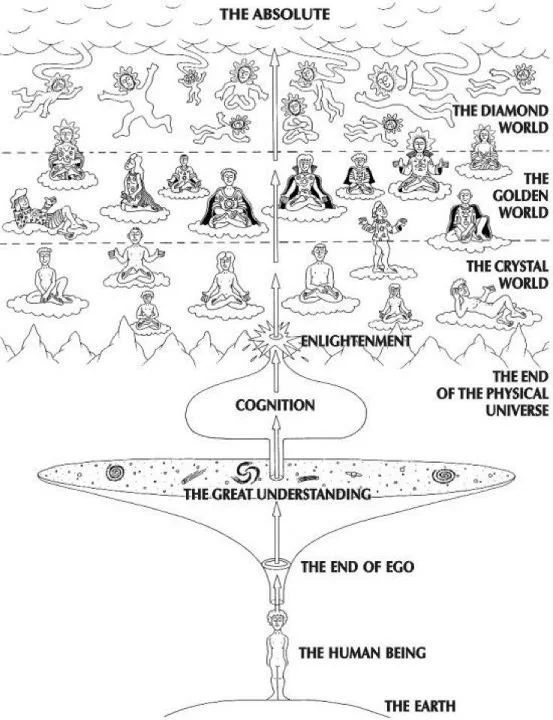
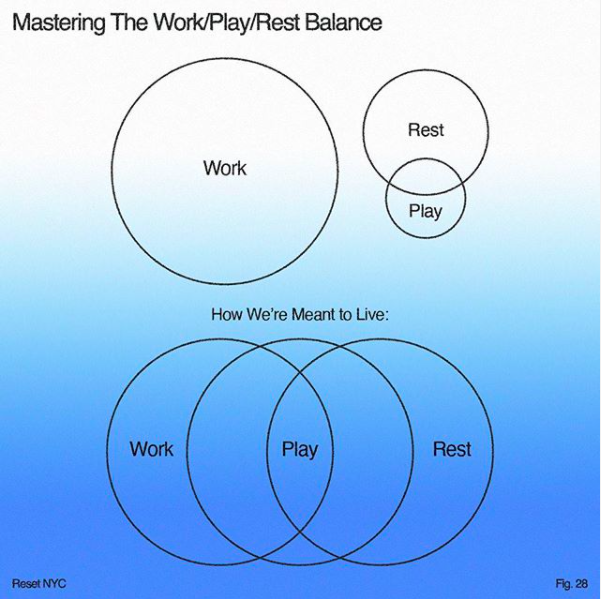
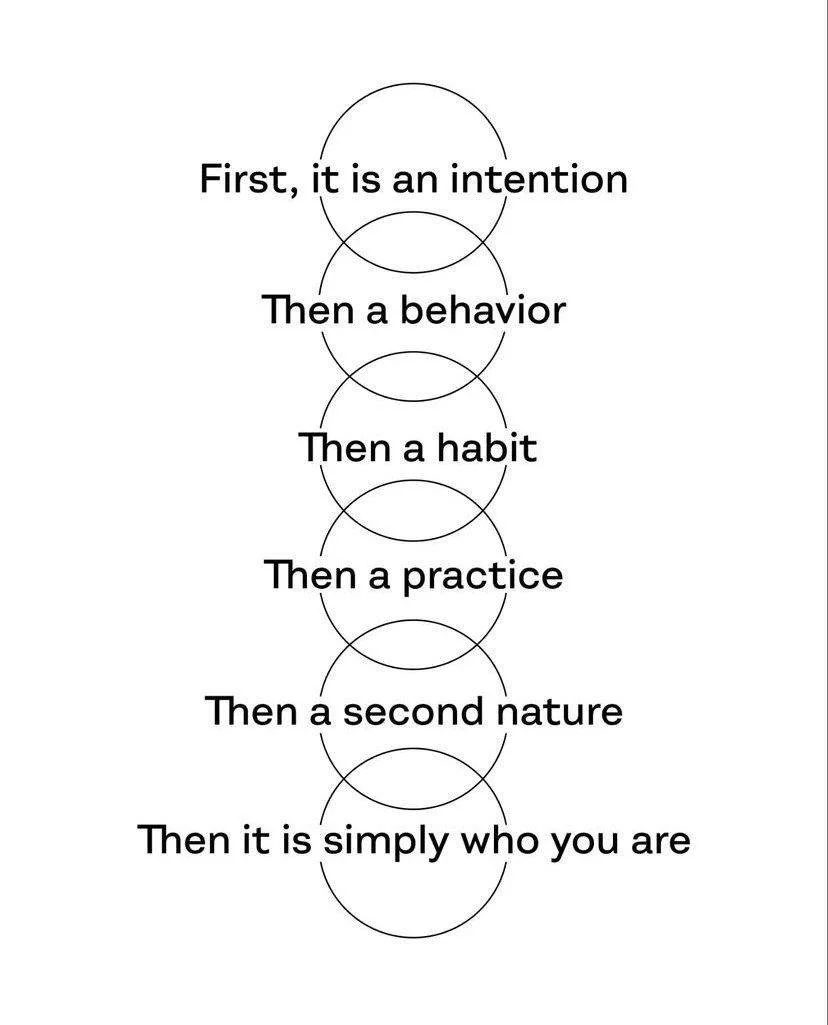
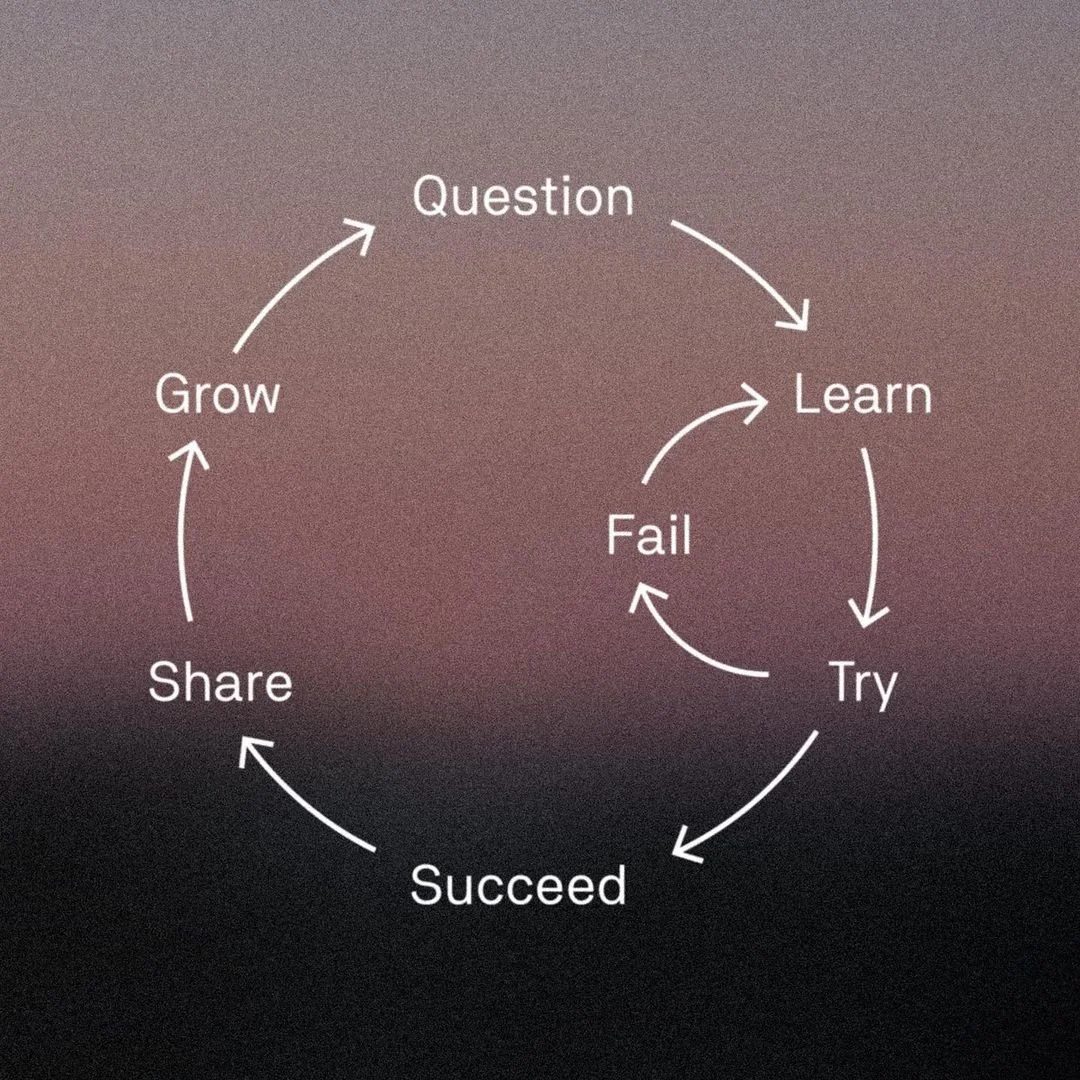
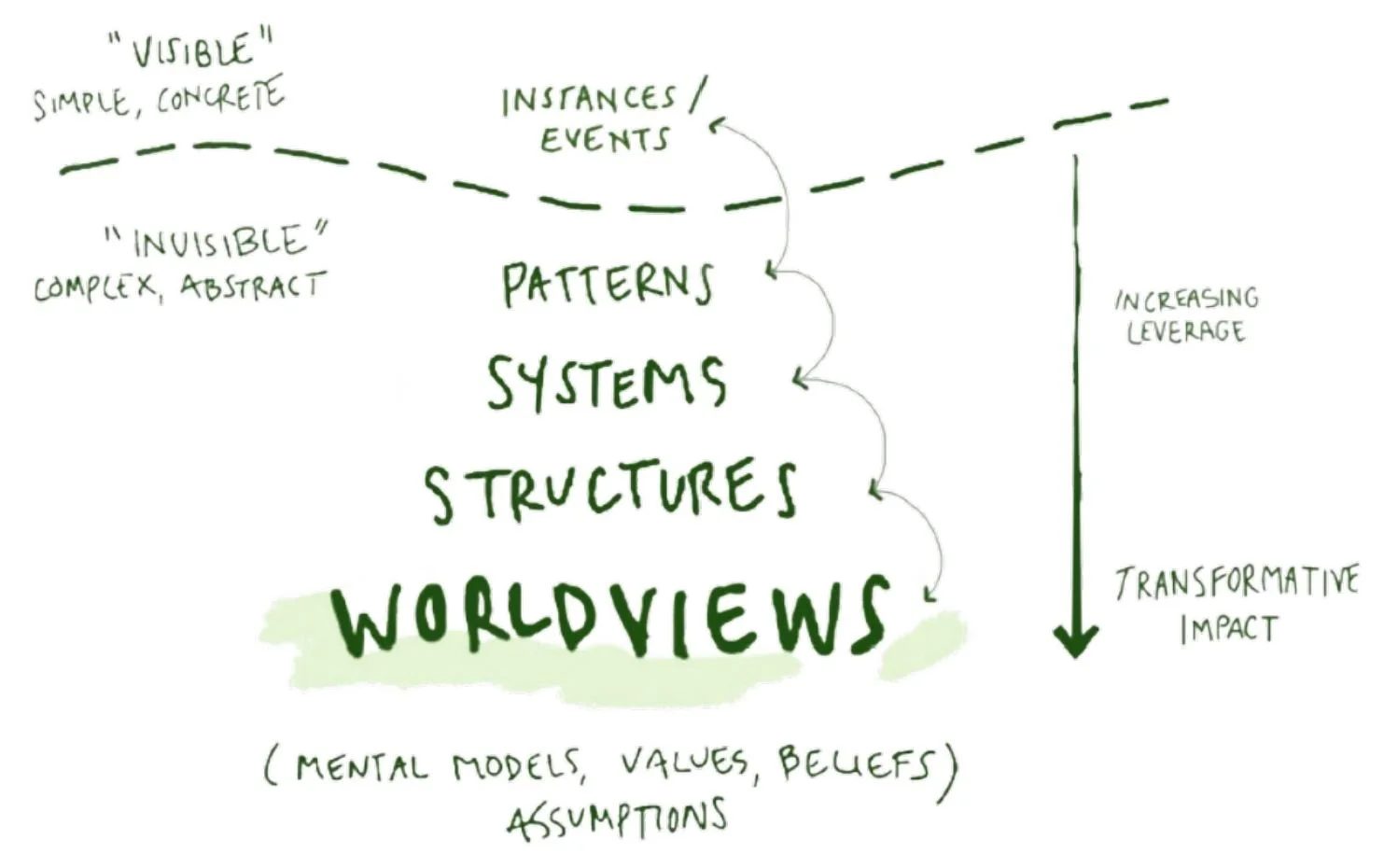
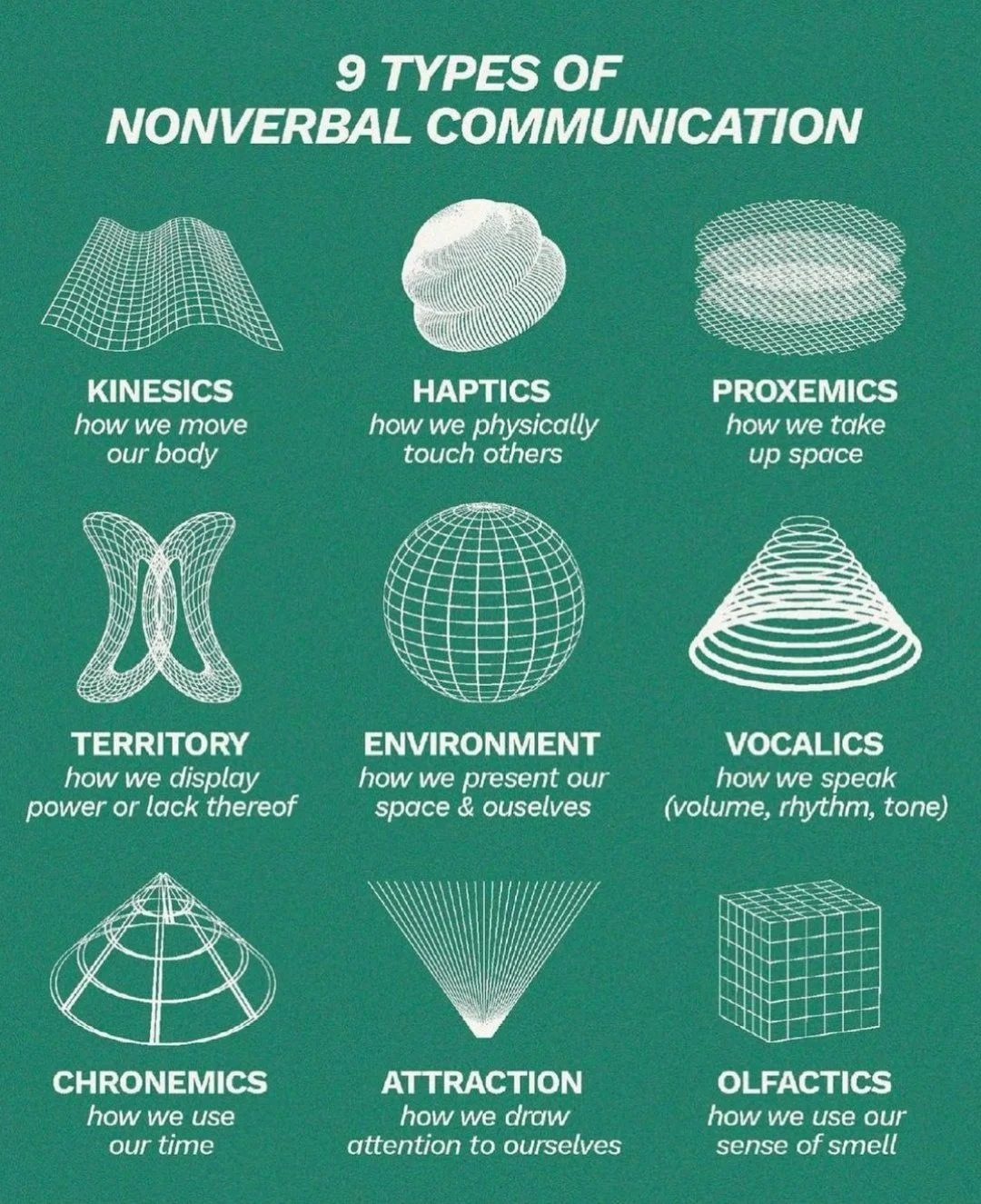
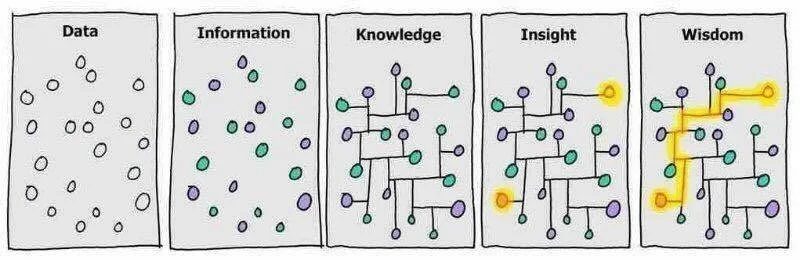
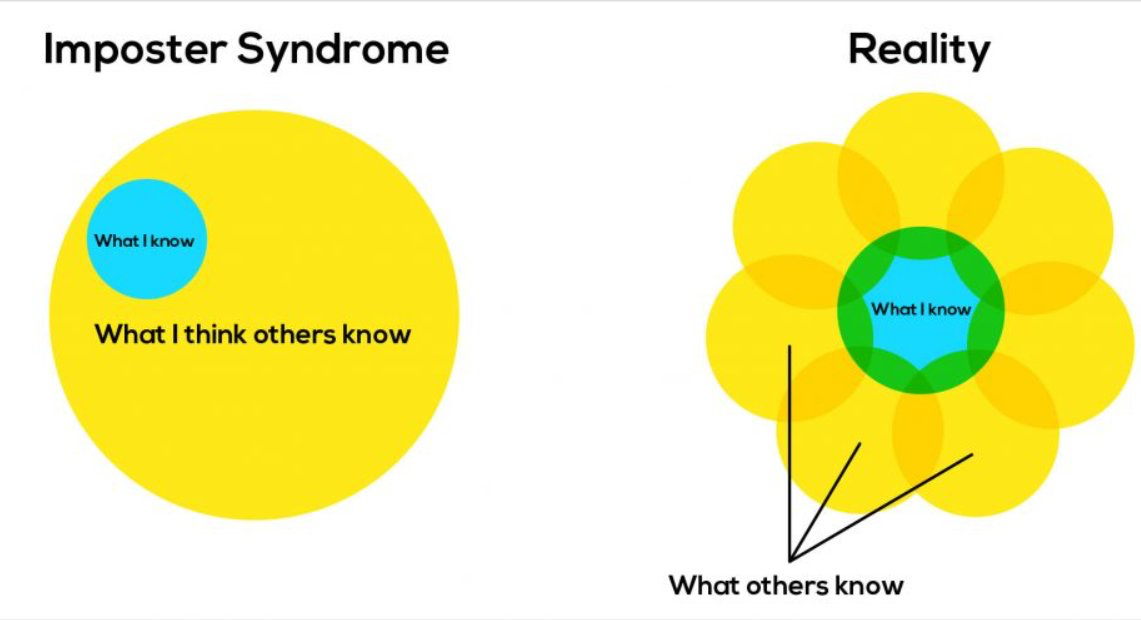
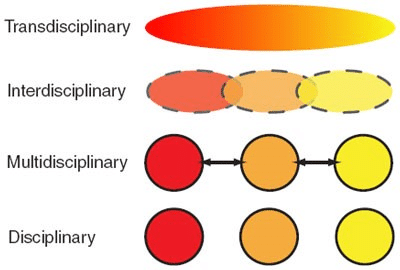
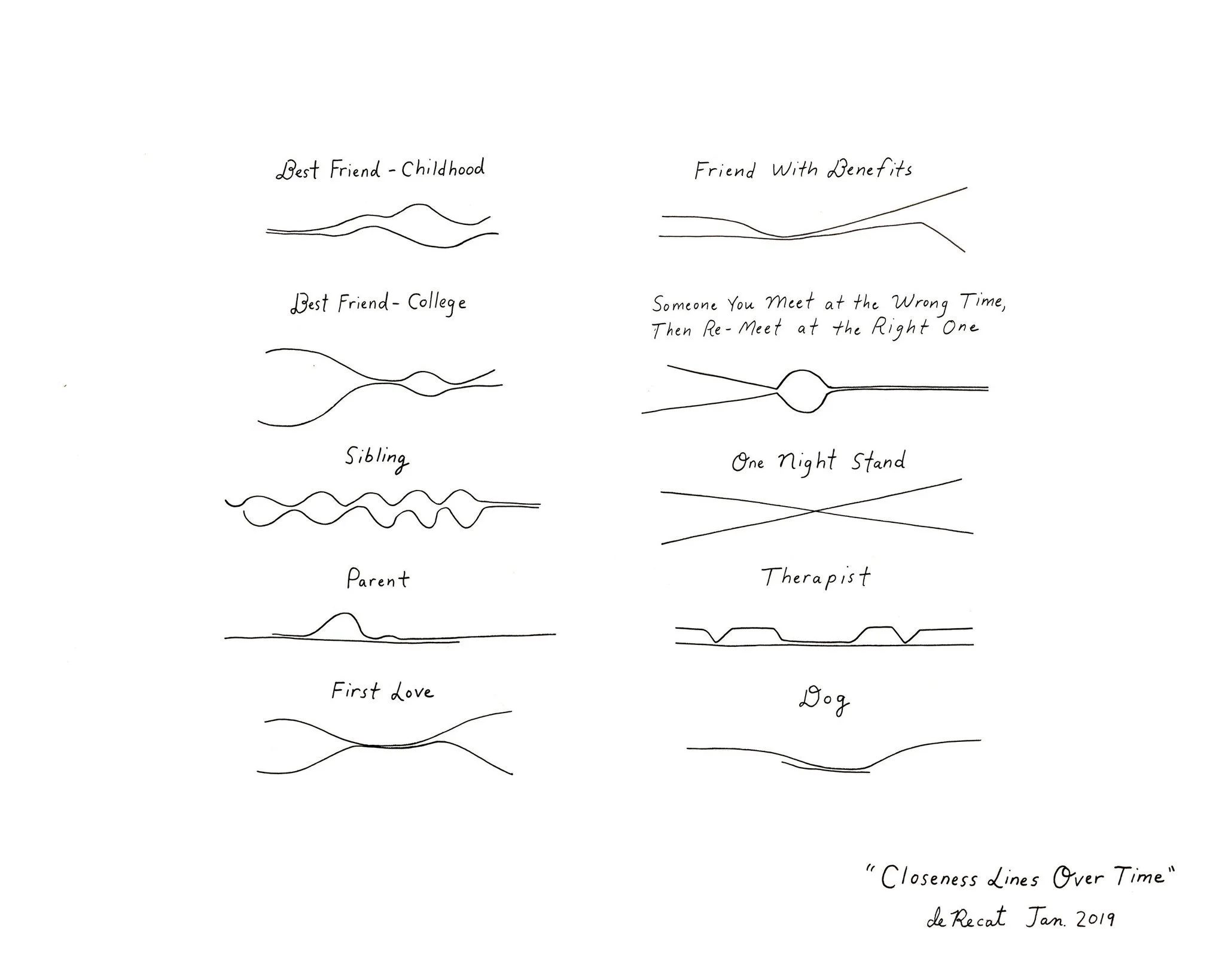
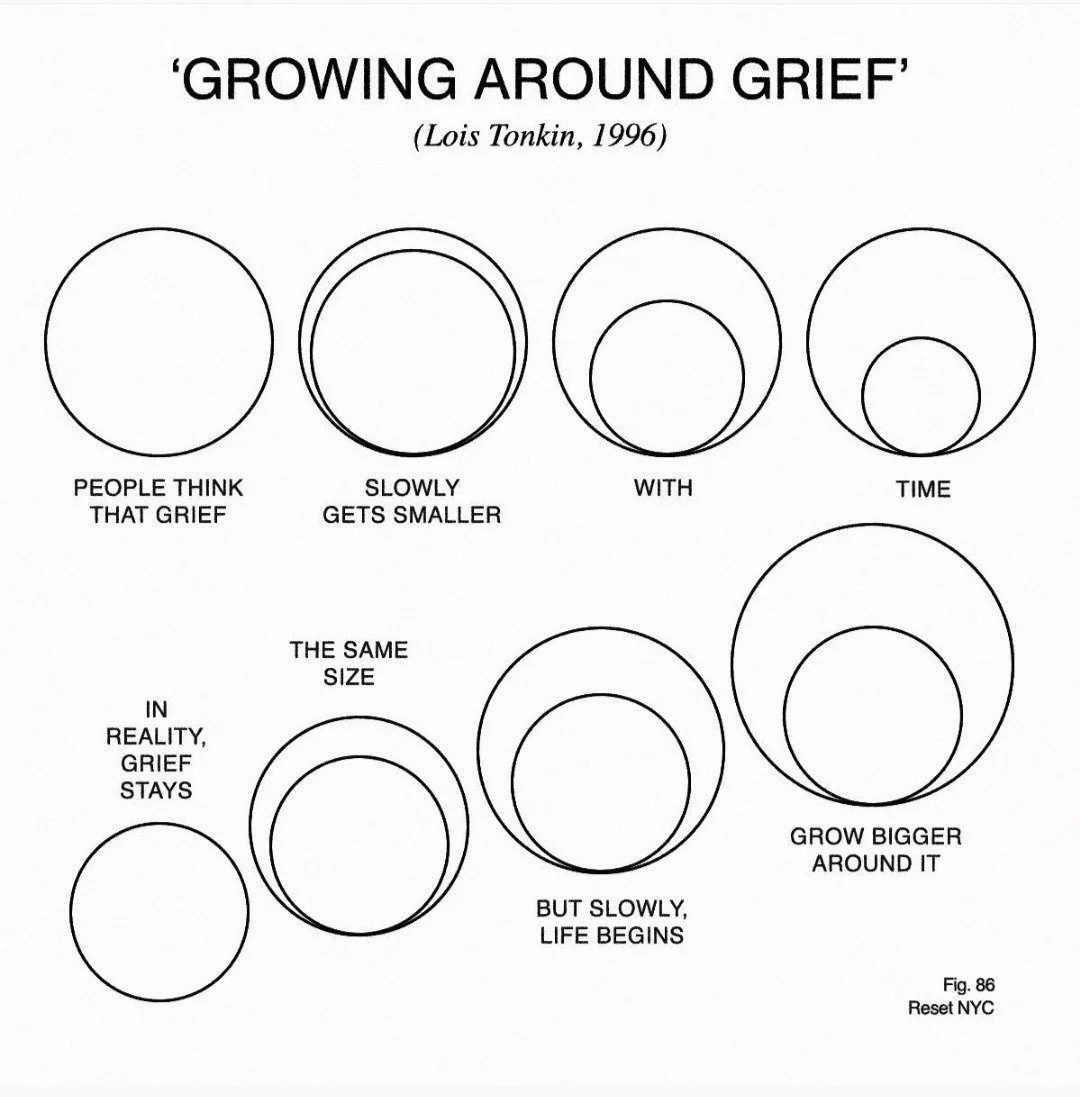
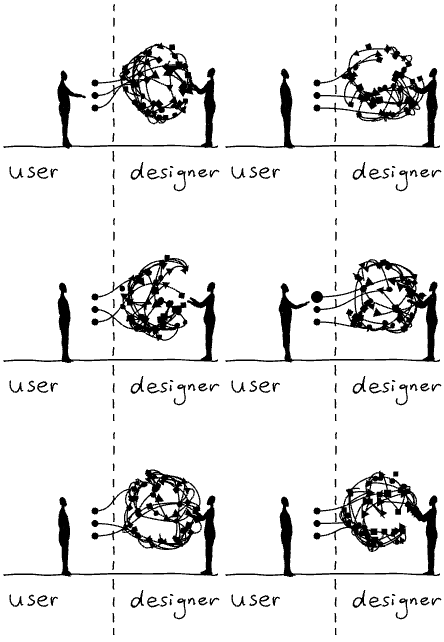
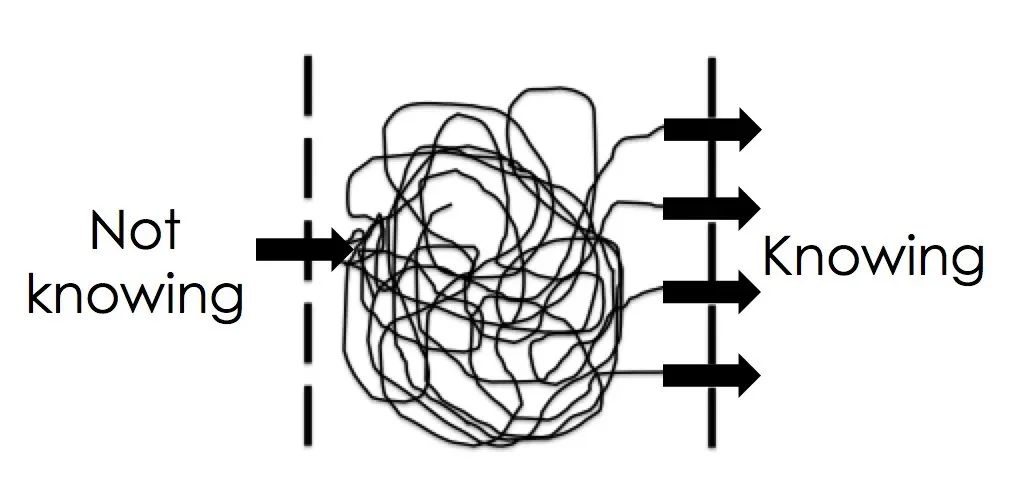
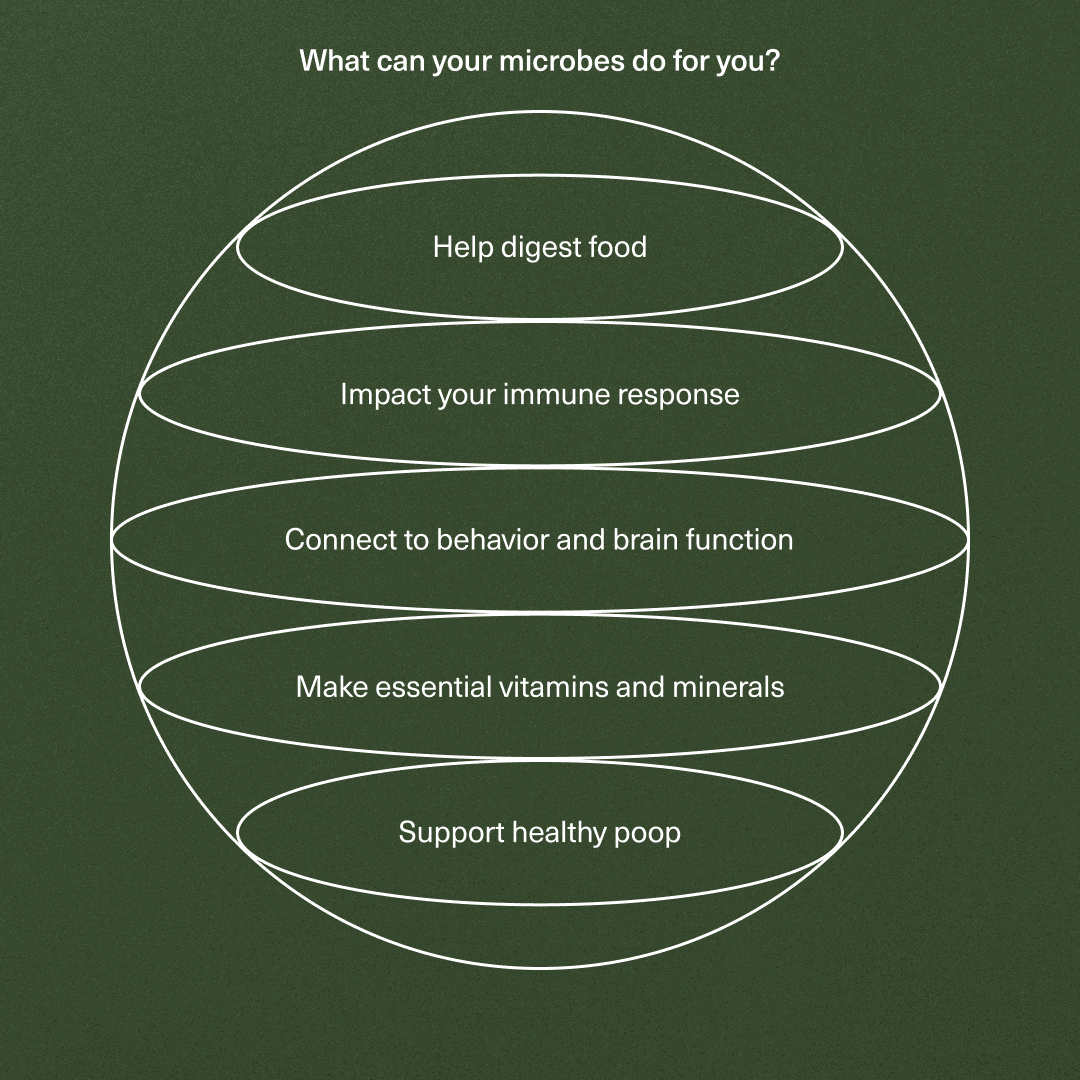
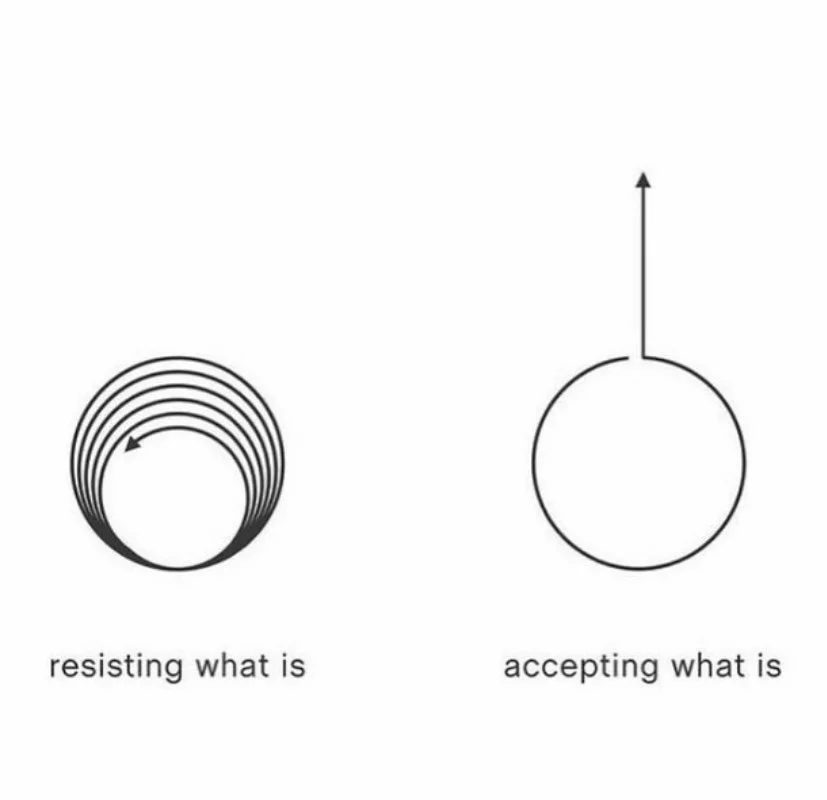
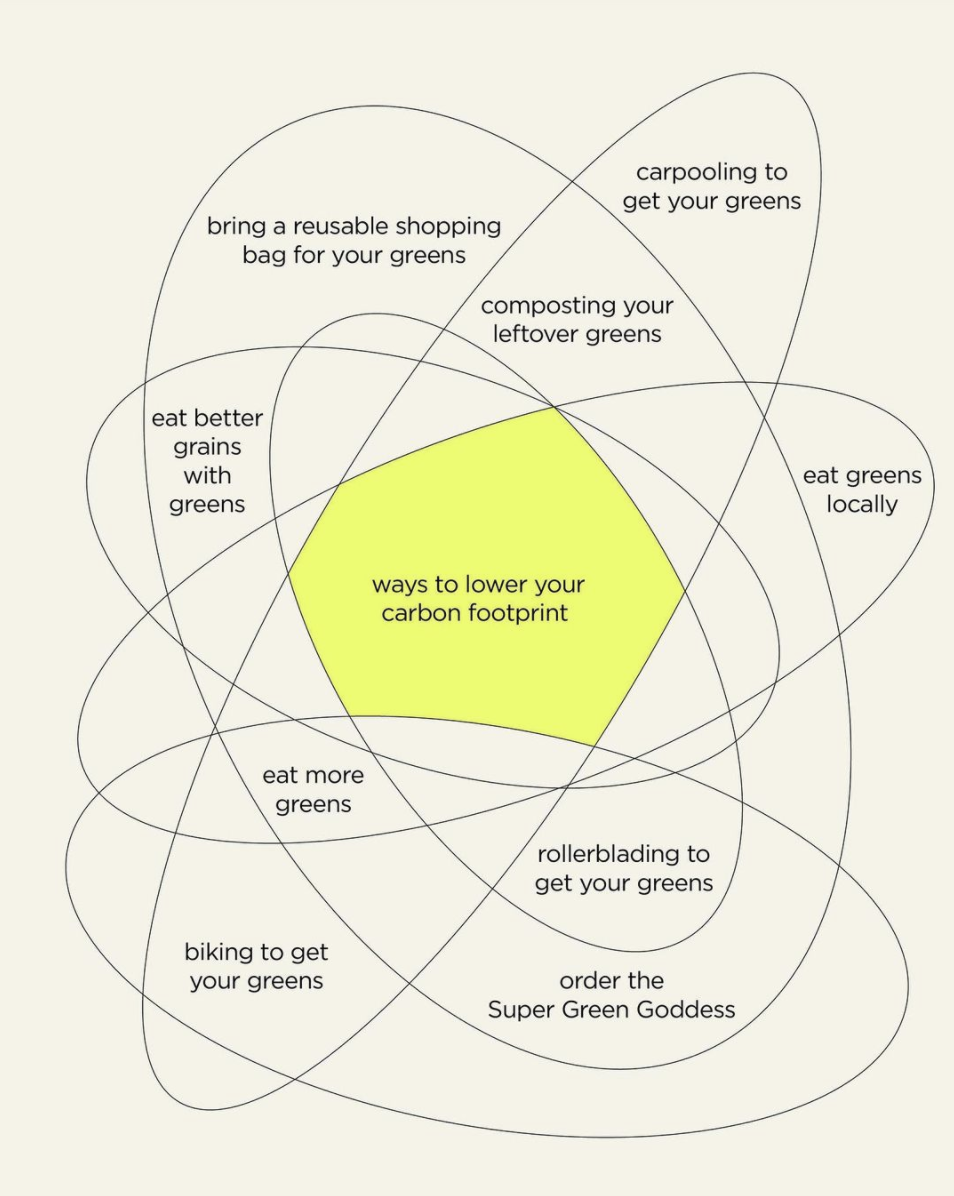
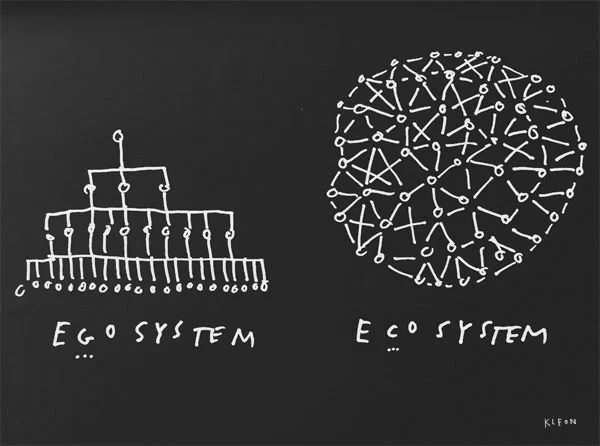
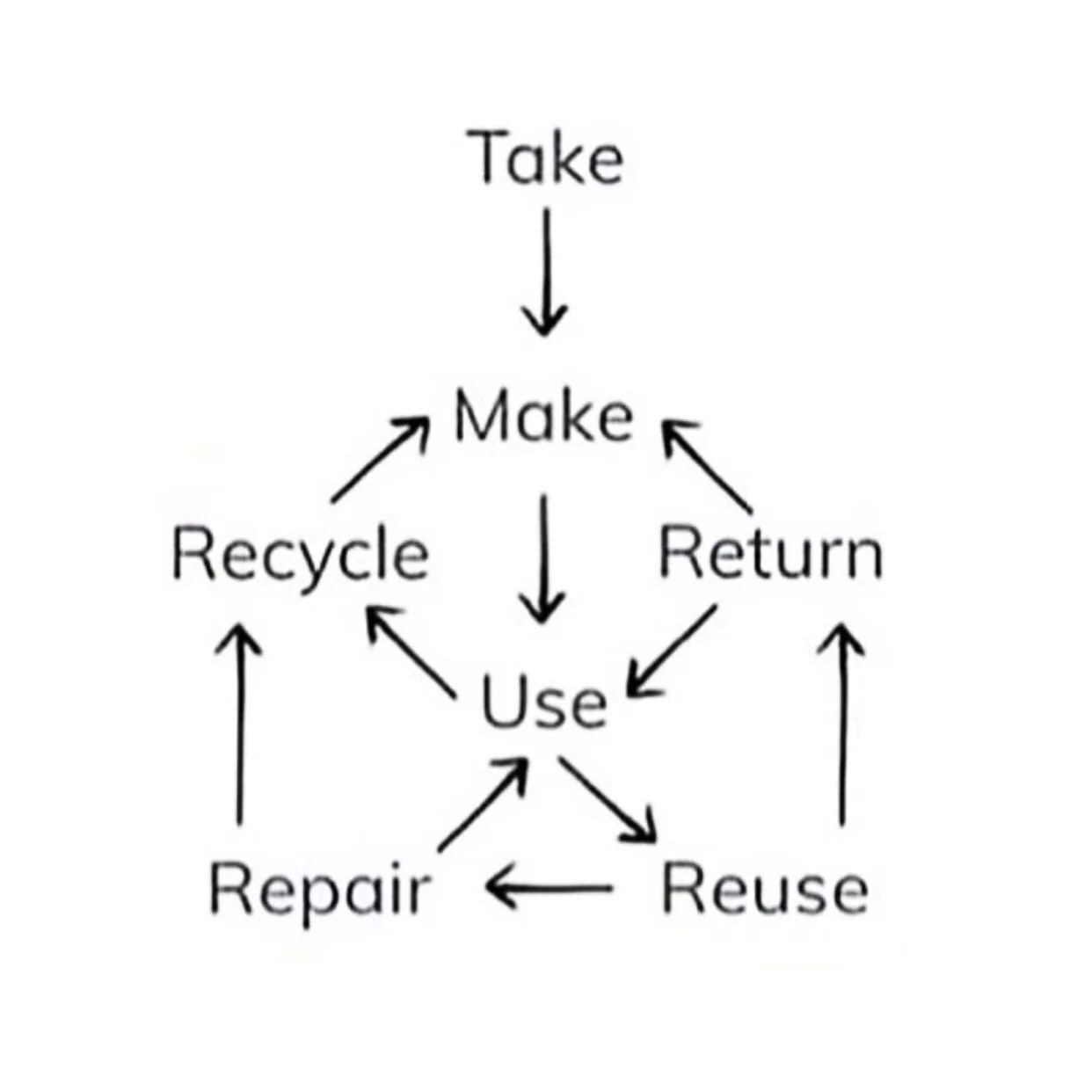
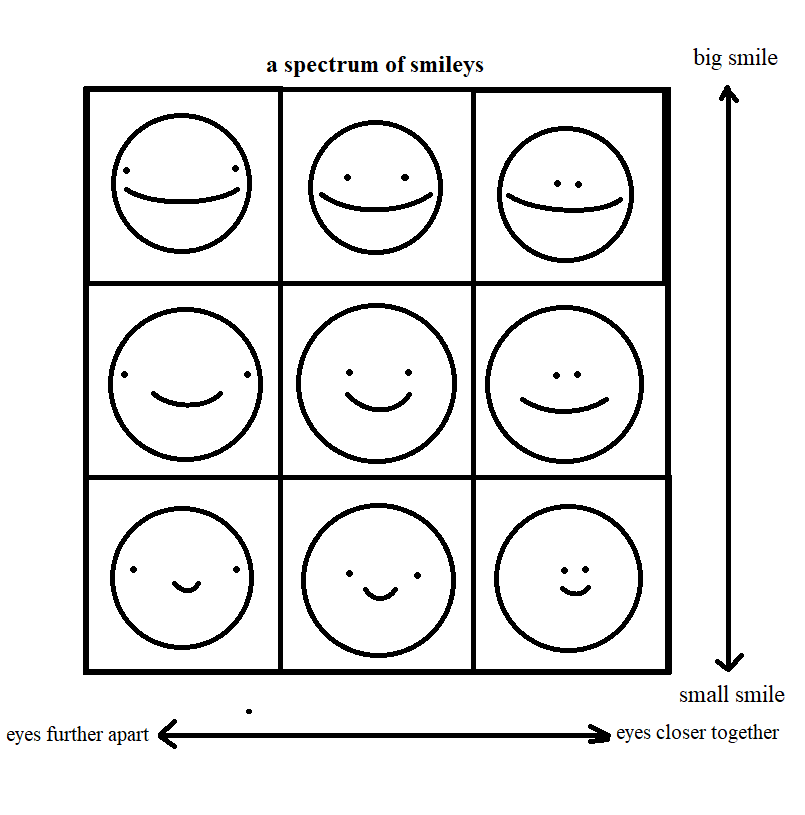
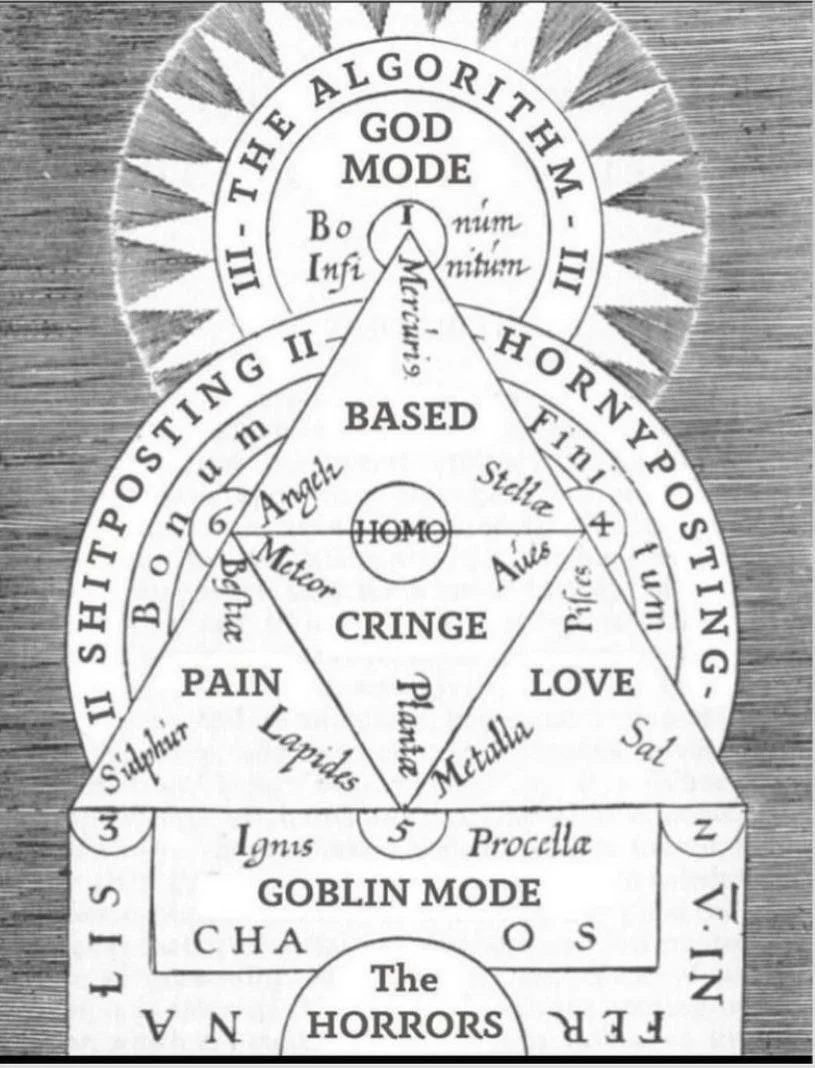
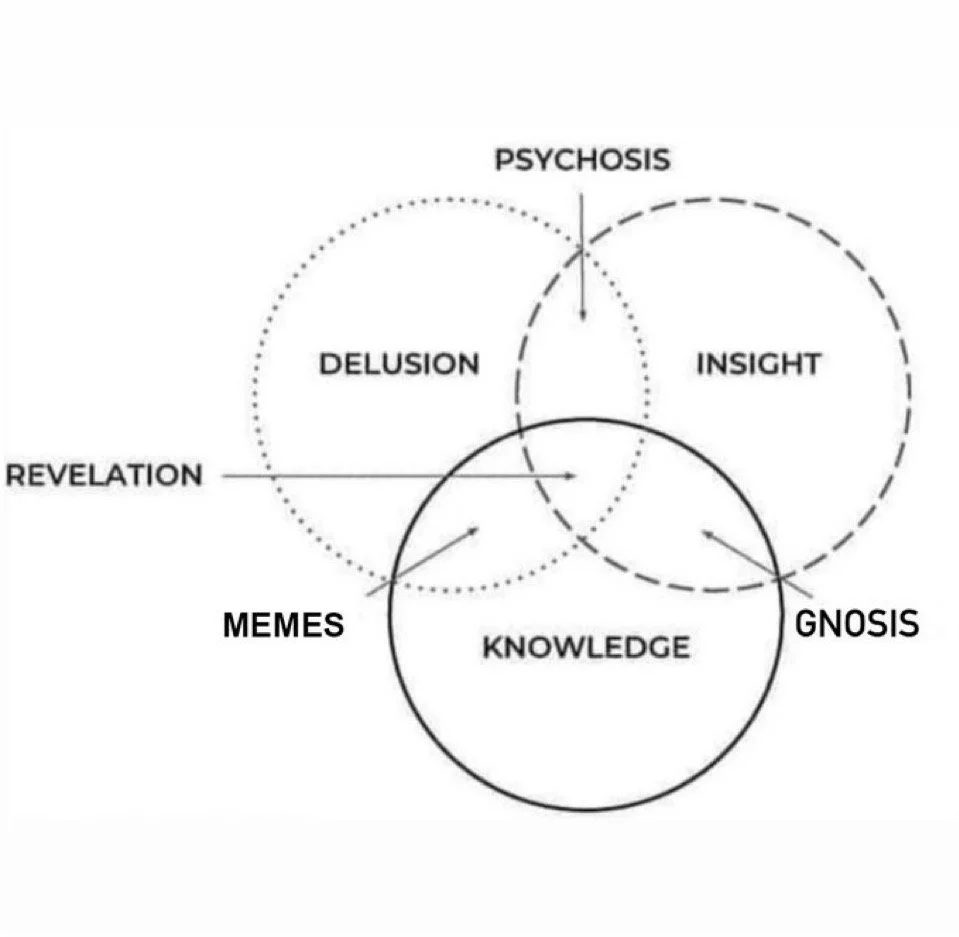

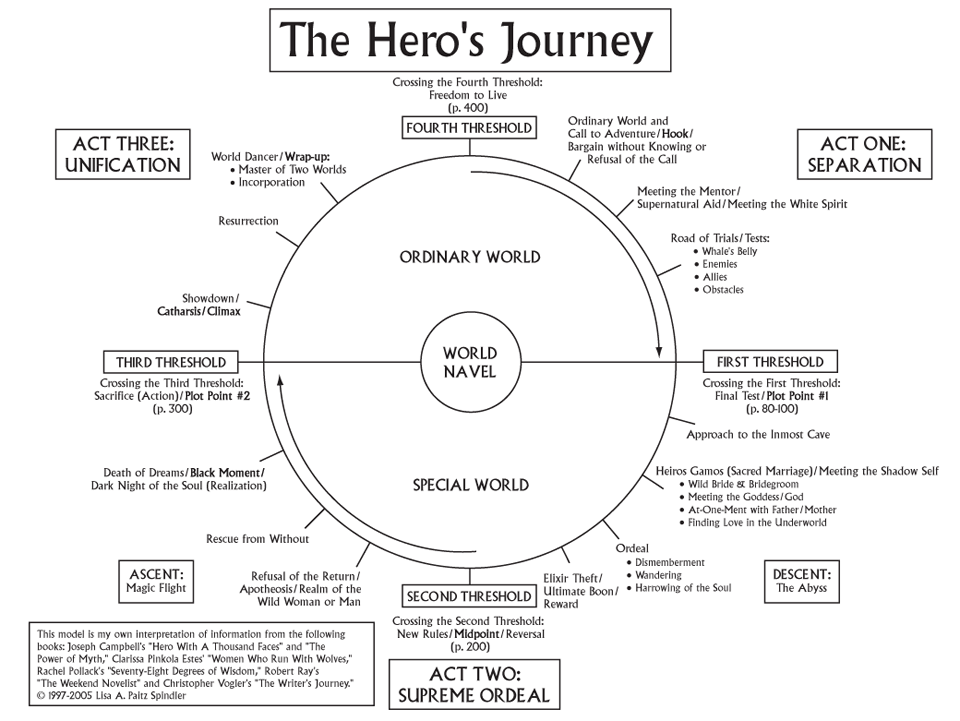
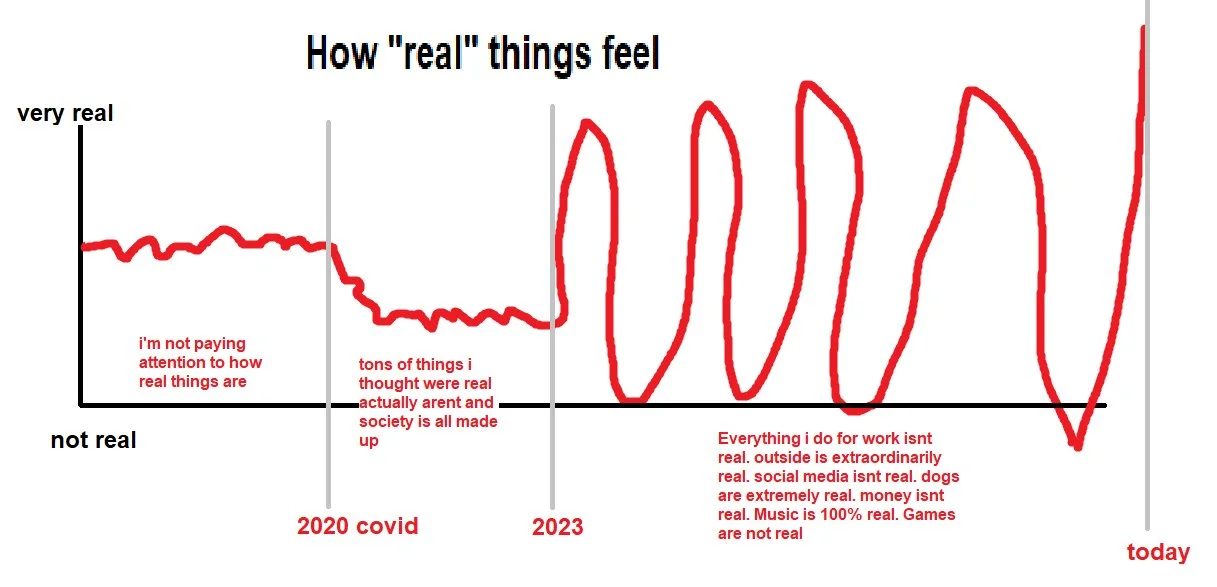
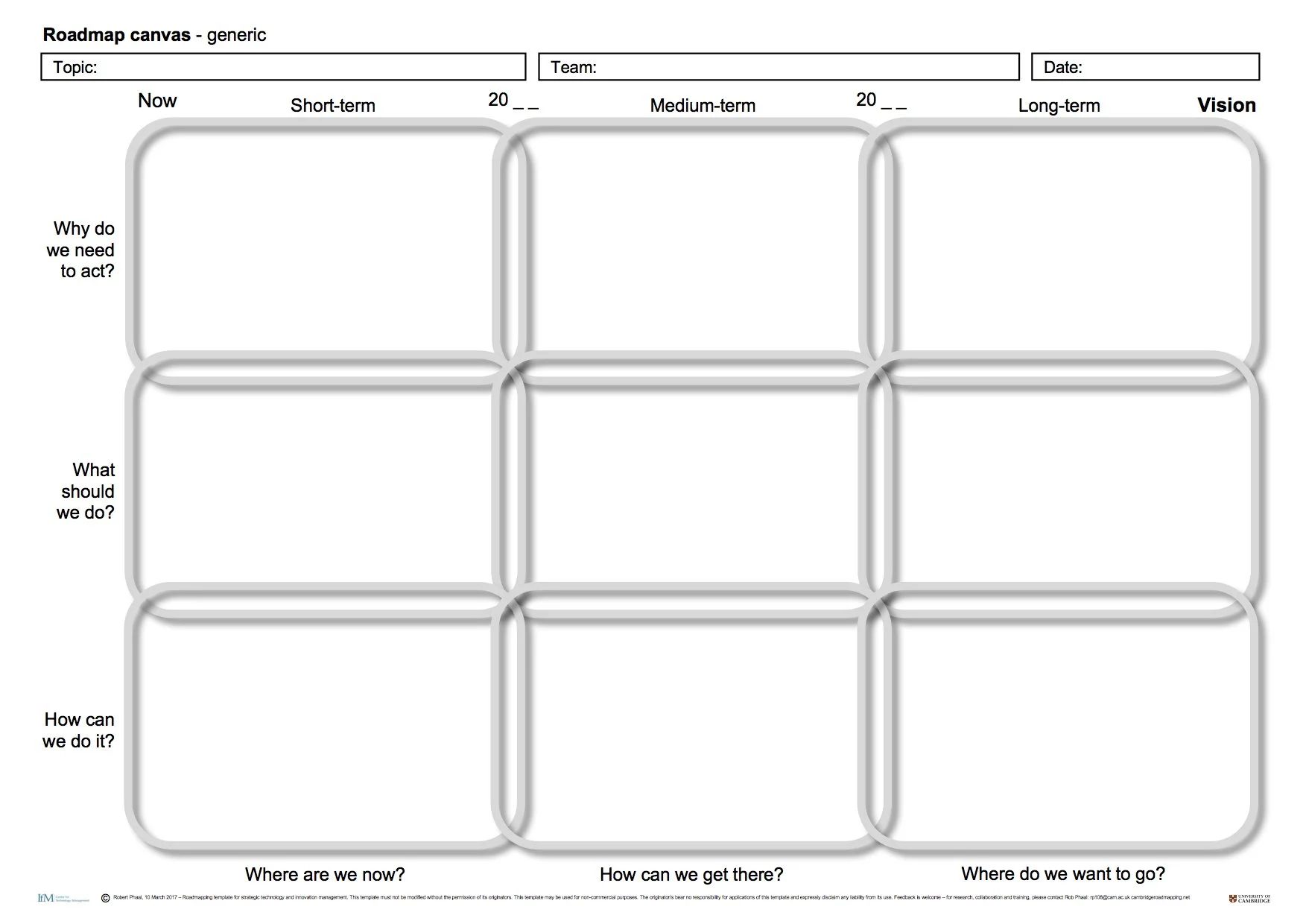
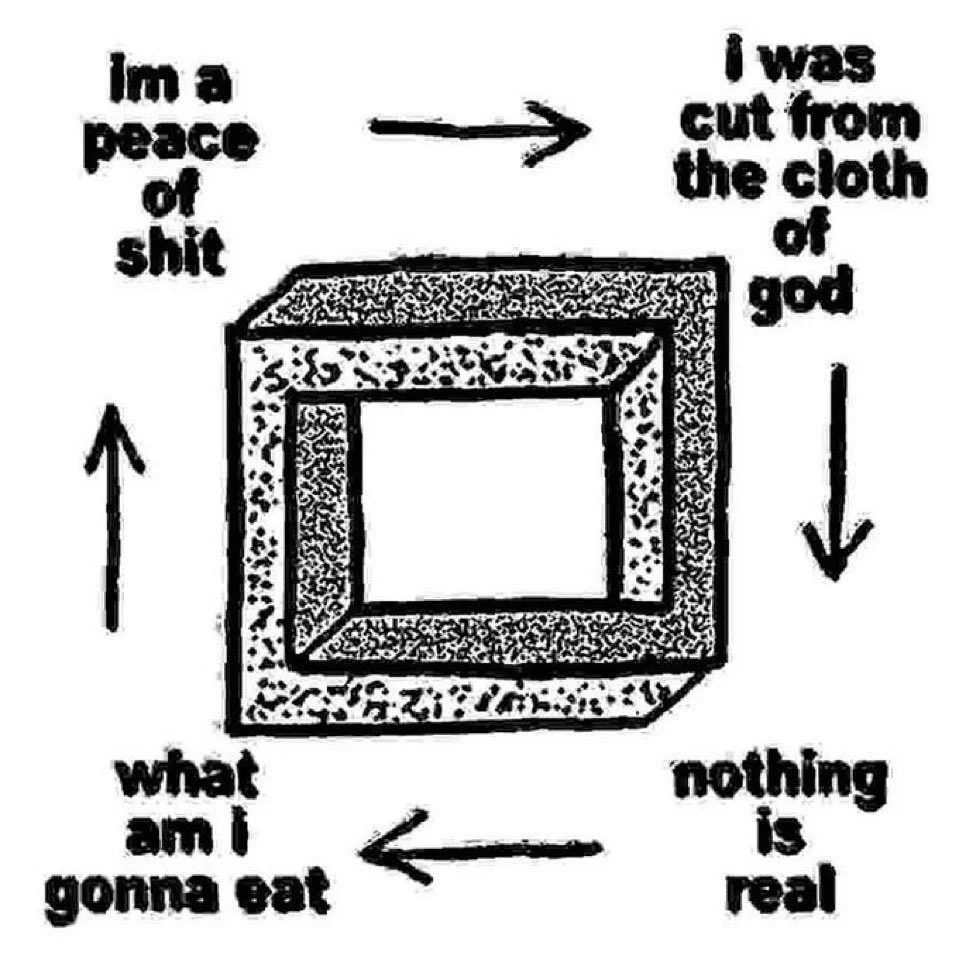
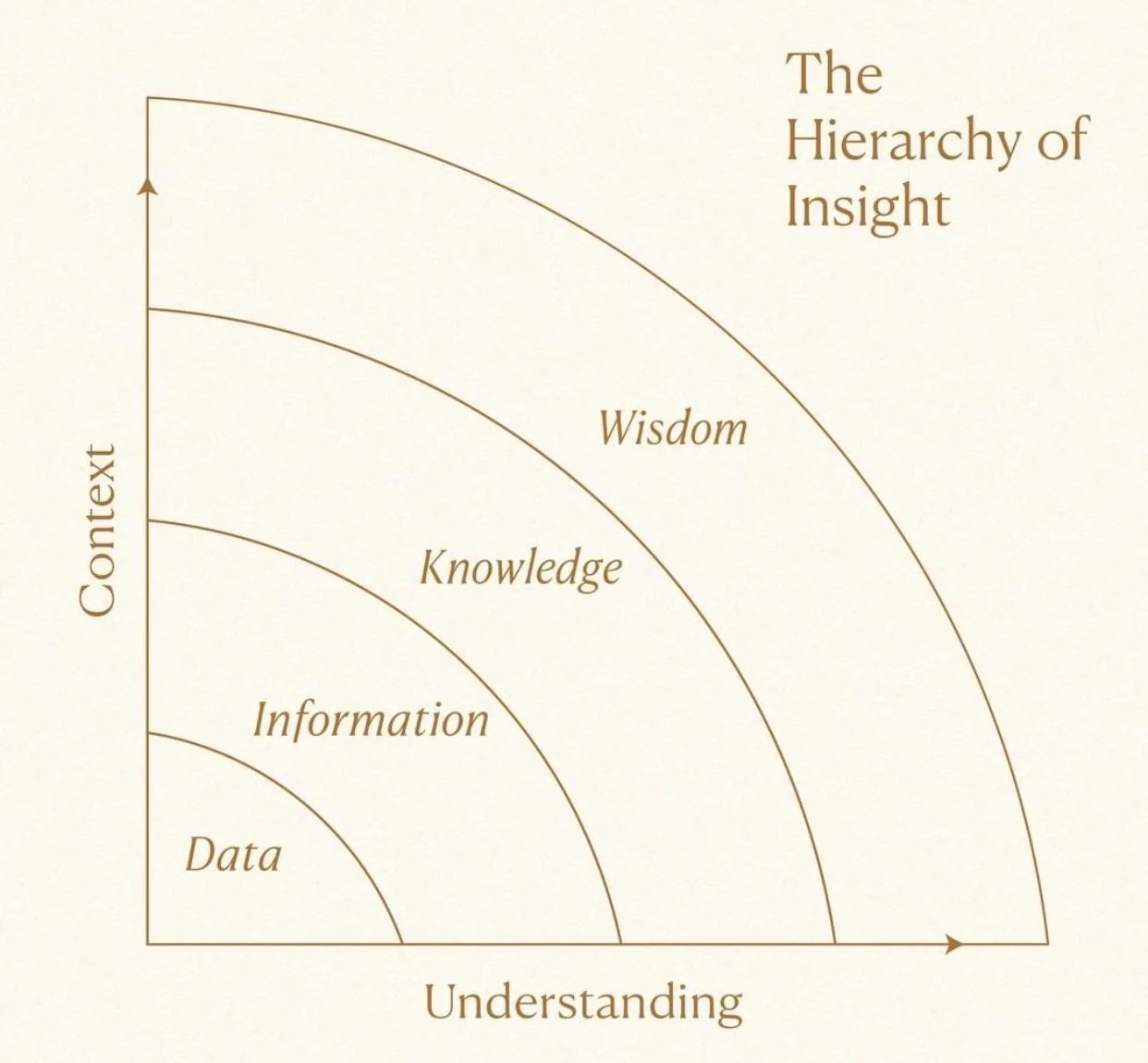
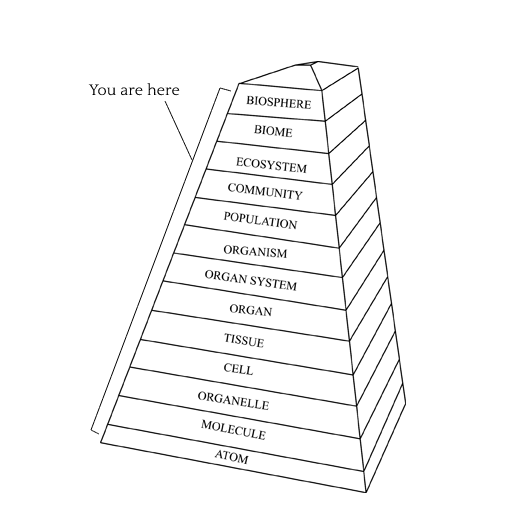
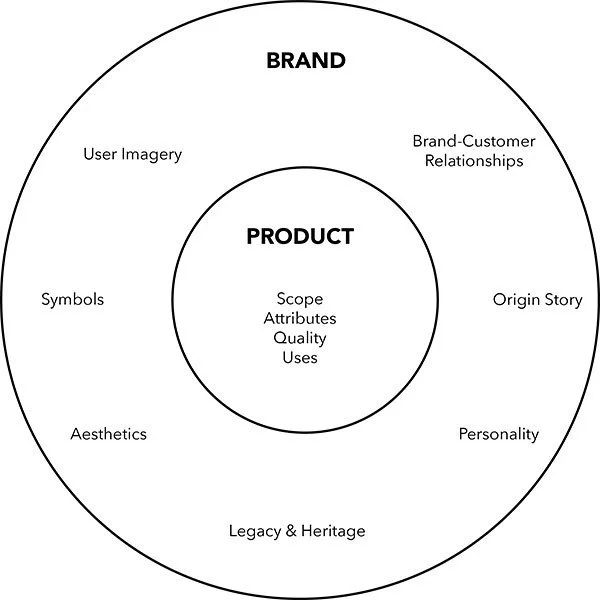
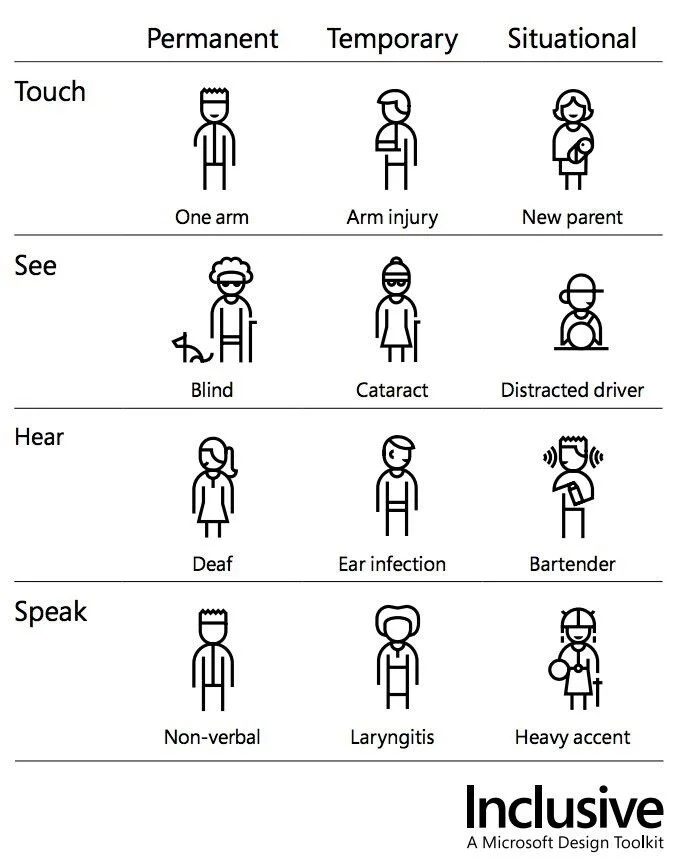
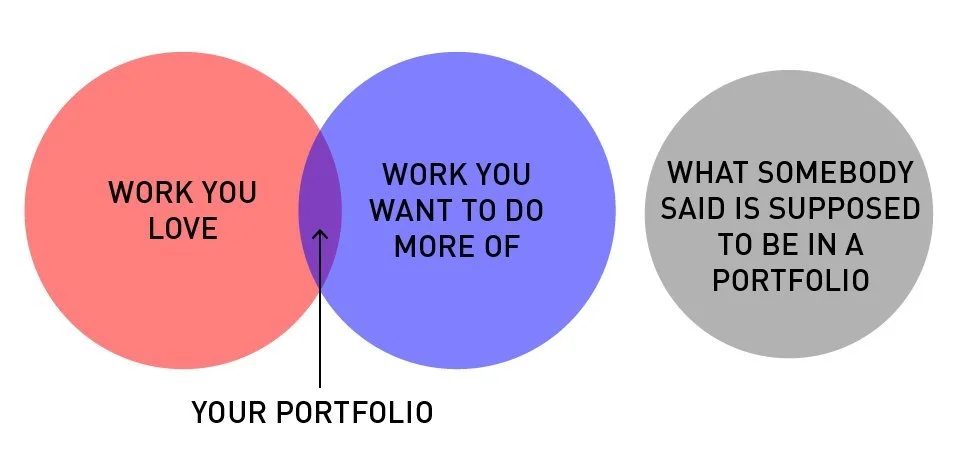
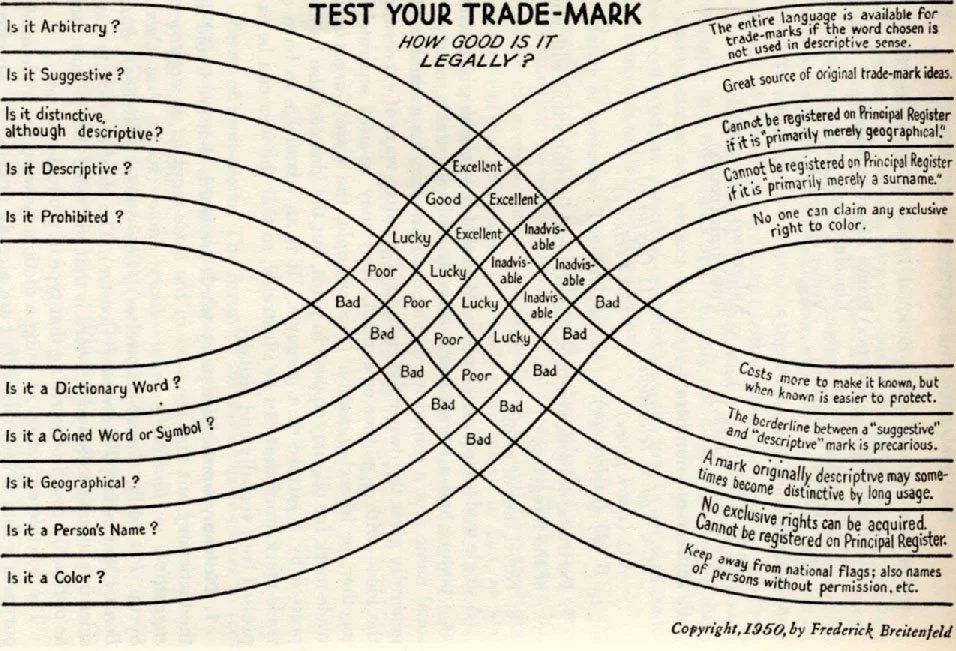
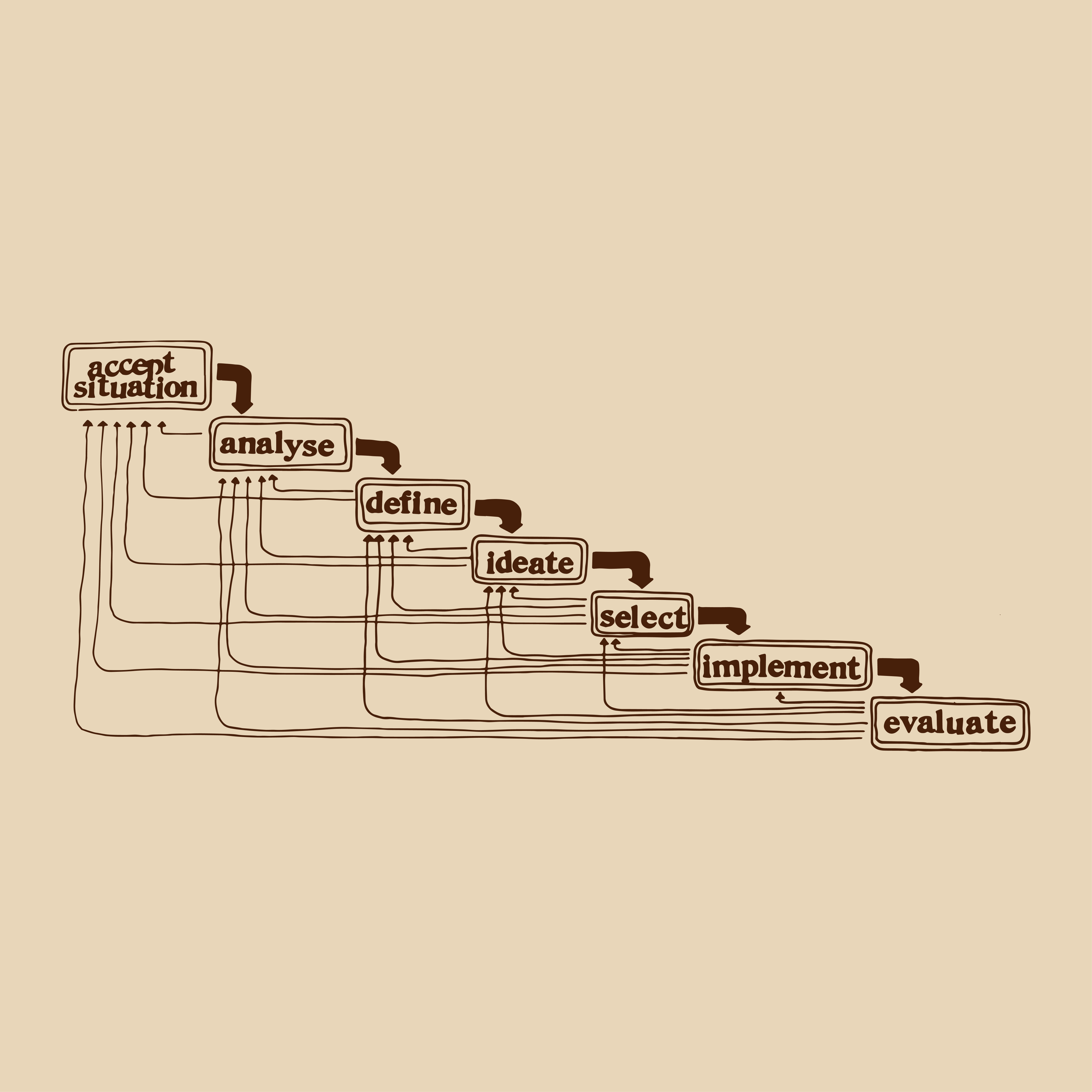
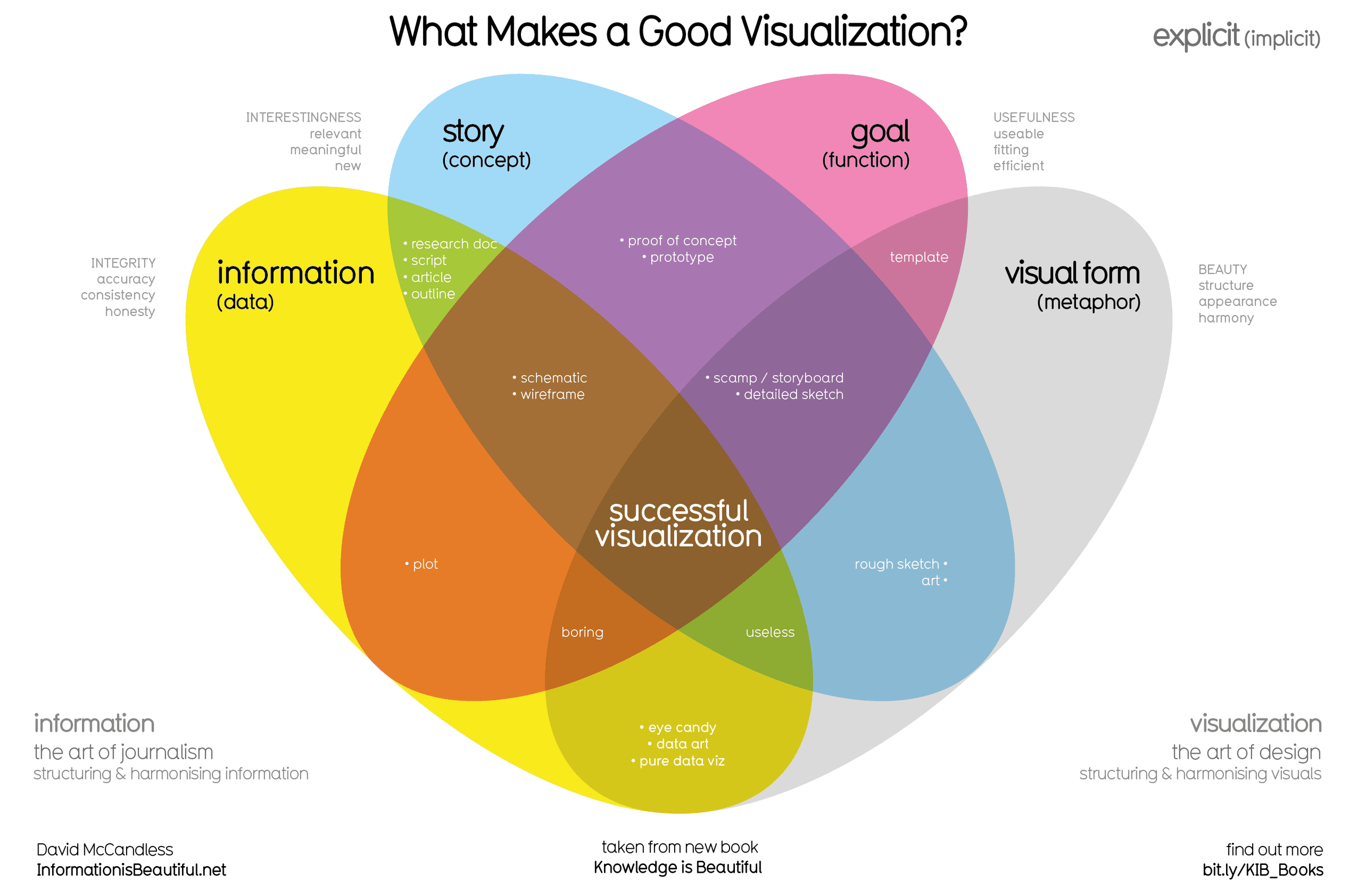
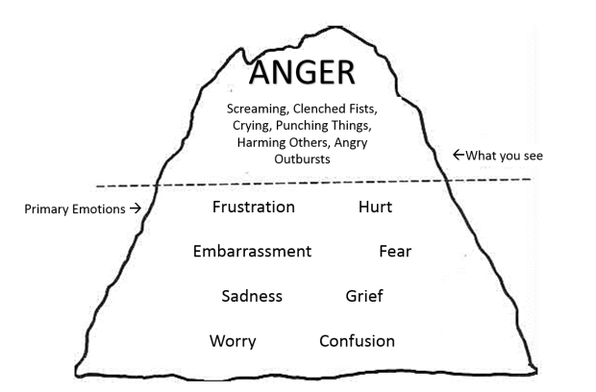
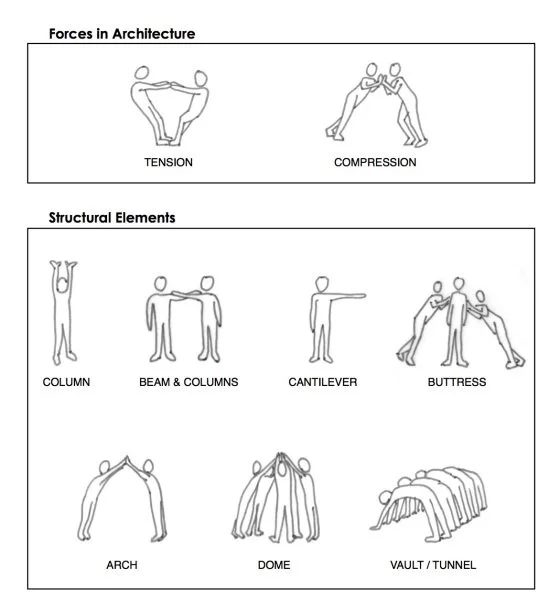
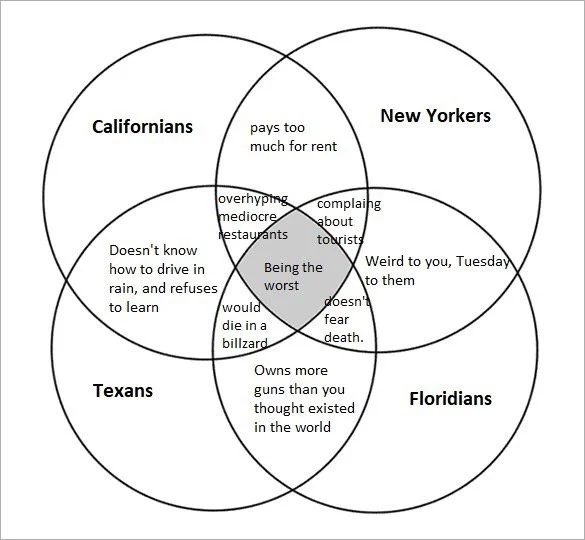
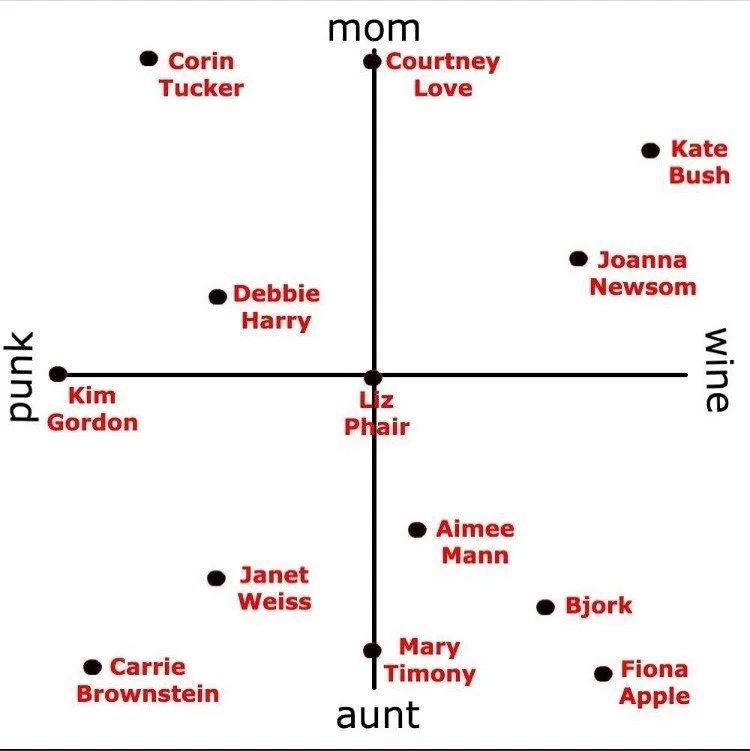
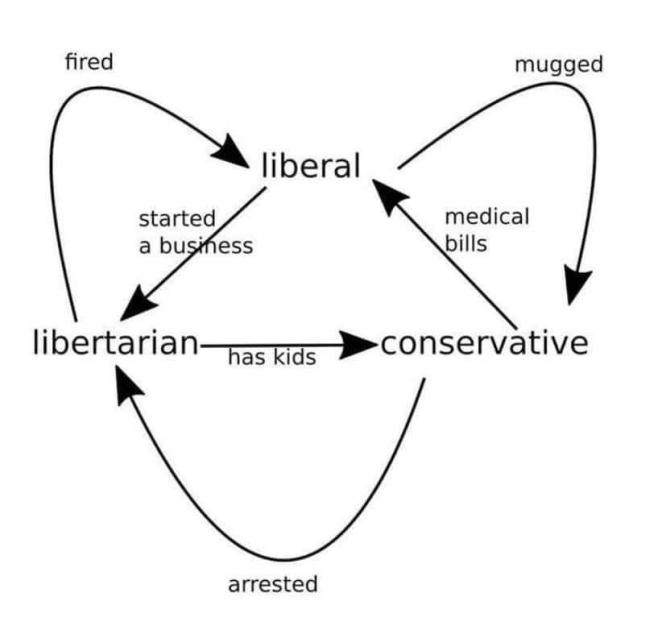
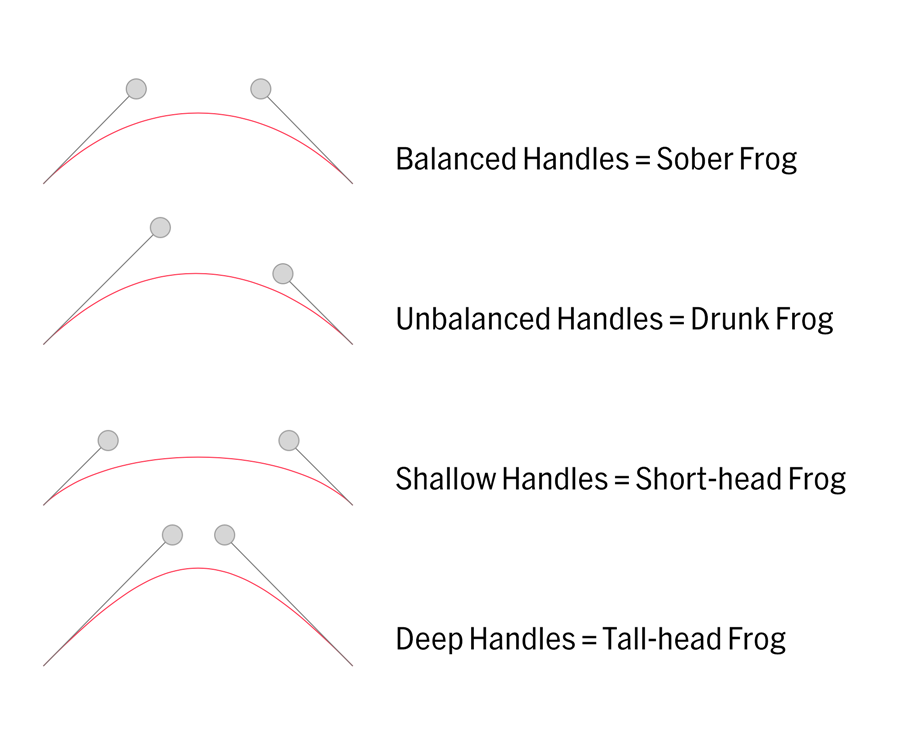
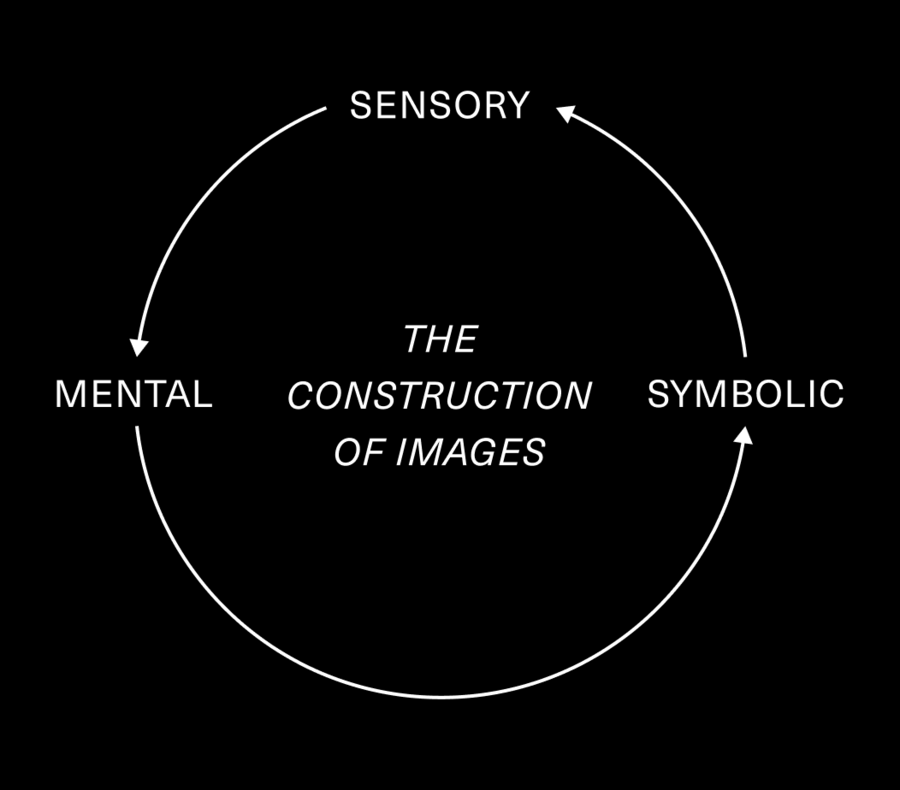
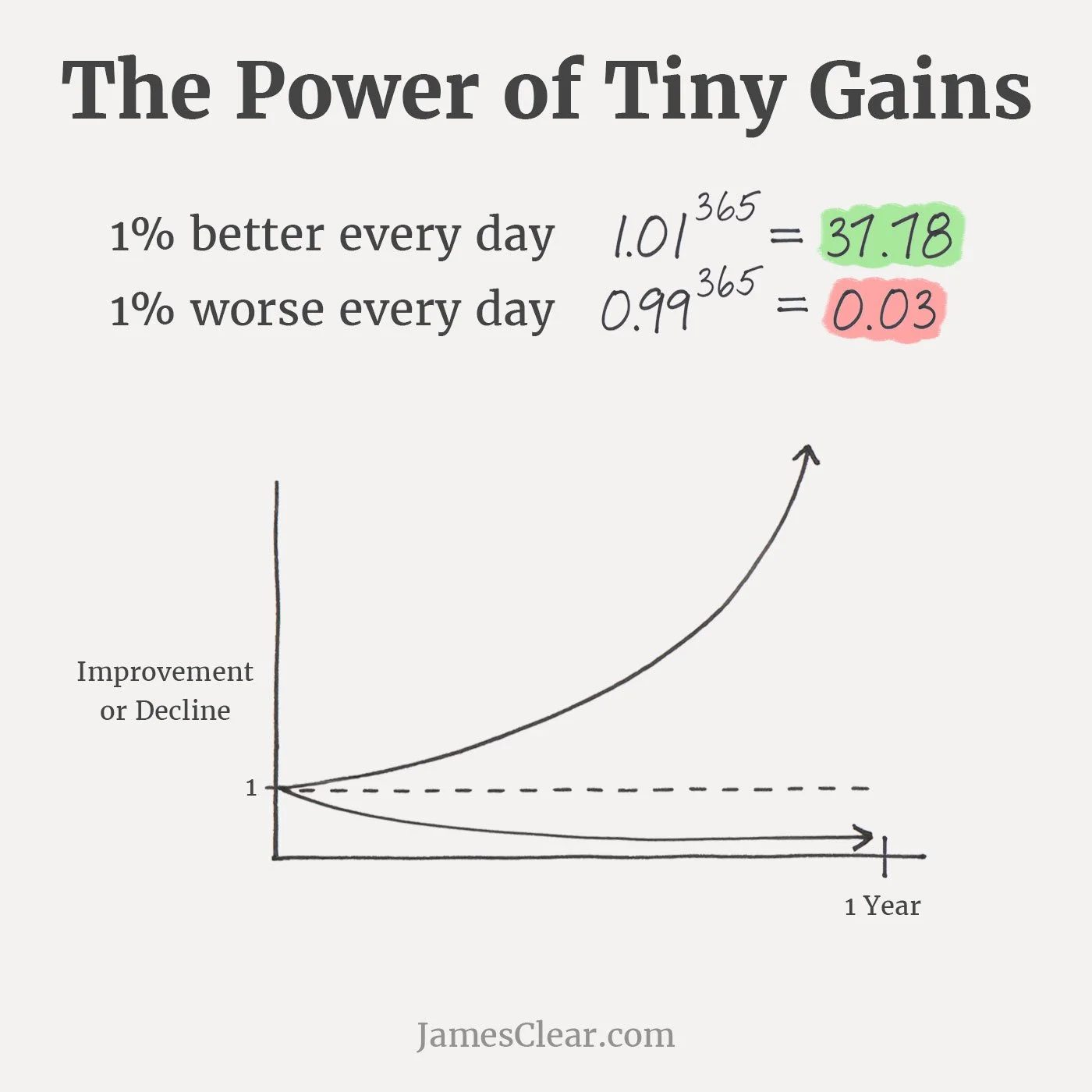
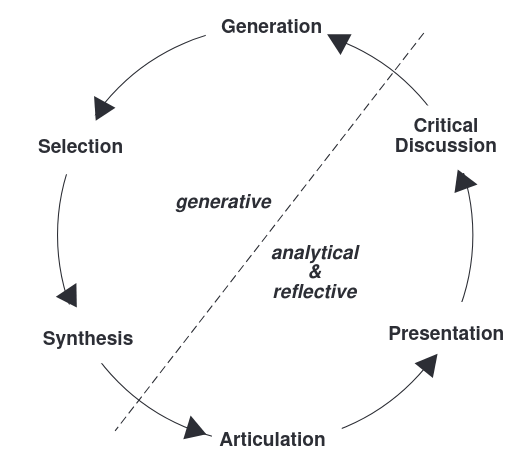
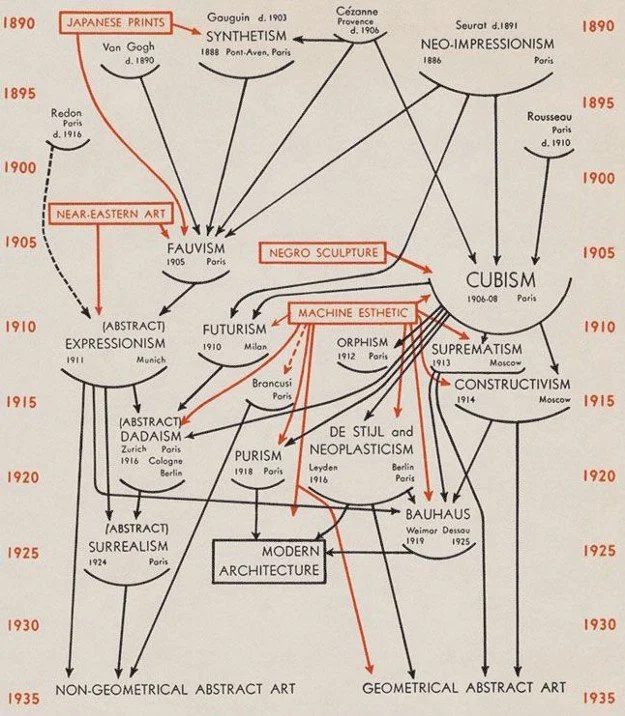
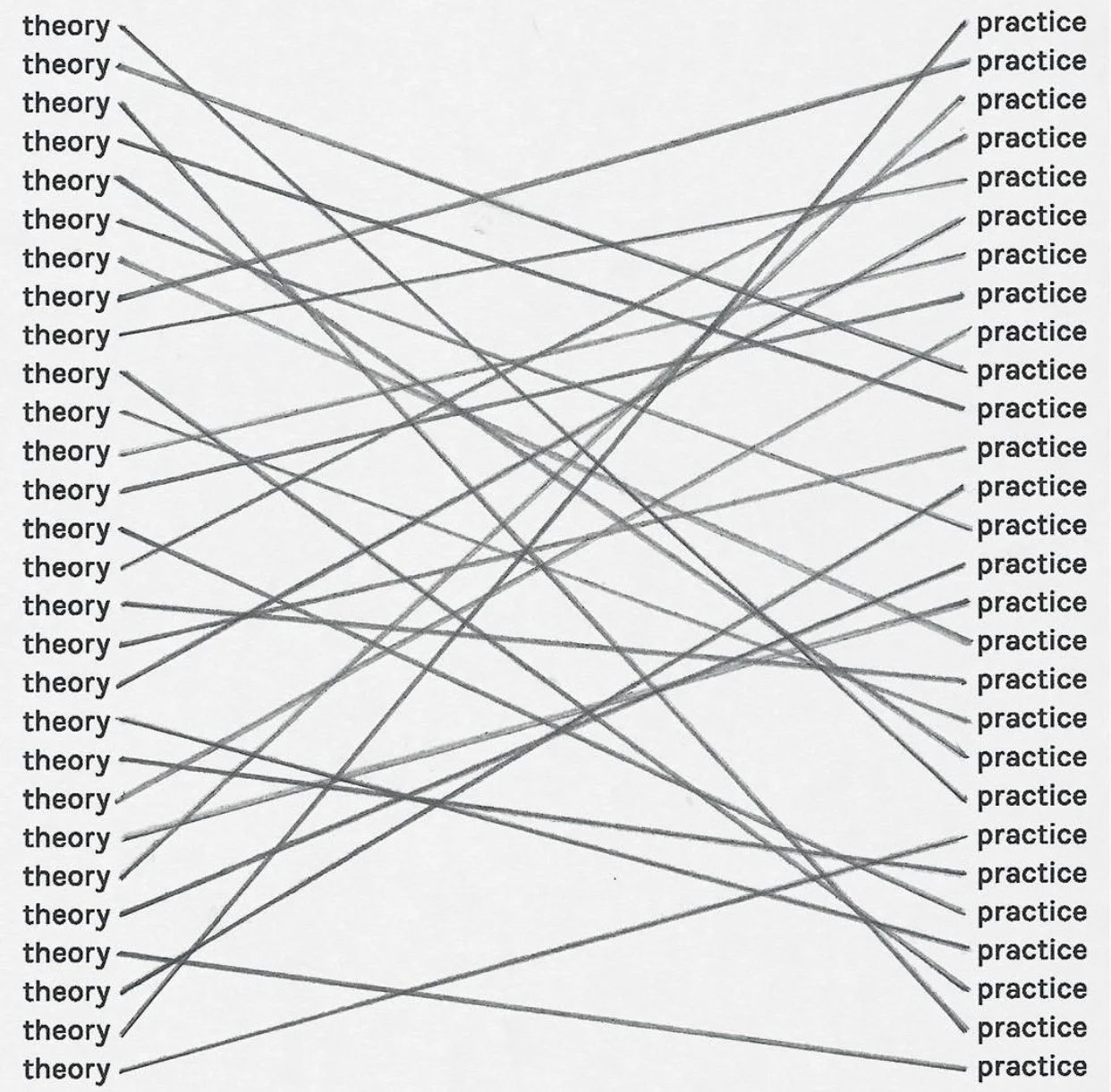
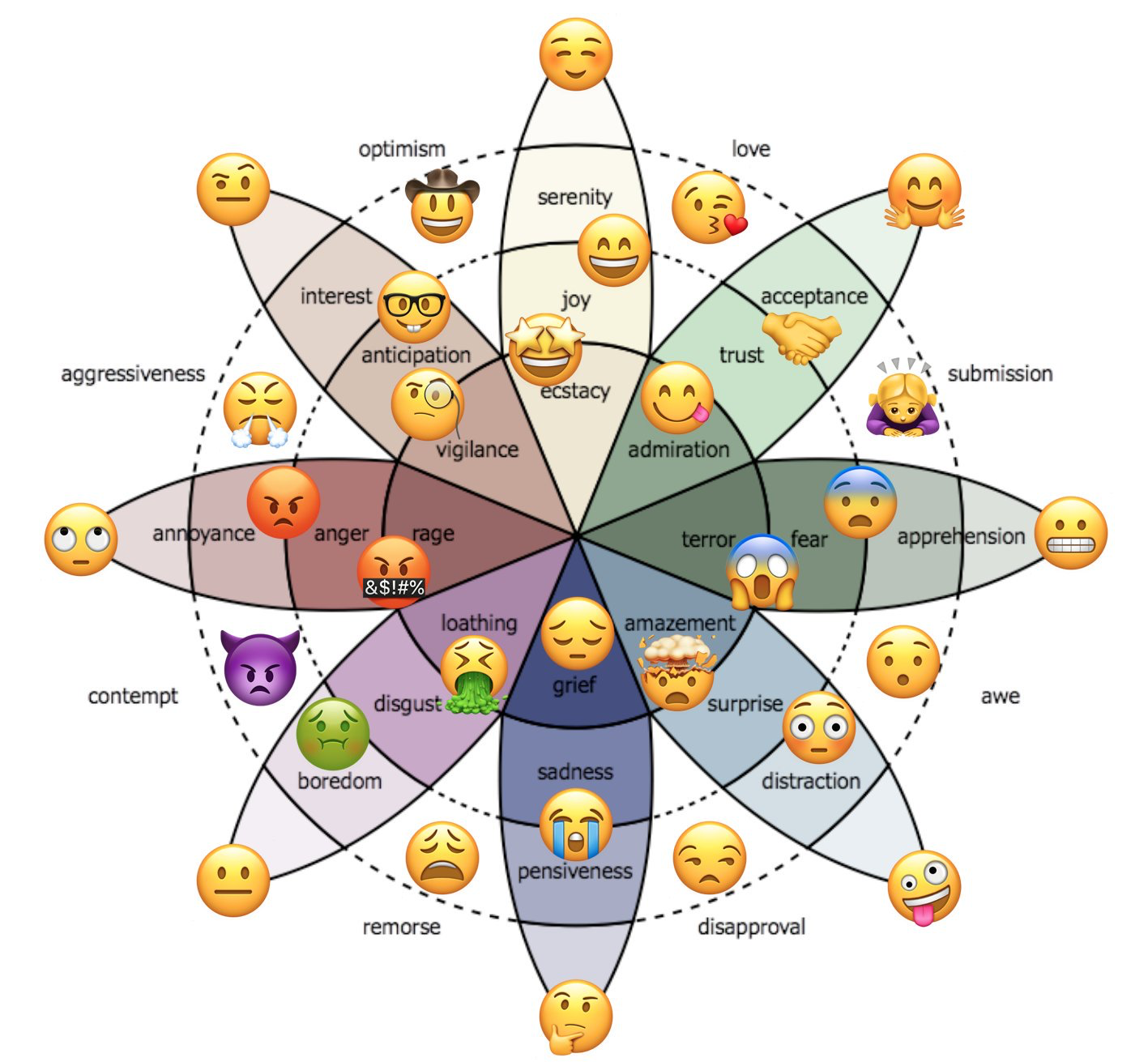
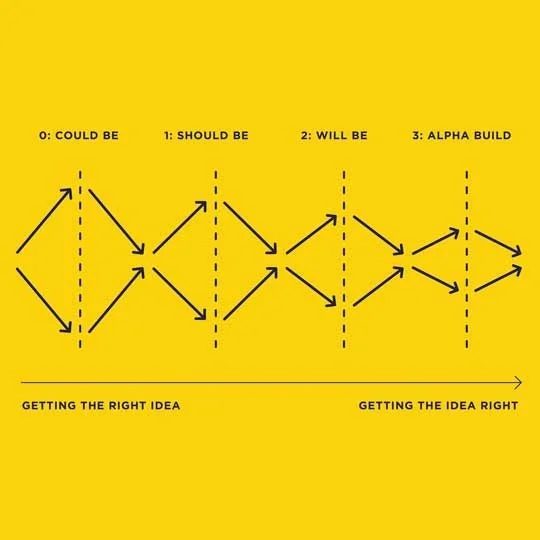
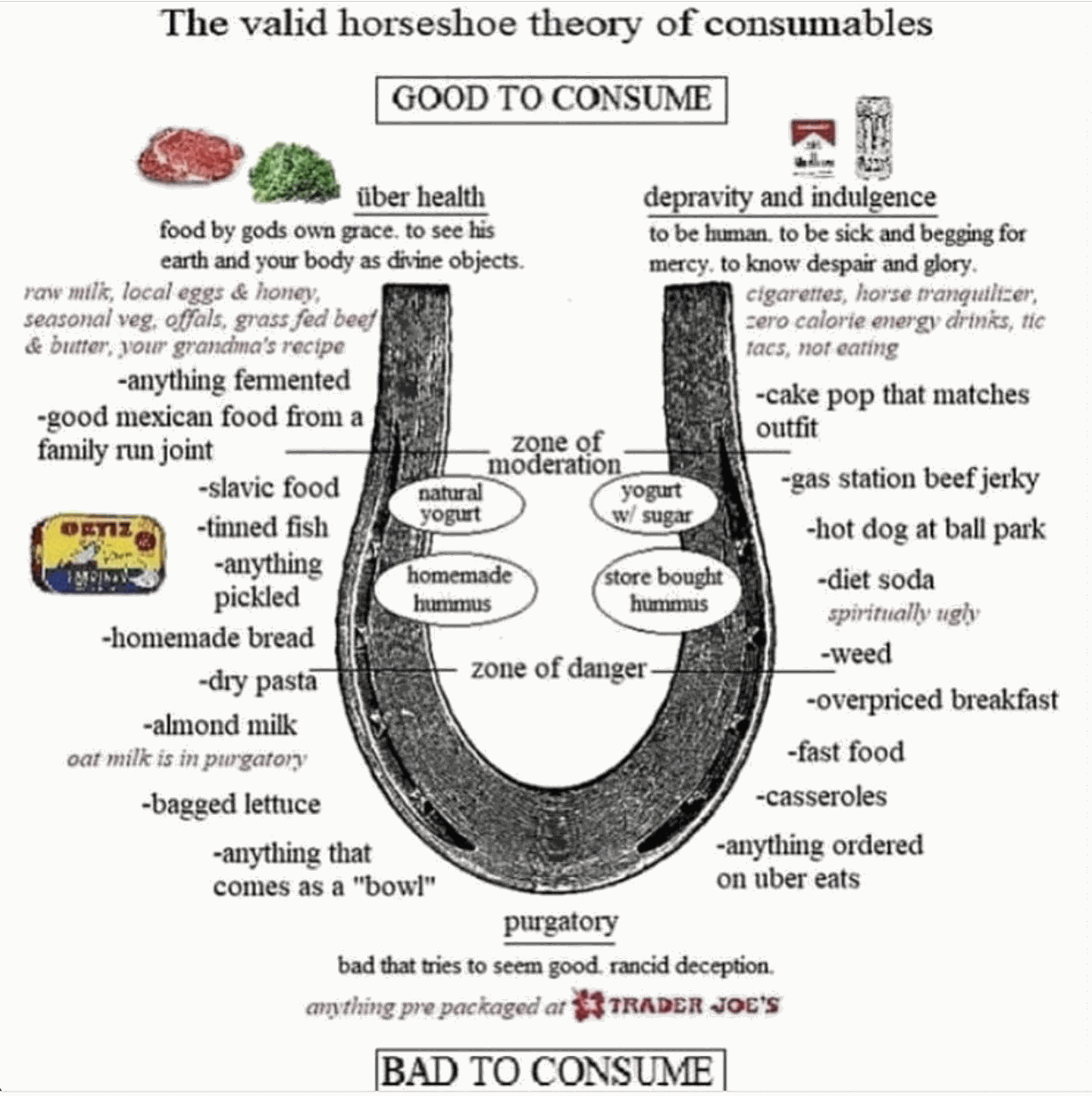
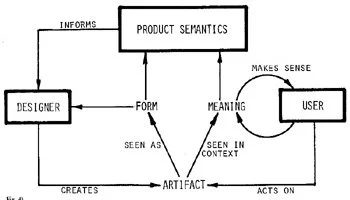
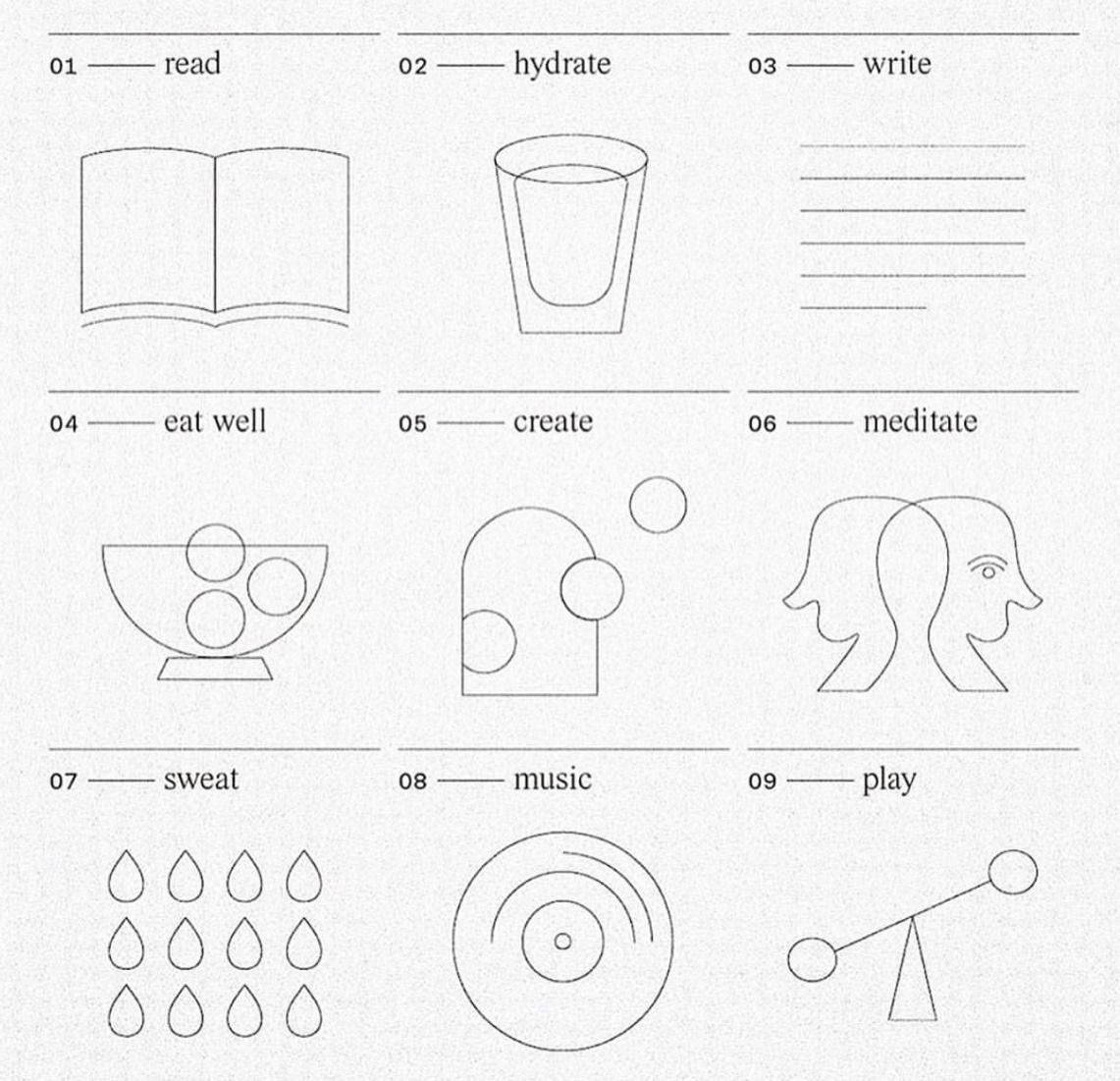
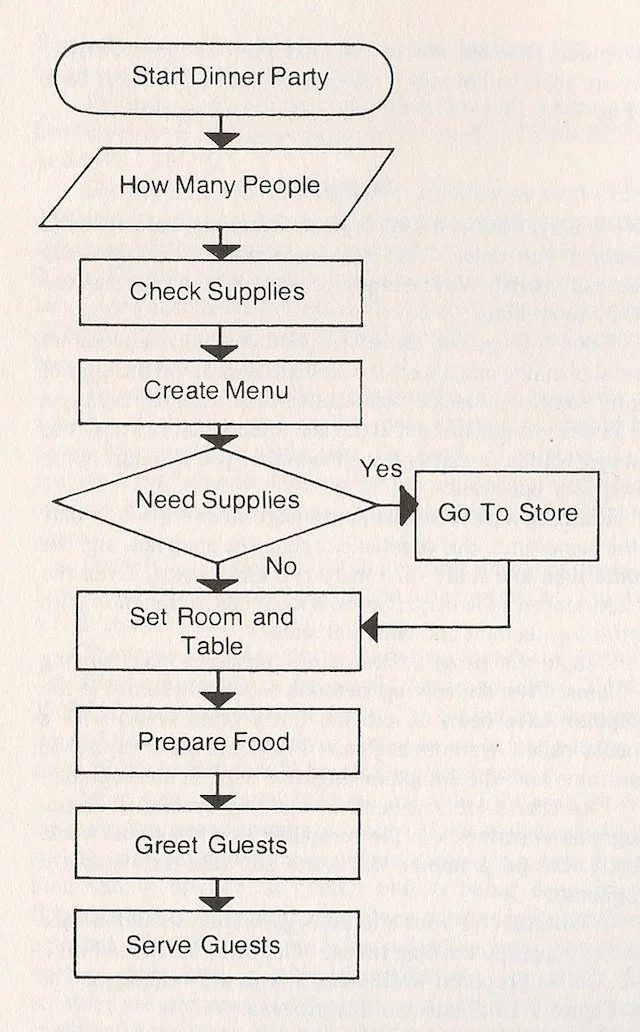
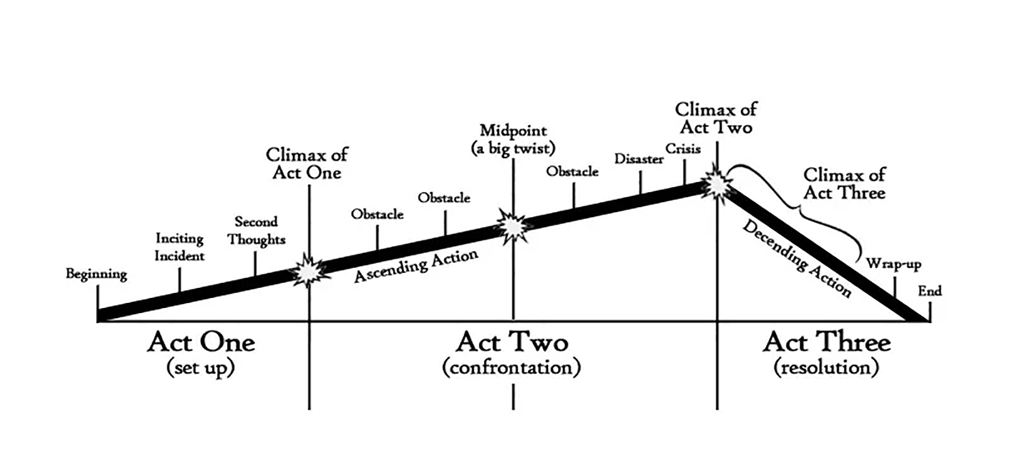
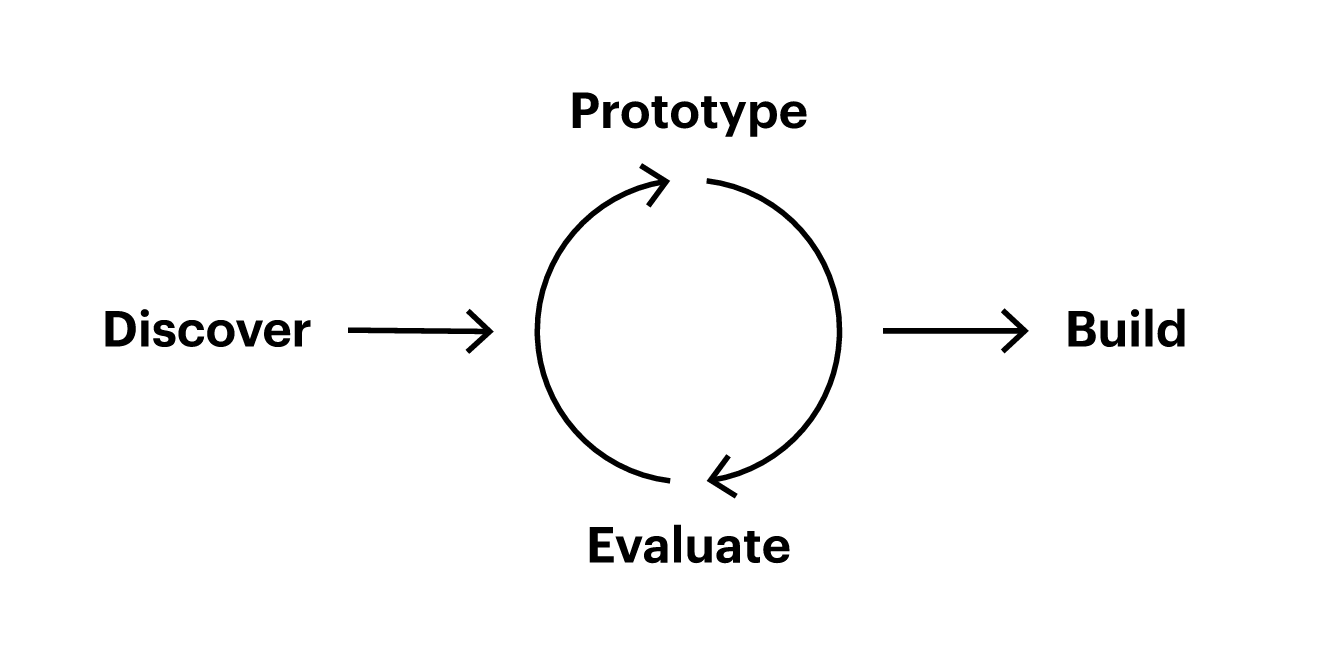
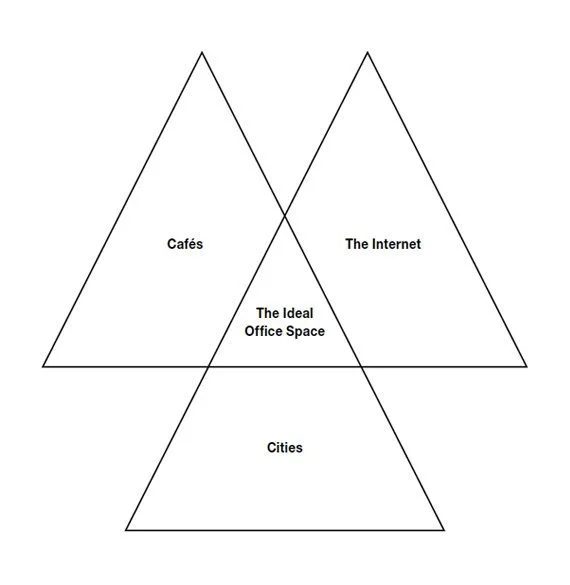
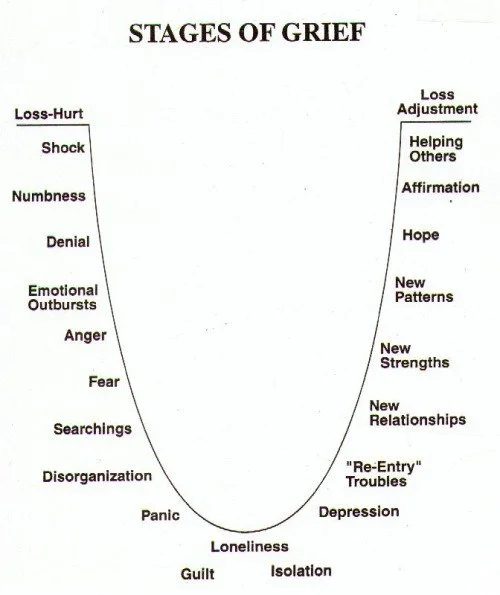
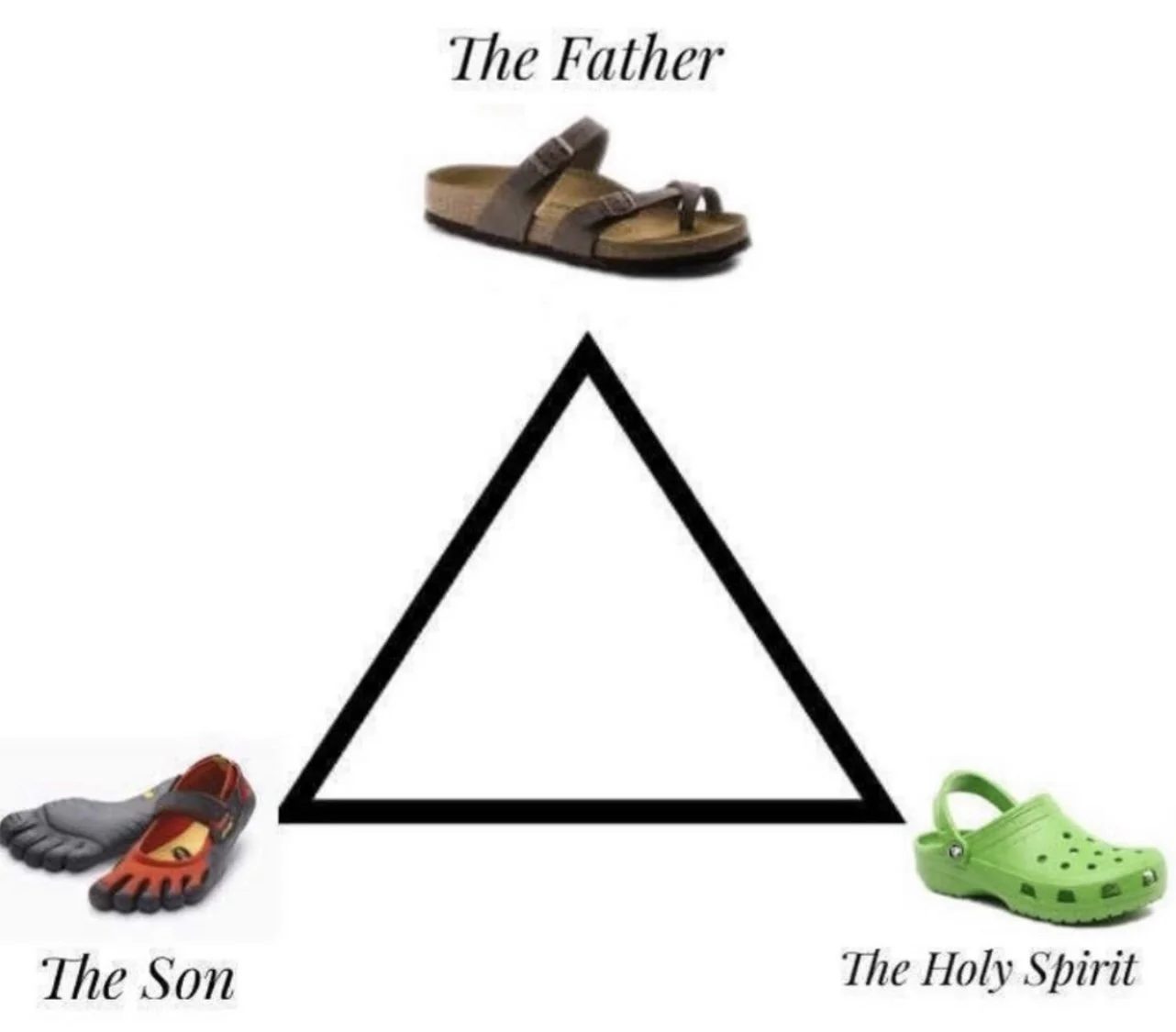
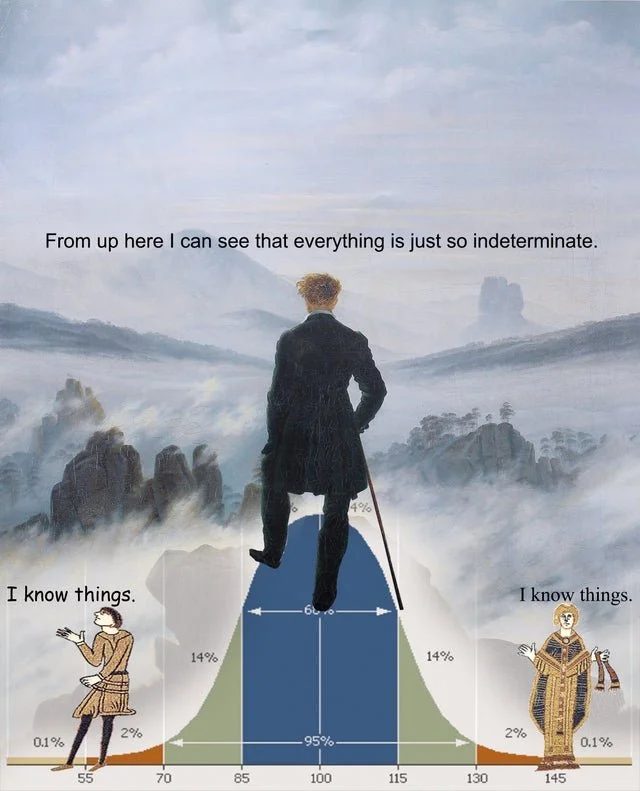
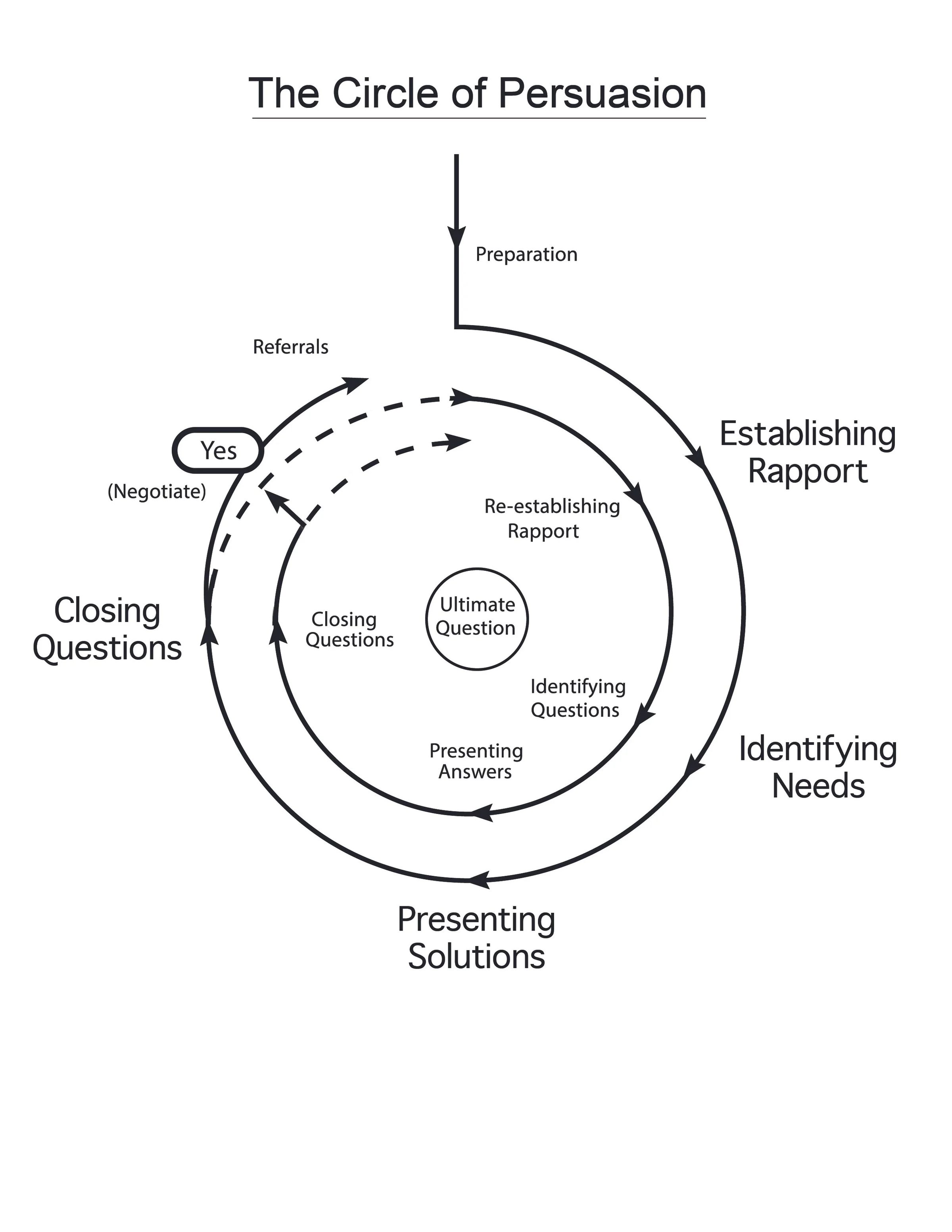
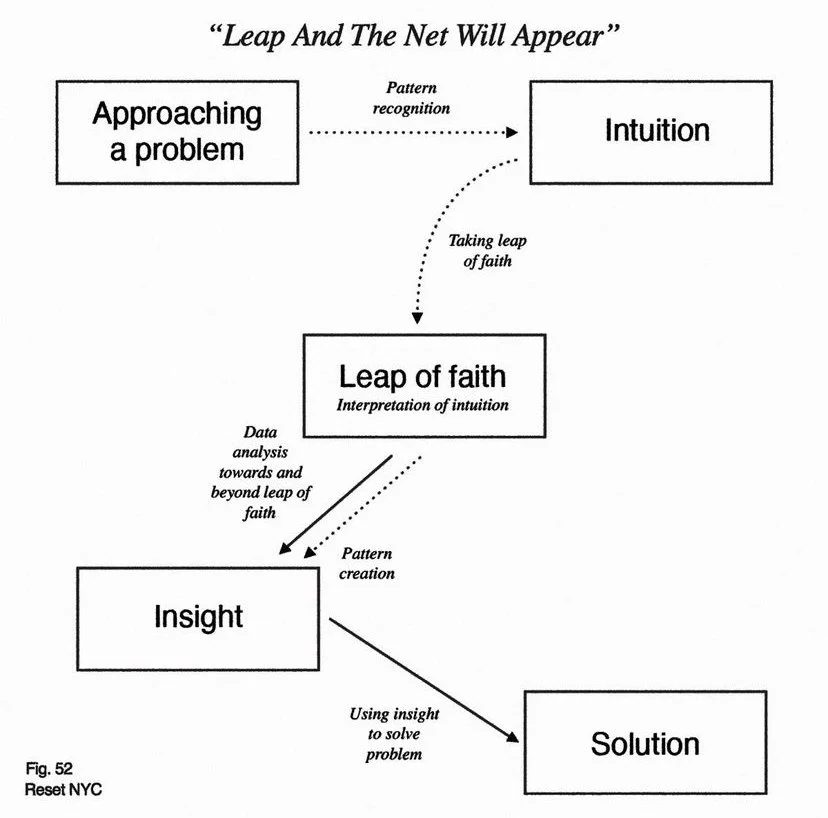
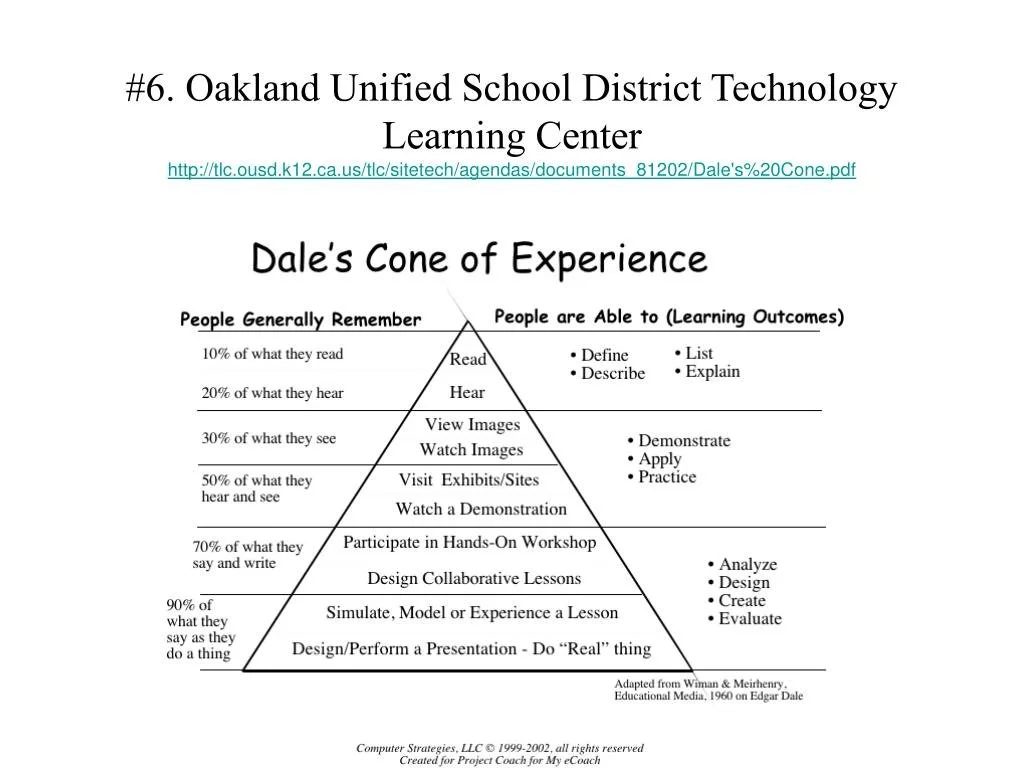
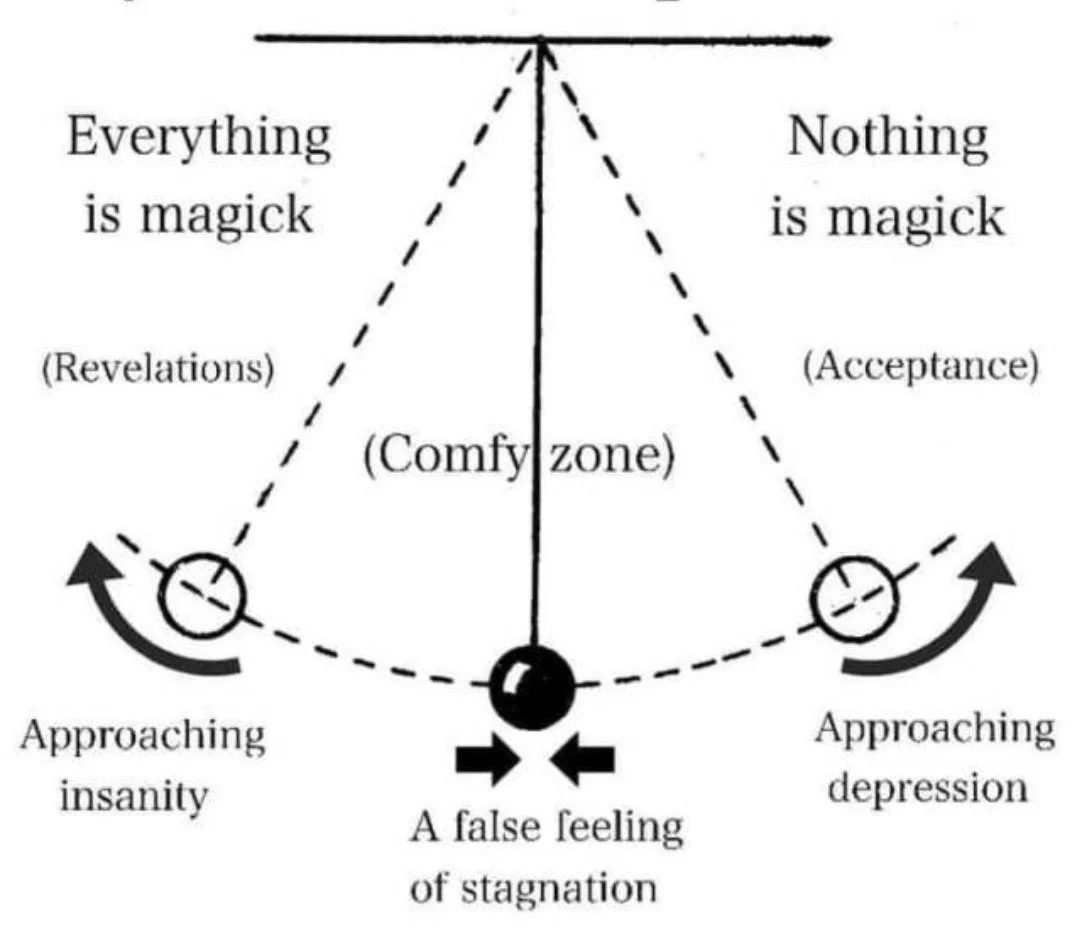
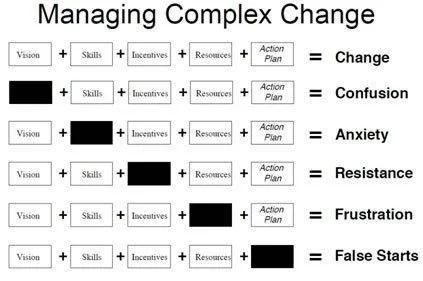
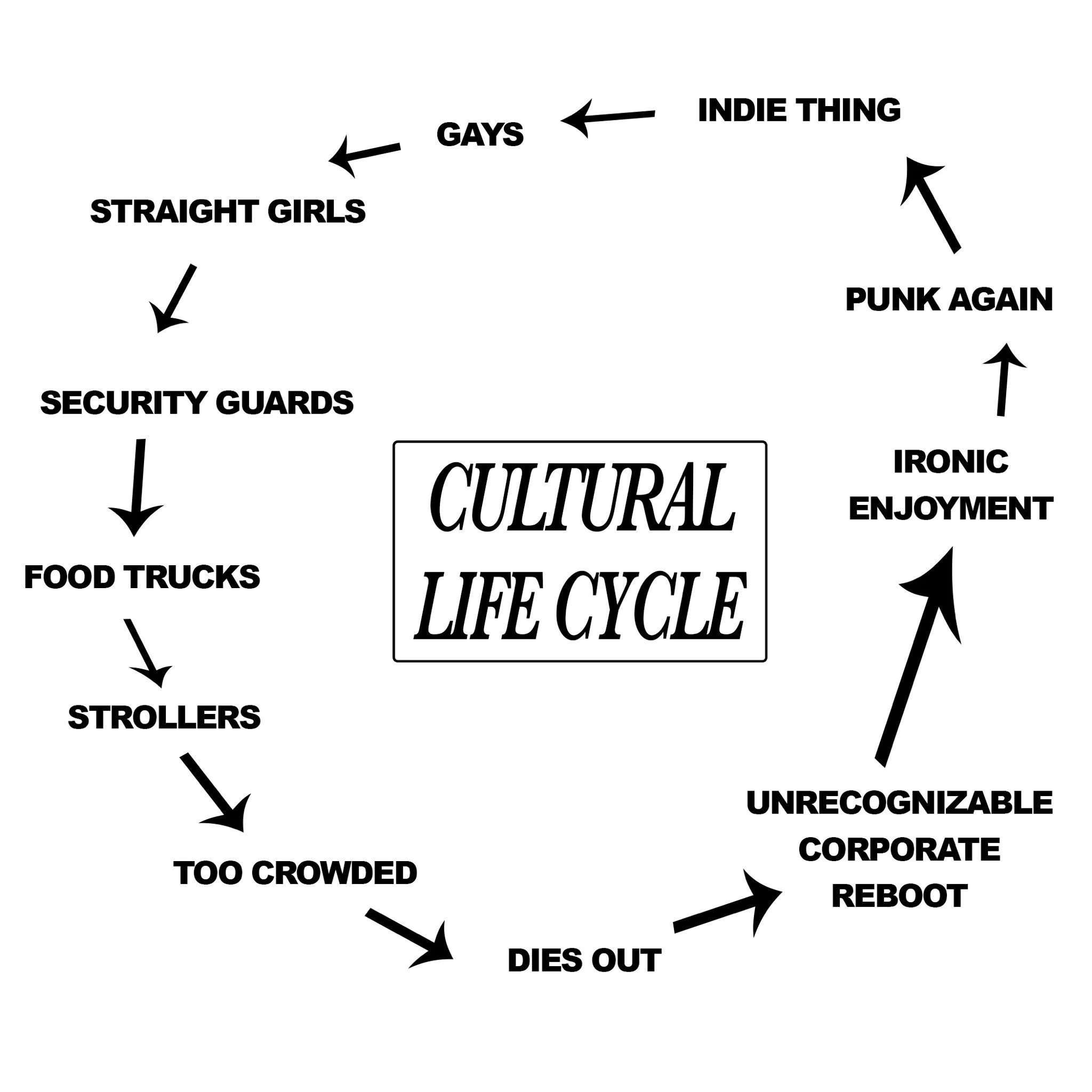
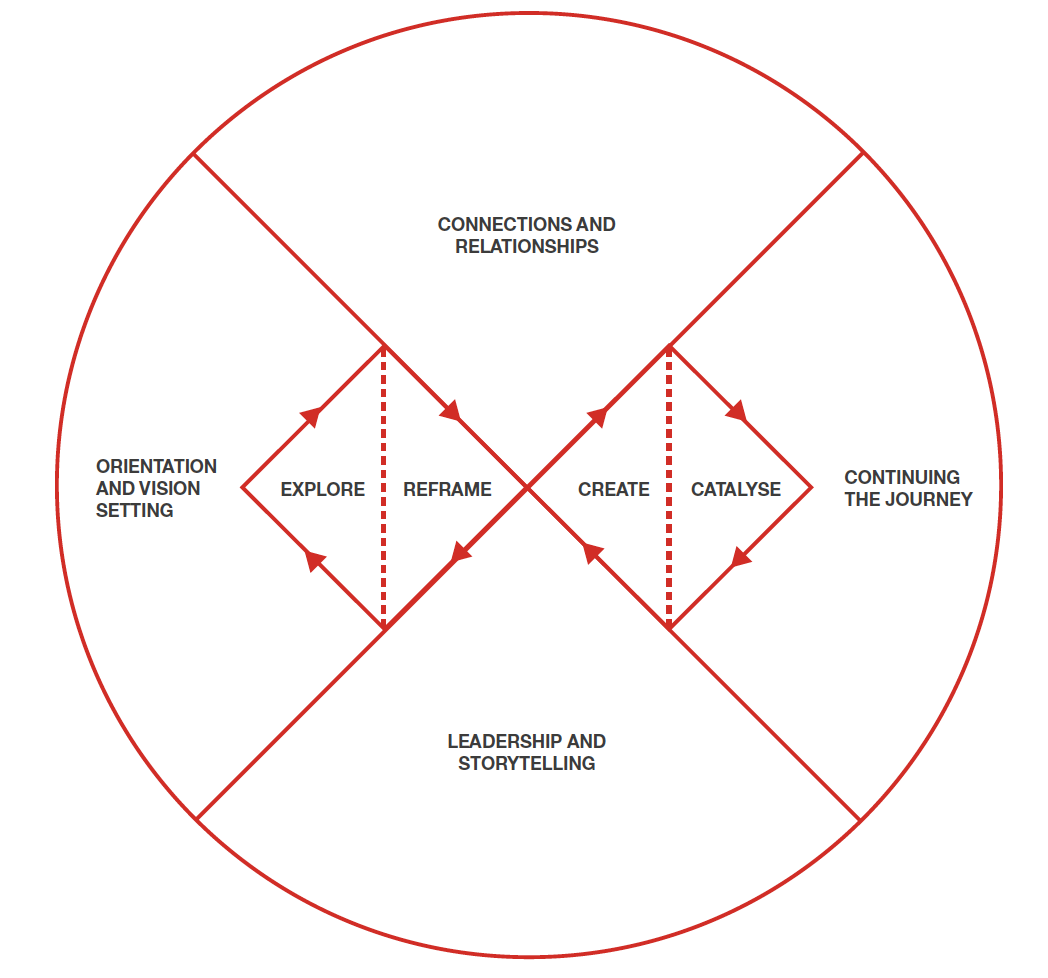
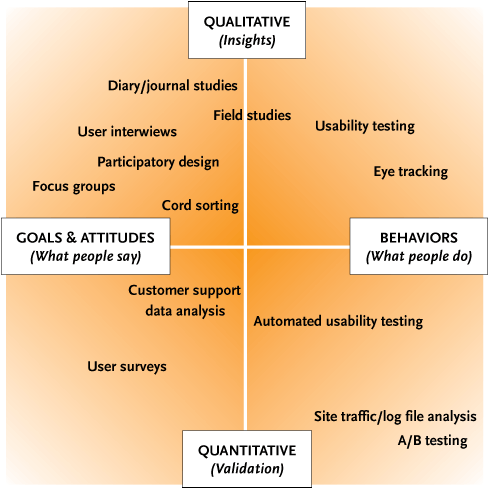
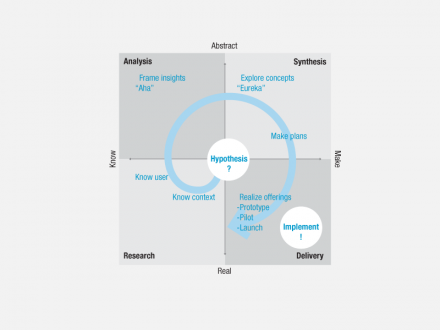
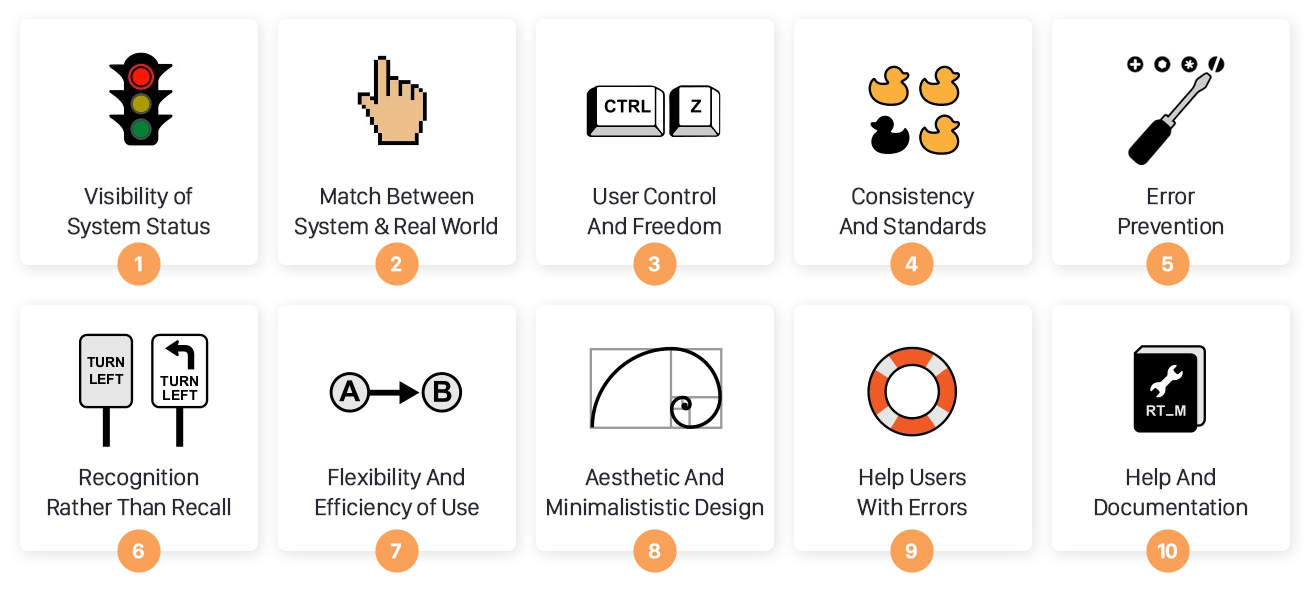
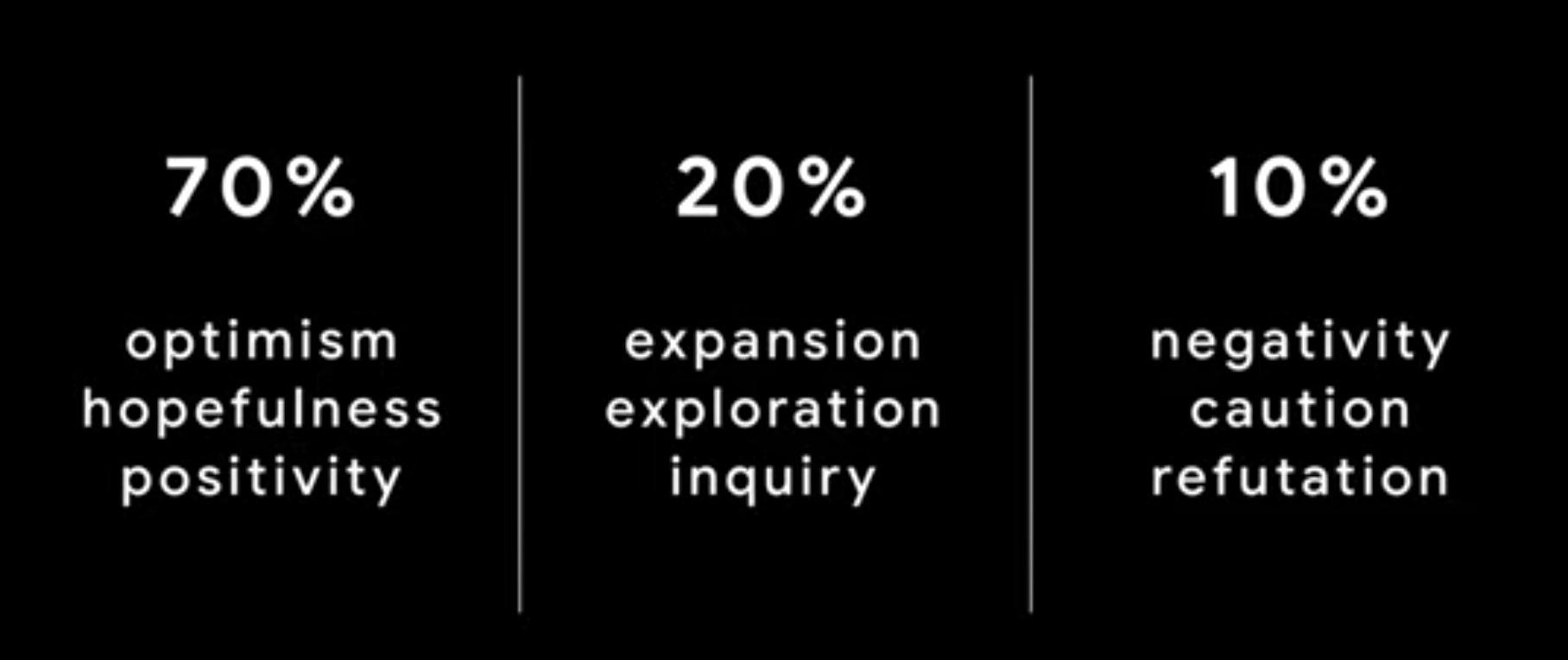
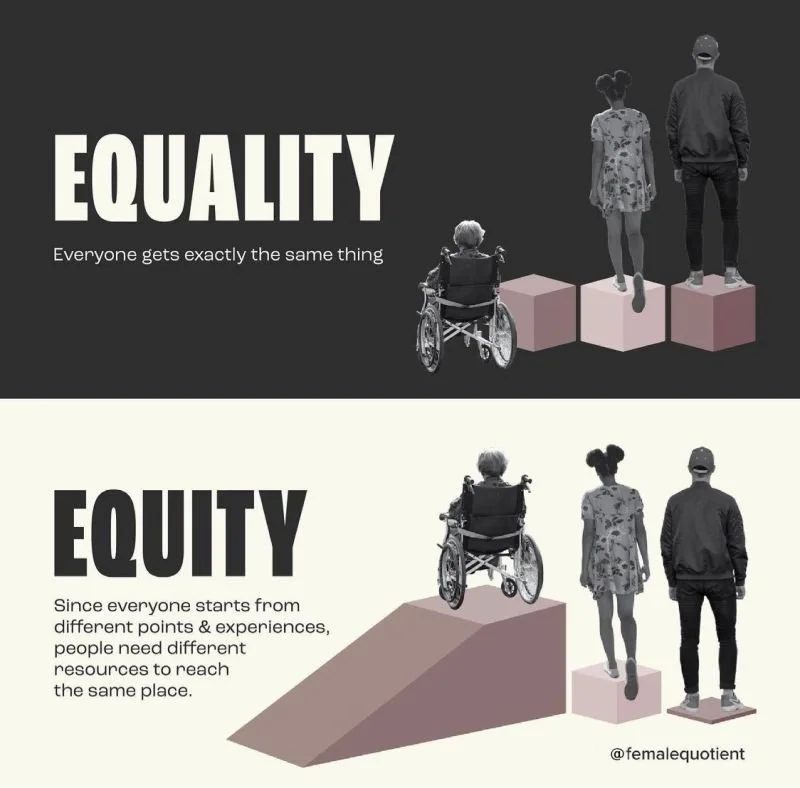
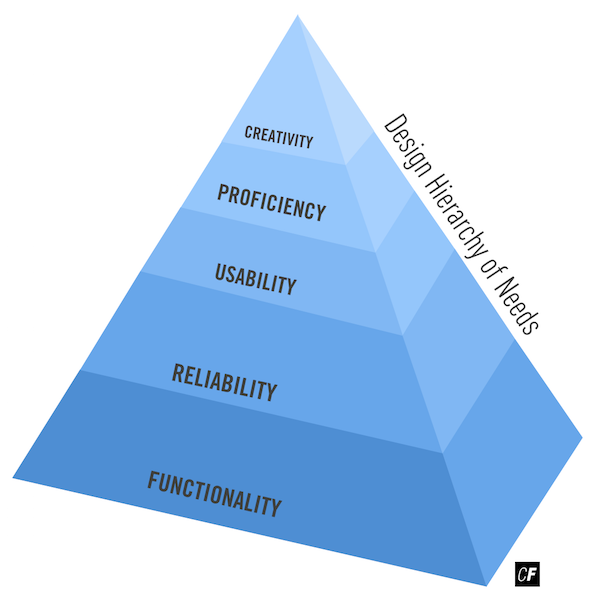
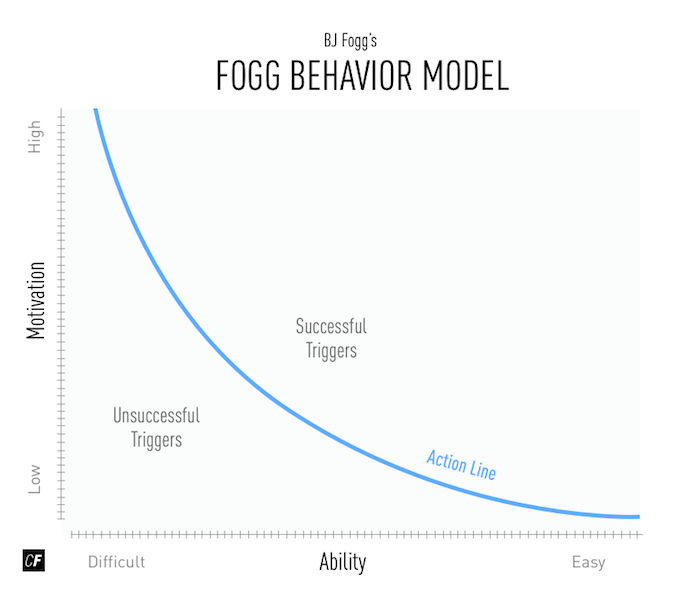
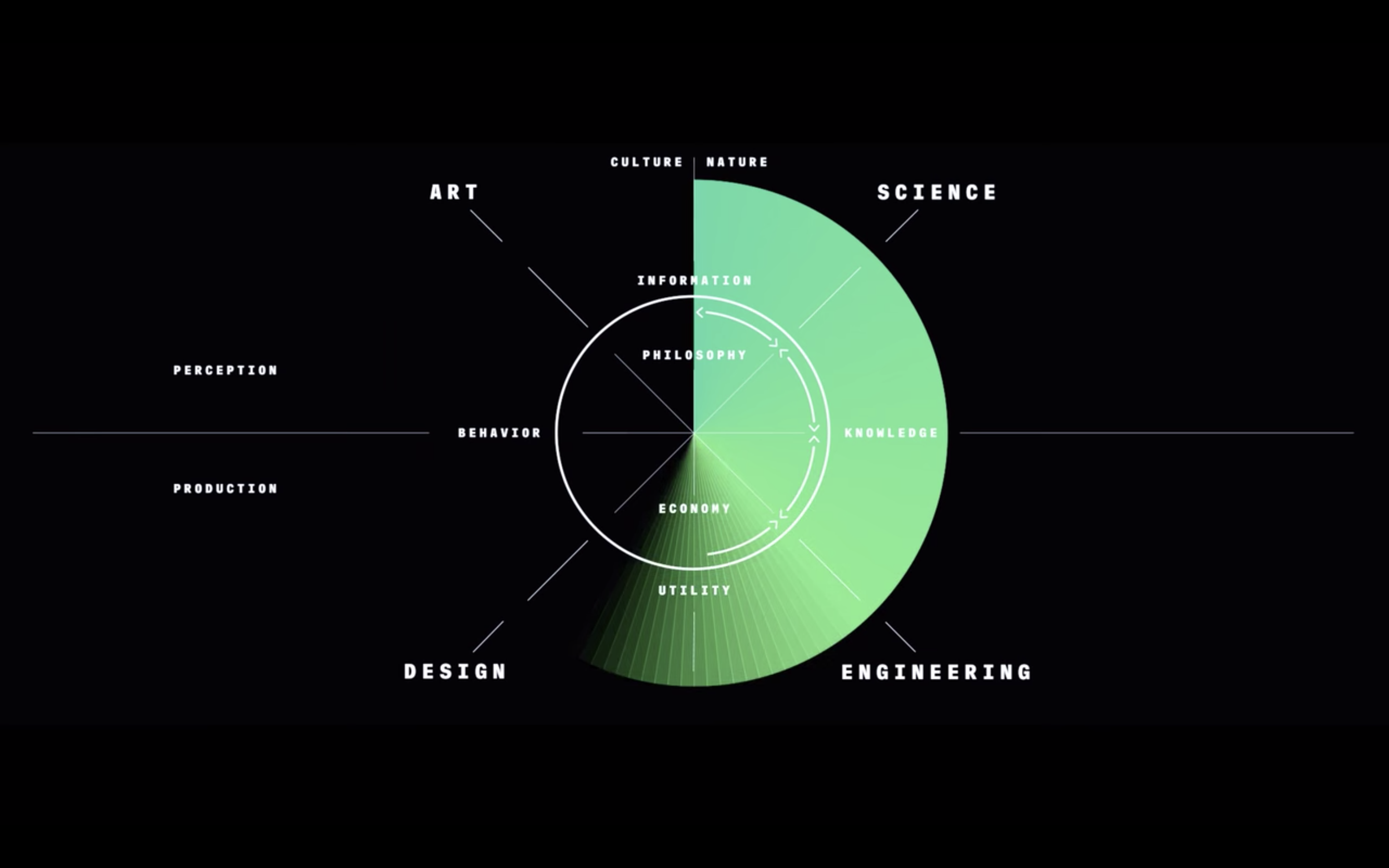

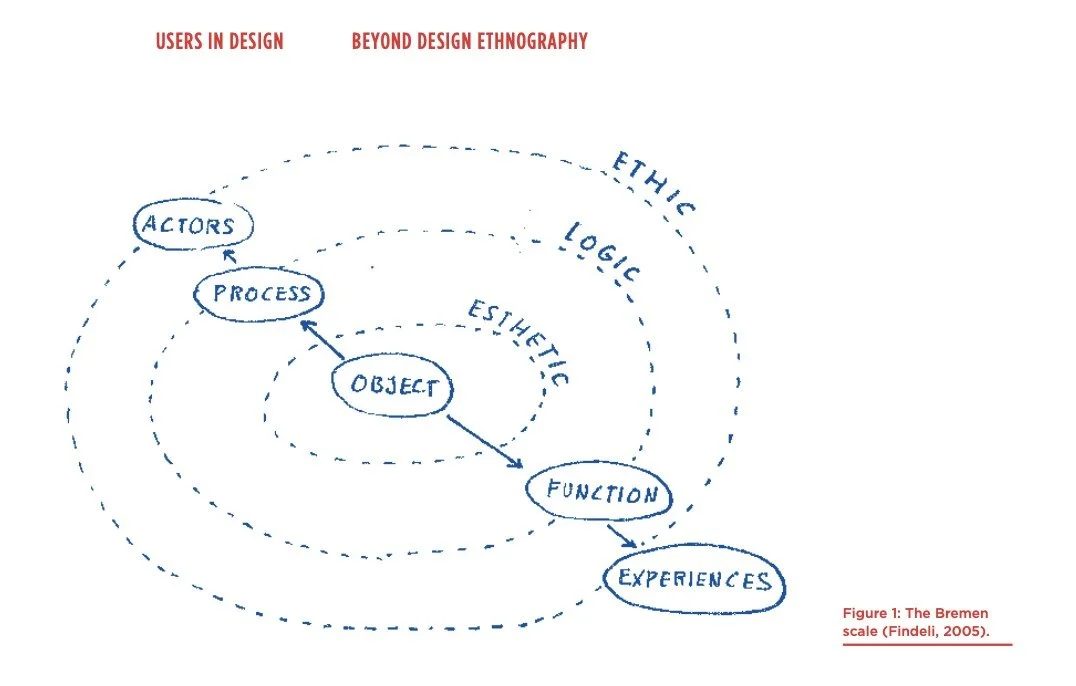

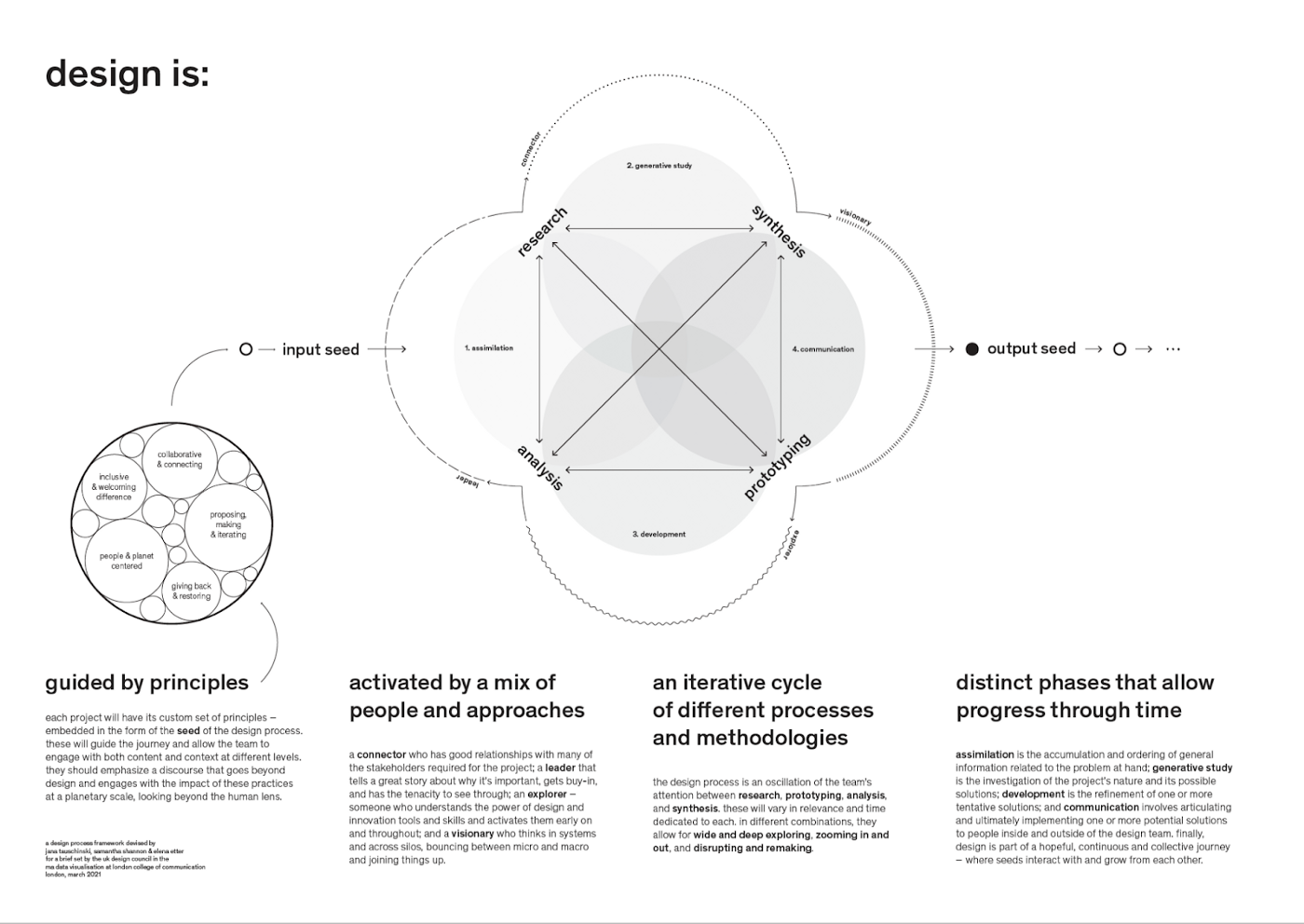
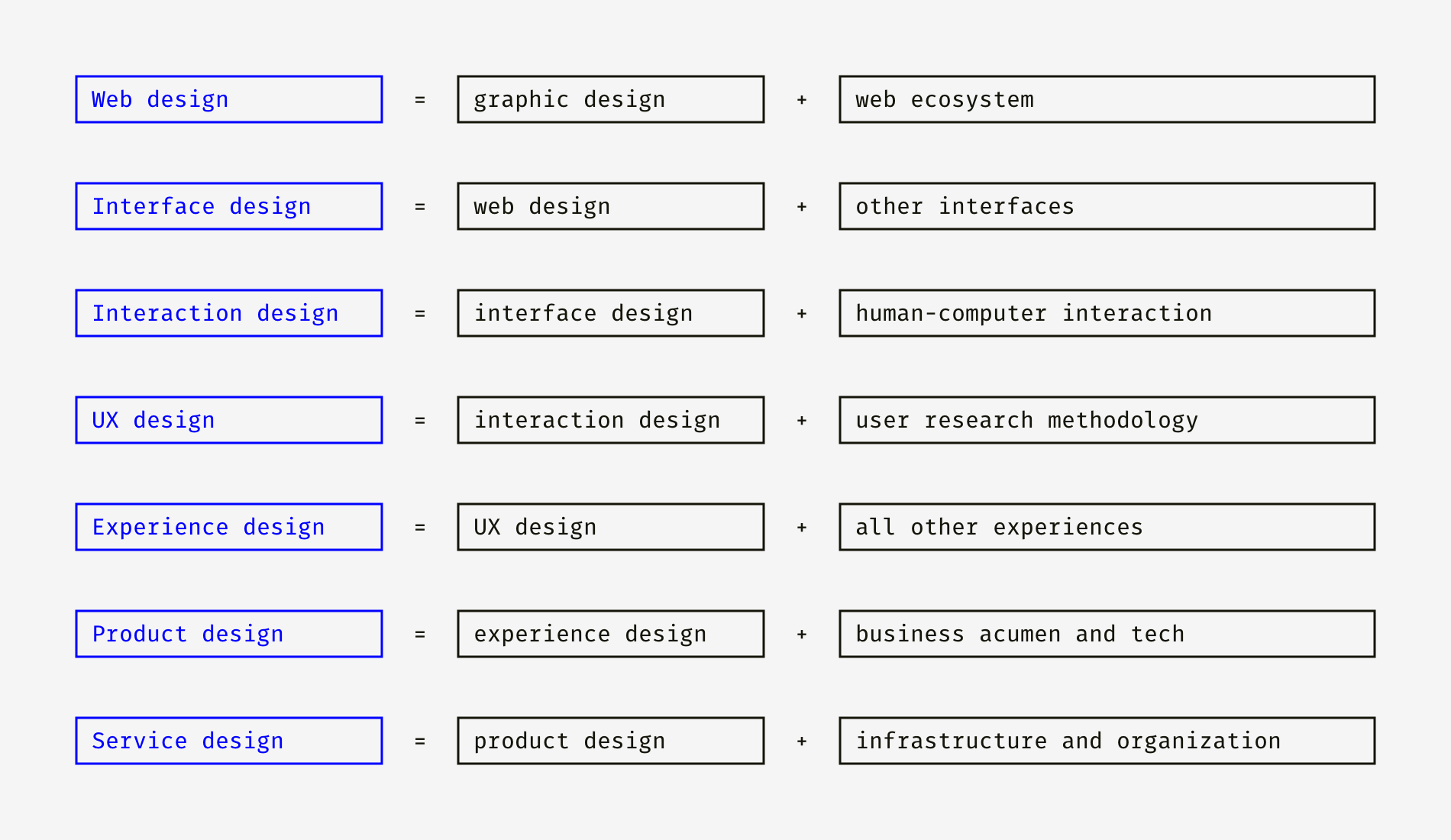
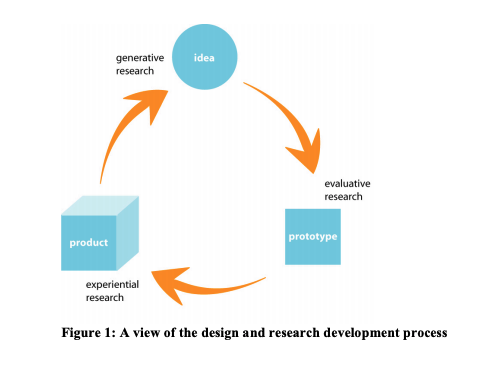
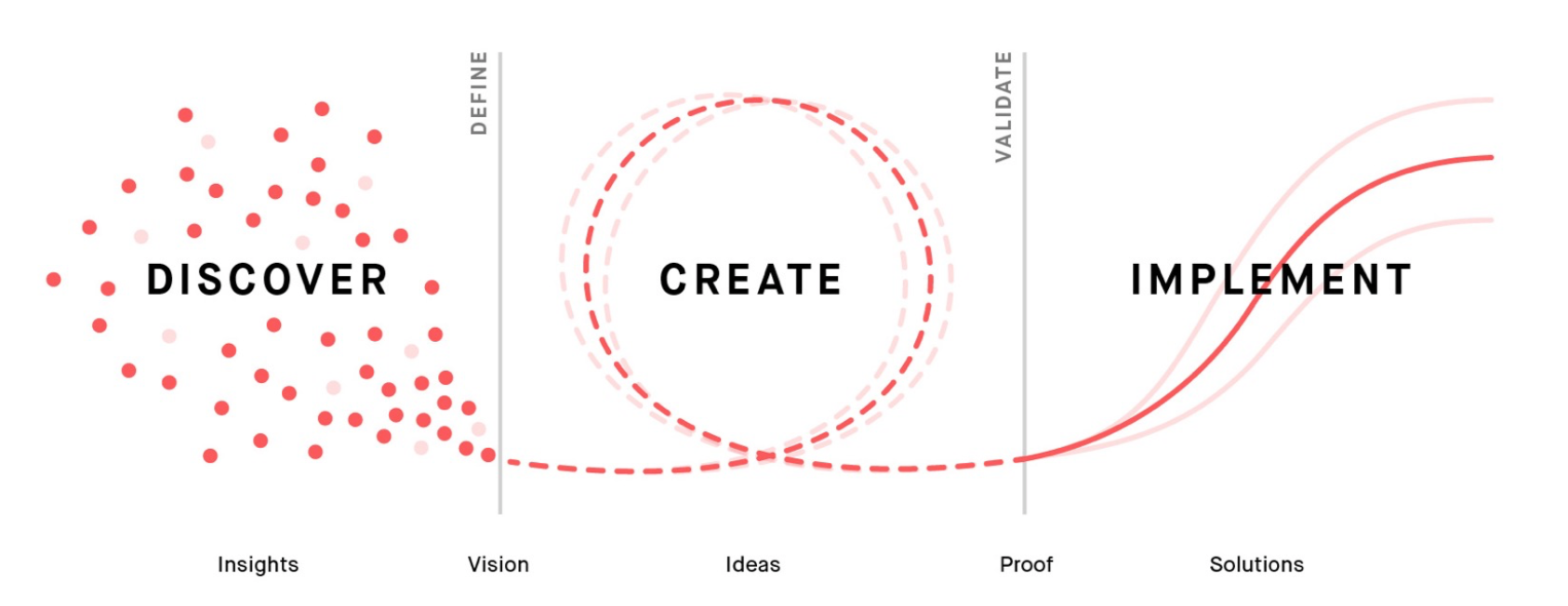
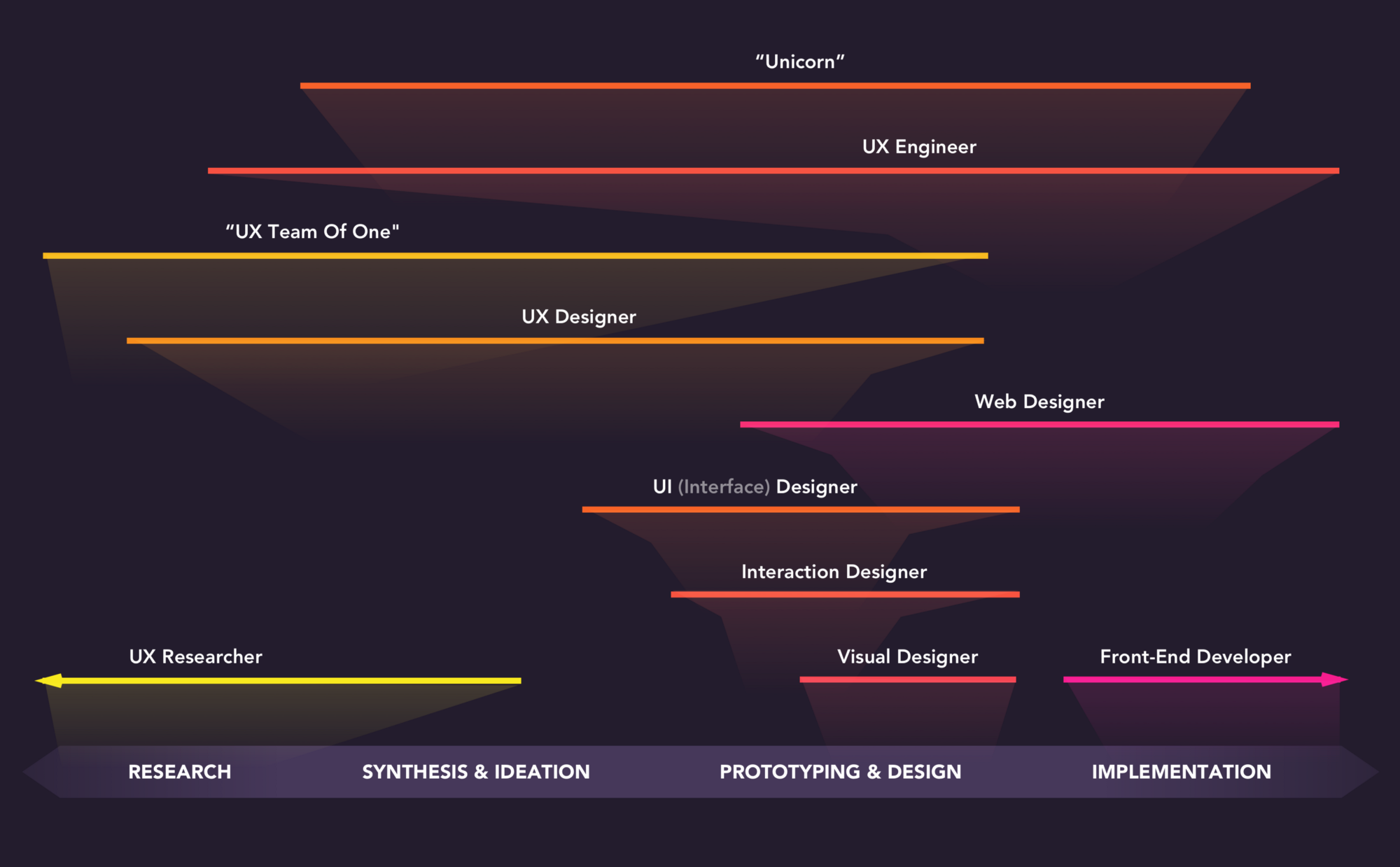
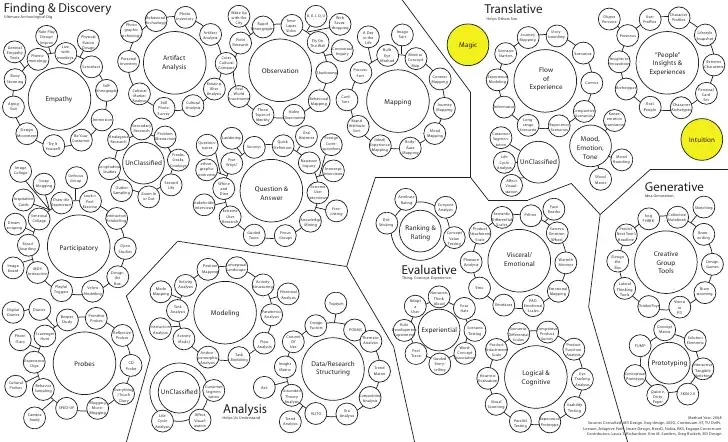
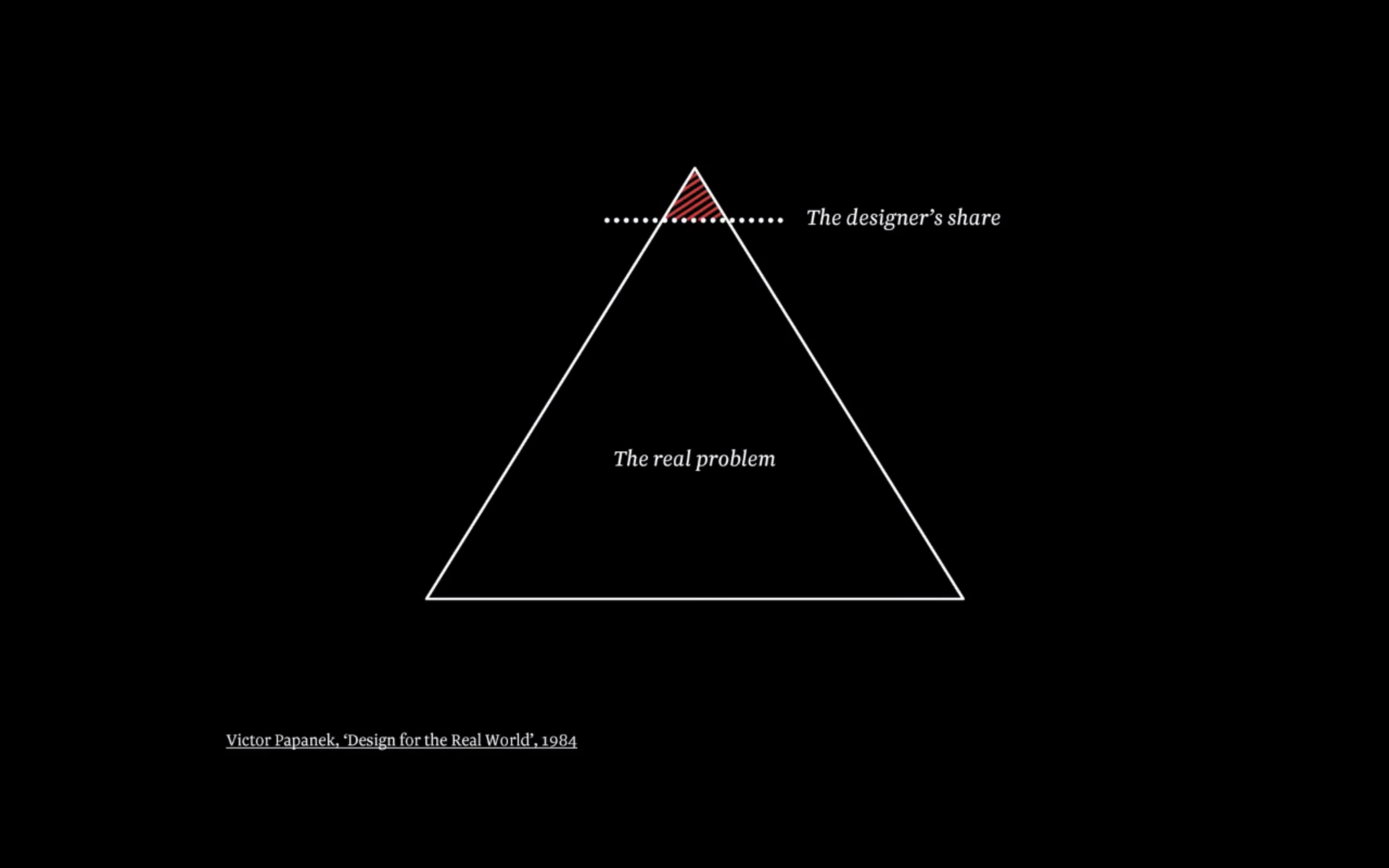
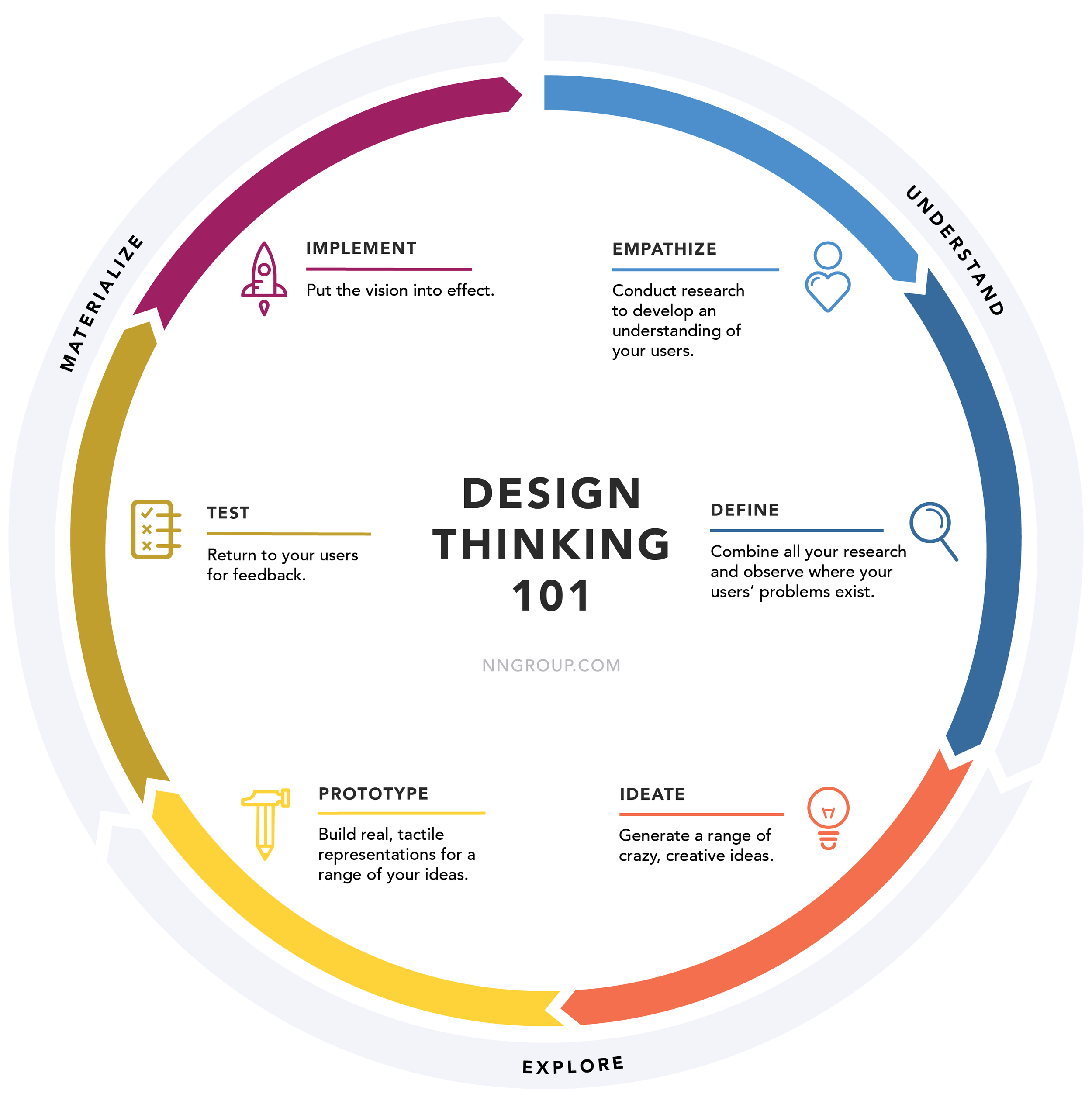
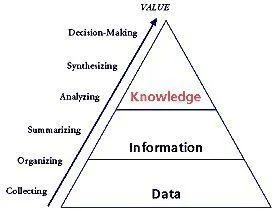
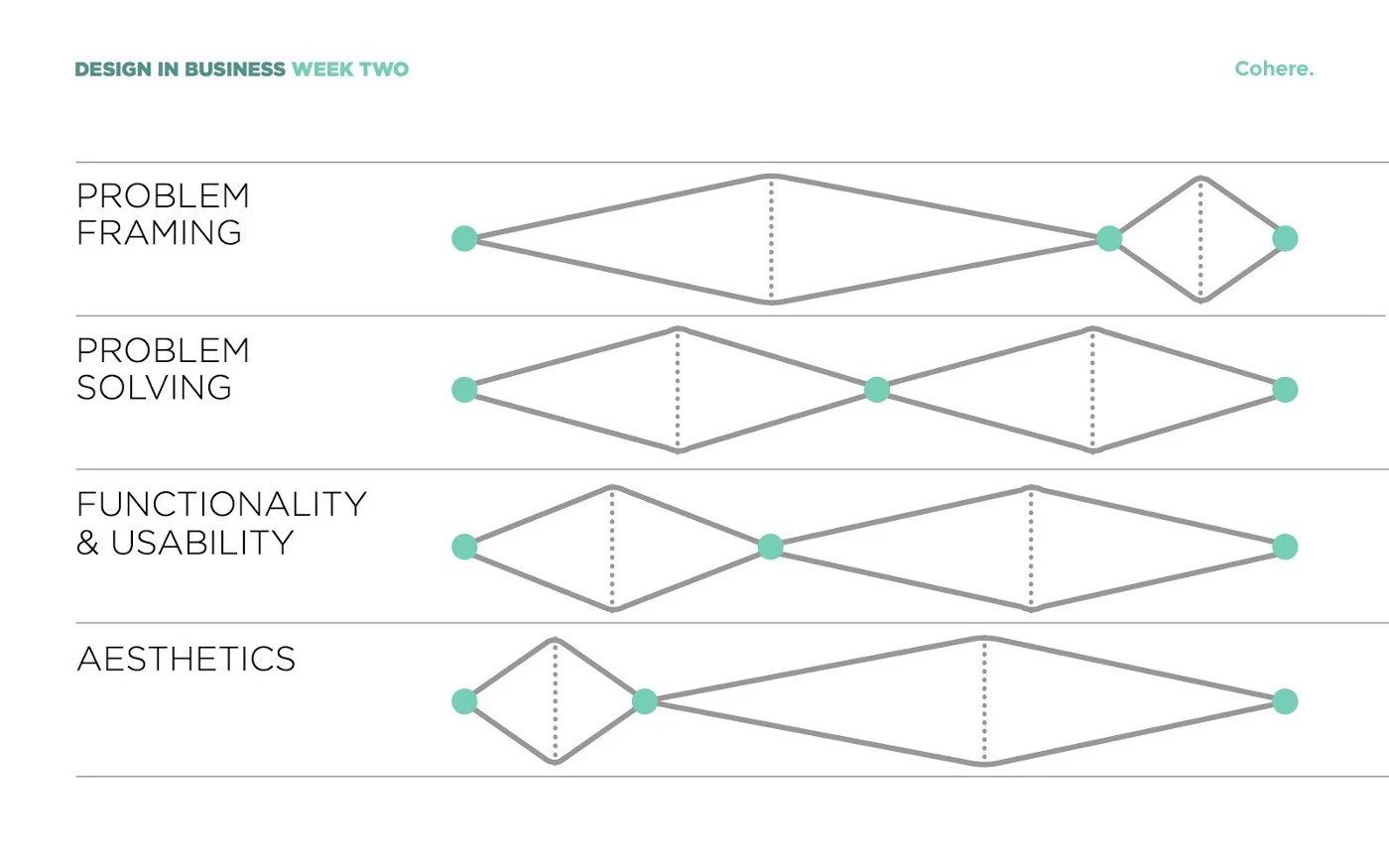
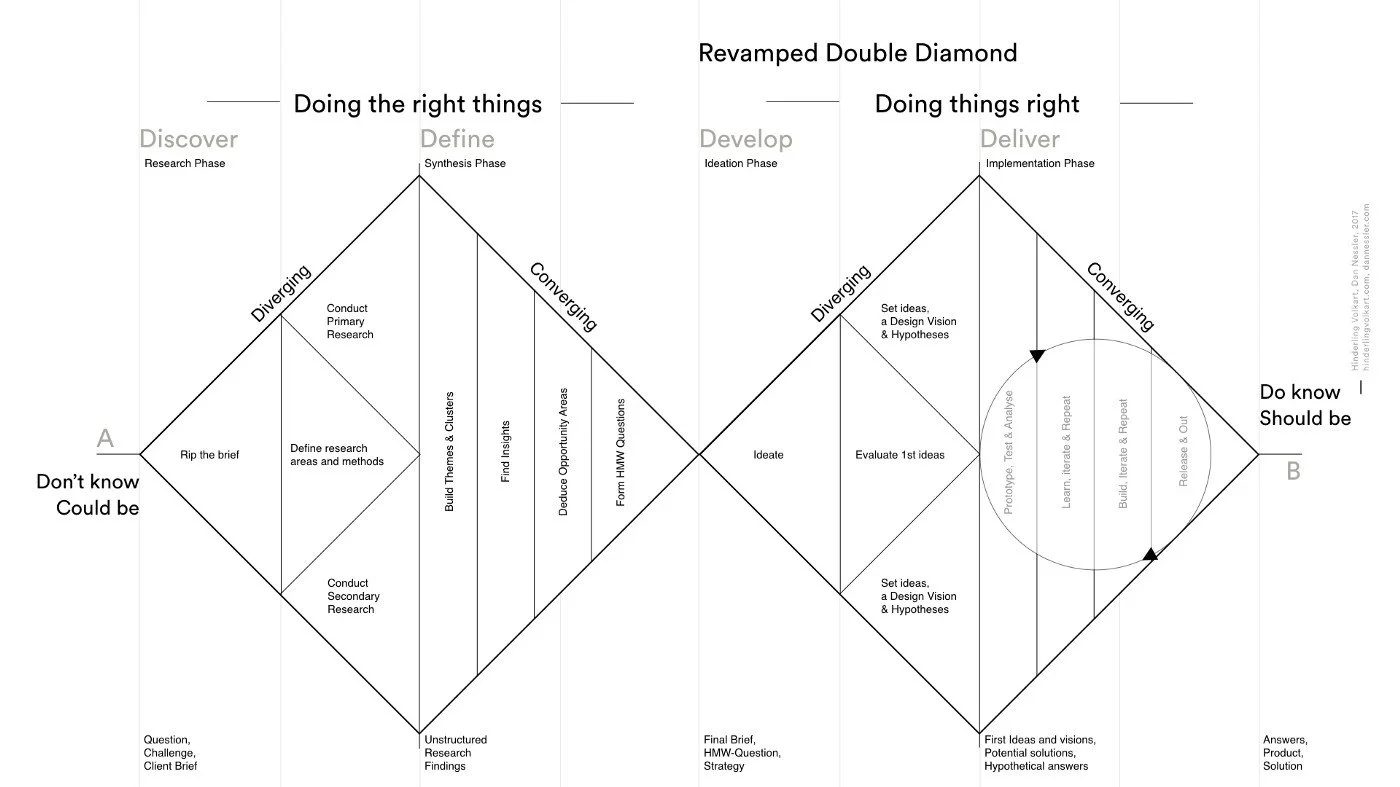
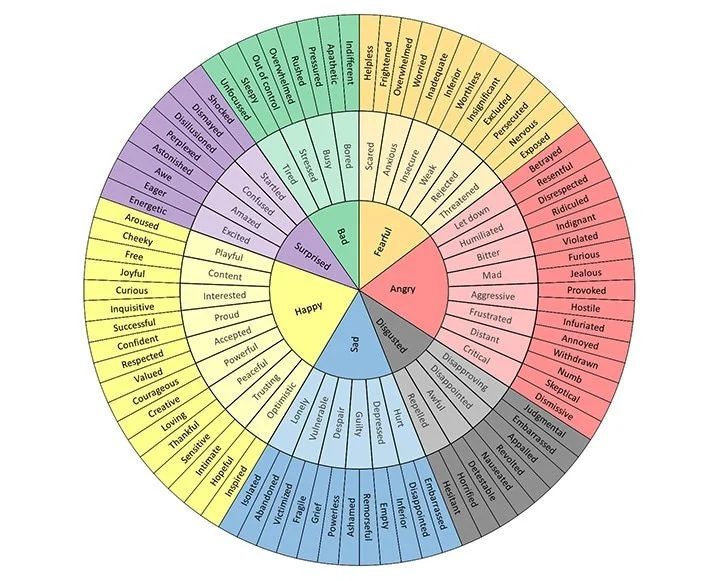
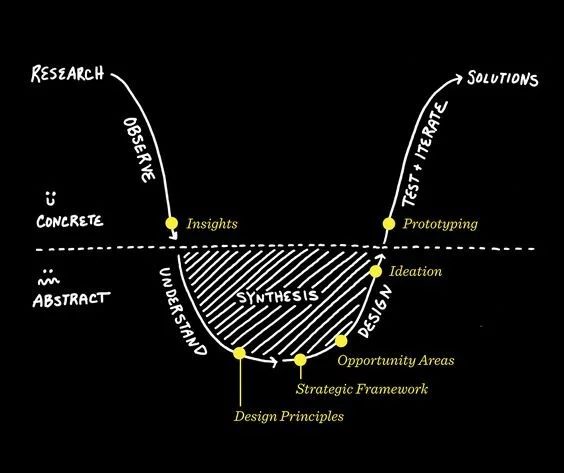
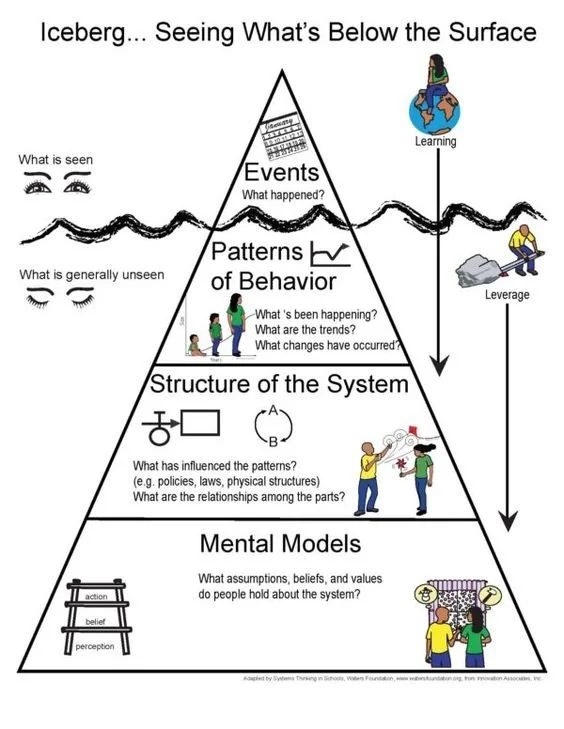
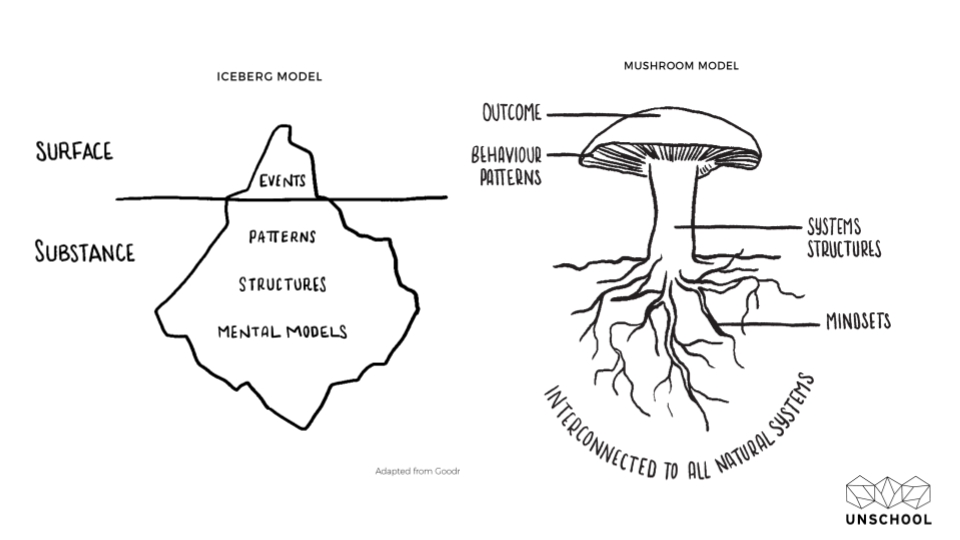
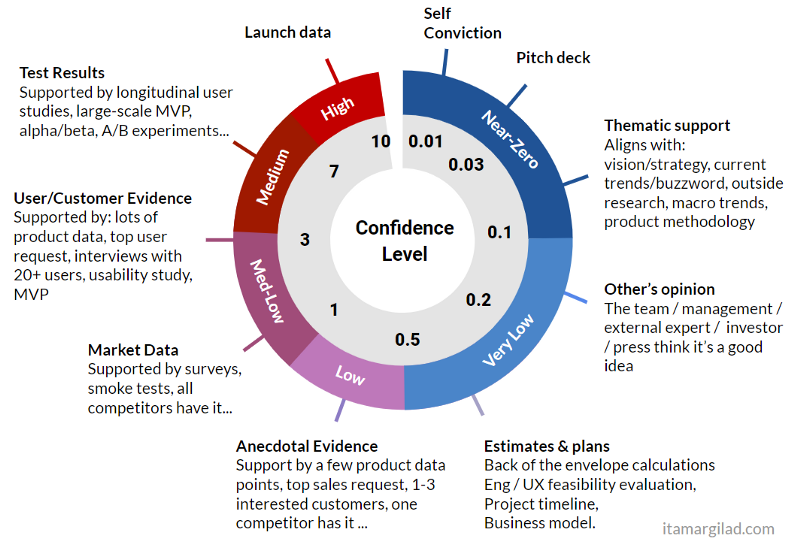
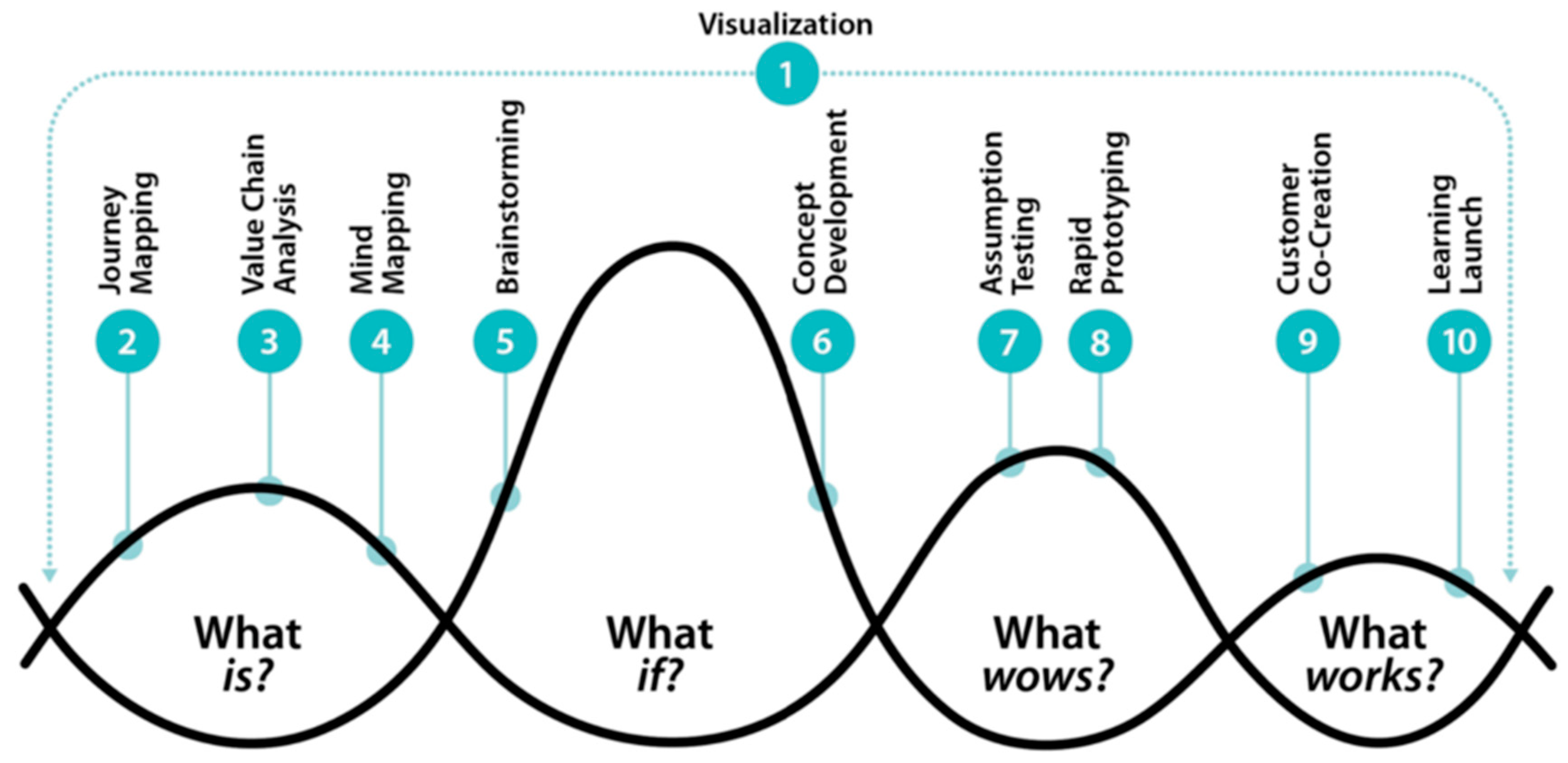
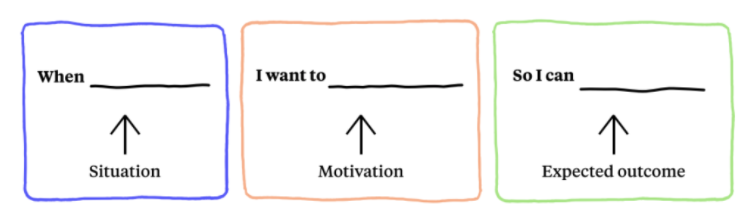
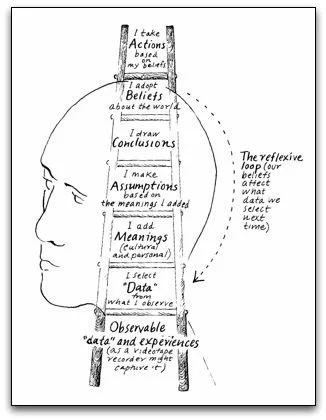
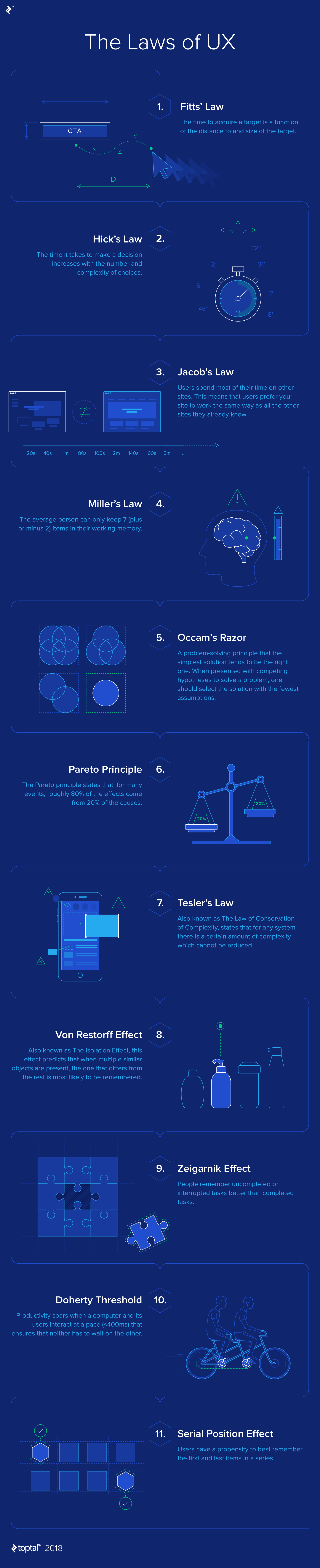
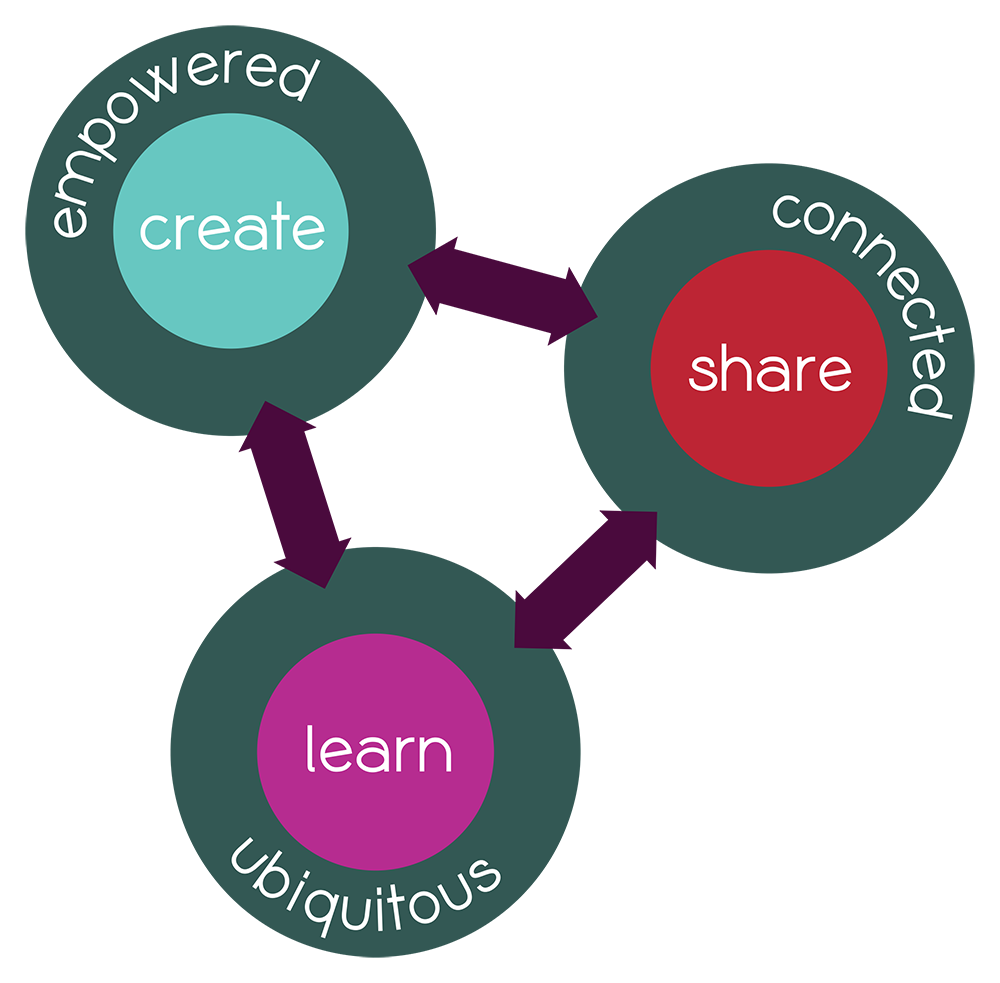
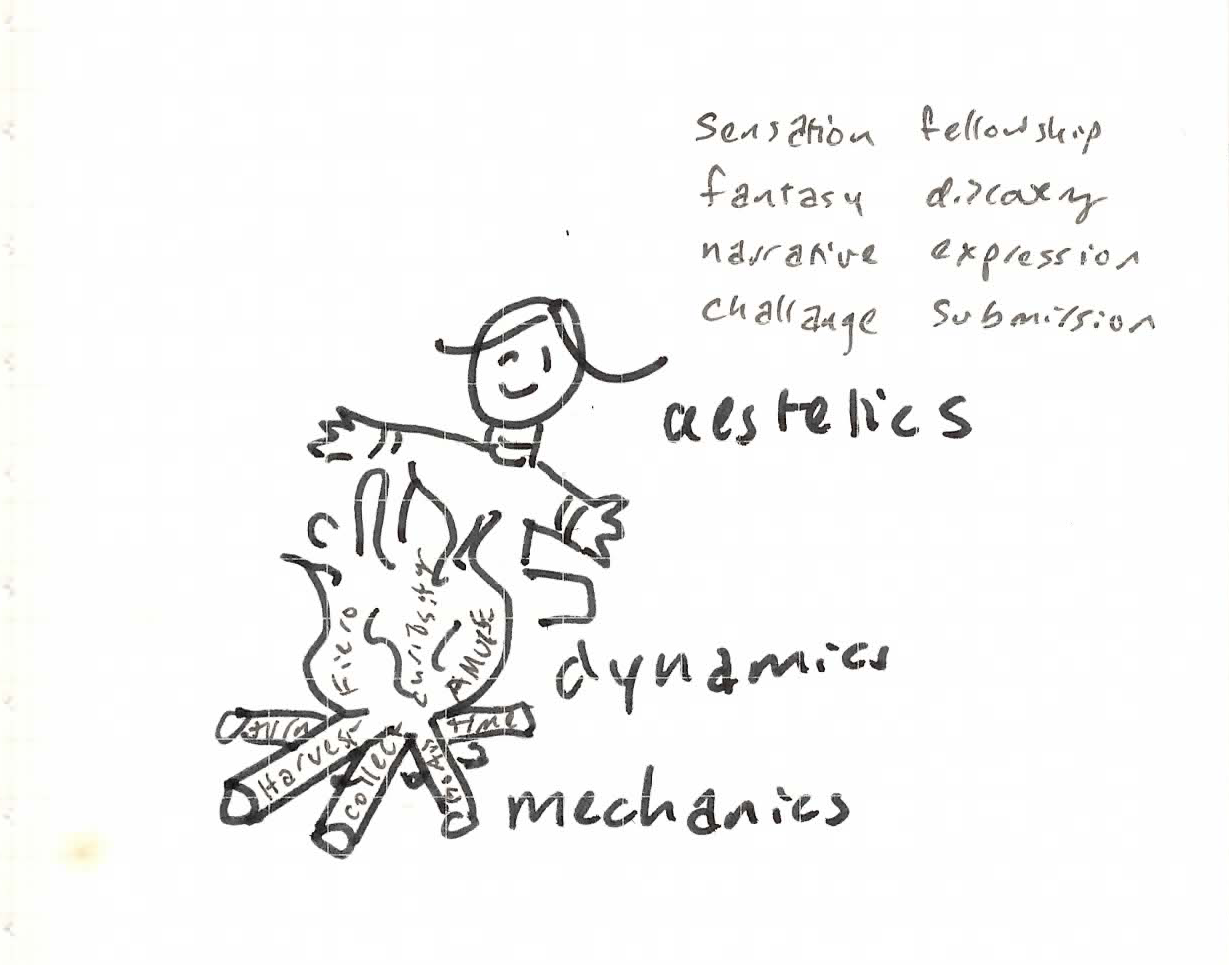
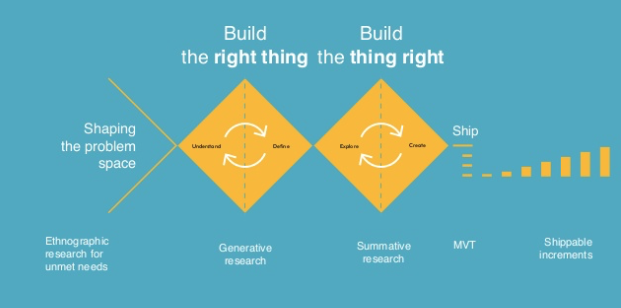
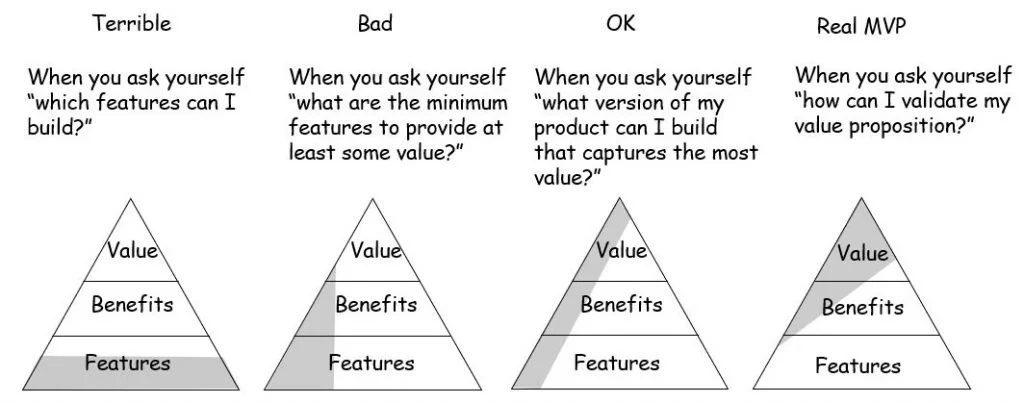
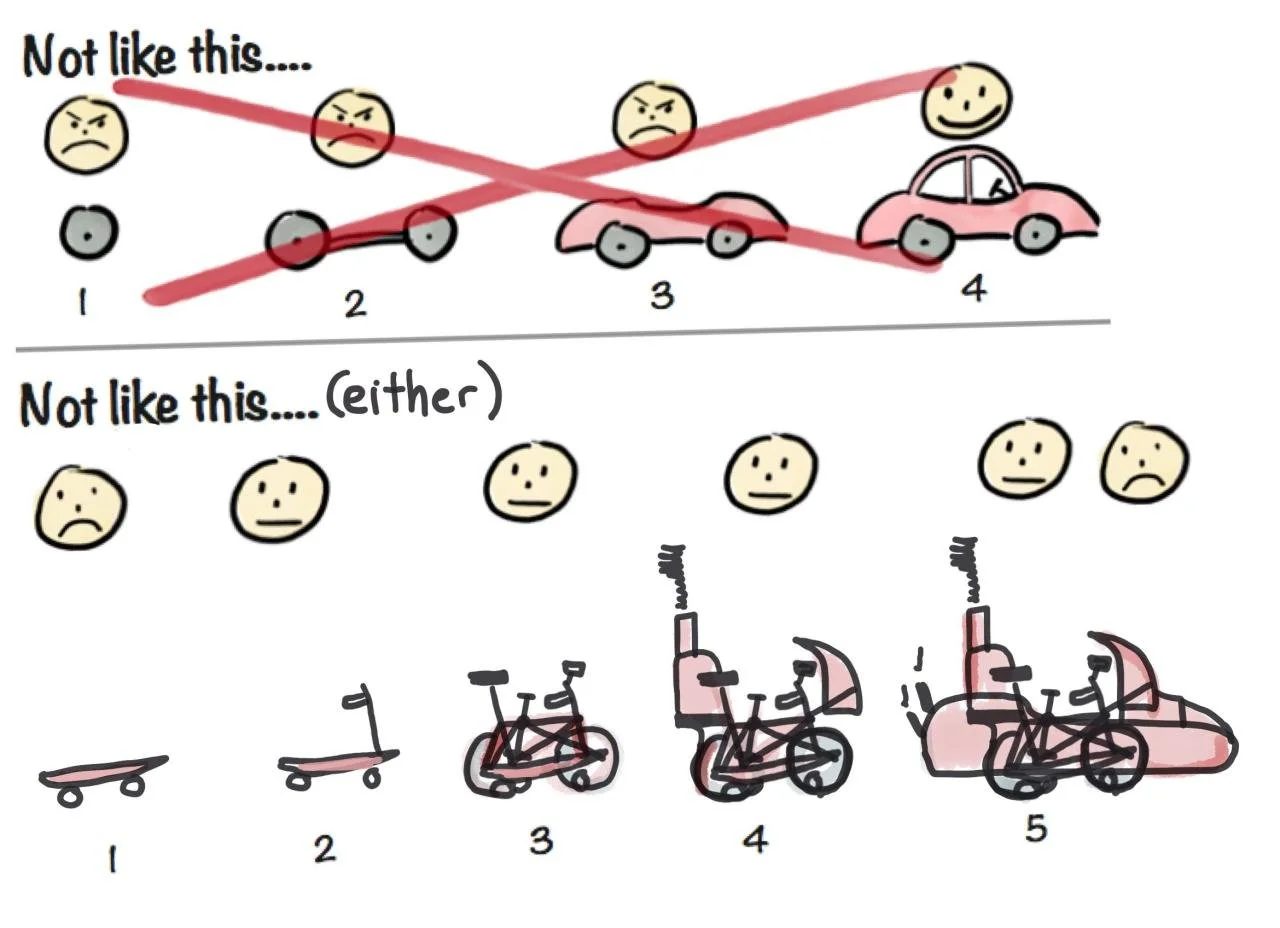
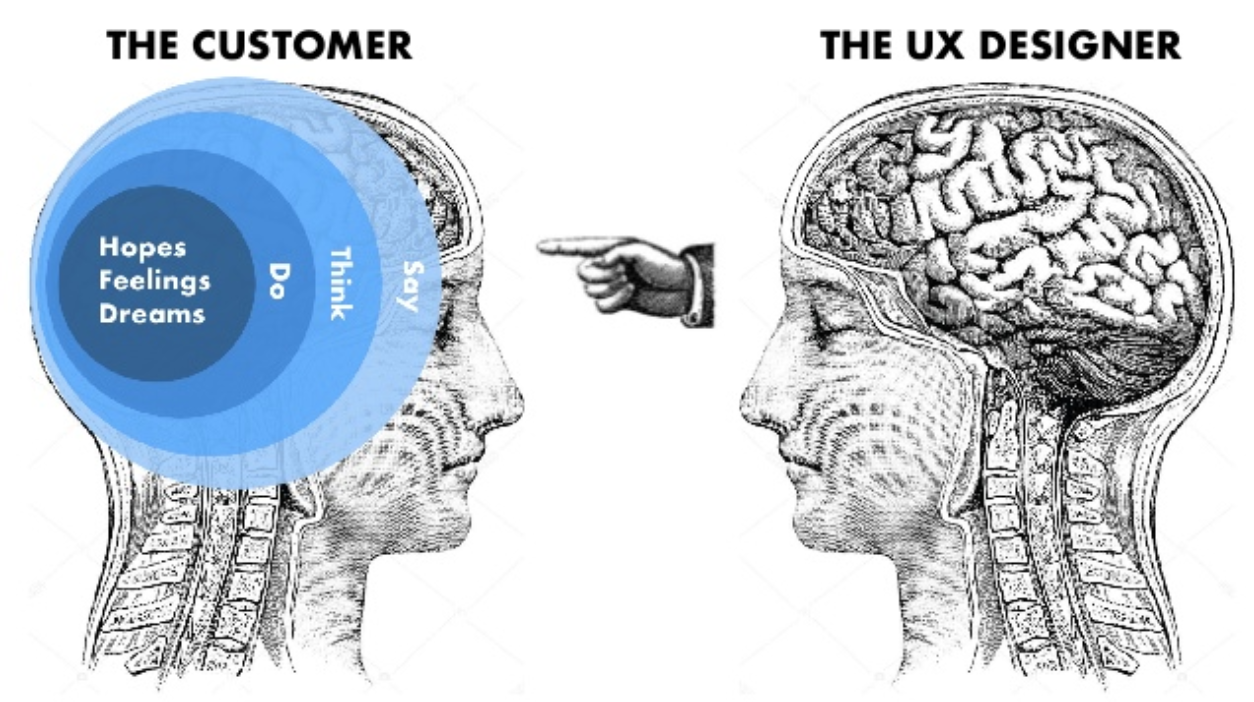
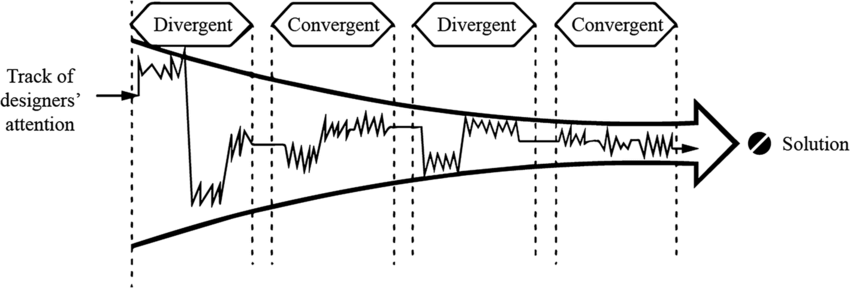
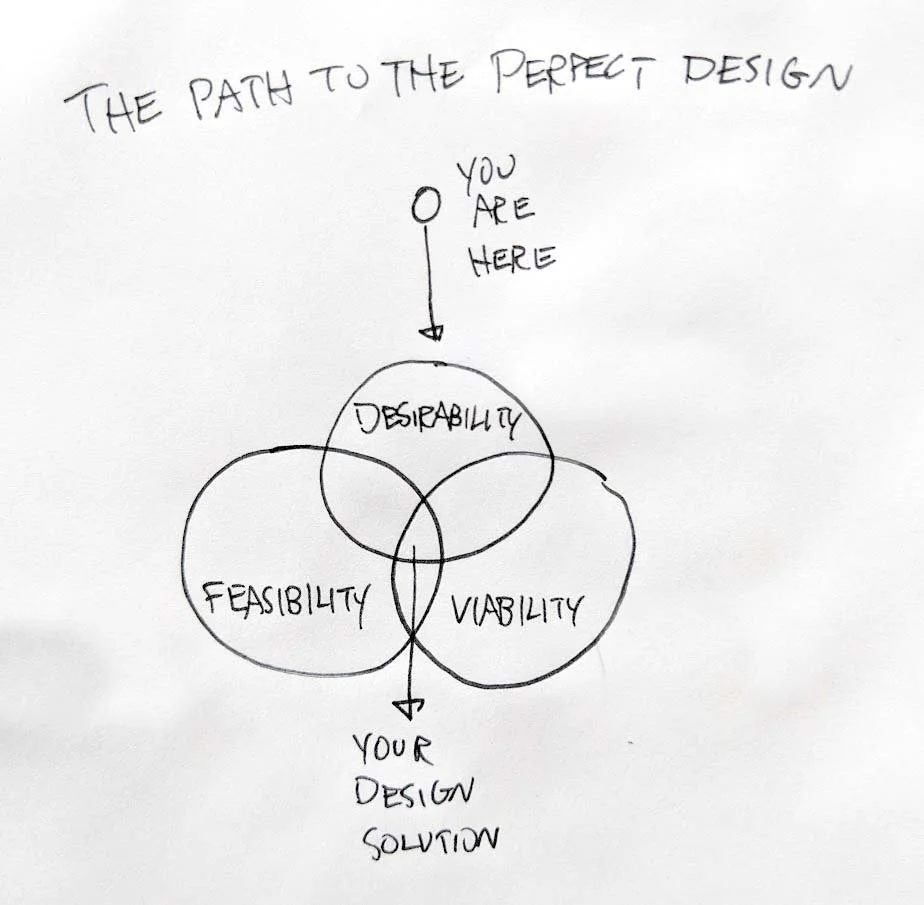
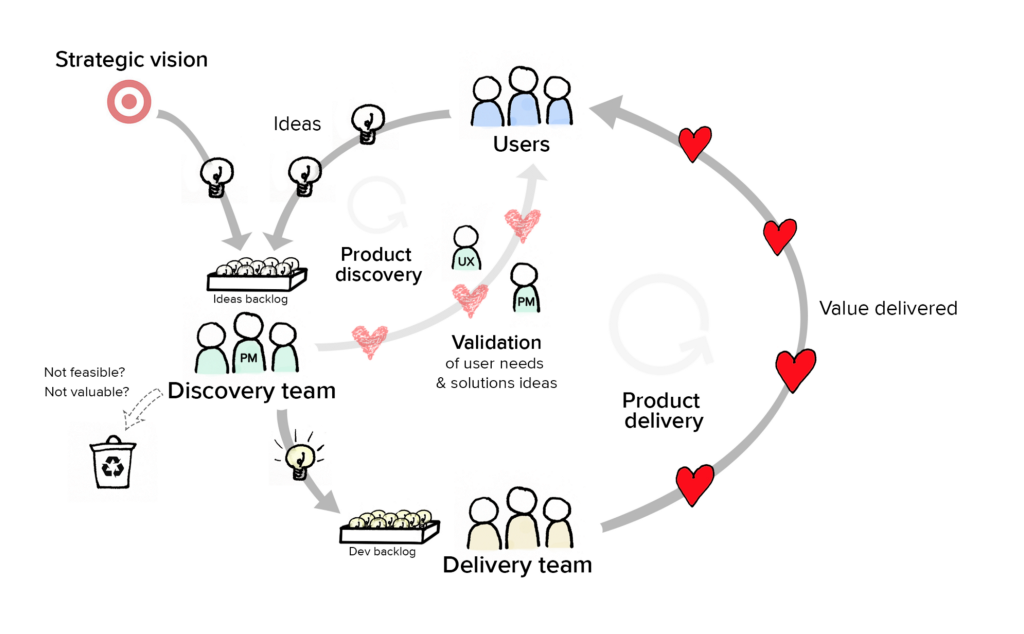
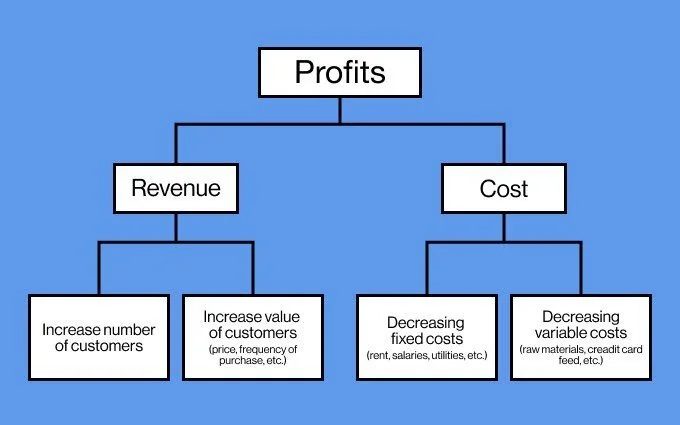
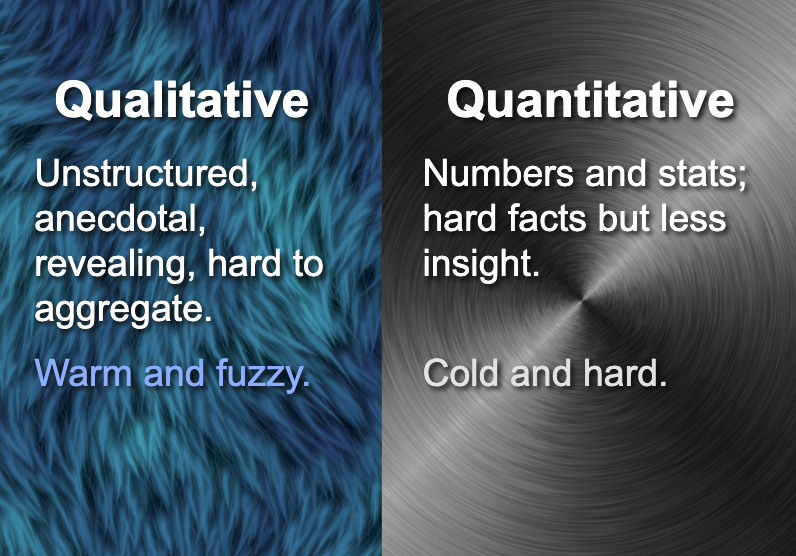
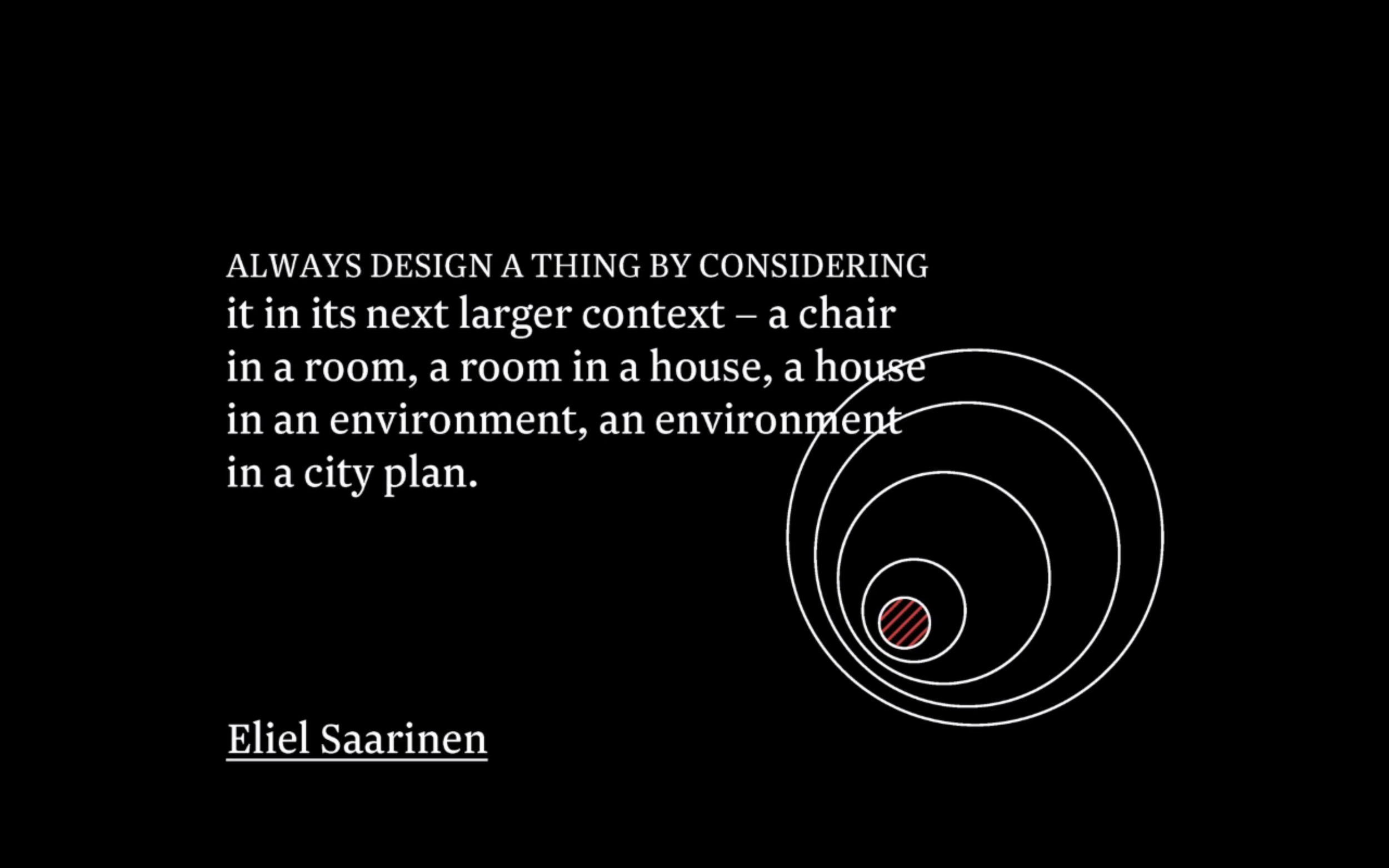
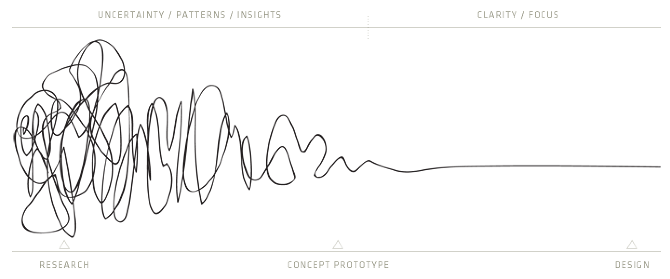
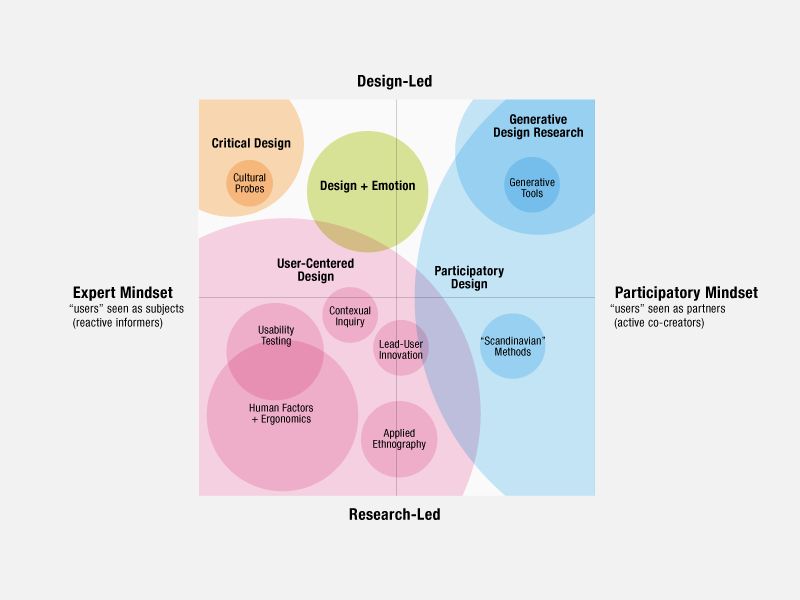
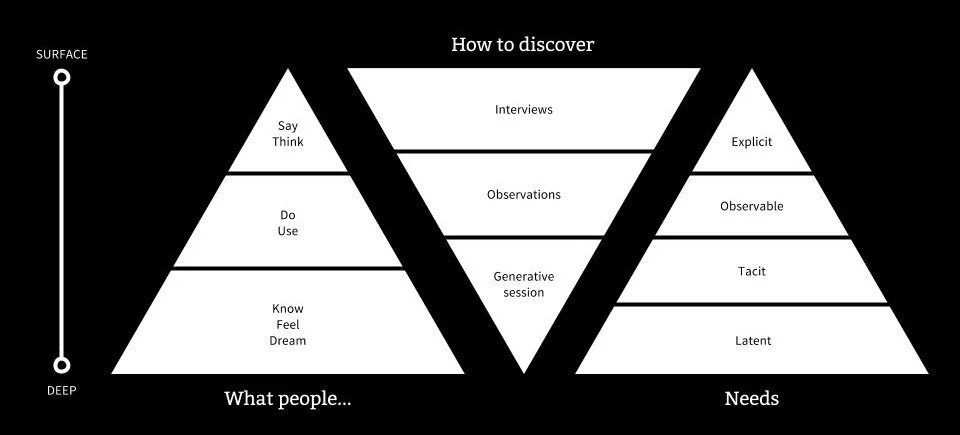
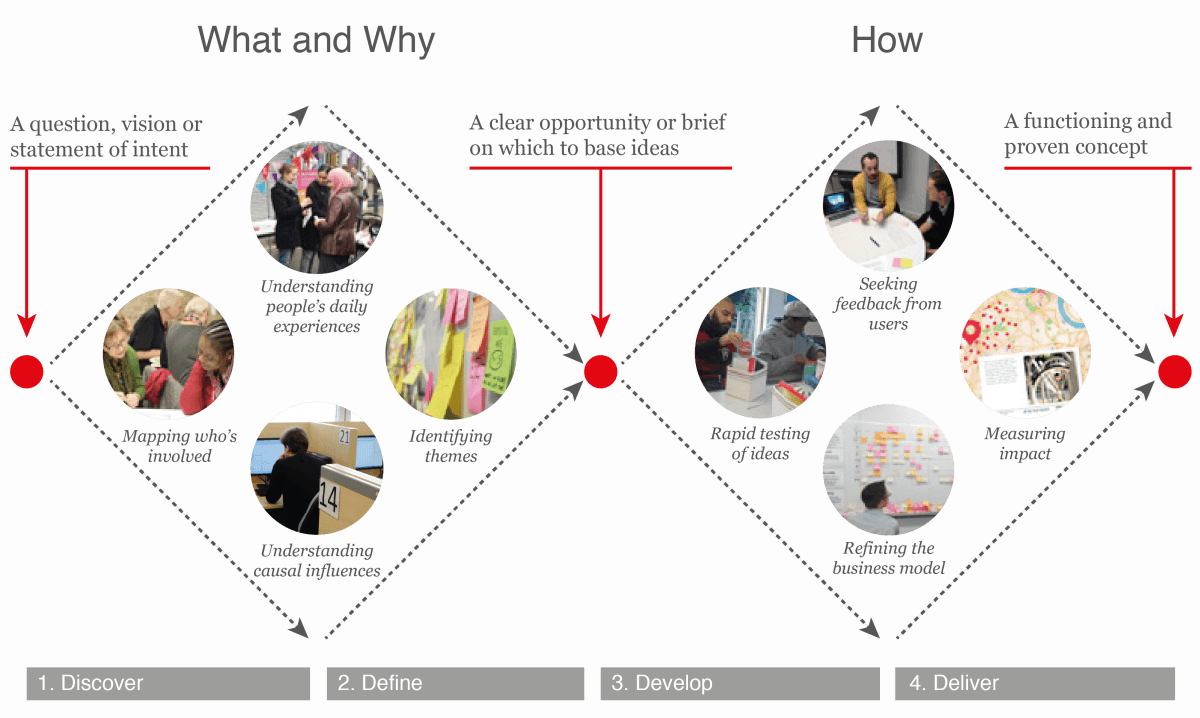
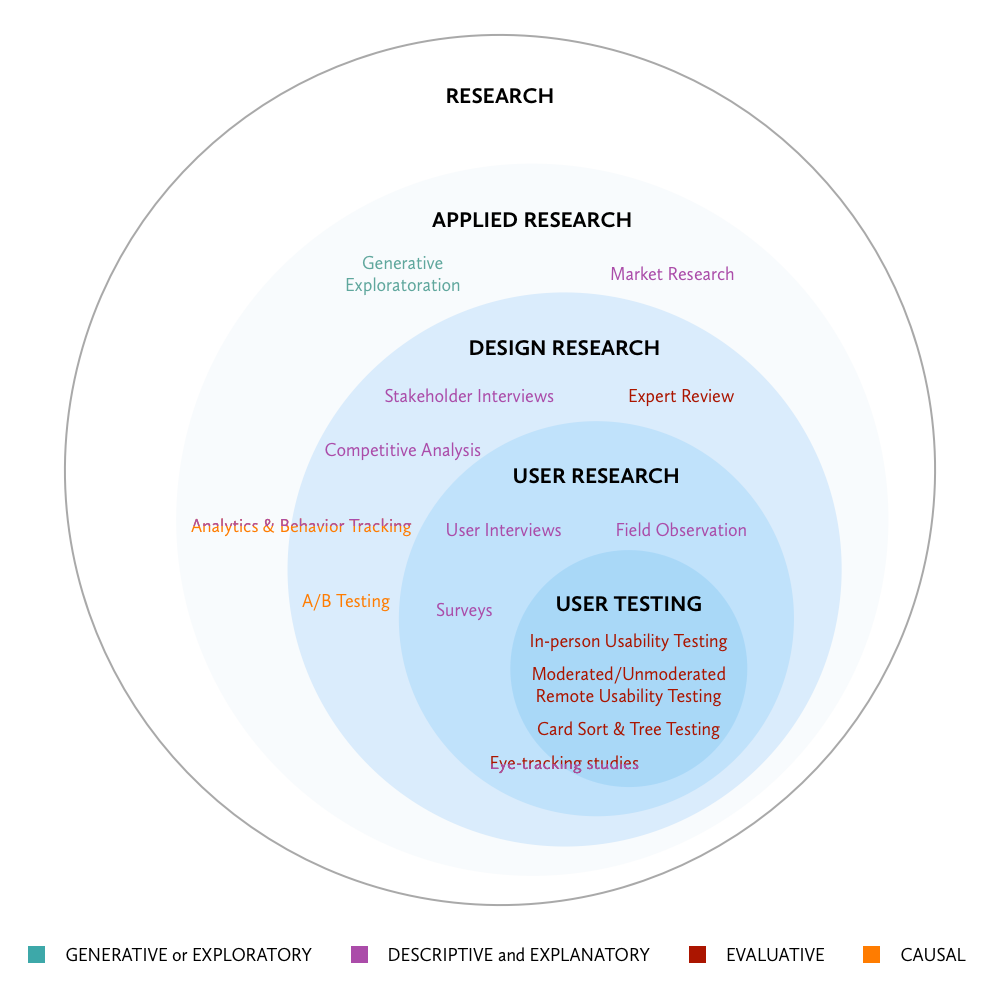
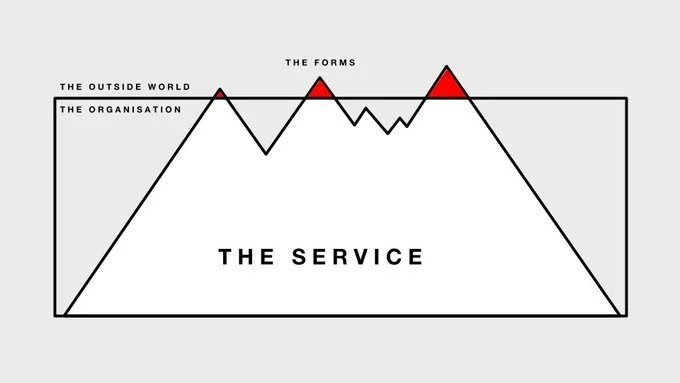
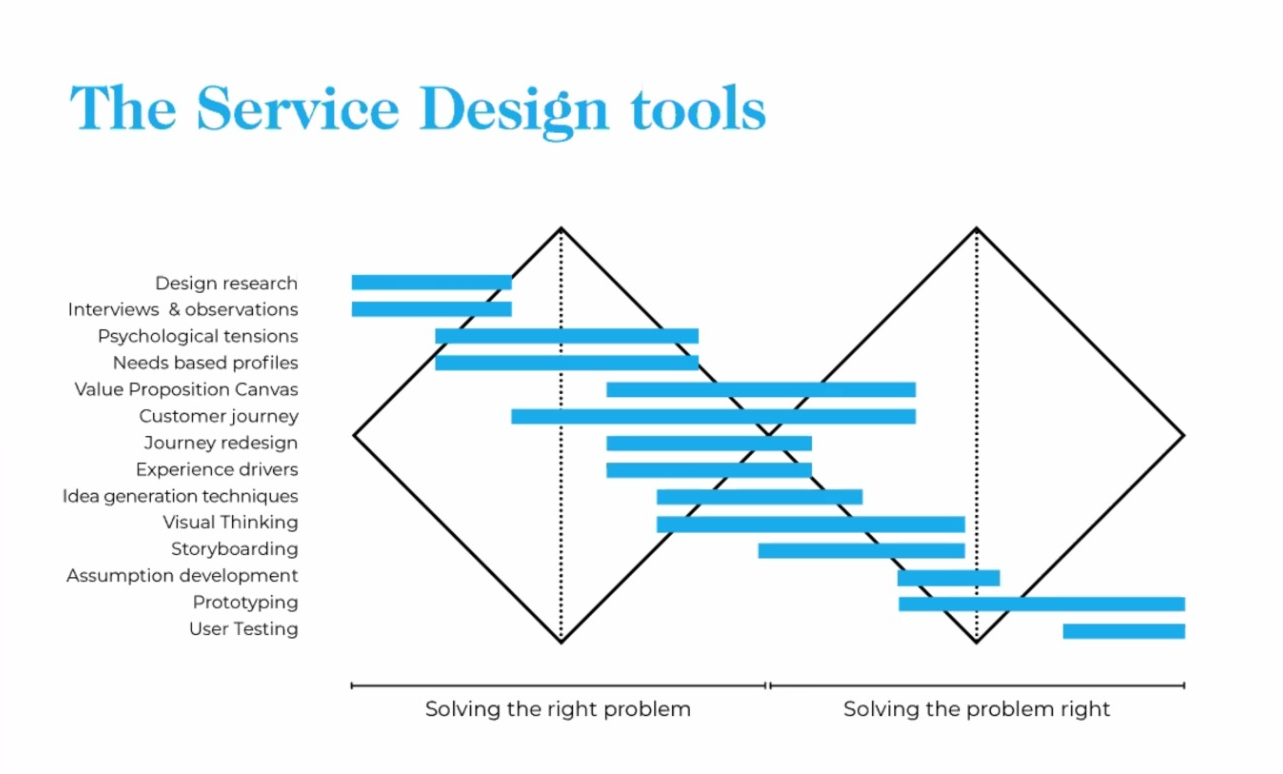
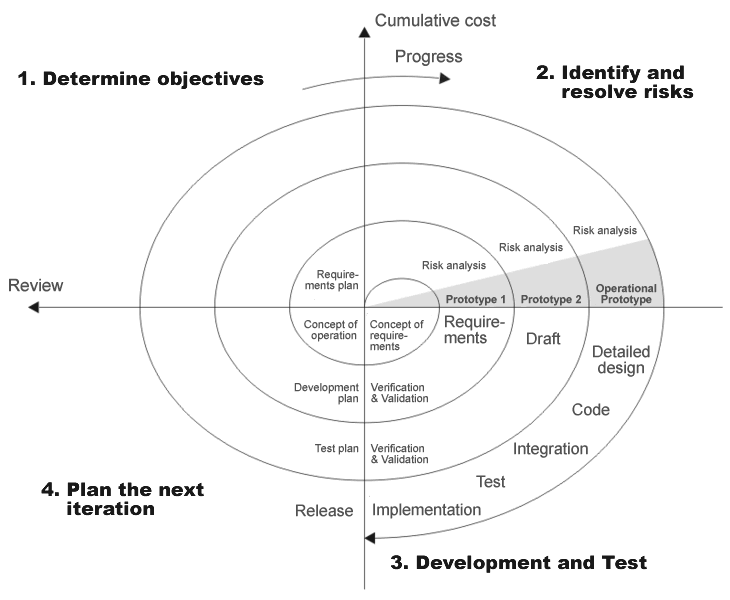
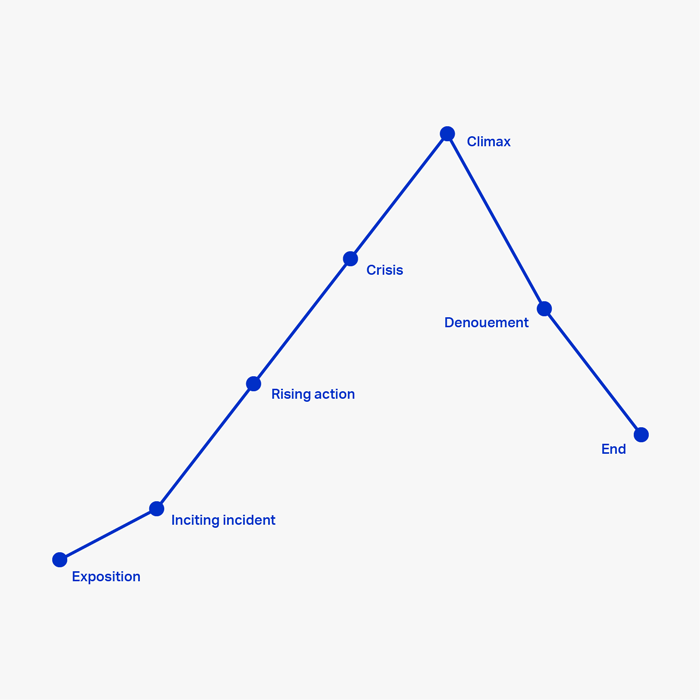
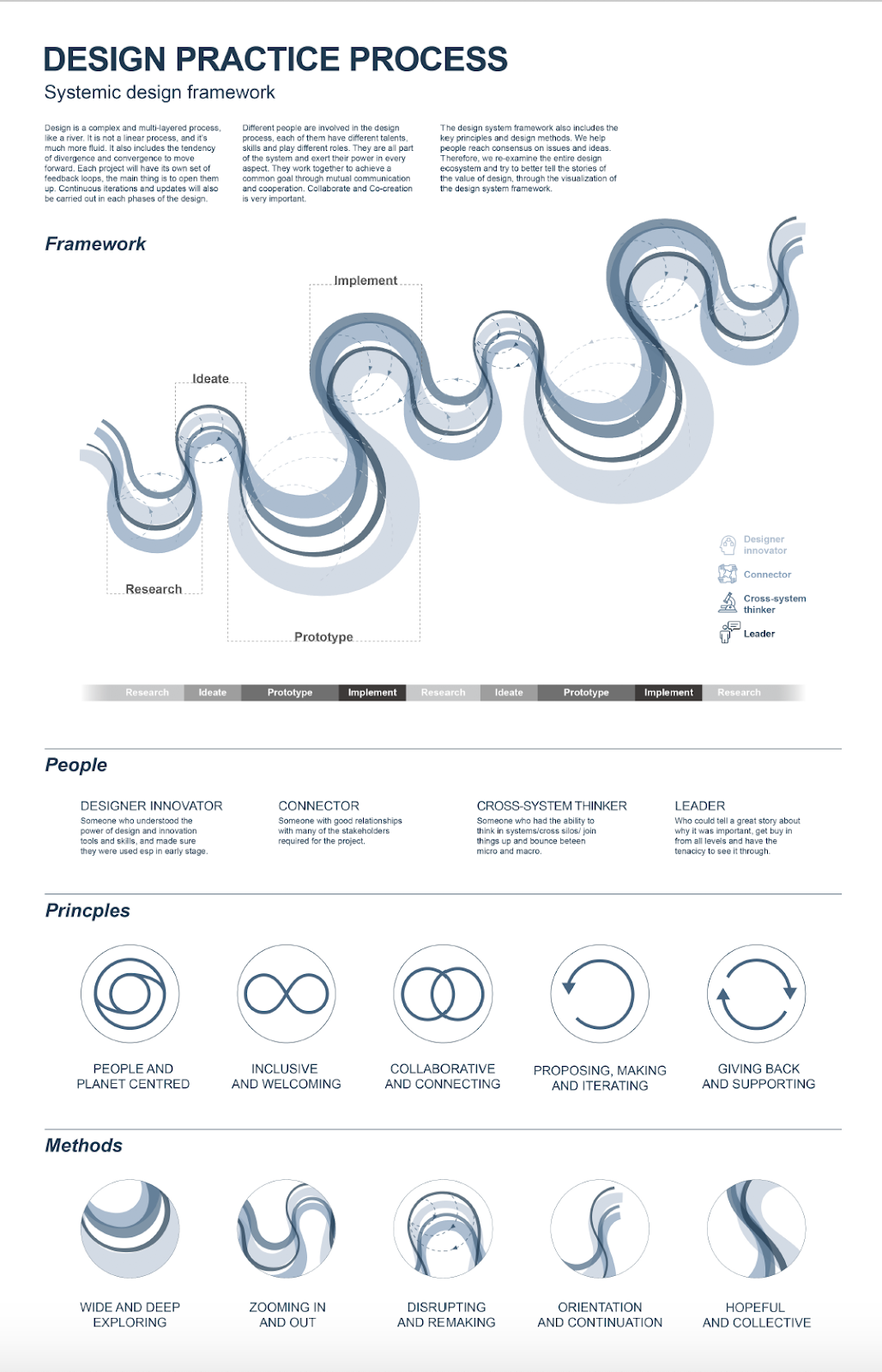
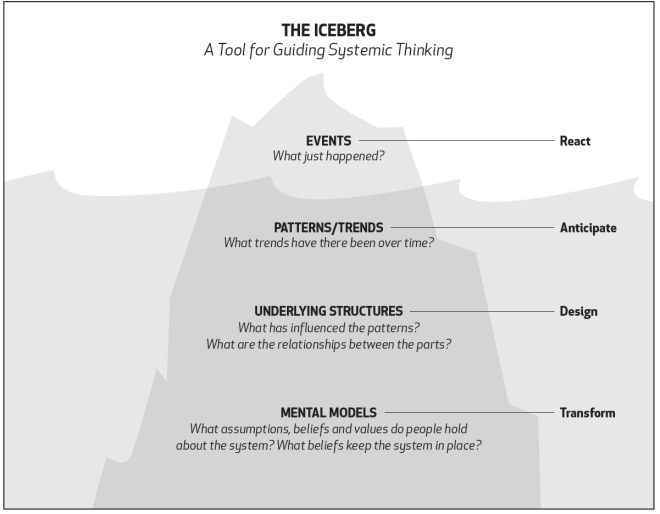
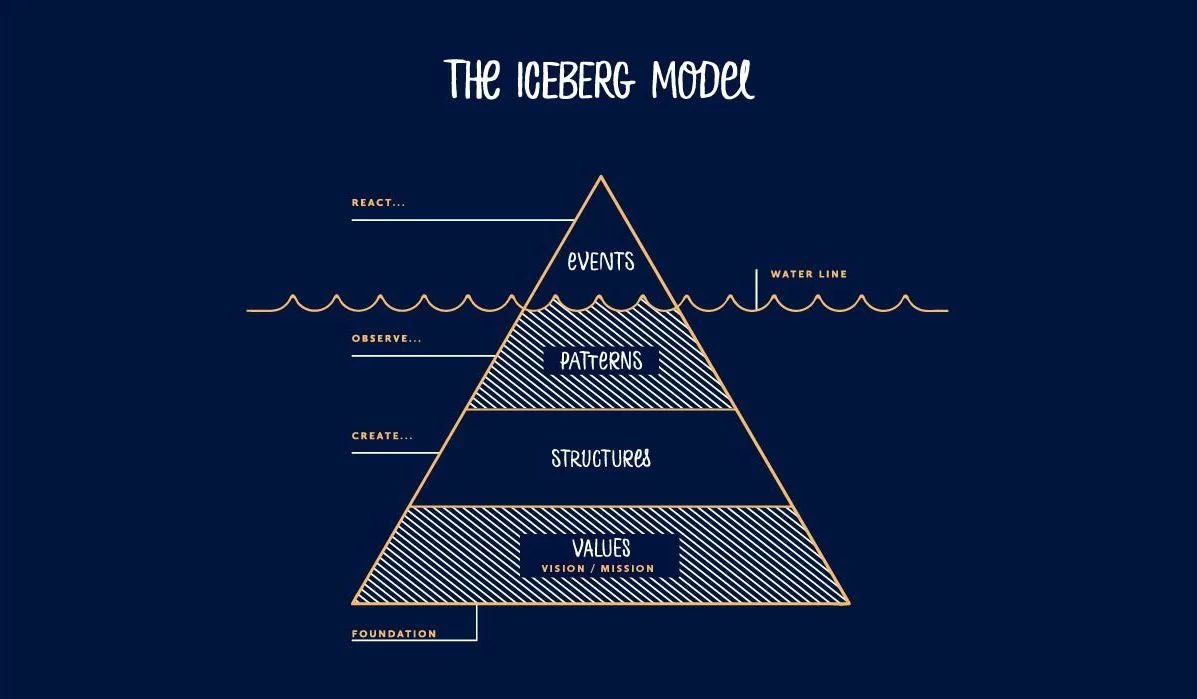
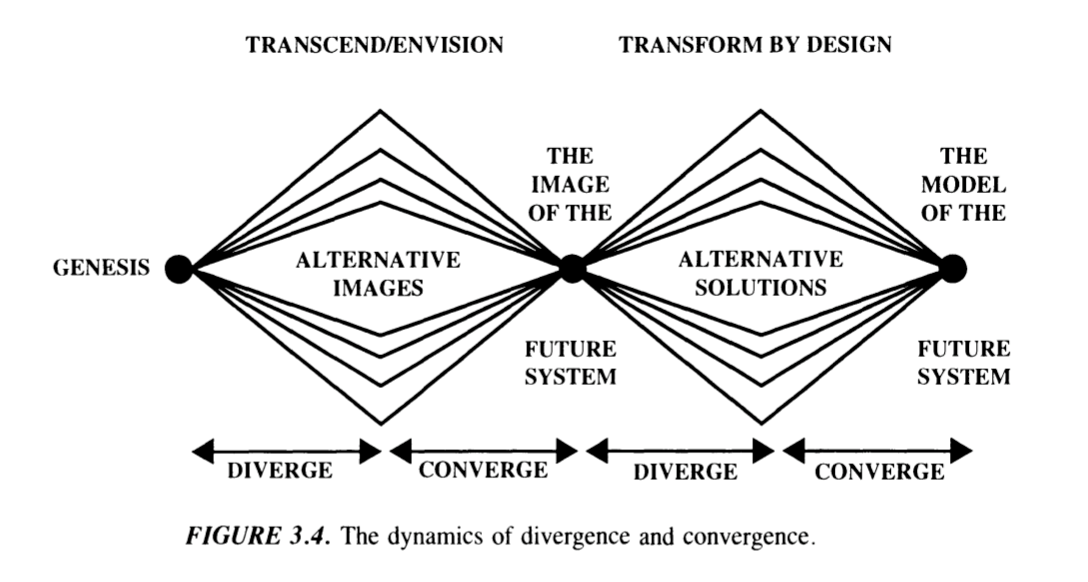
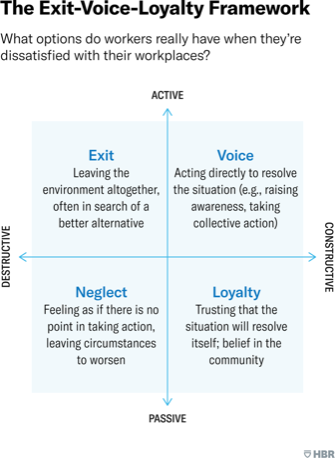
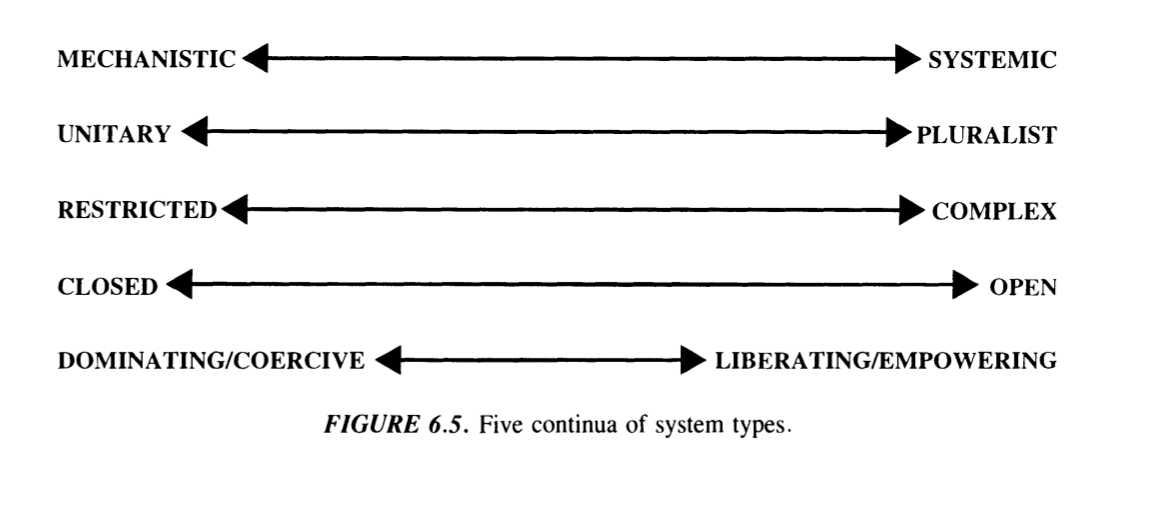
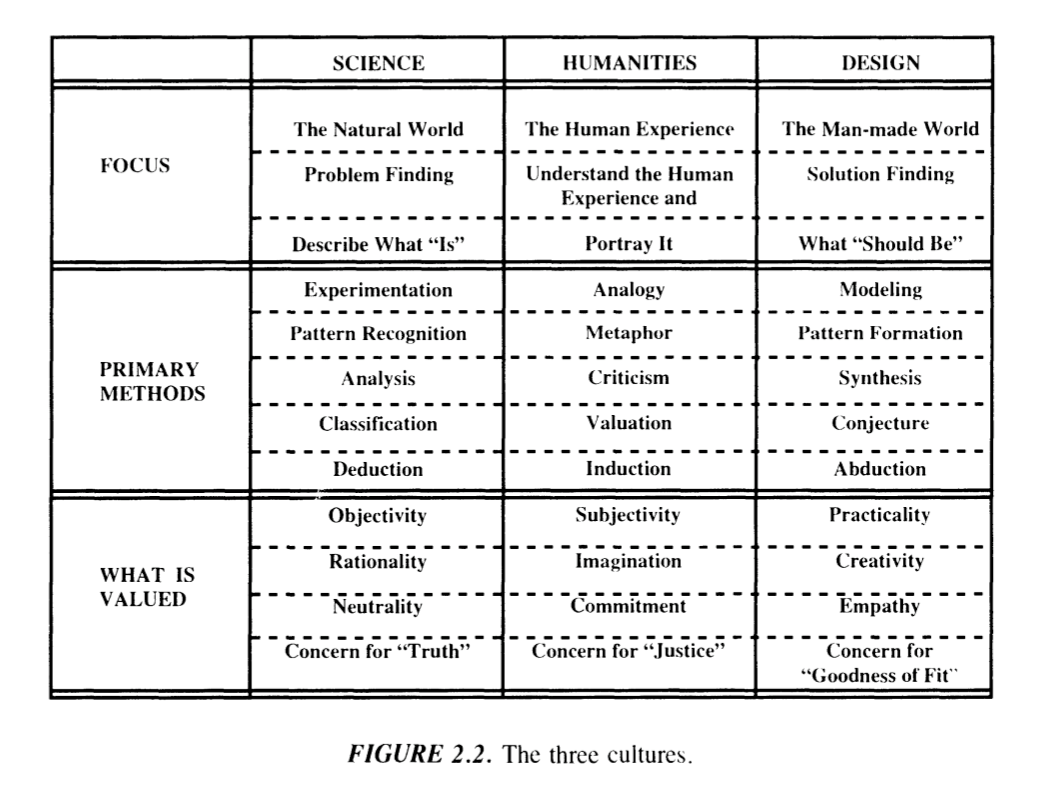
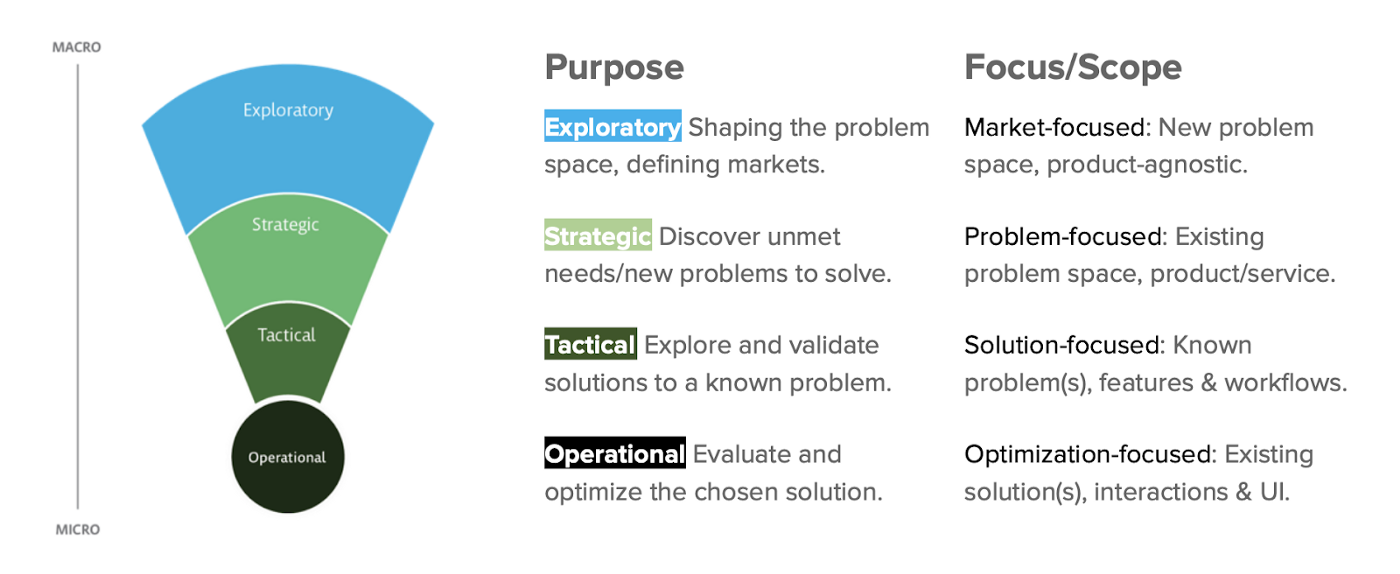
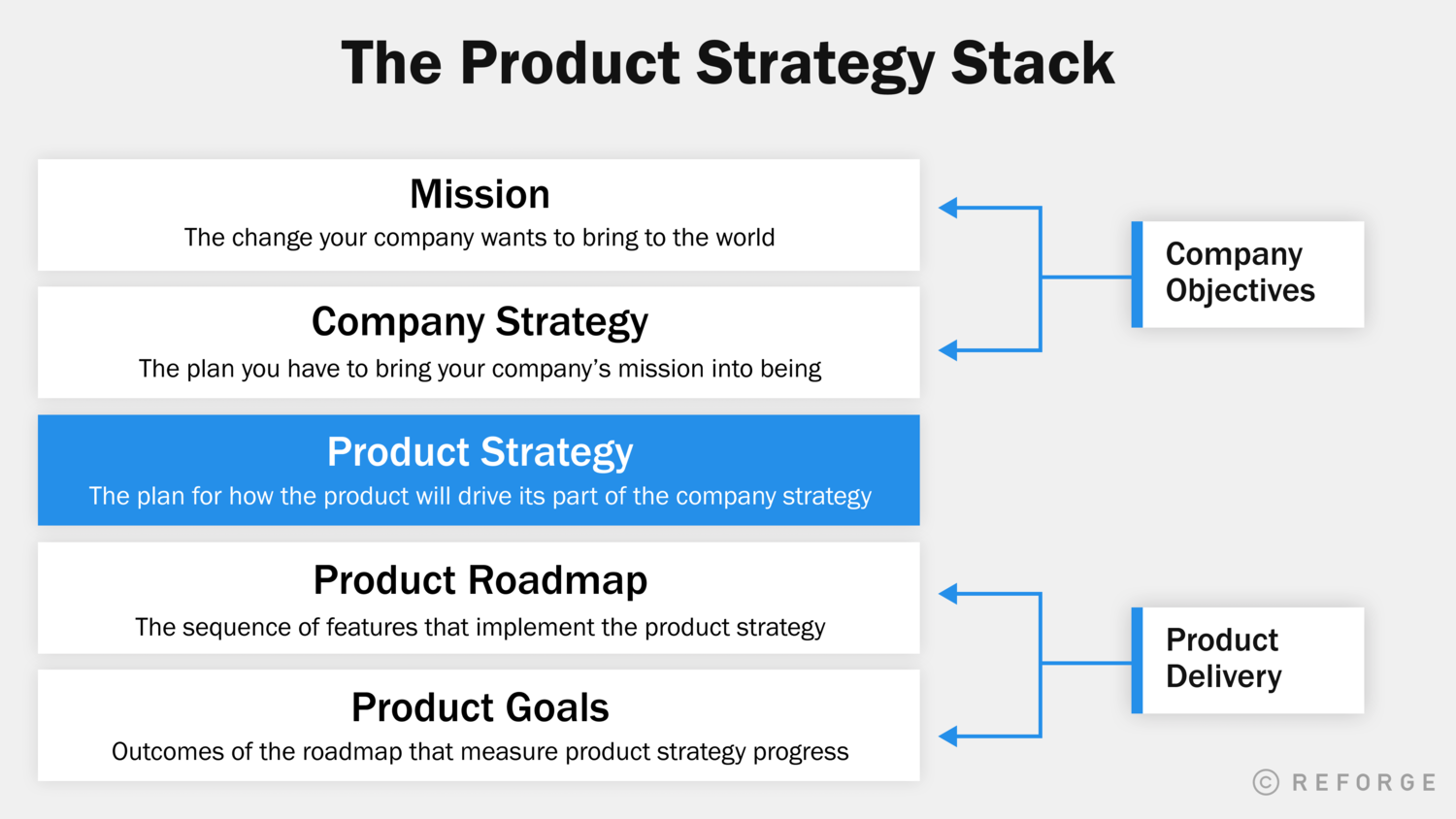
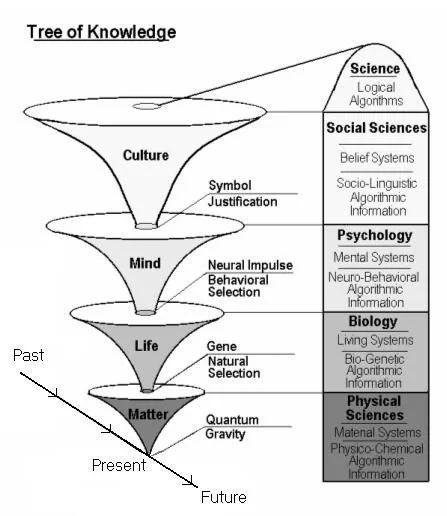
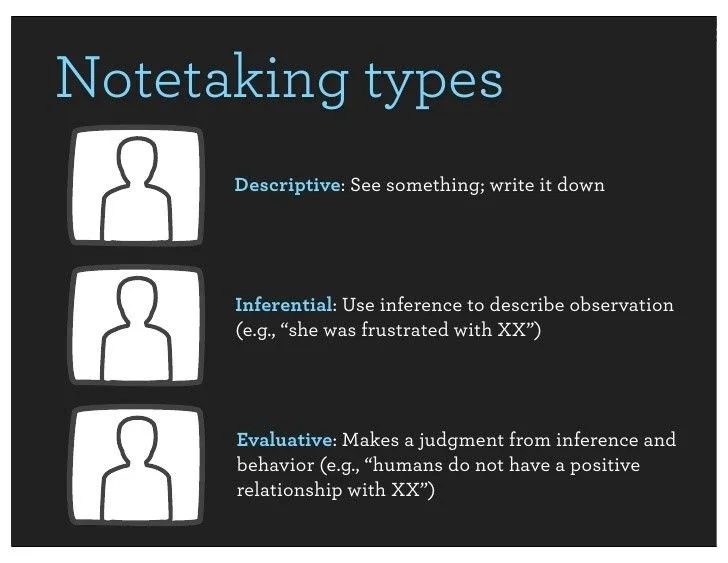
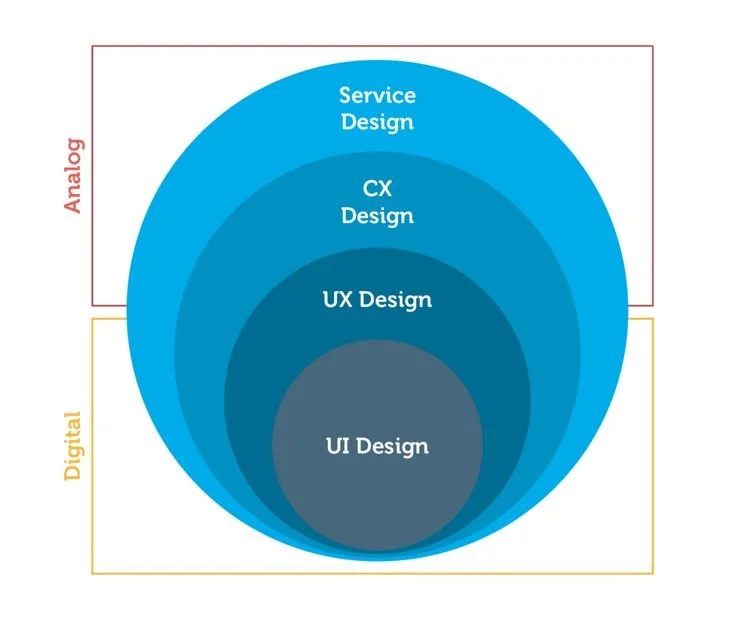
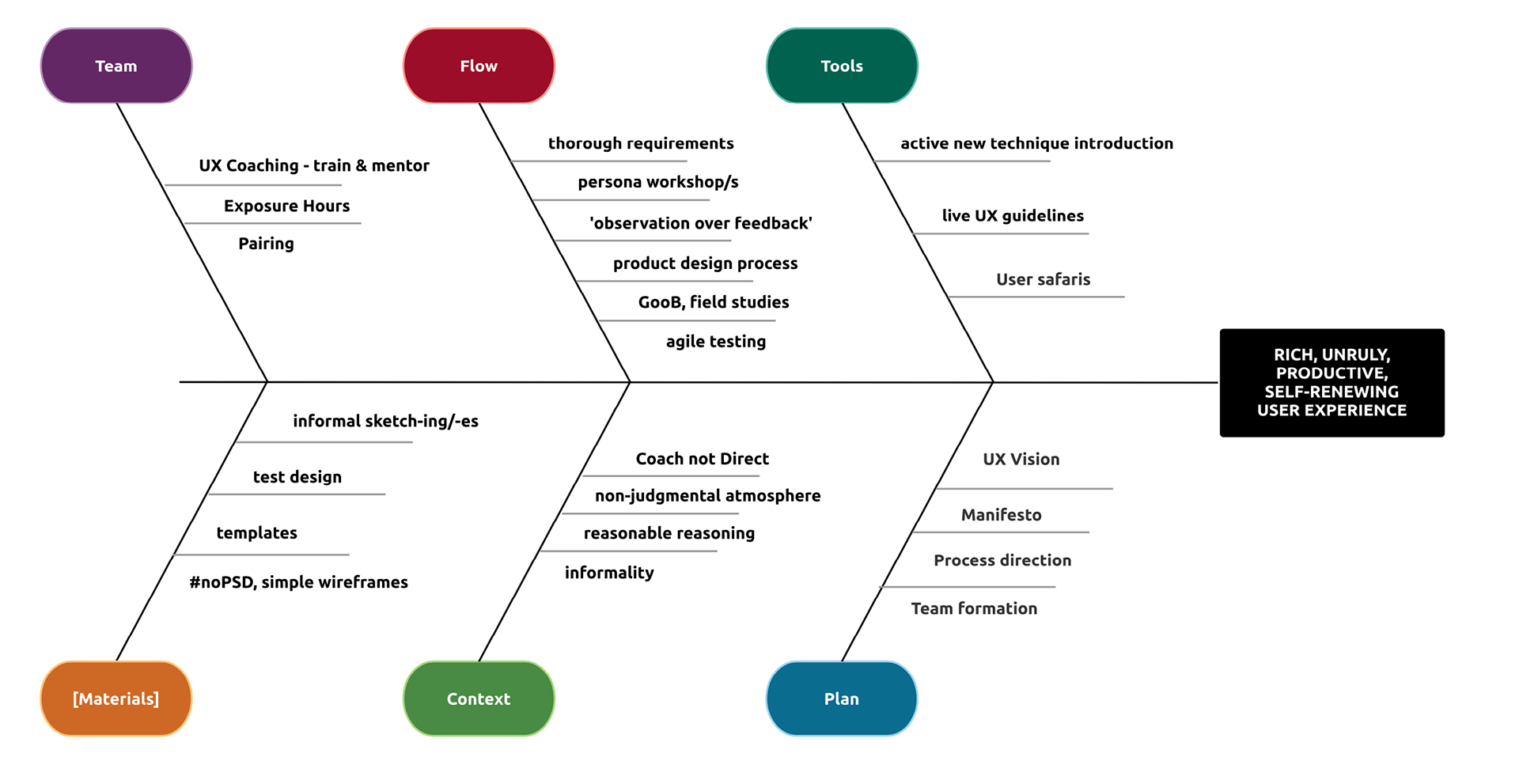
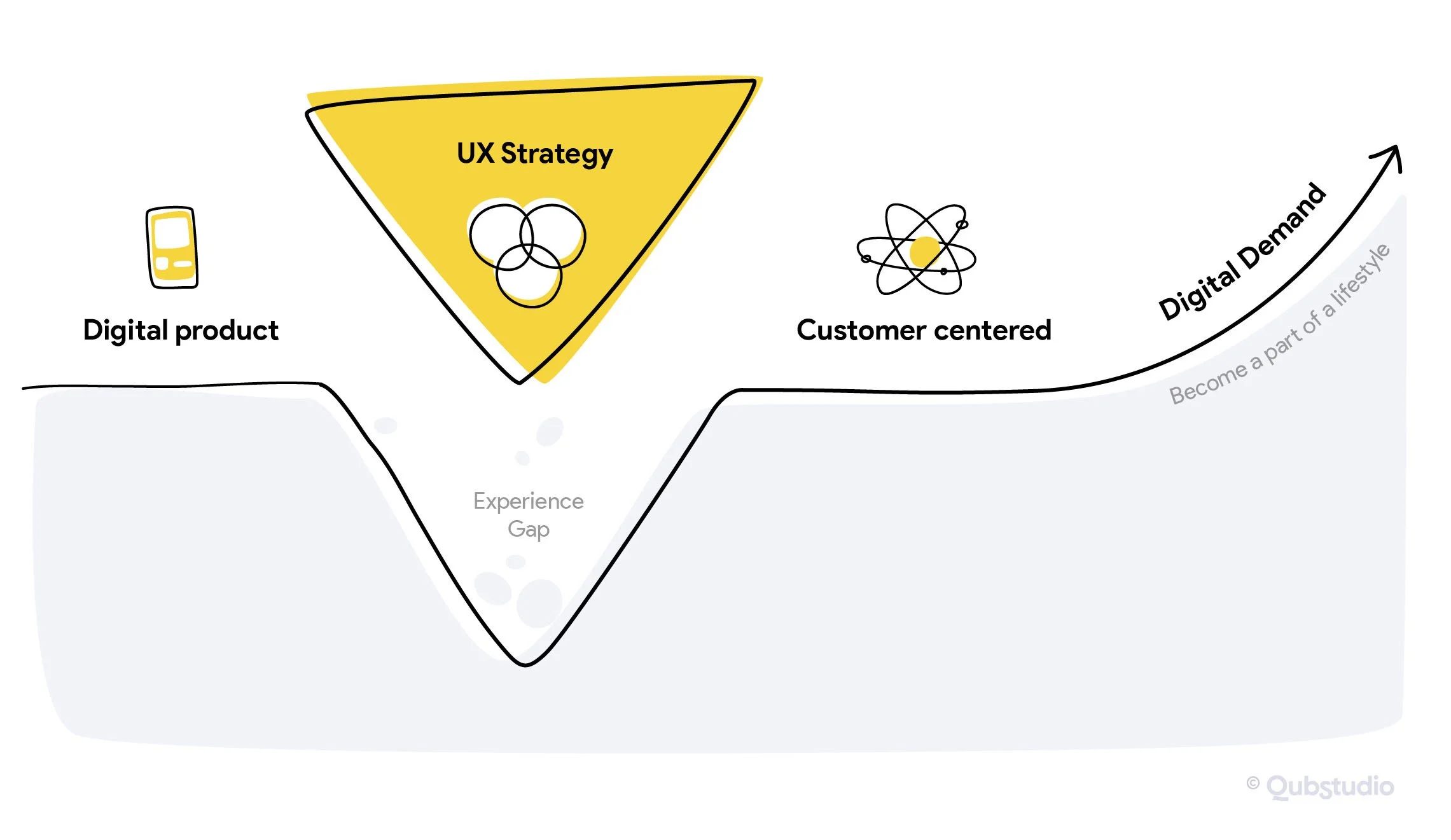

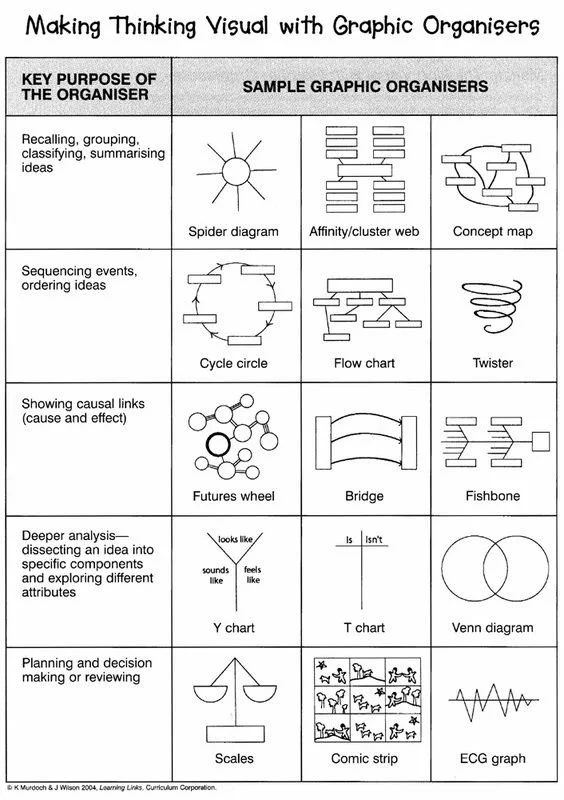
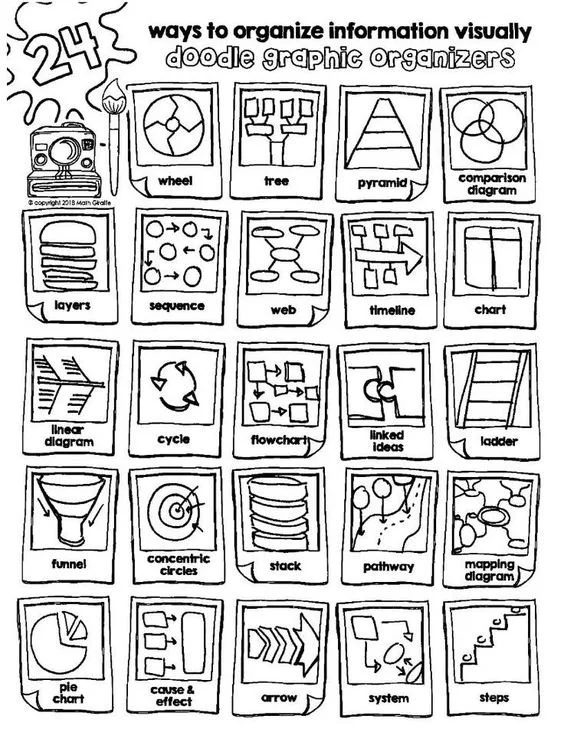
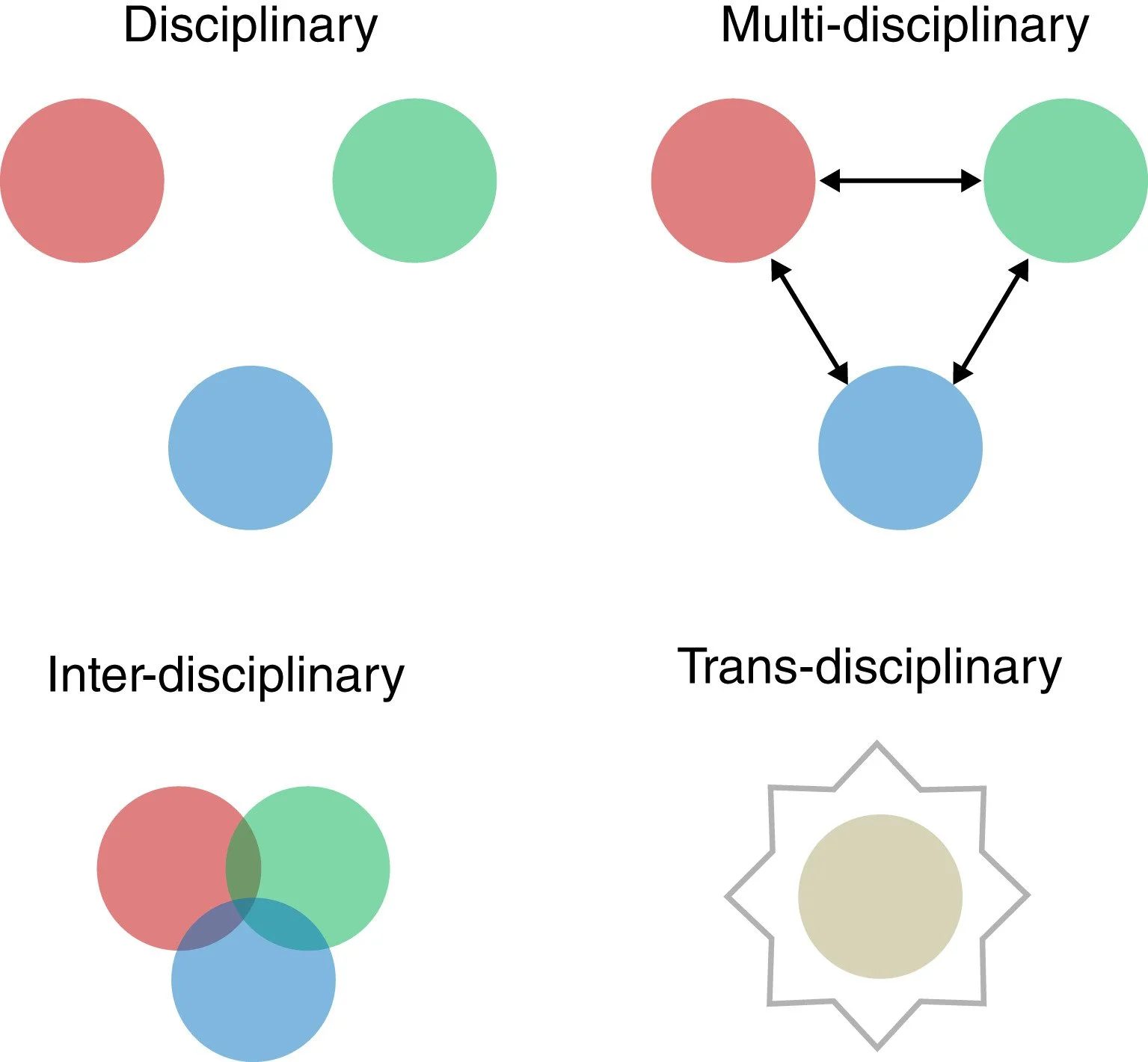
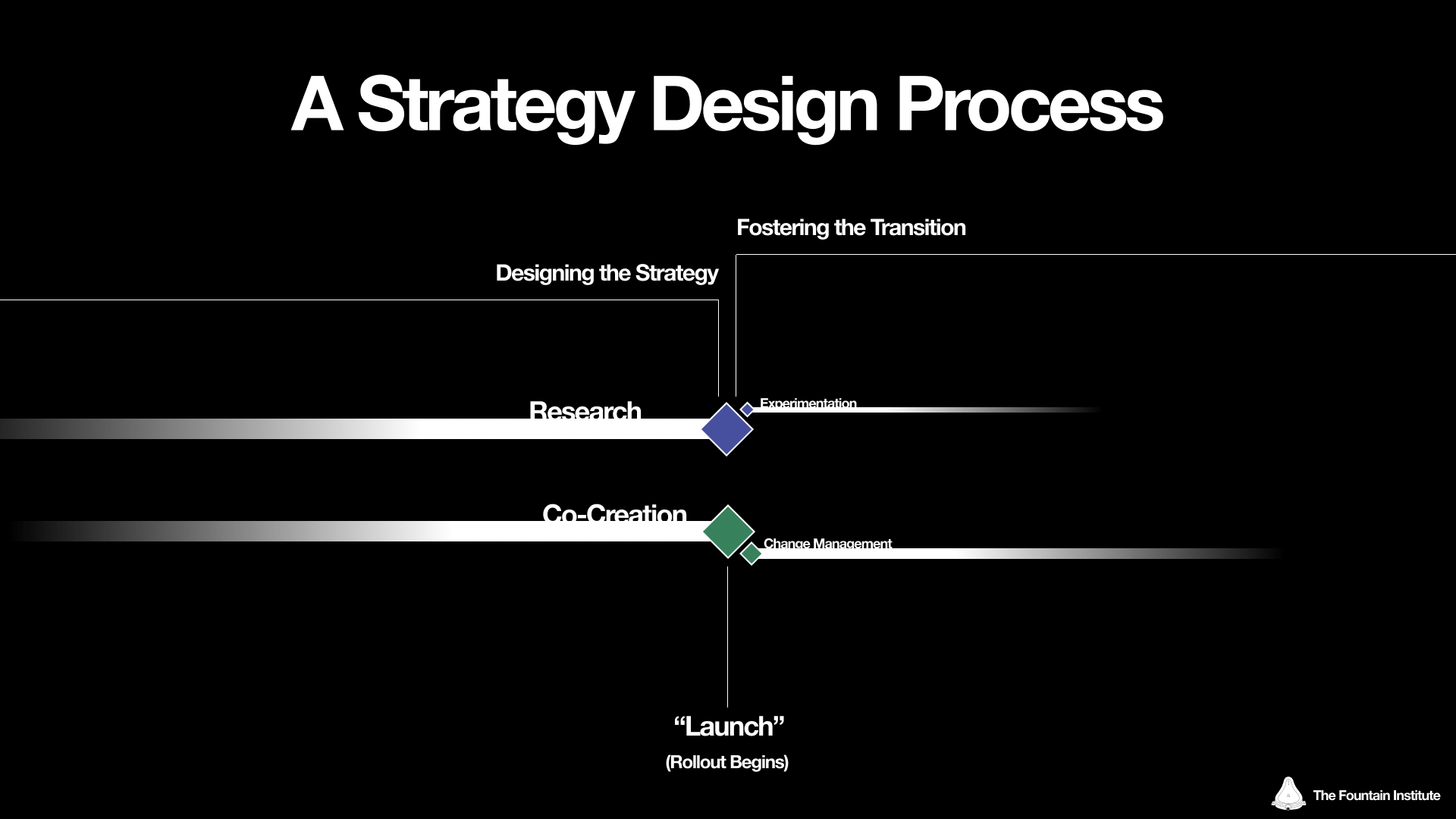
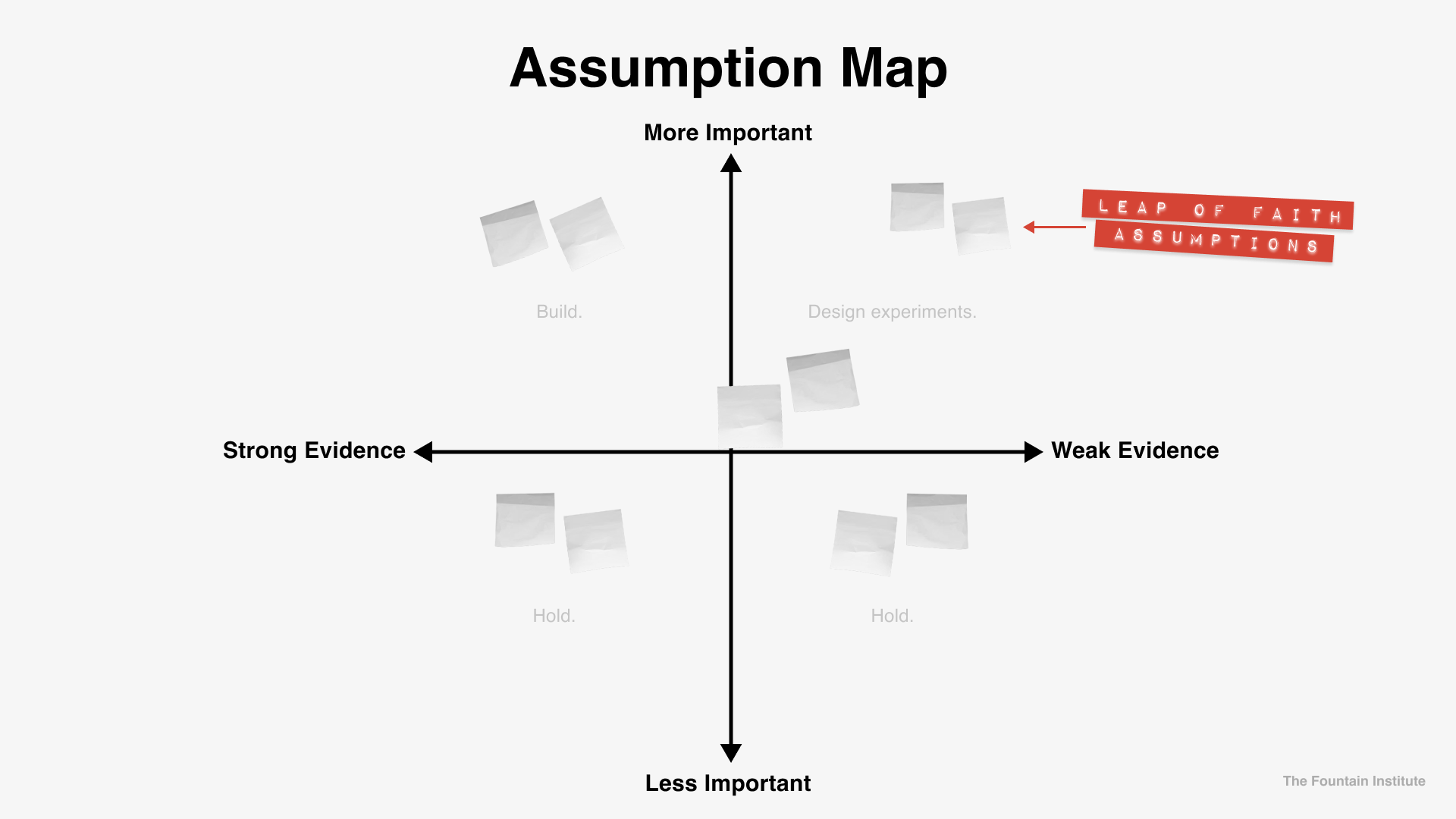
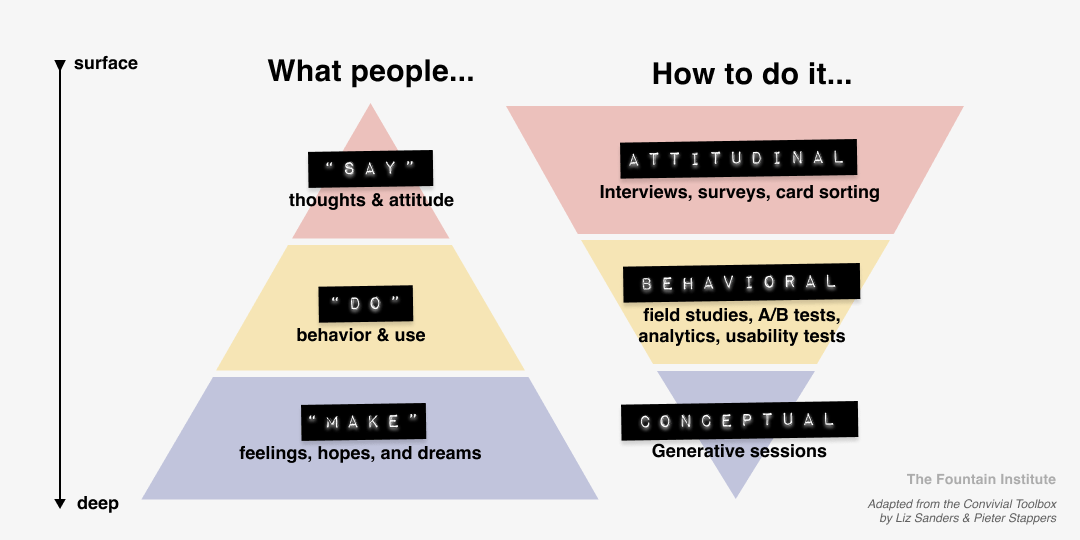
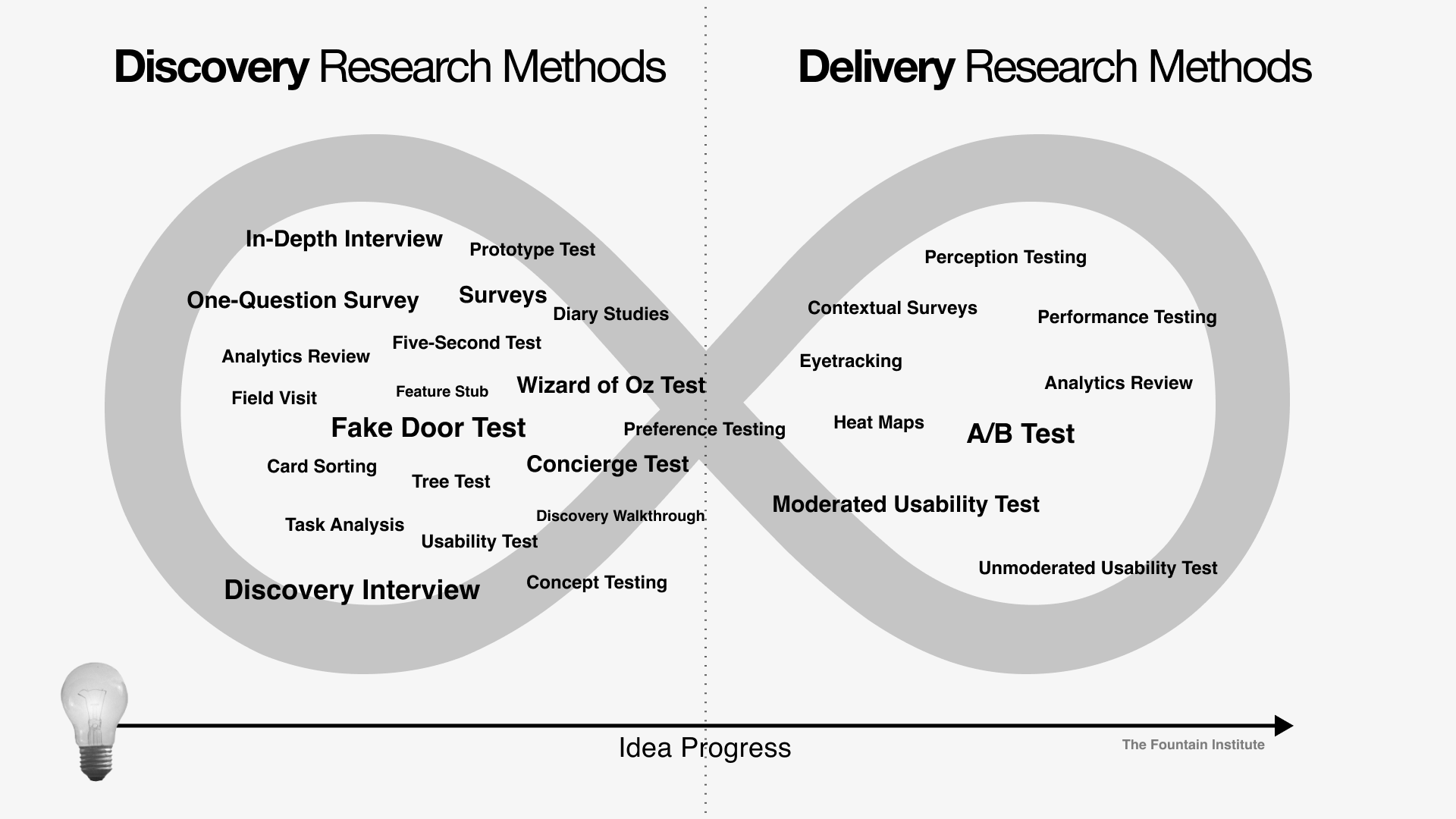
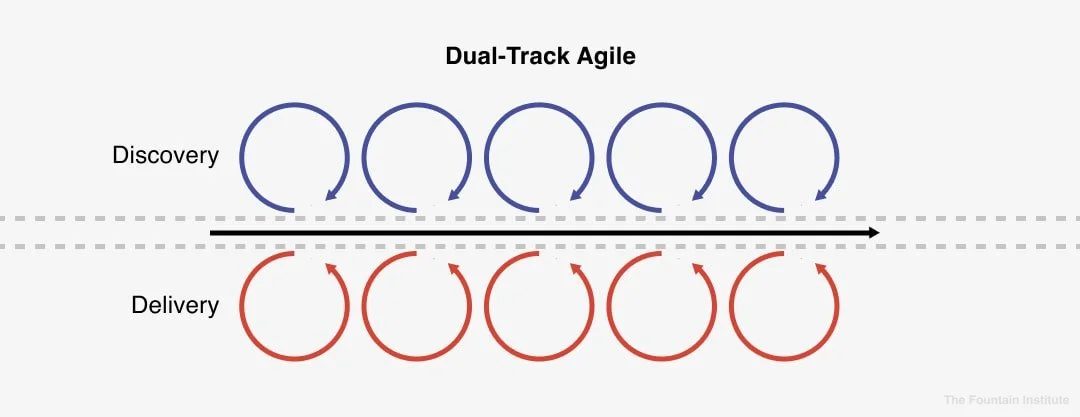
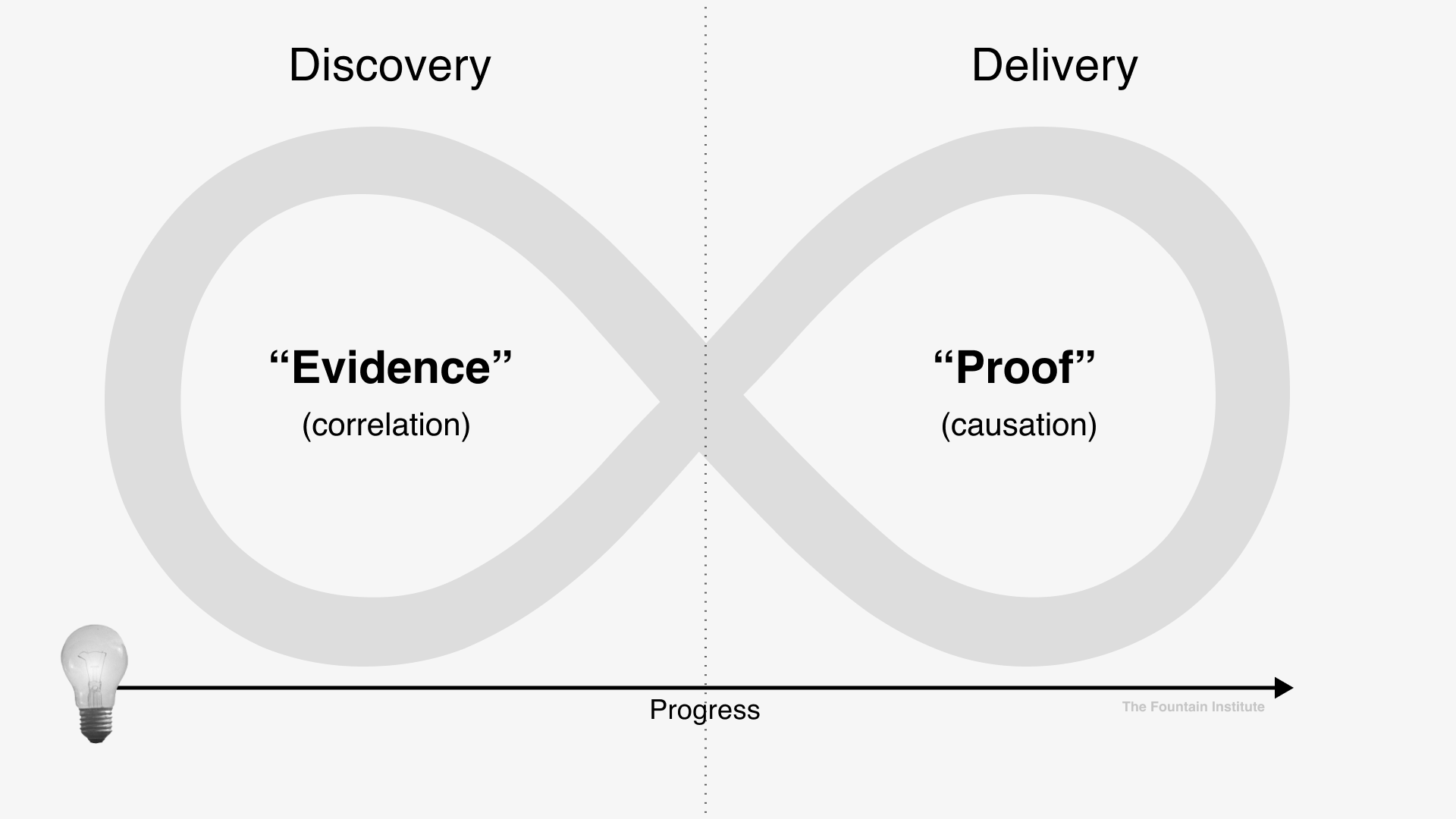
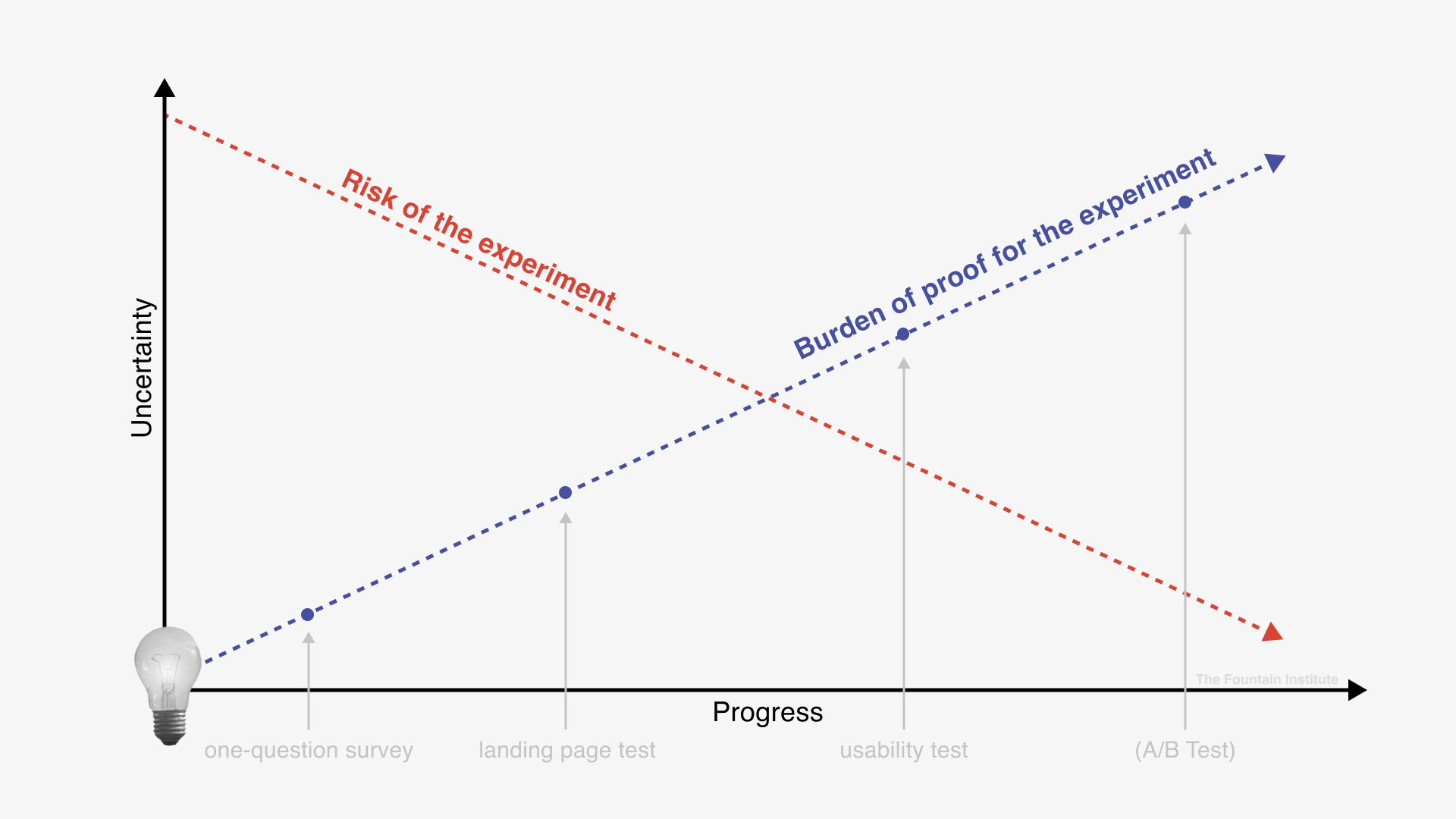
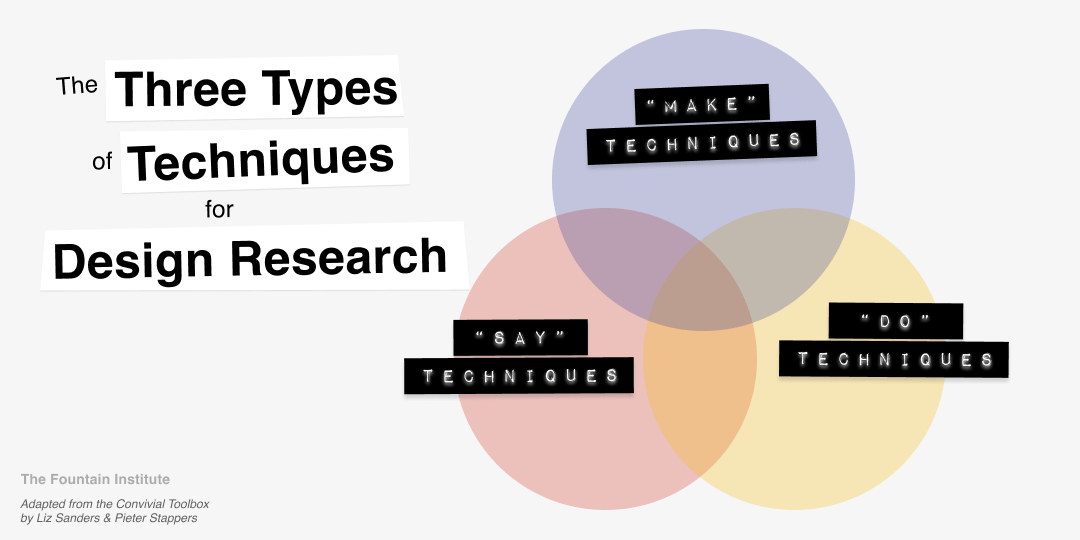
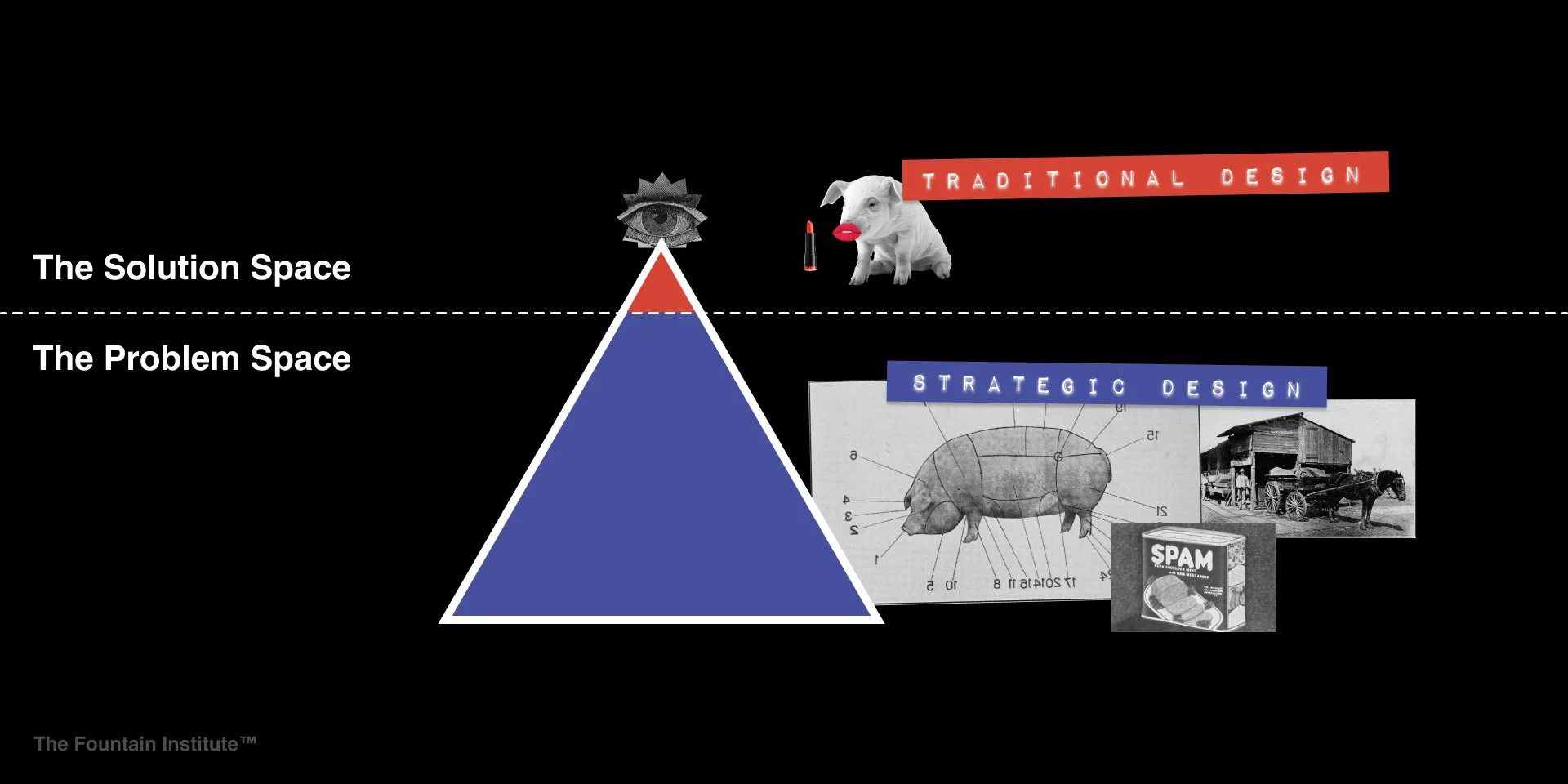
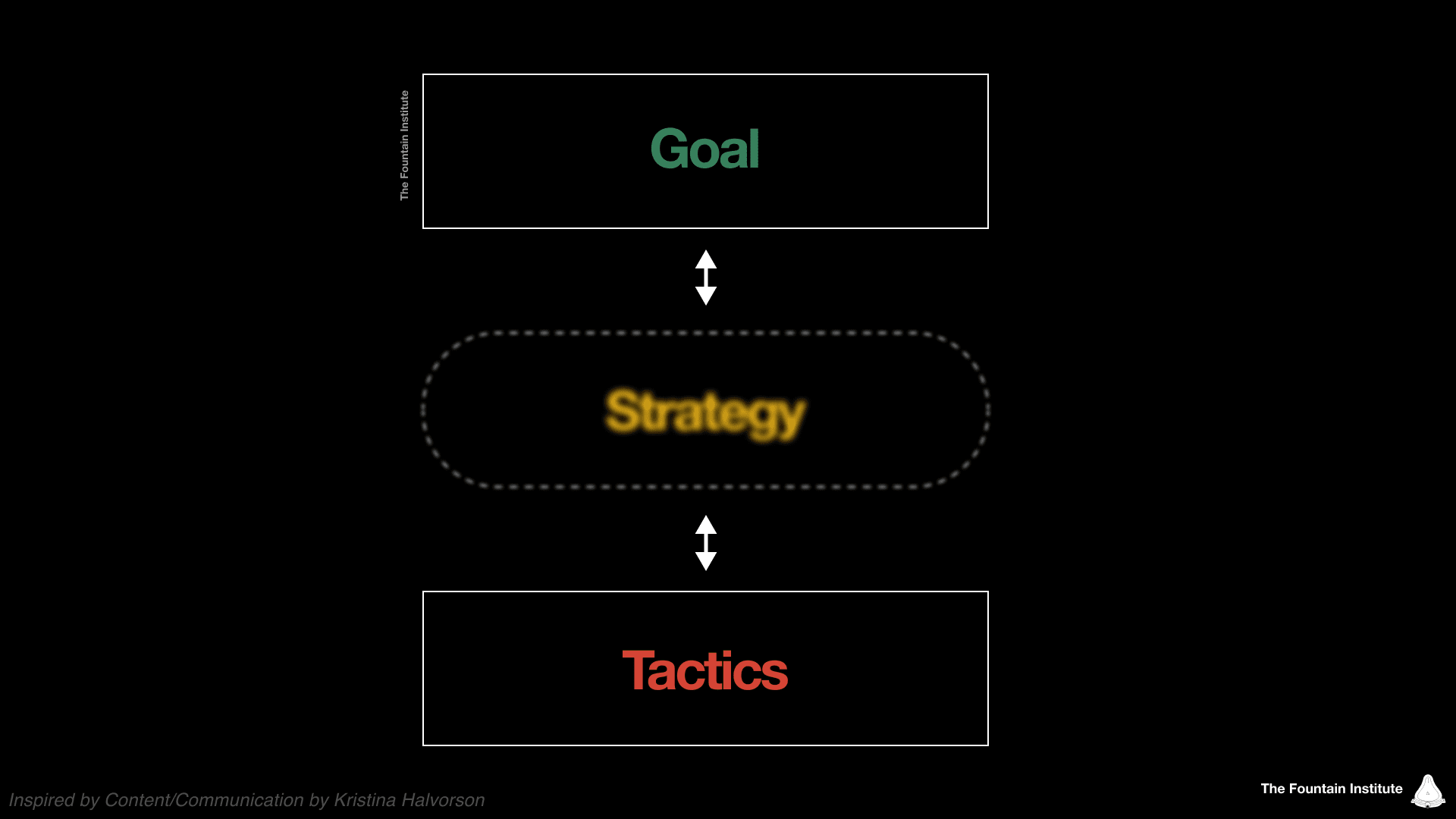
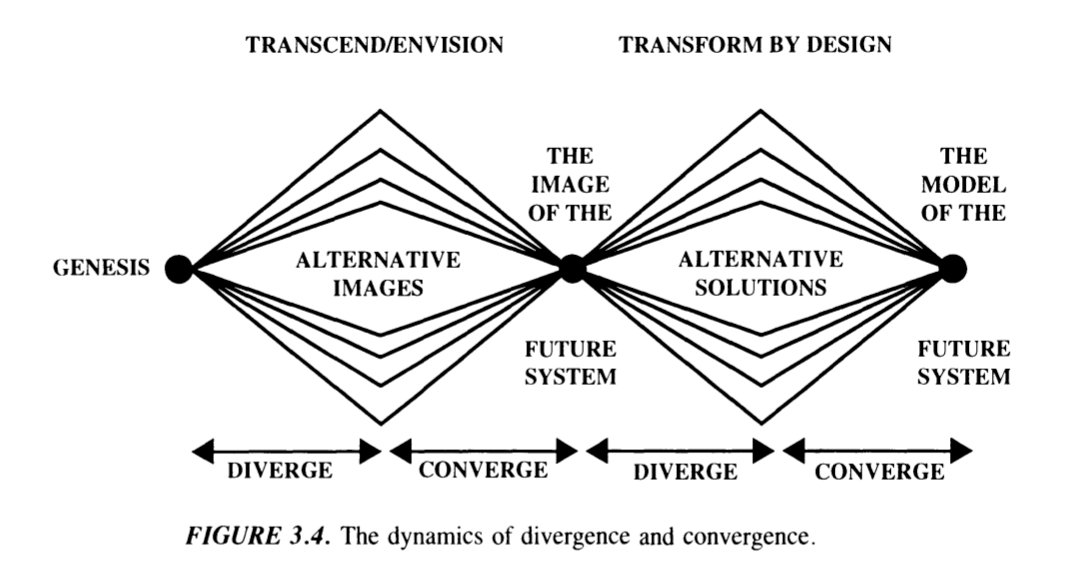
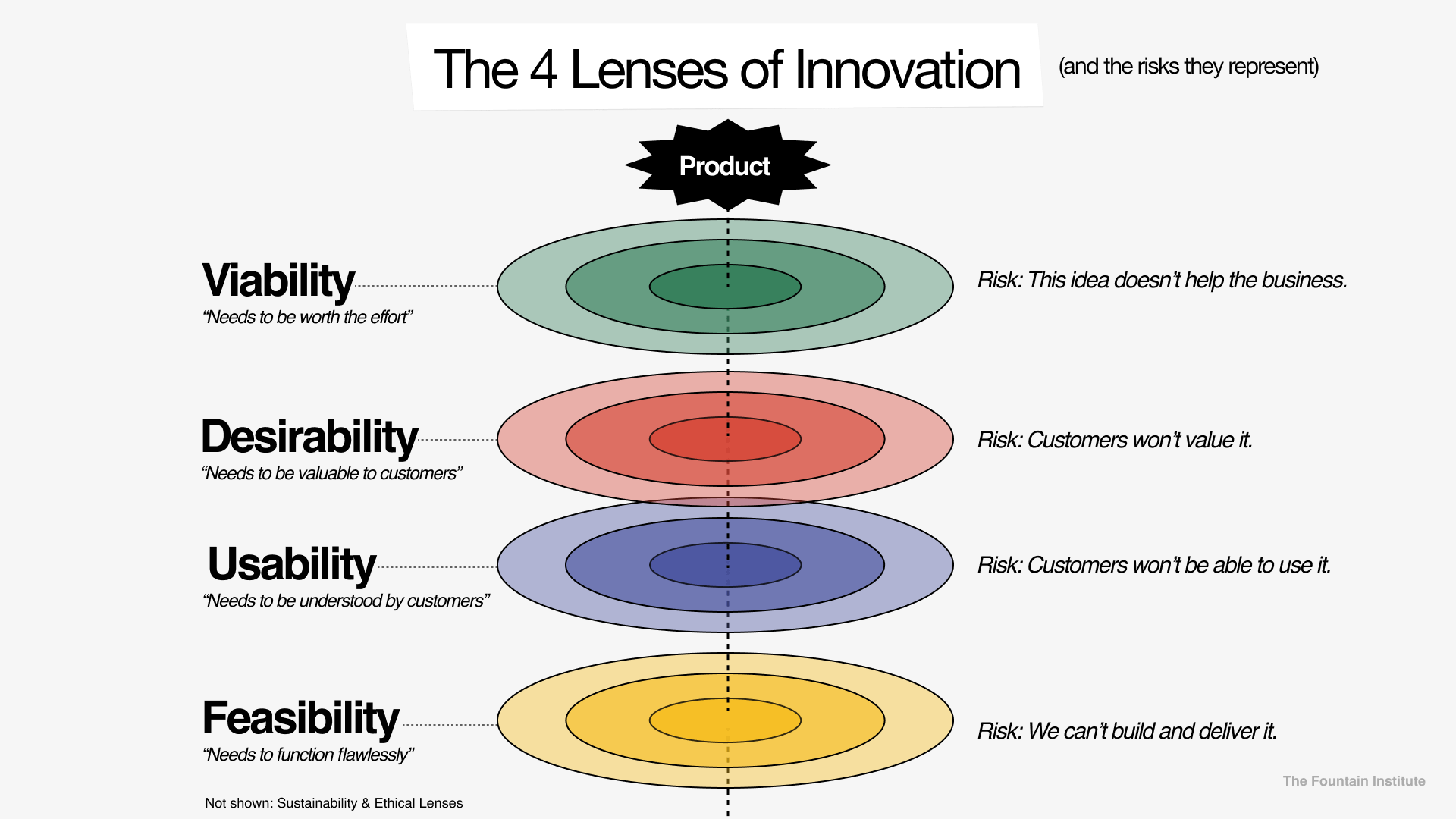
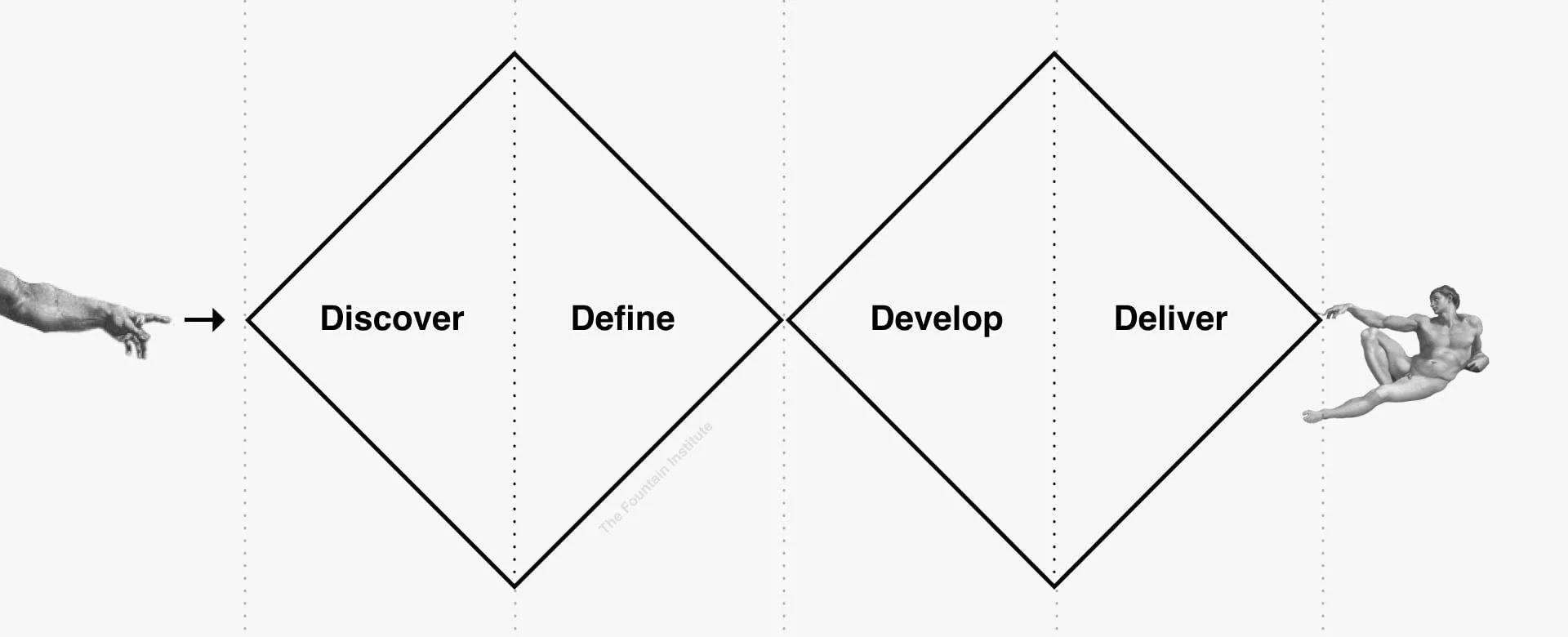
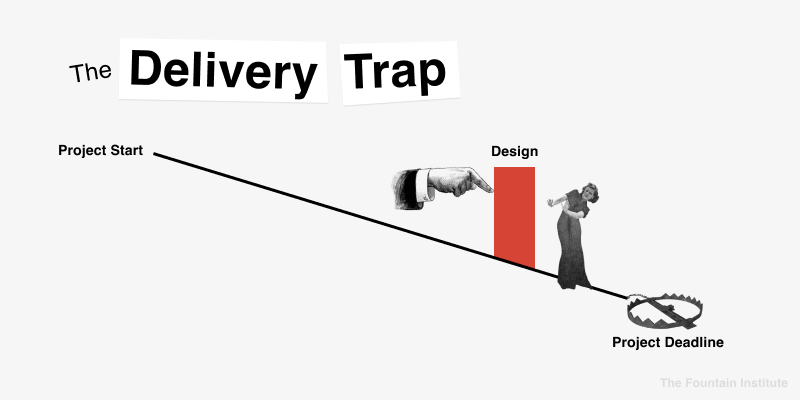
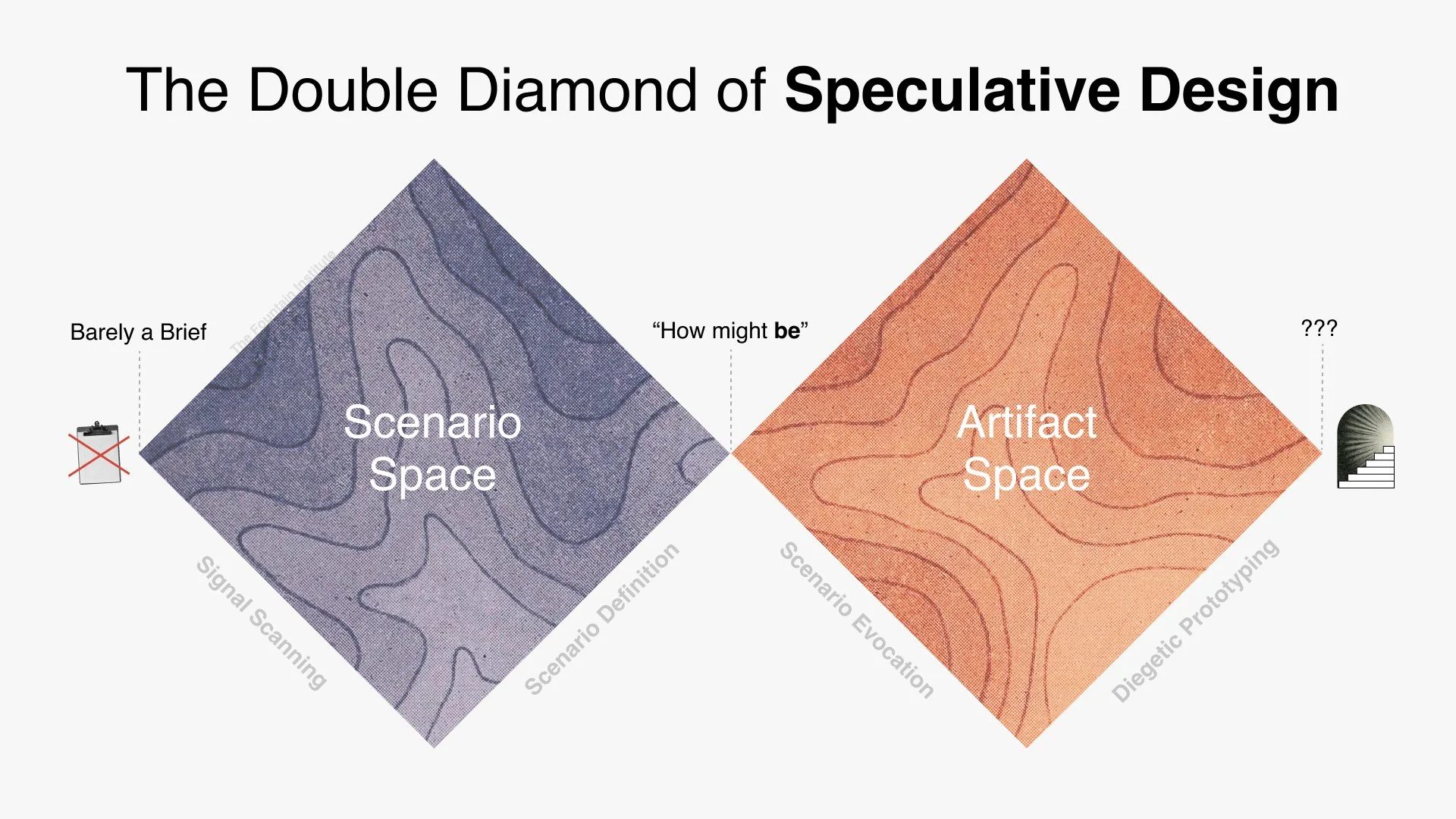
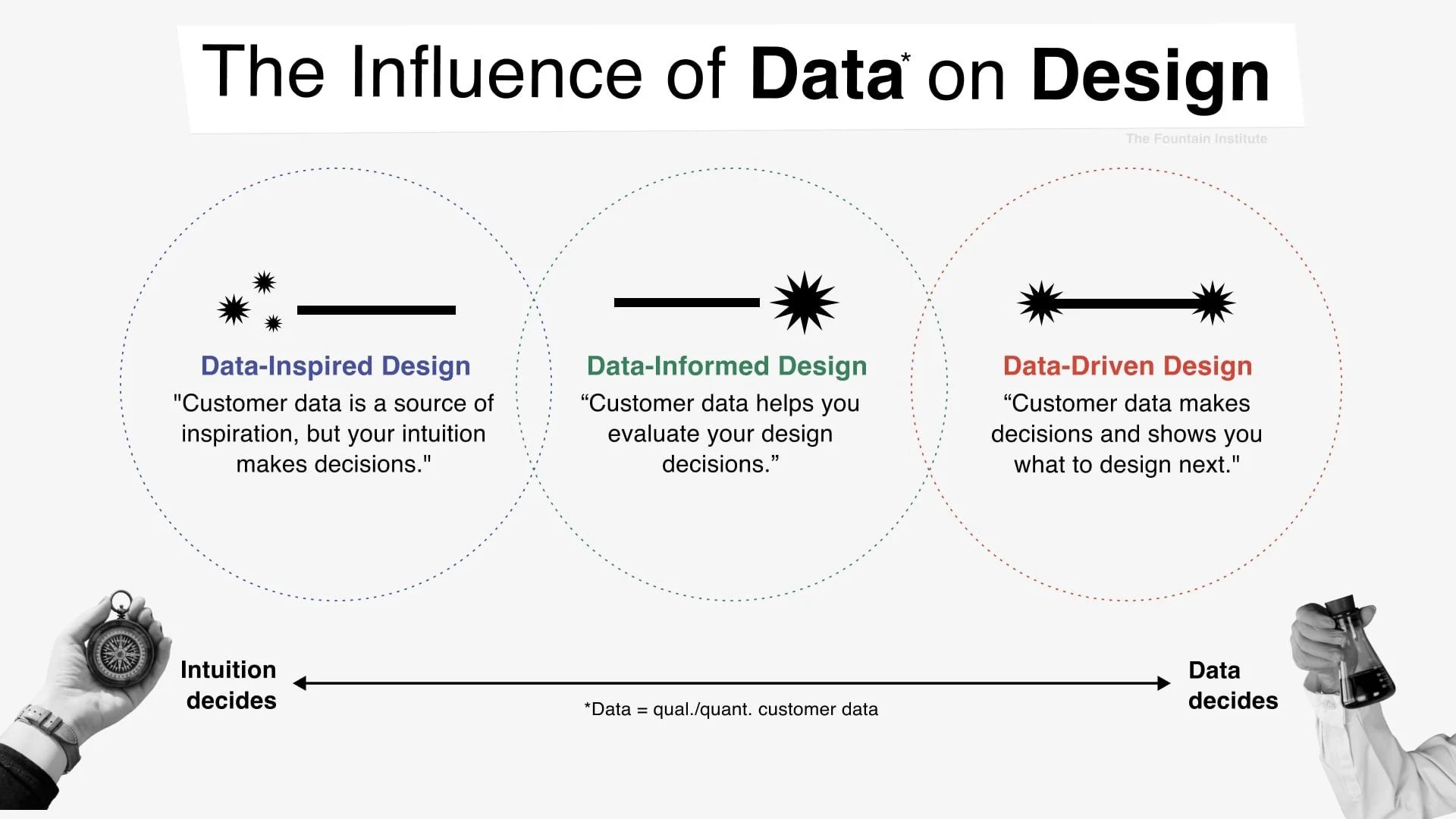
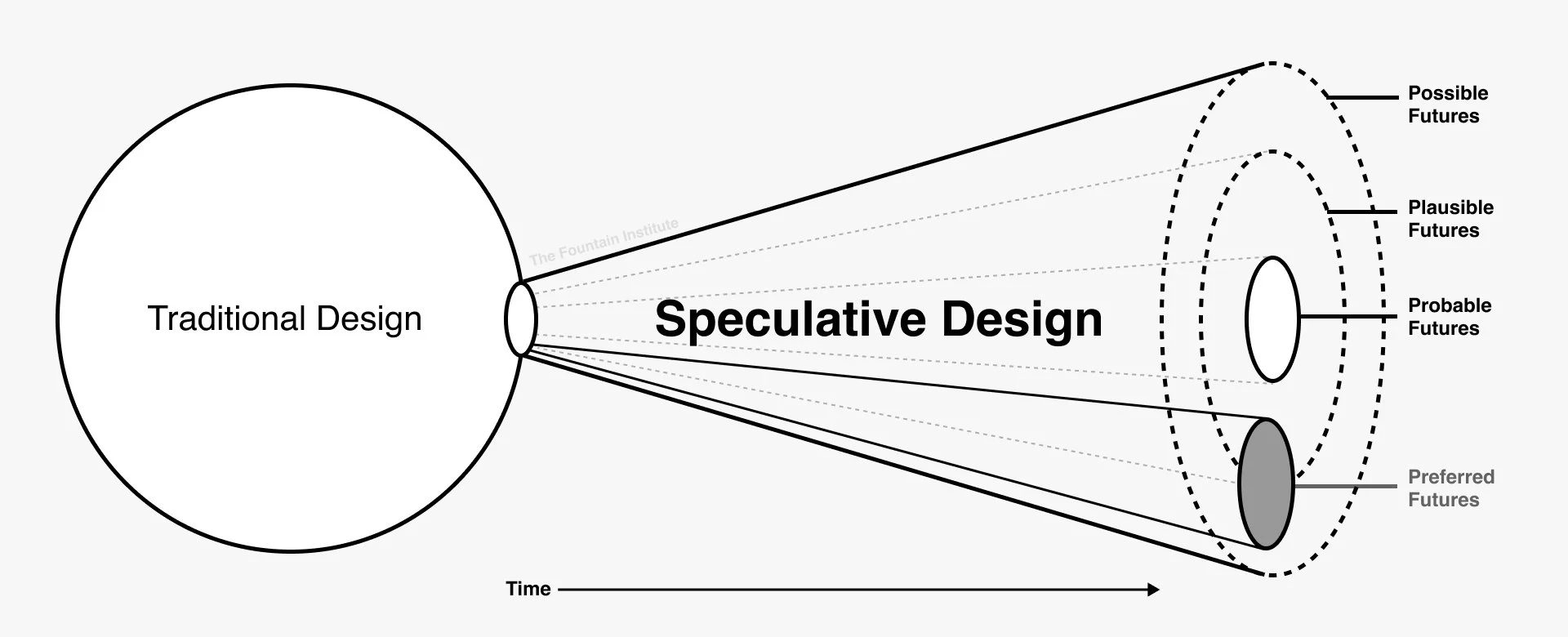
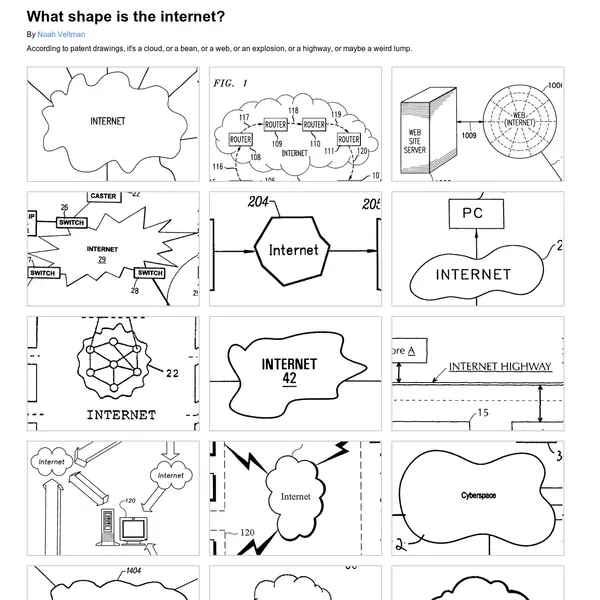
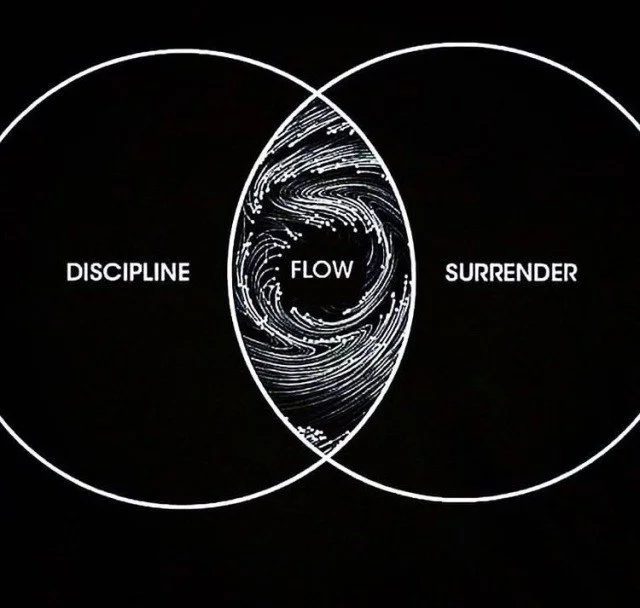
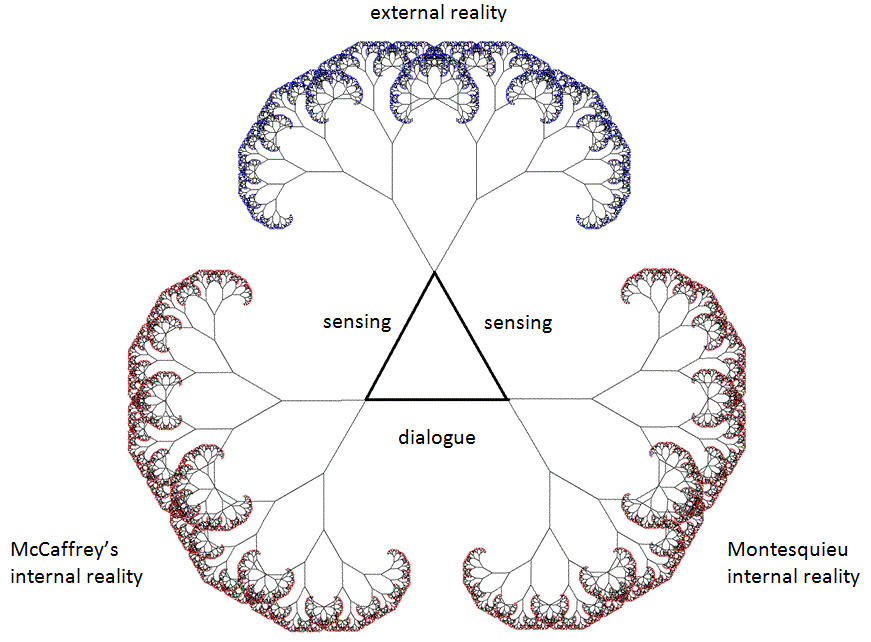
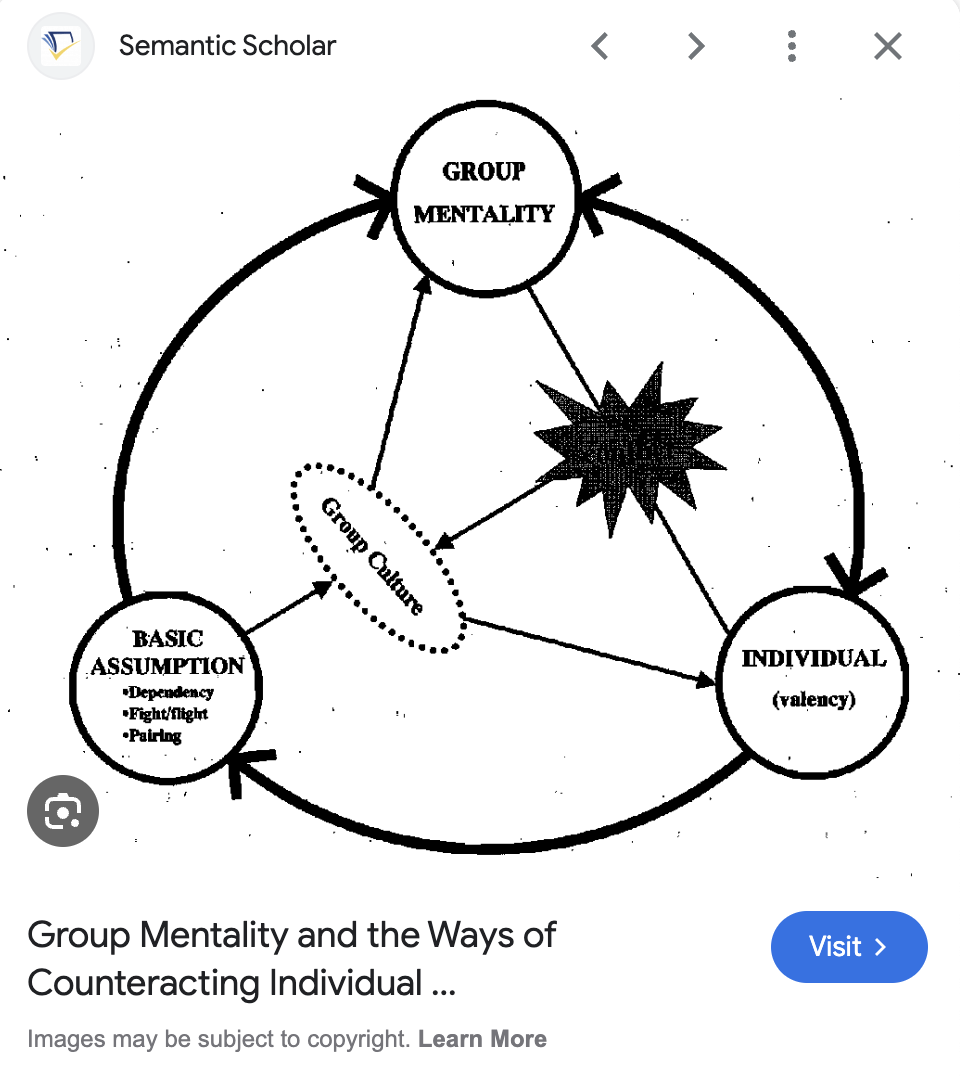
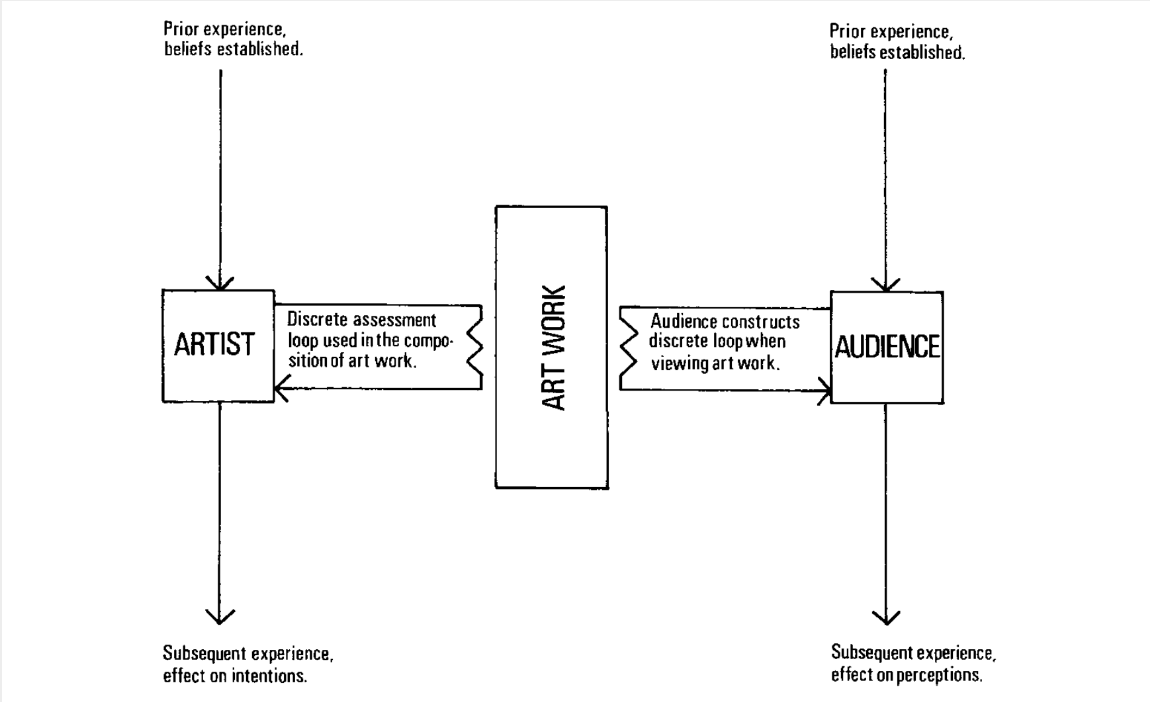
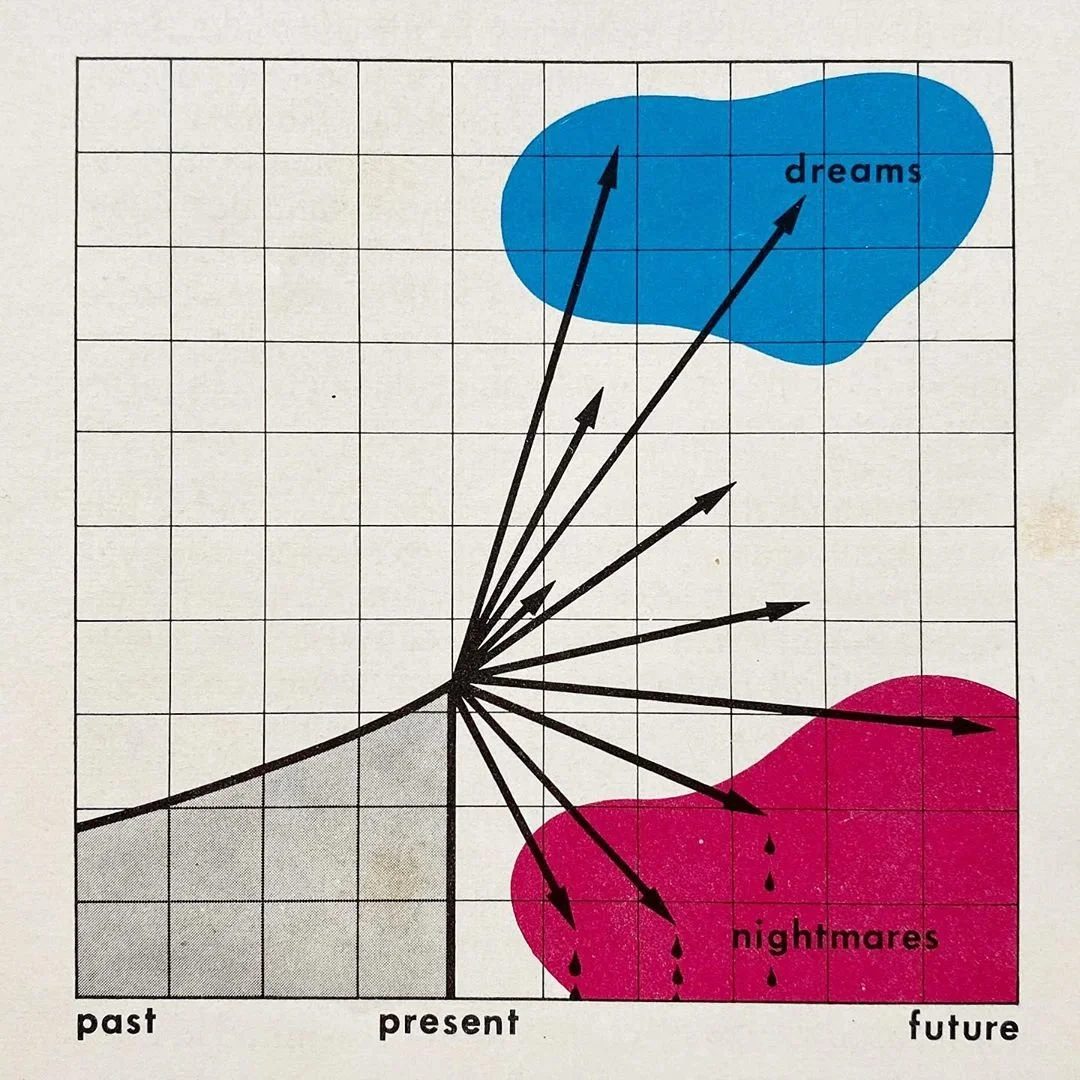
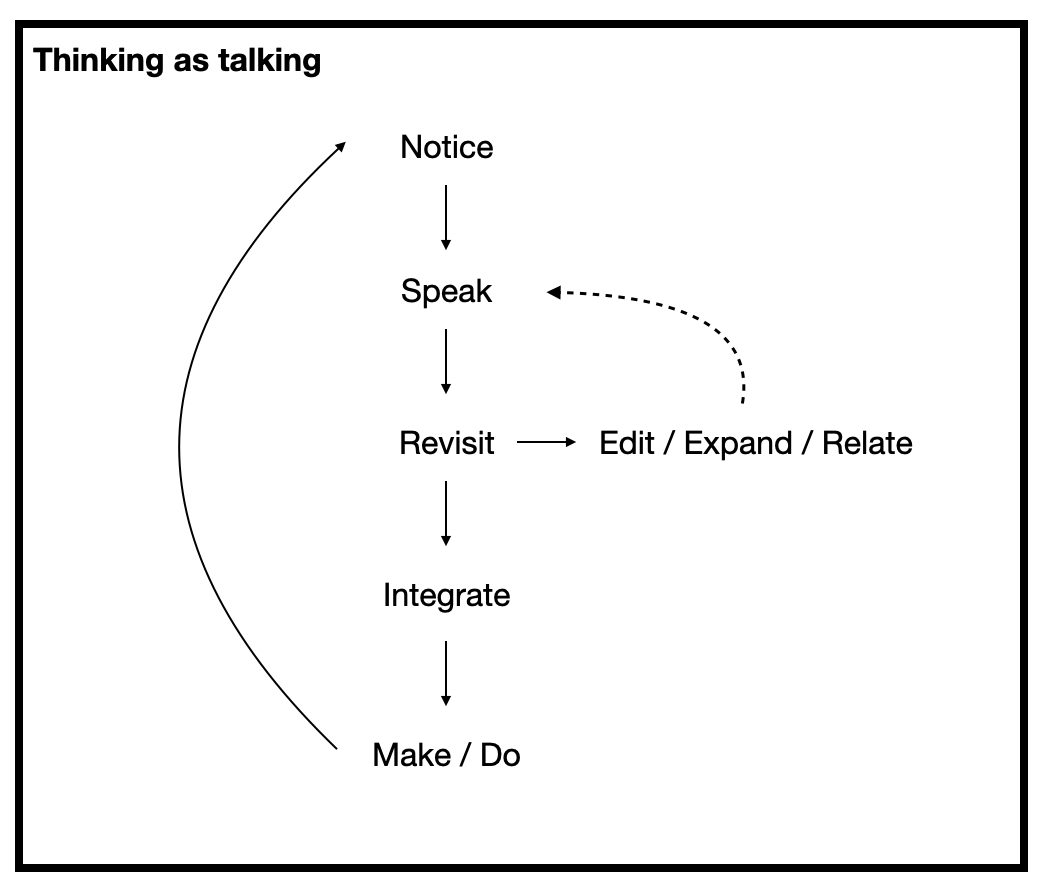
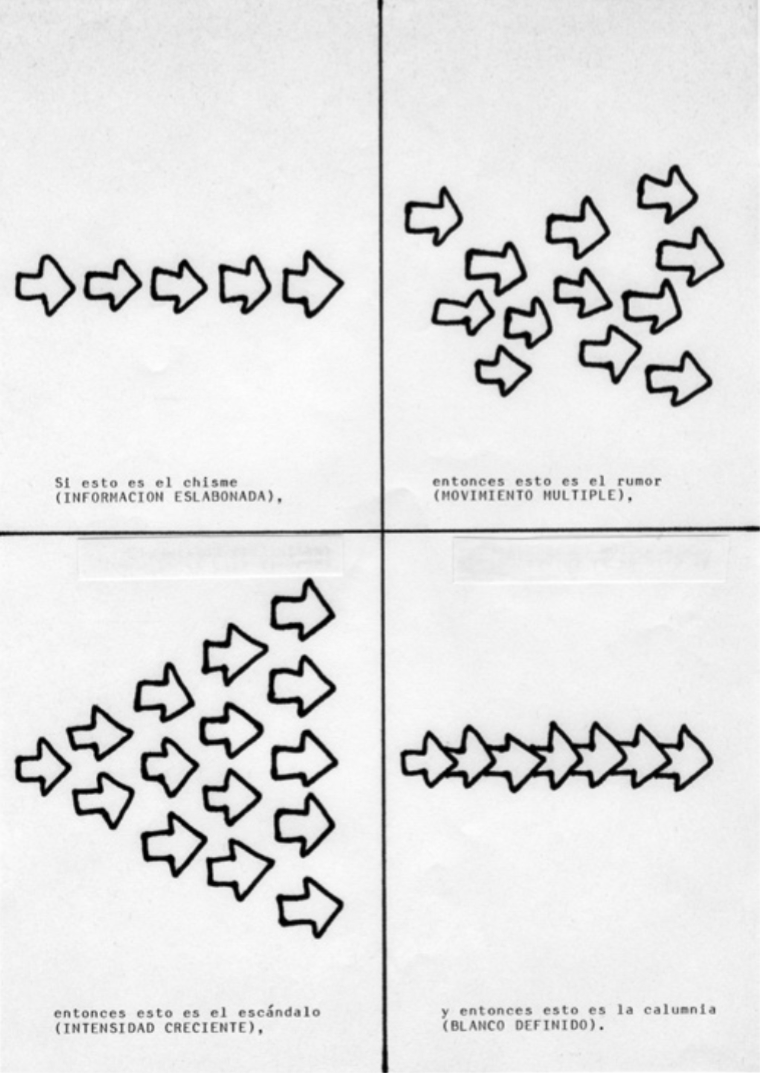
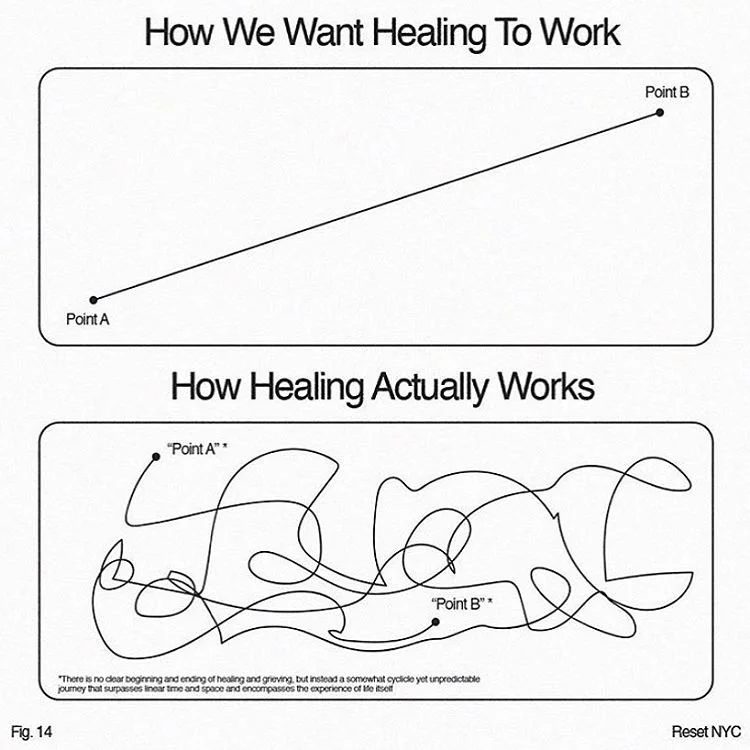
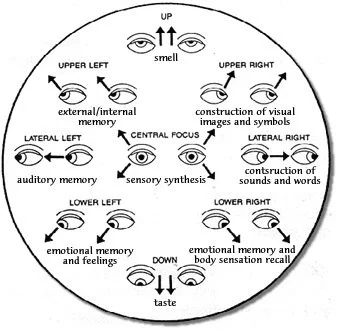
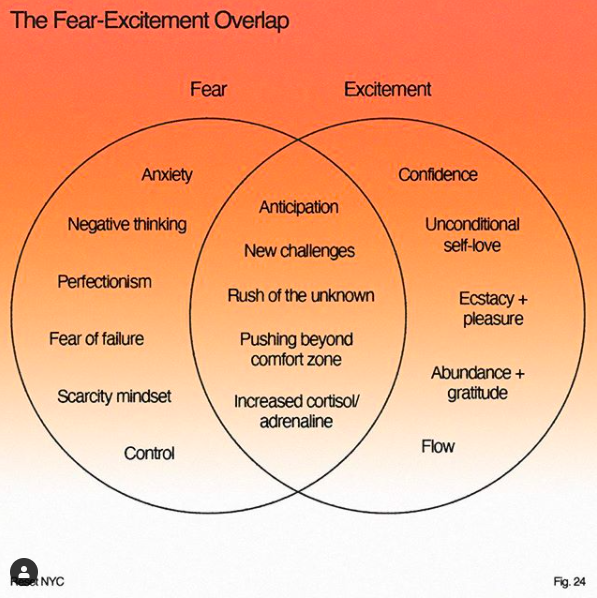
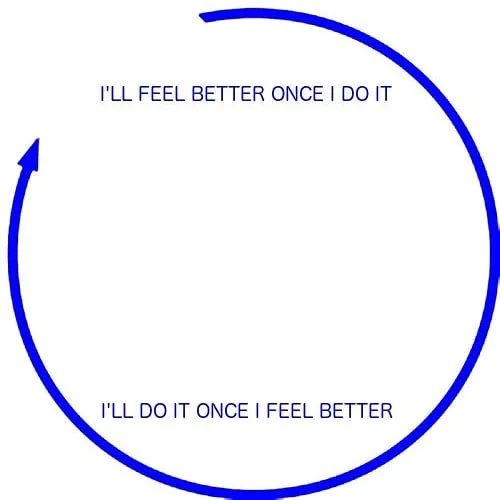
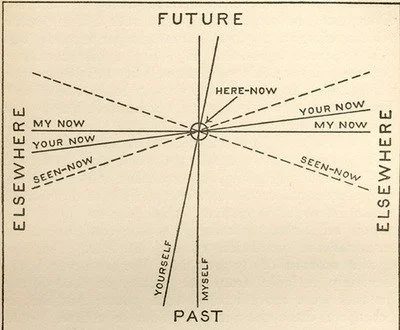
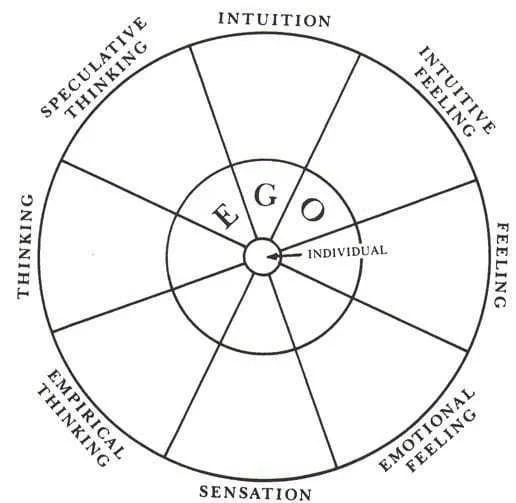
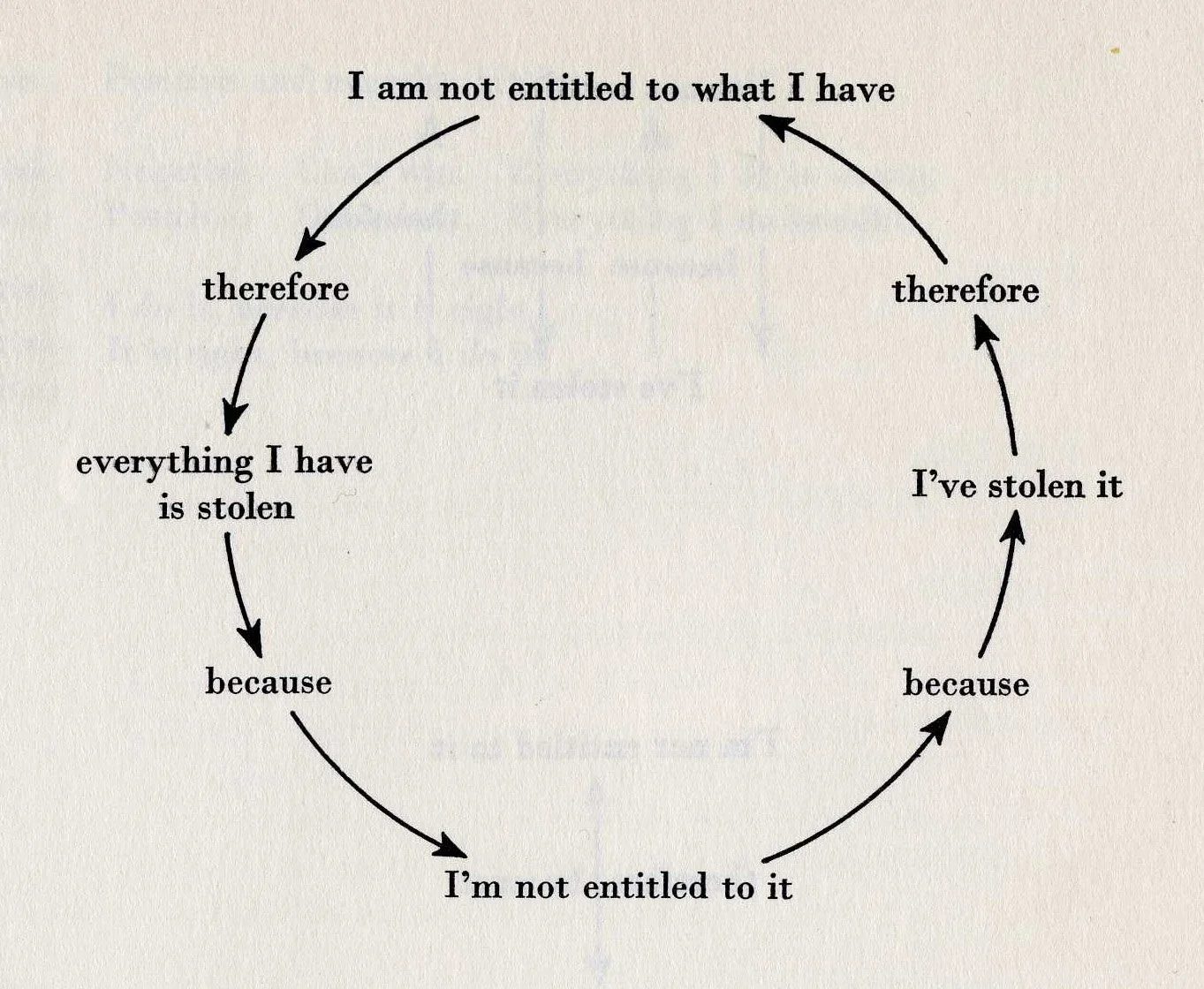
Where these diagrams come from
I started collecting these images from presentations, PDFs, and websites back in 2011. I never planned to share them, so I stored them in a private Dropbox folder for years. Many are screenshots, but I tried to name the file with the author’s name to keep track of attribution.
In 2023, I discovered are.na, which automatically tracks the source of images. This tool gave me new inspiration for archiving these useful diagrams, and I still keep up with this collection today.
Follow the are.na board behind this collection to stay updated when I add diagrams. You can also access the sources of these diagrams for attribution purposes, but a Google reverse-image lookup is probably quicker.
How to remix diagrams ethically
Next time you need a new diagram, use this eclectic mix of diagrams, models, memes, and frameworks to communicate your own complex ideas.
Here’s how I re-purpose diagrams:
- Drop a diagram you like into a design tool like Figma
- Cover all of the original text with boxes.
- Redo the diagram’s non-verbal imagery with your own drawing and imagery
- Remix the imagery until you have evolved beyond the original diagram
- Do a reverse-image search of the original diagram on Google
- Add the title and author of the image source to your diagram with something like, “Adapted from _____________”
You might also upload these to an AI tool and have it remix the diagram to meet your needs. But don’t forget to credit the original author as inspiration!
Got a secret source for diagram inspiration like this? Let me know in the comments!